Smart City Solution
City Safety Bell Management
Report the results of the distribution program as numbers at each stage. Even across tens of thousands of units, the burden of managing devices stays moderate.

Route safety bell alerts to designated recipients and monitor every device
Safety Bell mounts on a wall or a pillar and LoRa Gateway relays the signal. Alerts reach every designated recipient at the same time, and an accidental press can be cancelled within a grace period. Devices run for a long period without a battery change, and users check the connection themselves.
LoRa Gateway
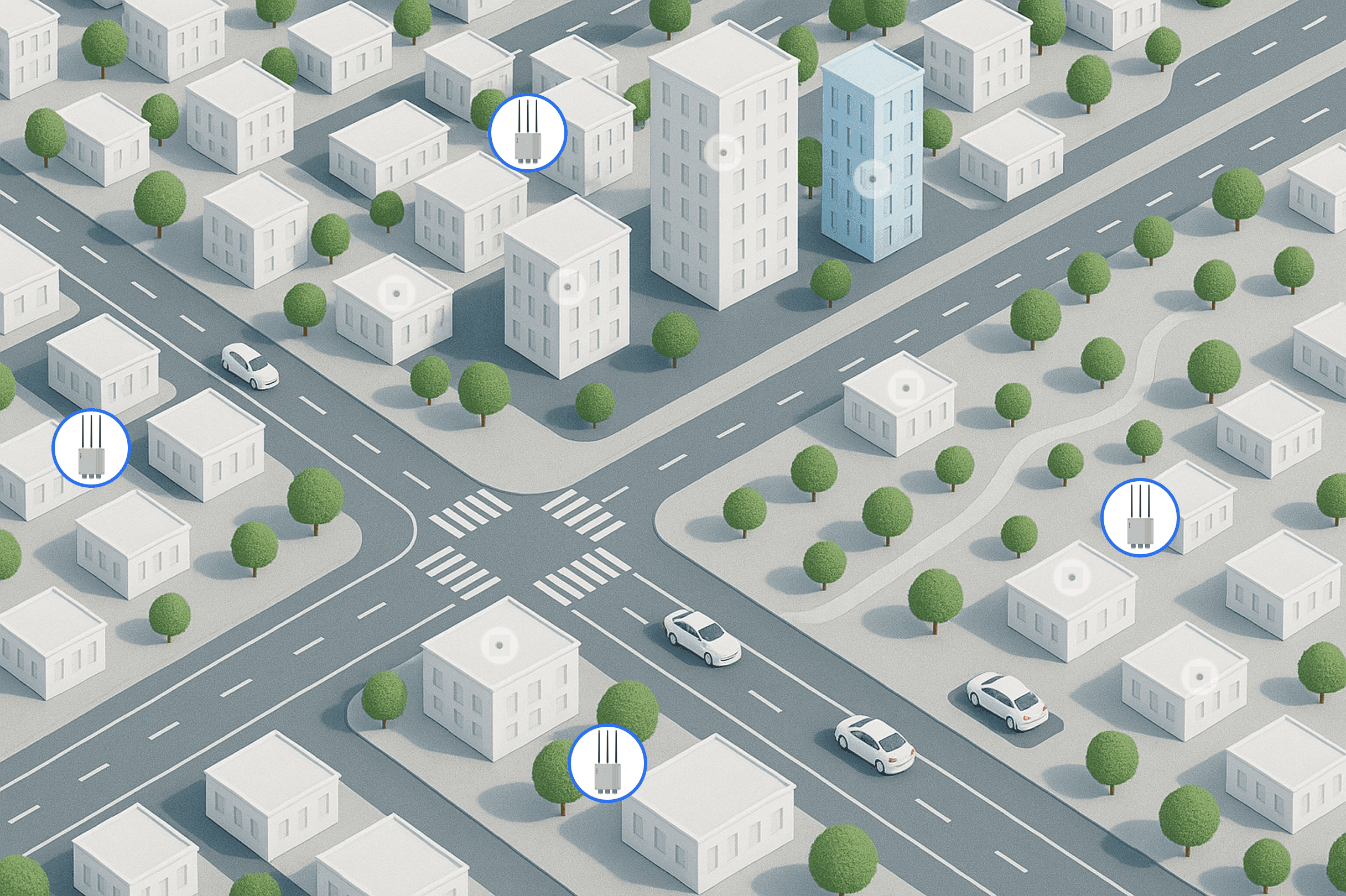
The receiving equipment that relays signals from the devices up to the platform. Gateway locations are decided only after mapping where the recipients are distributed, so that a pressed button gets through. LoRa is low power and long range, which cuts the burden of opening a communication line for every device and keeps communication cost moderate as the number distributed grows, and coverage is verified in advance for indoor installations.









Safety Bell Alert Location
Applications, deliveries and completed installations are tallied by stage, which shows where each case has stalled. When an alert comes in, the location appears on the map, and distribution rates by region can be checked alongside it.
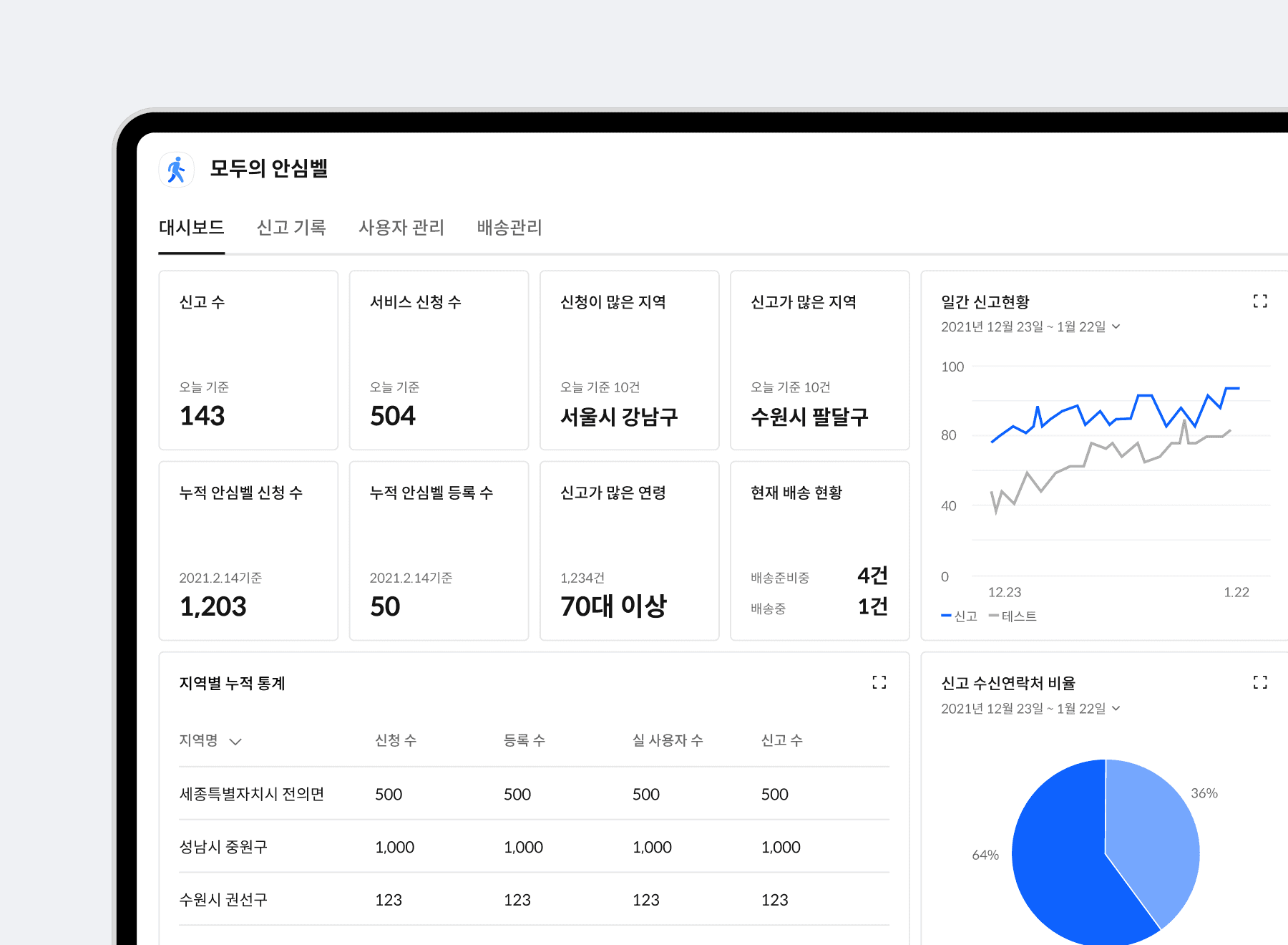
Distribution rate and installation completion tracked
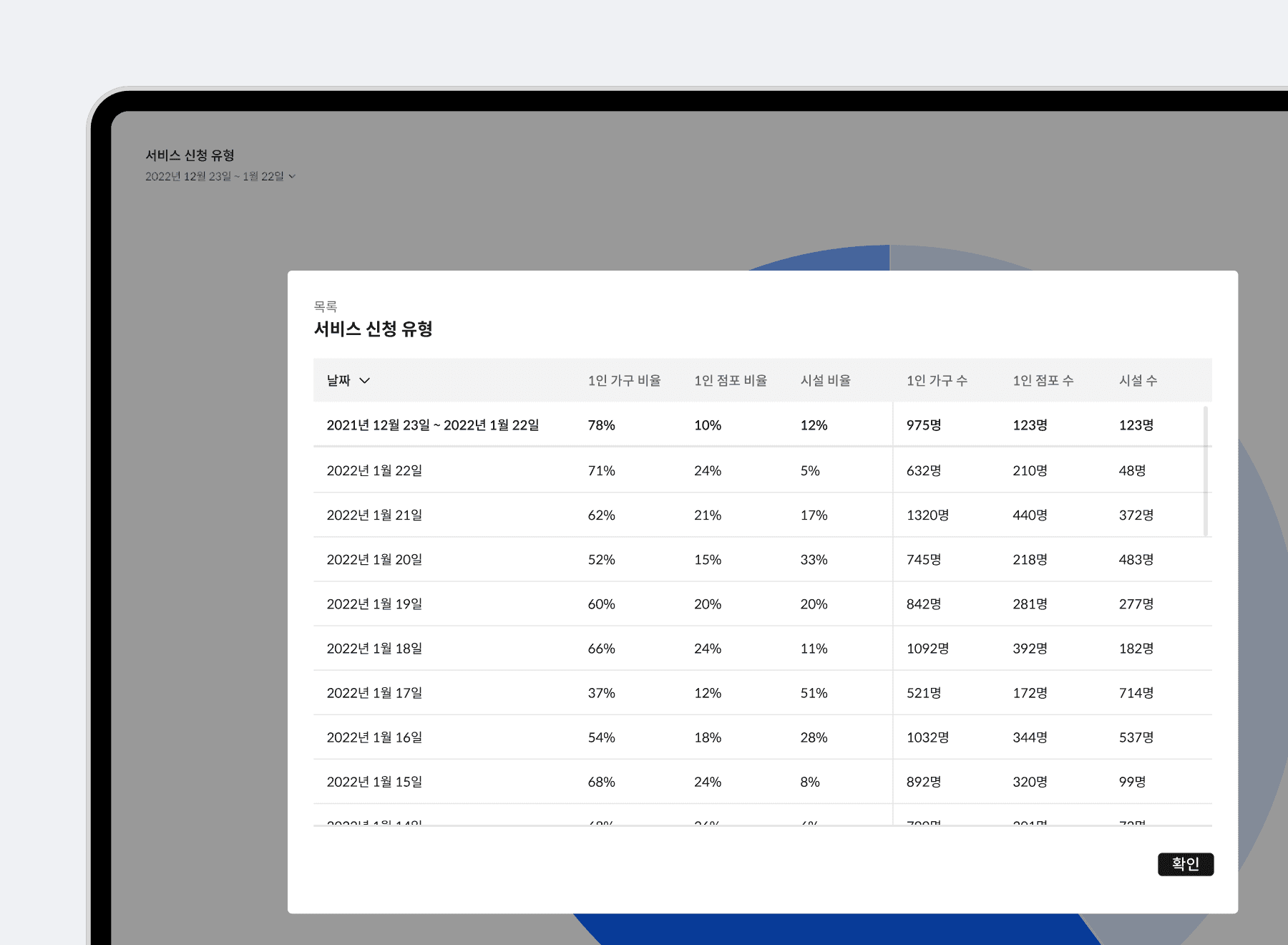
Applications, completed deliveries, completed installations and actual use are tallied stage by stage. The numbers a program report needs are the distribution rate and the installation completion rate rather than the count of alerts, so those figures are made available directly. You can query by period and region and export the result in report format.
Alert locations shown on the map in real time
When an alert comes in, the point where the button was pressed appears on the map immediately. The location is already on screen when the call arrives, so the decision to dispatch comes faster than relaying an address by voice. The location and time of each alert stay as records, which also shows which zones generate repeated alerts.
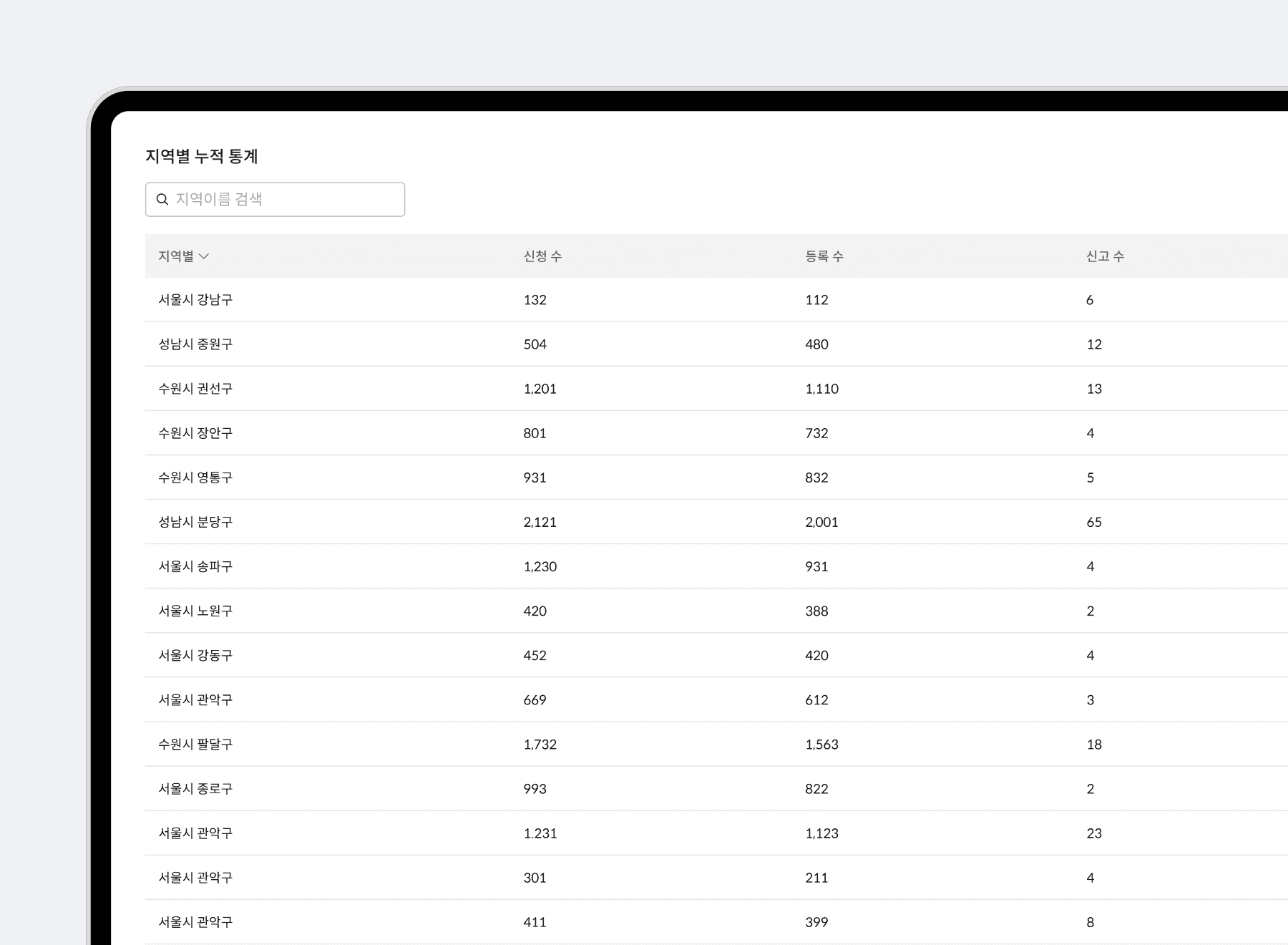
Regional distribution status and priority decisions
The number of applicants, the number of completed registrations and actual usage are compared by administrative district. Separating districts with many applications but no installations from districts with devices delivered but no use gives you a basis for choosing the next target. The ratio of actual use to devices distributed and the remaining uninstalled cases stay as lists that feed follow up outreach directly.
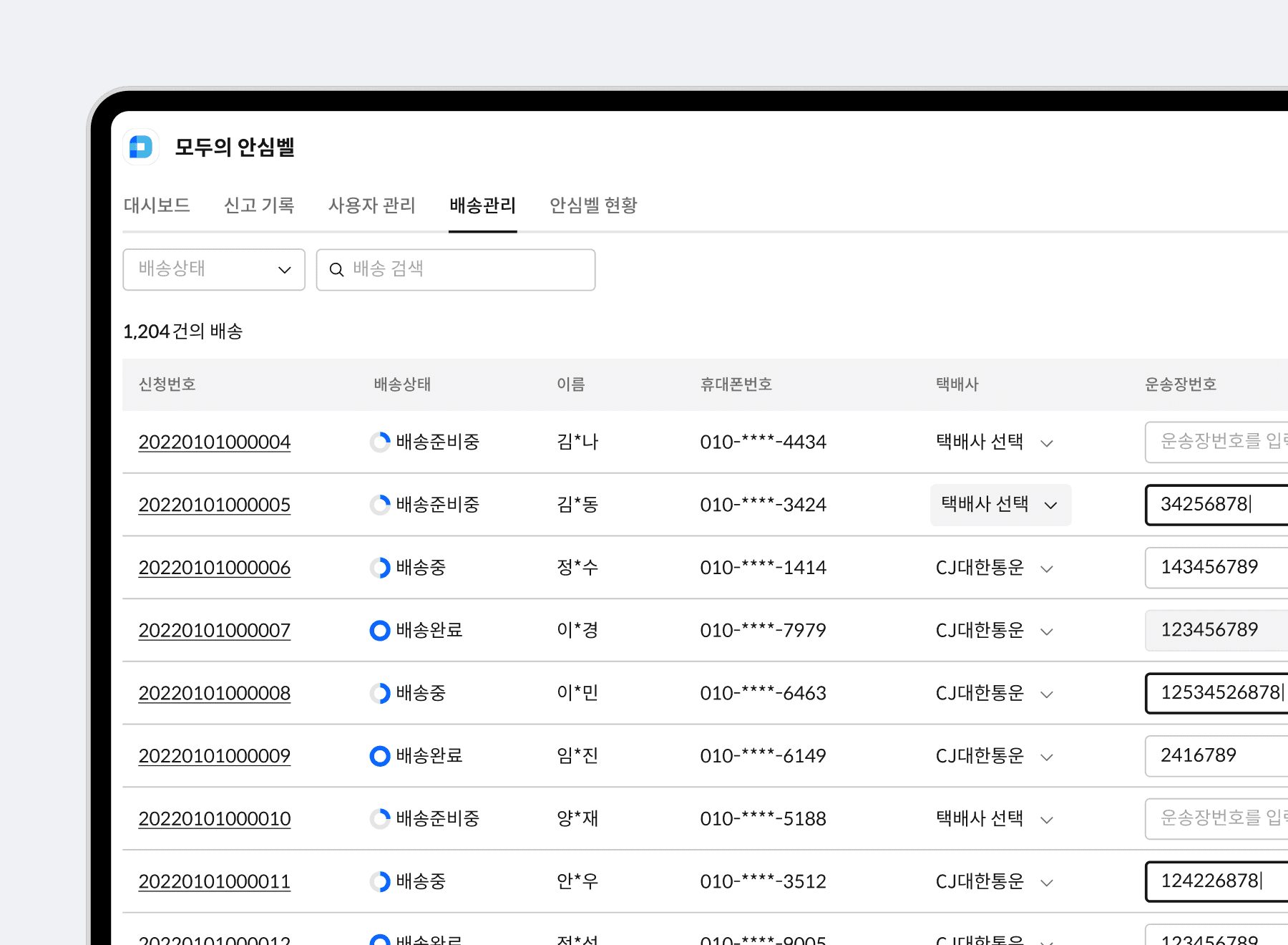
Stage tracking from intake to completed installation
Every stage is recorded, from the moment an application arrives through delivery, receipt and completed installation. A list shows which case is stuck at which stage, so the person in charge can check it right away when a complaint comes in. History can be looked up per applicant, and undelivered and uninstalled cases are gathered and managed separately.
Always-On Device Operations
Devices mount straight onto walls and pillars, so an installer finishes in a short time. They are designed to run for a long period without a battery change, which lowers the operating burden after distribution.
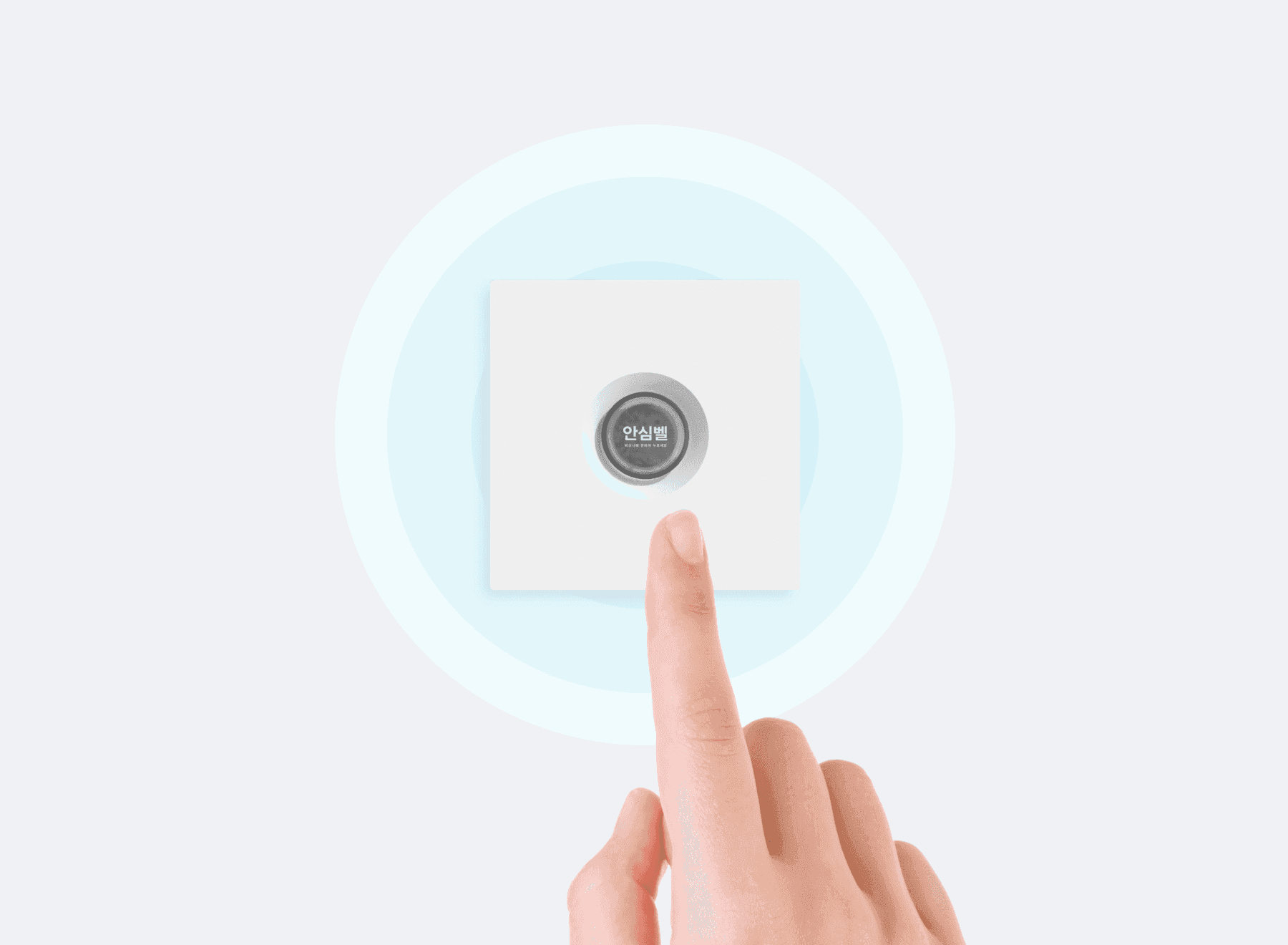
One press notifies every recipient at once
Pressing the Safety Bell button delivers a notification to every designated recipient at the same time. The feature assumes a situation where taking out a phone, unlocking it and placing a call is not possible, so the whole operation is one button. A guardian and the managing organization can both be designated, and how it connects to public emergency systems is decided together with the client.
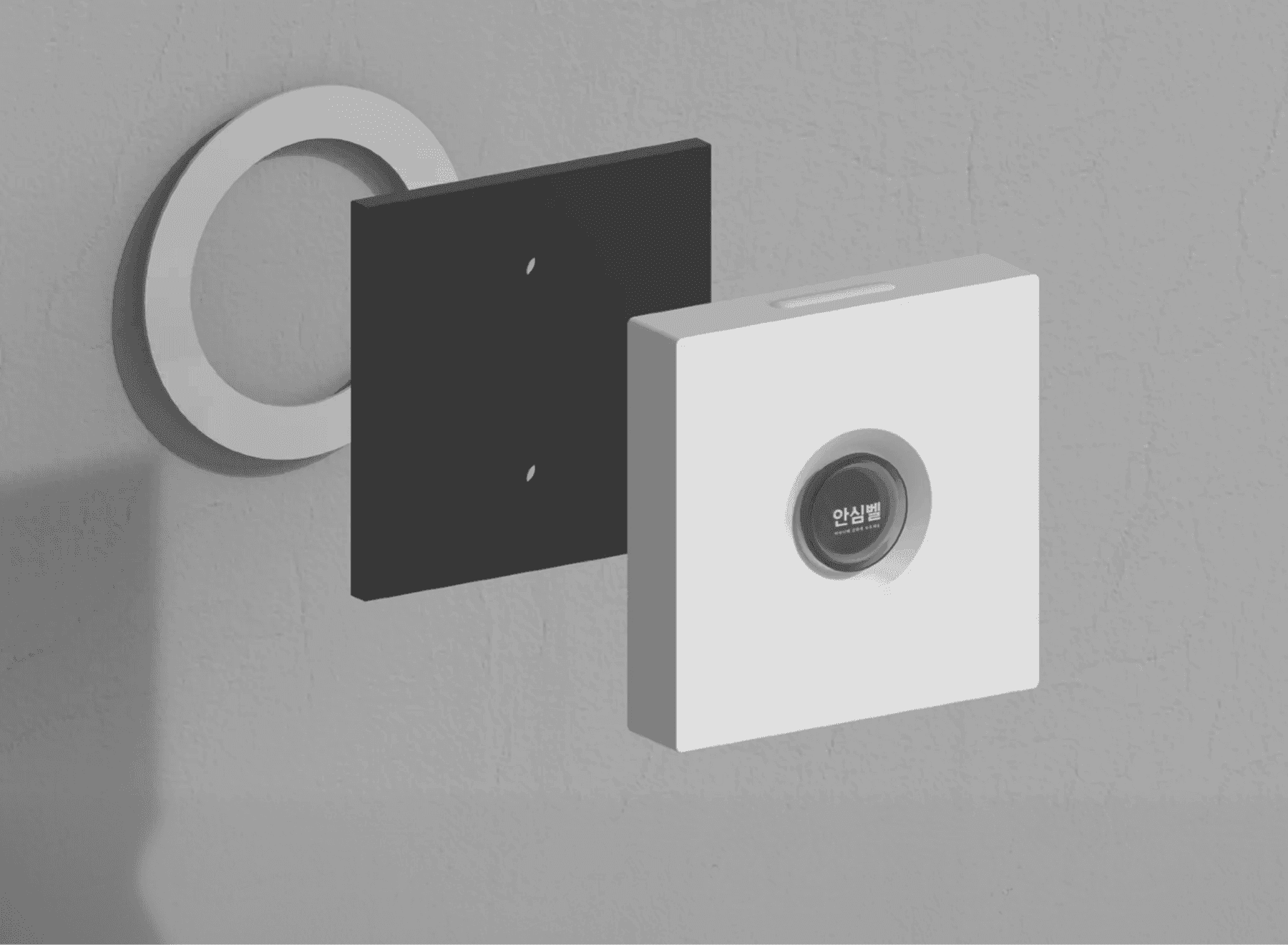
Mounting on walls and pillars without power
Attach the device straight to a wall or a pillar, with no power or communication wiring work. It mounts on a fixed structure, so an installer completes the visit in a short time. Across a distribution of several thousand households, that installation time drives the whole program schedule.
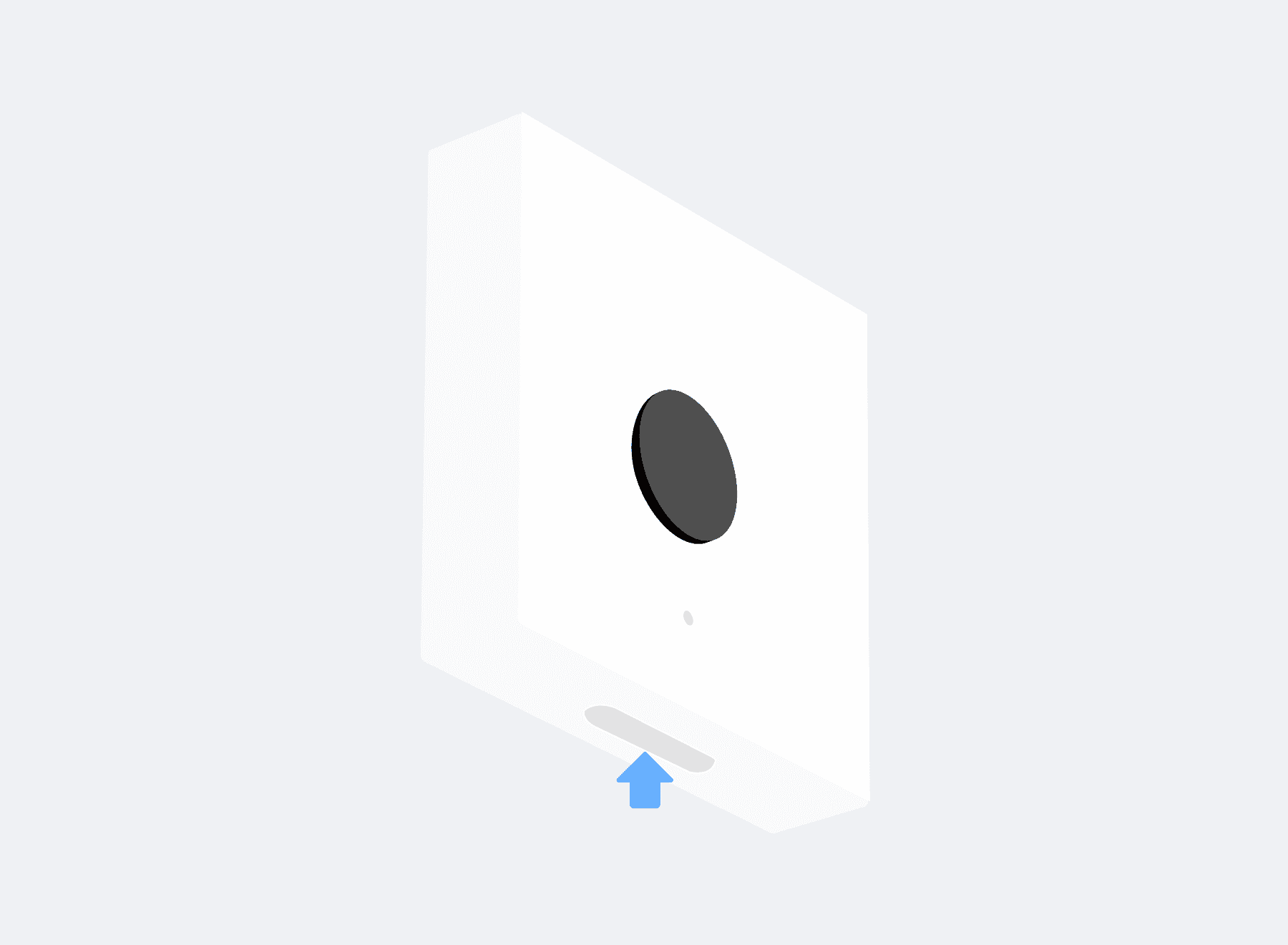
Detachable body and user self-inspection
Let users press the button themselves to check that it will work at the moment they need it. Test alerts that verify the connection are kept separately from real ones. The body separates from its bracket, so a battery change or an inspection is handled off the wall.
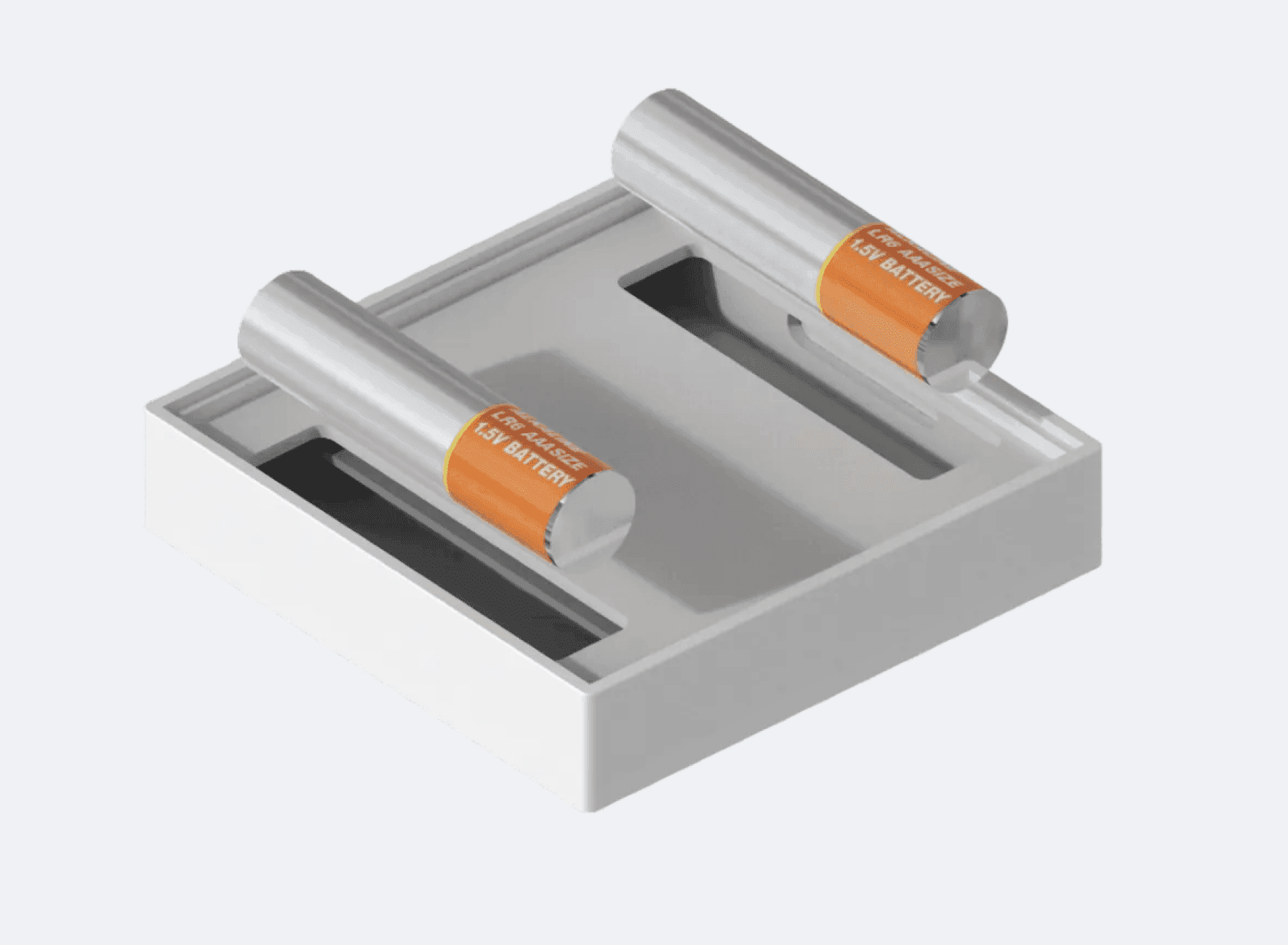
Design that cuts the battery replacement burden
Run installed devices for a long period with less worry about the battery. A low power circuit design lowers the burden of staffing replacement separately, even across tens of thousands of units. Devices running low are identified in advance and gathered automatically into a replacement list.
Remote Notification Management
Changing recipients, looking up alert history and checking what needs inspection are all handled in the app. Remote firmware updates apply to device configurations that carry the capability.
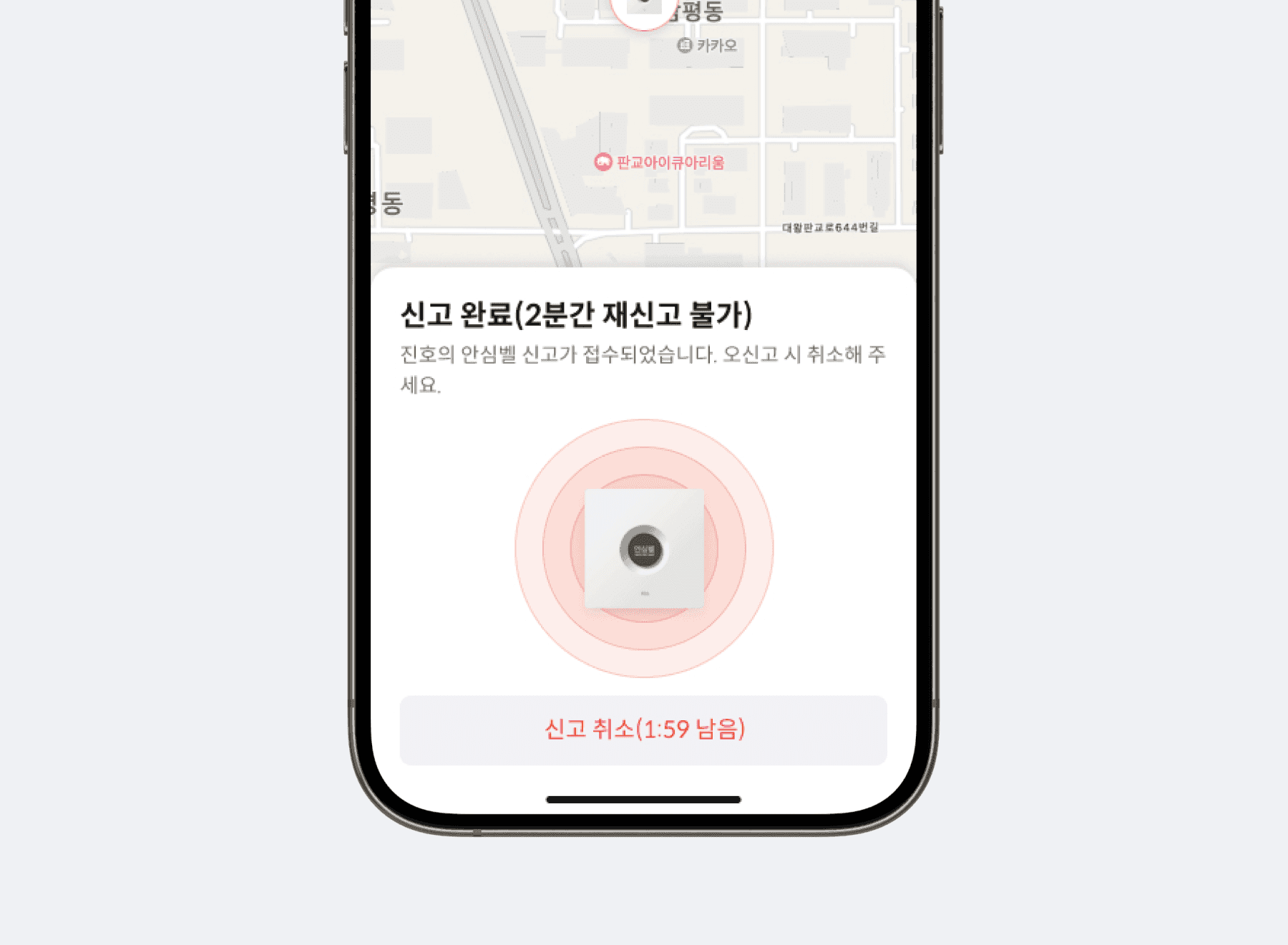
Grace period to cancel an accidental alert
An alert pressed by mistake can be cancelled within a set grace period. False alarms raise the workload on responding agencies and shrink the next round of the program, so cancellation is not a convenience but a mechanism that keeps the program running. Users see on the spot whether the alert was cancelled or accepted.
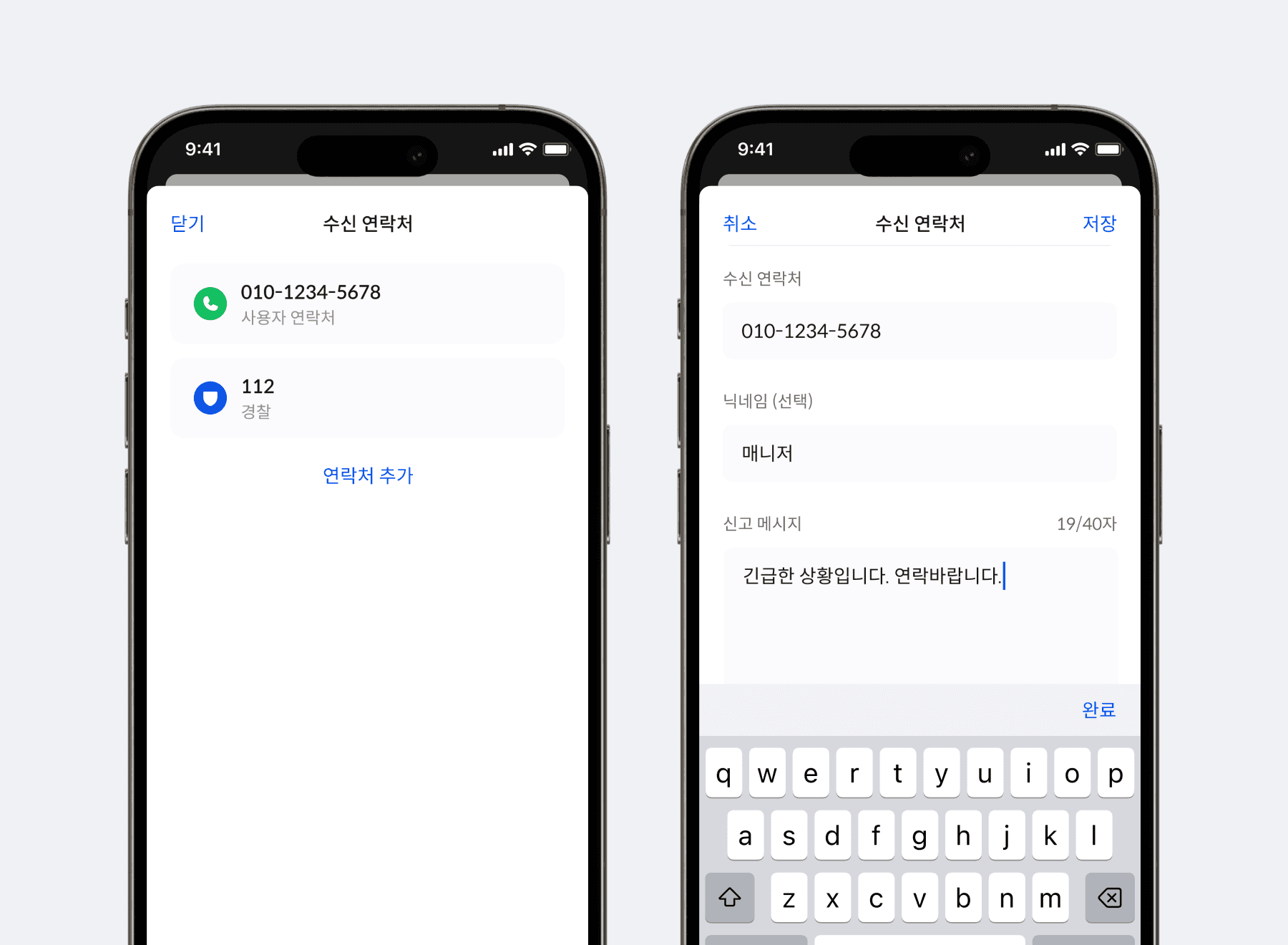
Designating and changing alert recipients
Users or operators designate who receives the notification and can change it later. Guardian contact details change and managing organizations change hands often enough that this has to stay editable after distribution ends. Several recipients can be designated at once, and a history of the changes is kept.
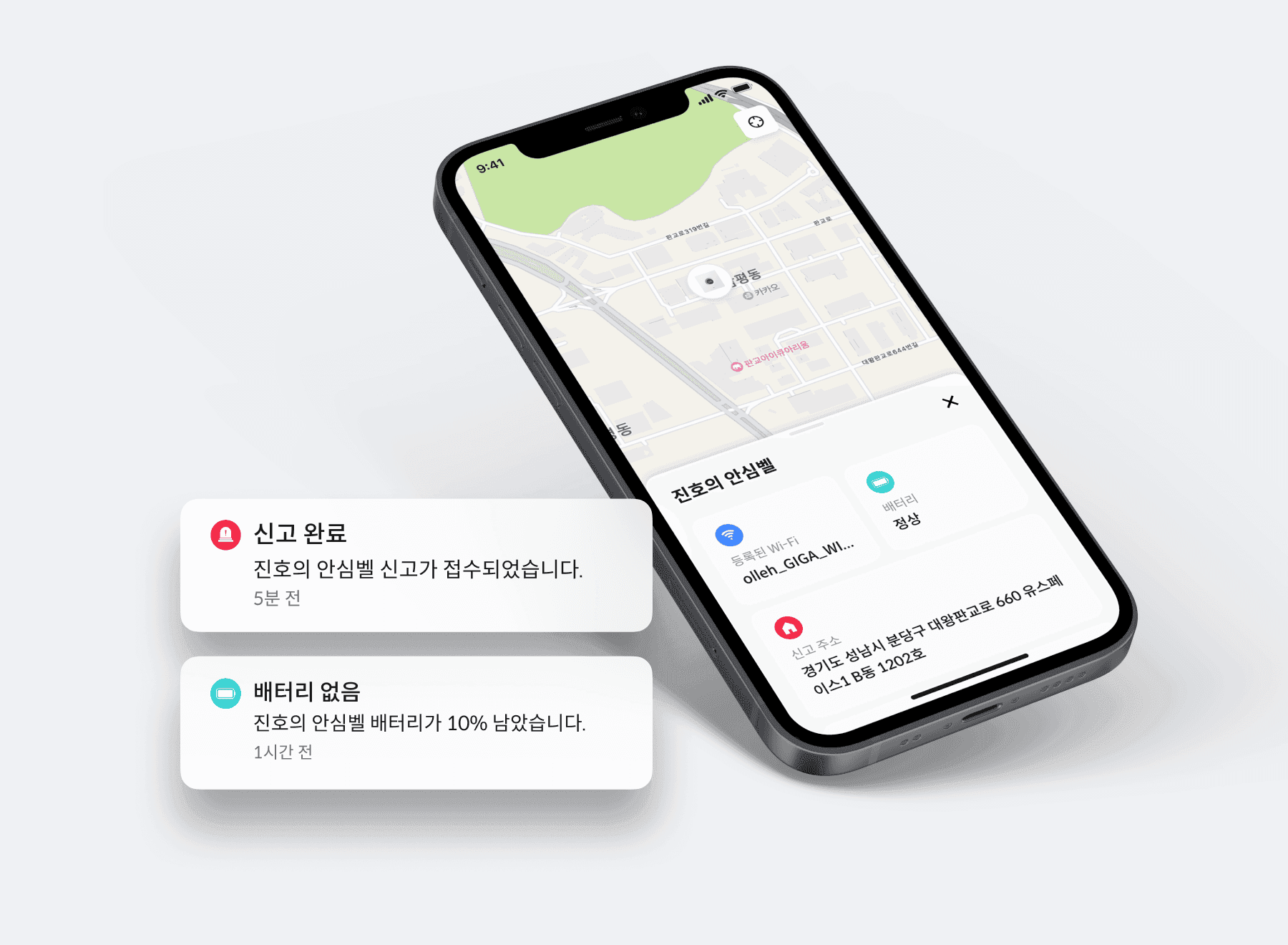
Alert and device status history in one place
Alerts, cancellations, tests, battery level and replacement requests accumulate as a status history. Operators read this history to narrow down what to inspect and replace, and the year end performance report comes from the same place. It can be queried by period and exported as is, so nothing has to be rebuilt when a report is due.
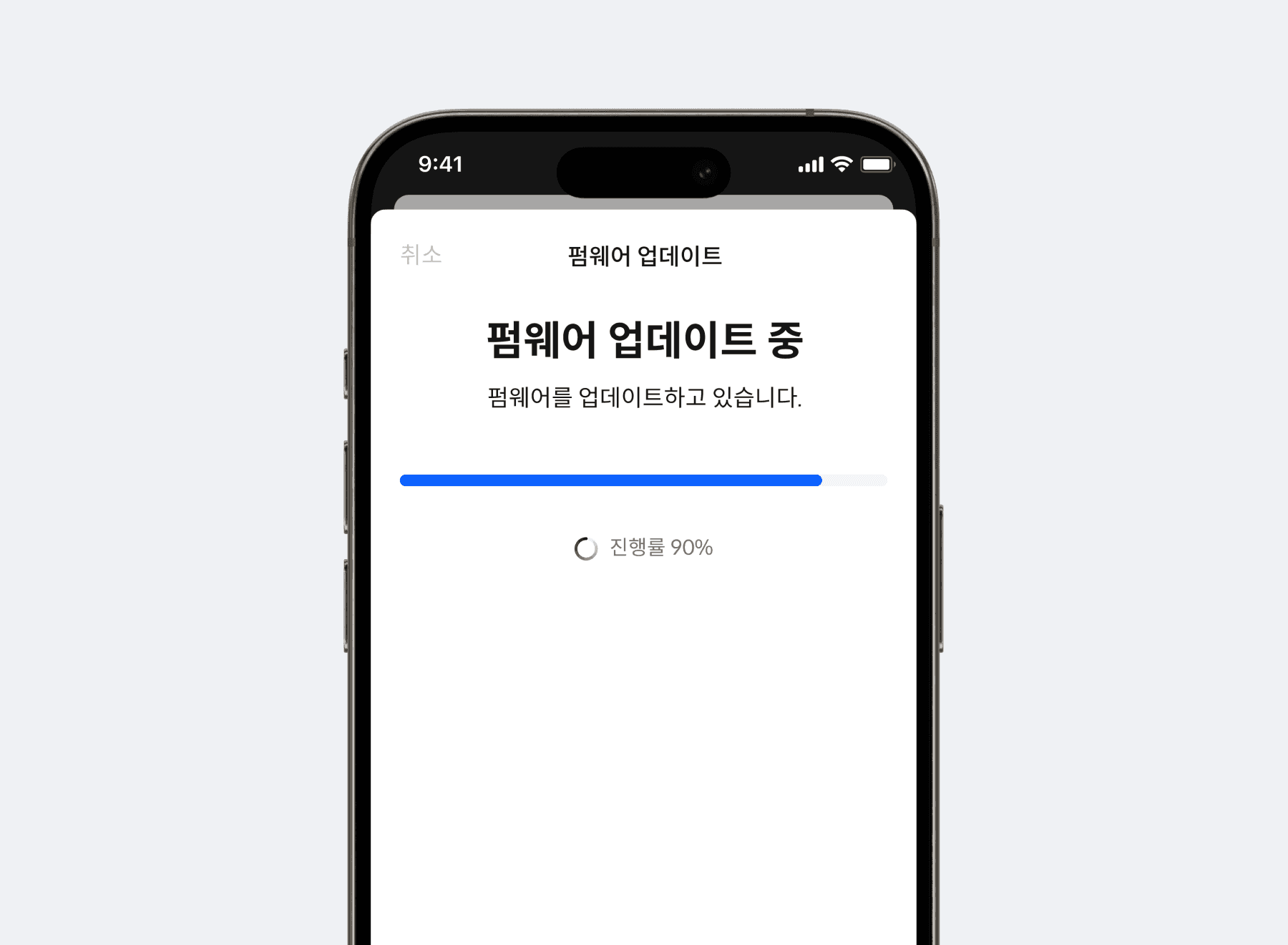
Remote firmware updates and result checks
Manage firmware from the operations screen on devices that support remote updating. In configurations integrated with LoRa Gateway, update results and failed devices are reviewed as a list. Retry targets are chosen from the result, and the processing status of each device can be looked up.
Recommended Products
Components Based on ORBRO OS
Each solution operates with various products connected on top of ORBRO OS. Configurations can be flexibly adjusted depending on the scope of application and on-site conditions.
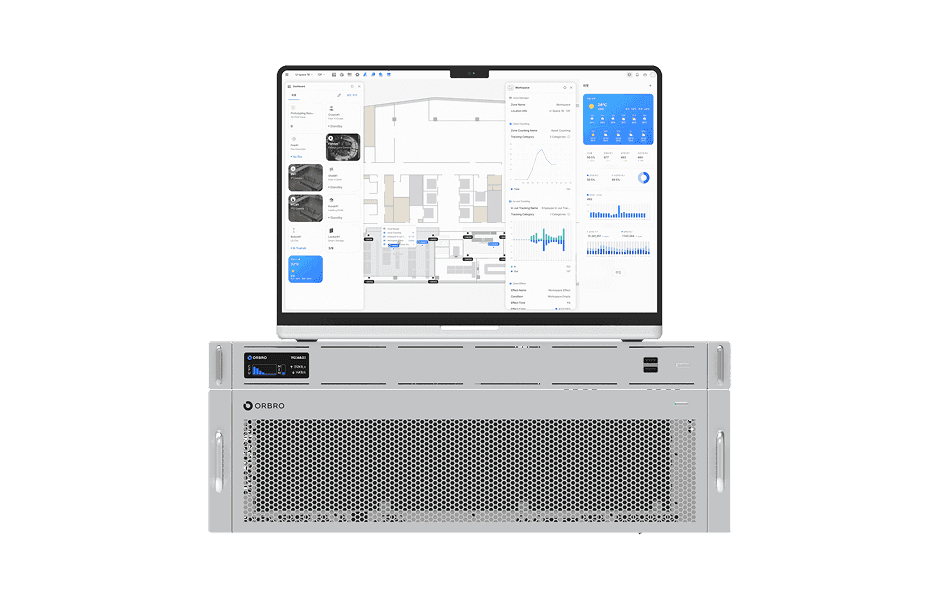
ORBRO OS2
ORBRO OS2
Align location, video, and sensor data on a spatial layer to turn all on-site situations into a single operational workflow.
Learn More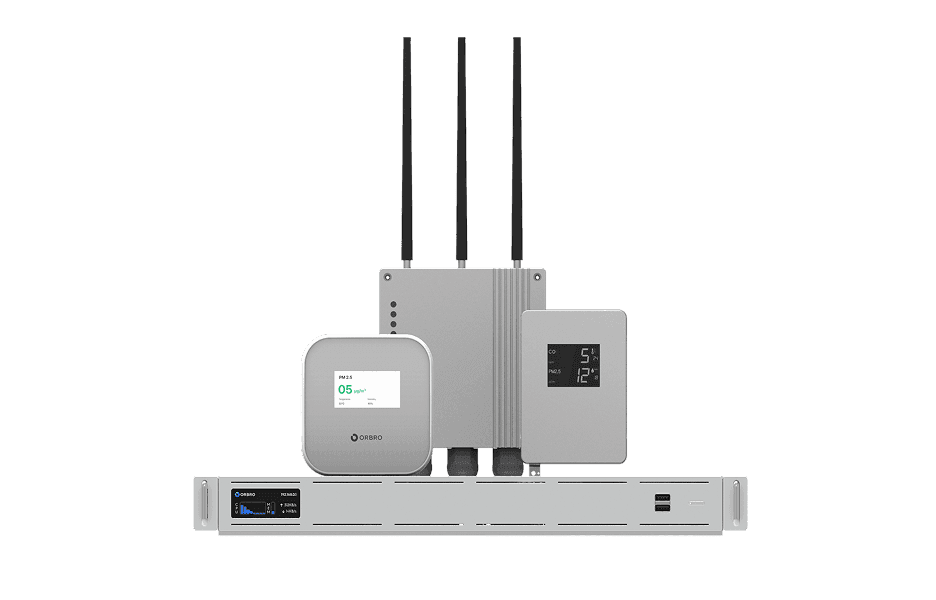
Sensor Monitoring
Sensor Monitoring
Provide a wide range of monitoring solutions required on site, from LoRa communication sensors to CO₂ detectors and air quality monitors.
Learn More