Healthcare Solution
Medical Waste Robot Monitoring
See robots and peripheral equipment from different manufacturers on the same screen. Records from collection through storage and sterilization come together for reviewing handover work.

Record robot location and travel data as part of the medical waste handling history
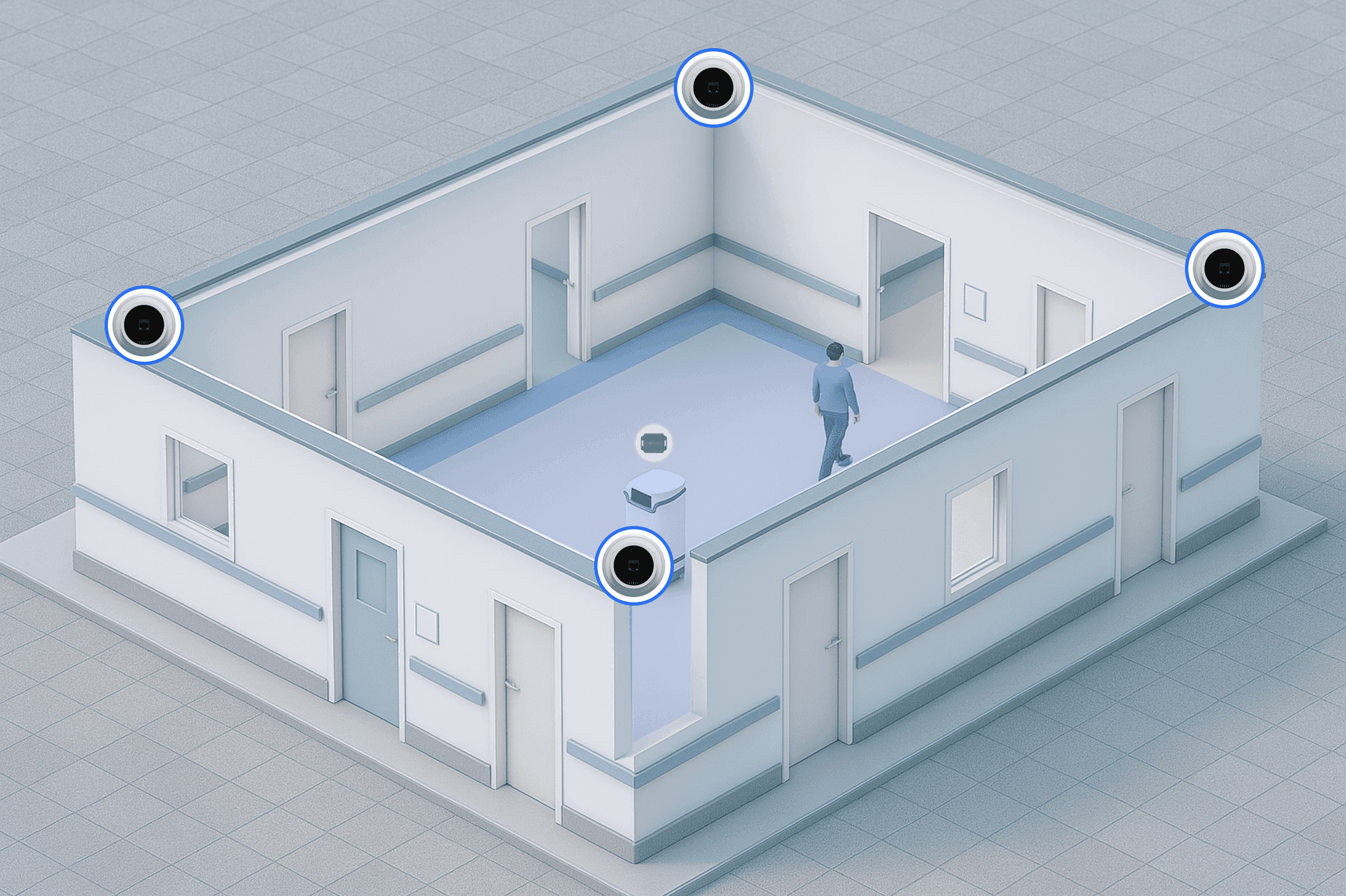
Robots and mobile equipment carry a UWB Tag, and receivers are placed where movement paths cross. Robots from several manufacturers, loading equipment, storage lockers and sterilization equipment appear together on the floor plan. The level of integration is checked per device according to how far each manufacturer opens its interface.
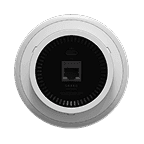
TwinTracker UWB
A reader that determines robot location within a narrow margin of error. The number to install is set by the length of the robot movement paths and the number of points where robots meet, not by floor area, so the crossing points are checked on the drawing before the layout is fixed. The narrower the corridor and the more it is shared with people, the finer the positioning has to be, and interference with medical equipment is checked before installation.
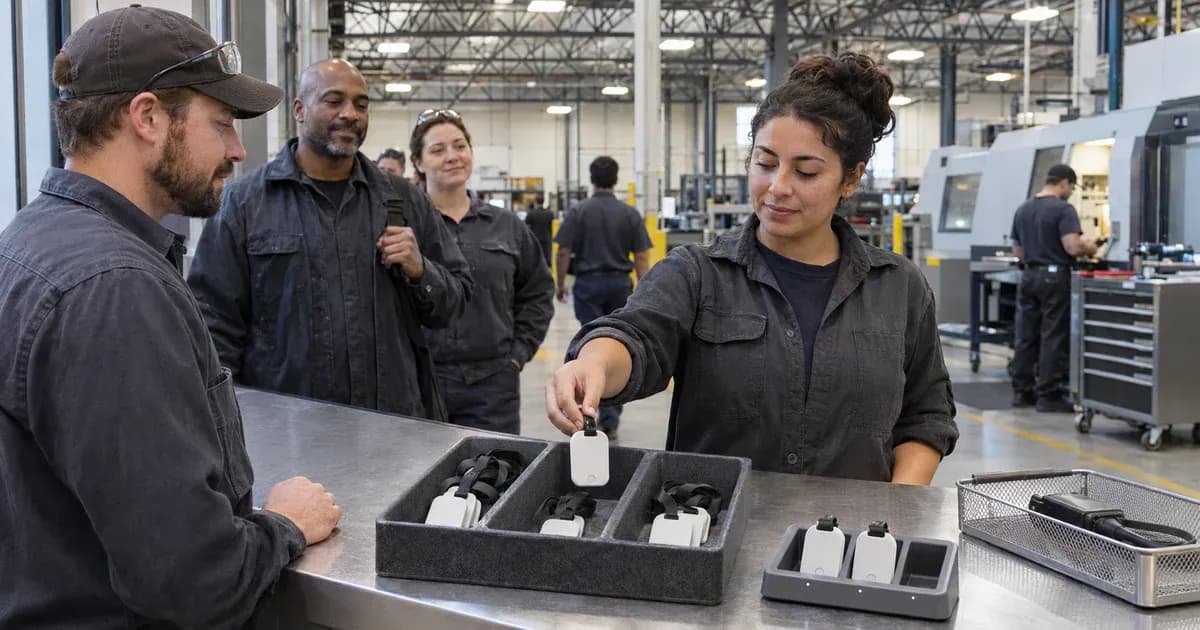
UWB Tag
A tag attached to robots and mobile equipment. Tags that pass through disinfection zones repeatedly can have their material degraded by ultraviolet light, so the actual disinfection method and cycle are checked before deciding whether to use them there. Nobody asks about this first, but it surfaces months later, so resistance is verified in advance wherever a tag passes through an ultraviolet zone.
ORBRO Server
The server that gathers robots and surrounding equipment from several vendors onto one screen and keeps the records from collection through sterilization. How far each manufacturer opens its interface changes the level of integration, so each target is checked before the scope is fixed. Anything involving patient information stays on the on-premises hospital server and is never sent outside.
ORBRO SDK
A development kit that connects robot location data from ORBRO Server to your own monitoring screen. Use the provided interfaces to build views that show each robot's current position and movement history. Task status and processing results are displayed according to the fields integrated from the robots and peripheral equipment.








Multi-Vendor Robot Monitoring
Robots, loading equipment and storage lockers from different manufacturers all go onto the same floor plan. Seeing which robot is doing what and where on one screen is how dispatch and collection plans get made.
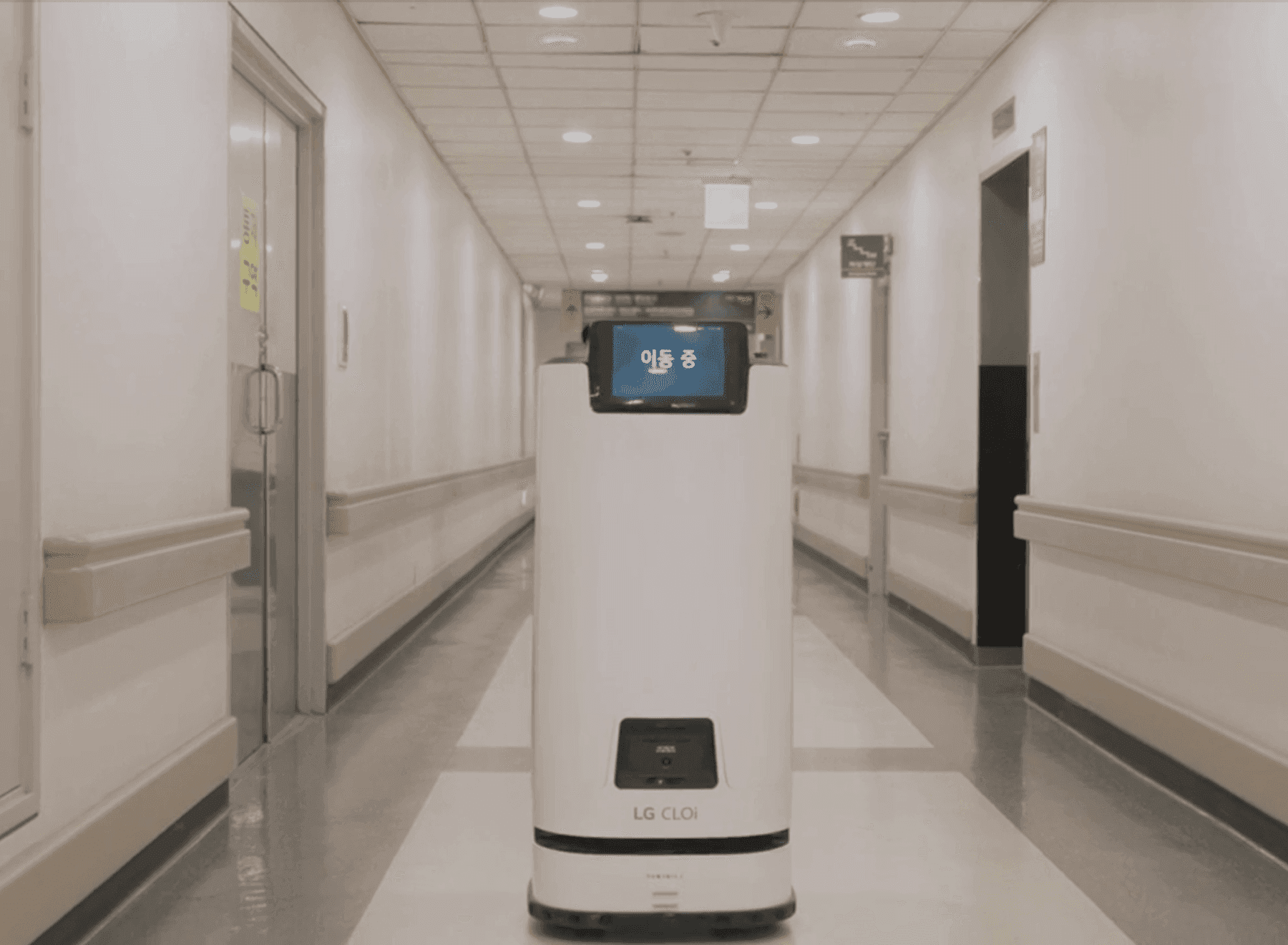
Robot location and task status tracked in real time
TwinTracker UWB determines where a robot moving down a ward corridor is and what it is doing, and puts that on screen. A robot's own display shows only that robot, so in a hospital running several of them, dispatch and collection plans only come together when the whole fleet is visible in one place. Moving, waiting and working states are shown separately.
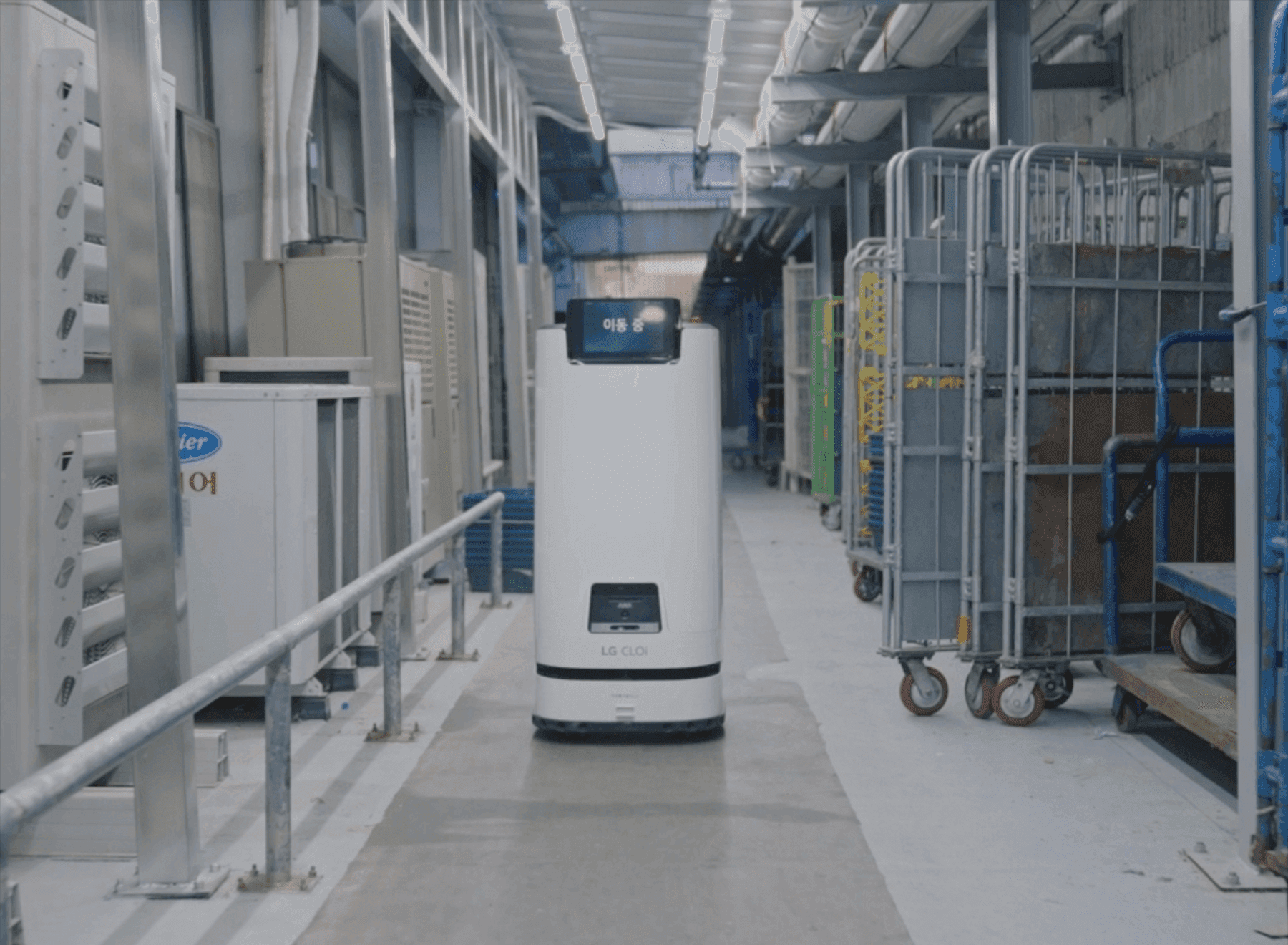
Autonomous driving through loading docks and plant rooms
Robots run not only through wards but along the back routes people use, such as loading docks and plant room passages. Carts and stacked loads are set down there all the time, so the passage width changes from moment to moment, and the points where robot movement paths overlap with load positions are checked on the drawing first. Passage conditions are set separately for each section.
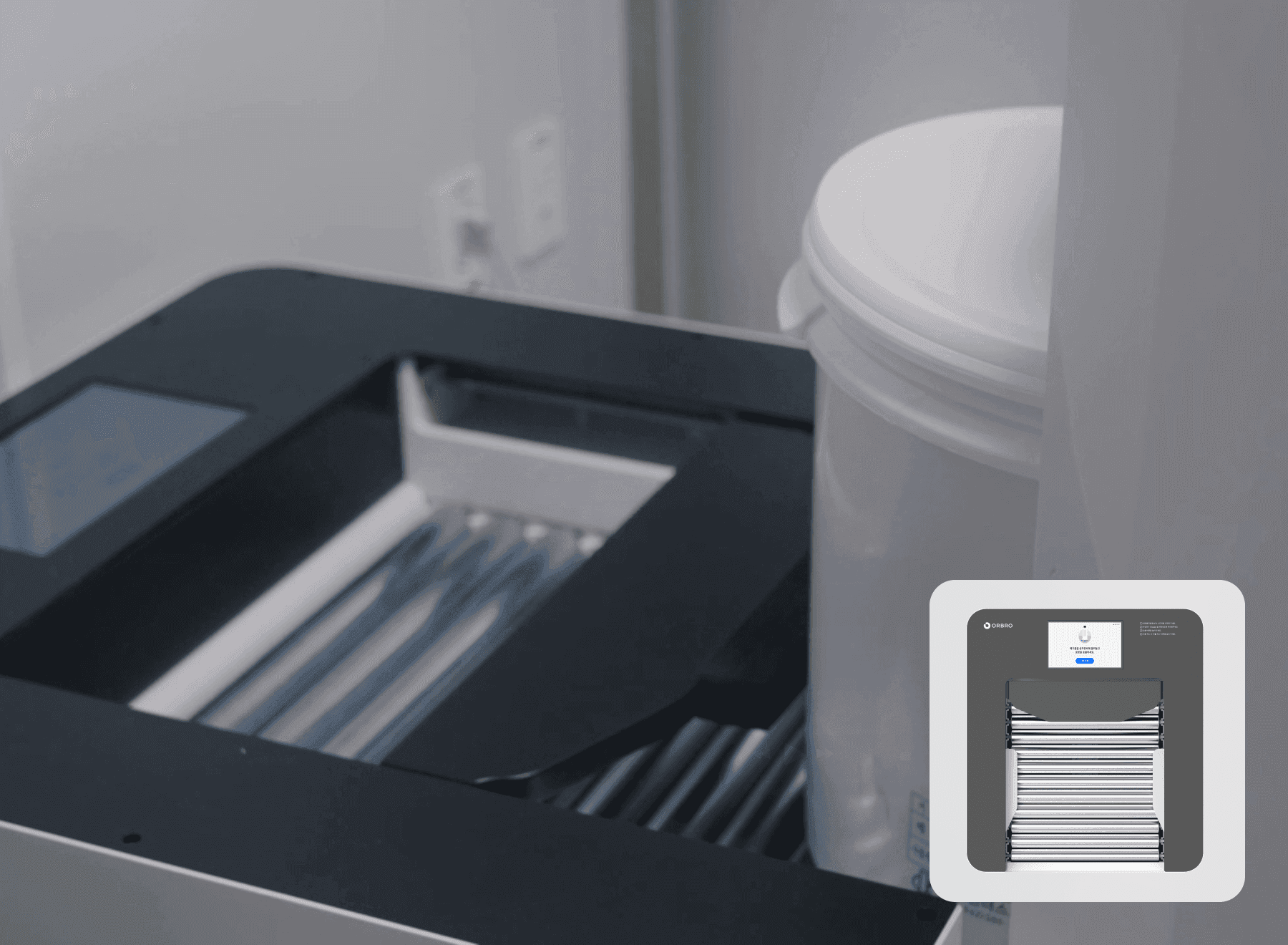
Loading equipment integration and how far it opens
The on-premises hospital server exchanges signals between the robot and the loading equipment so the handover step does not stall. Each manufacturer opens its interface to a different extent, which changes the level of integration, so the target equipment is checked before the build scope is set. Where a device does not open, manual entry keeps the records connected.
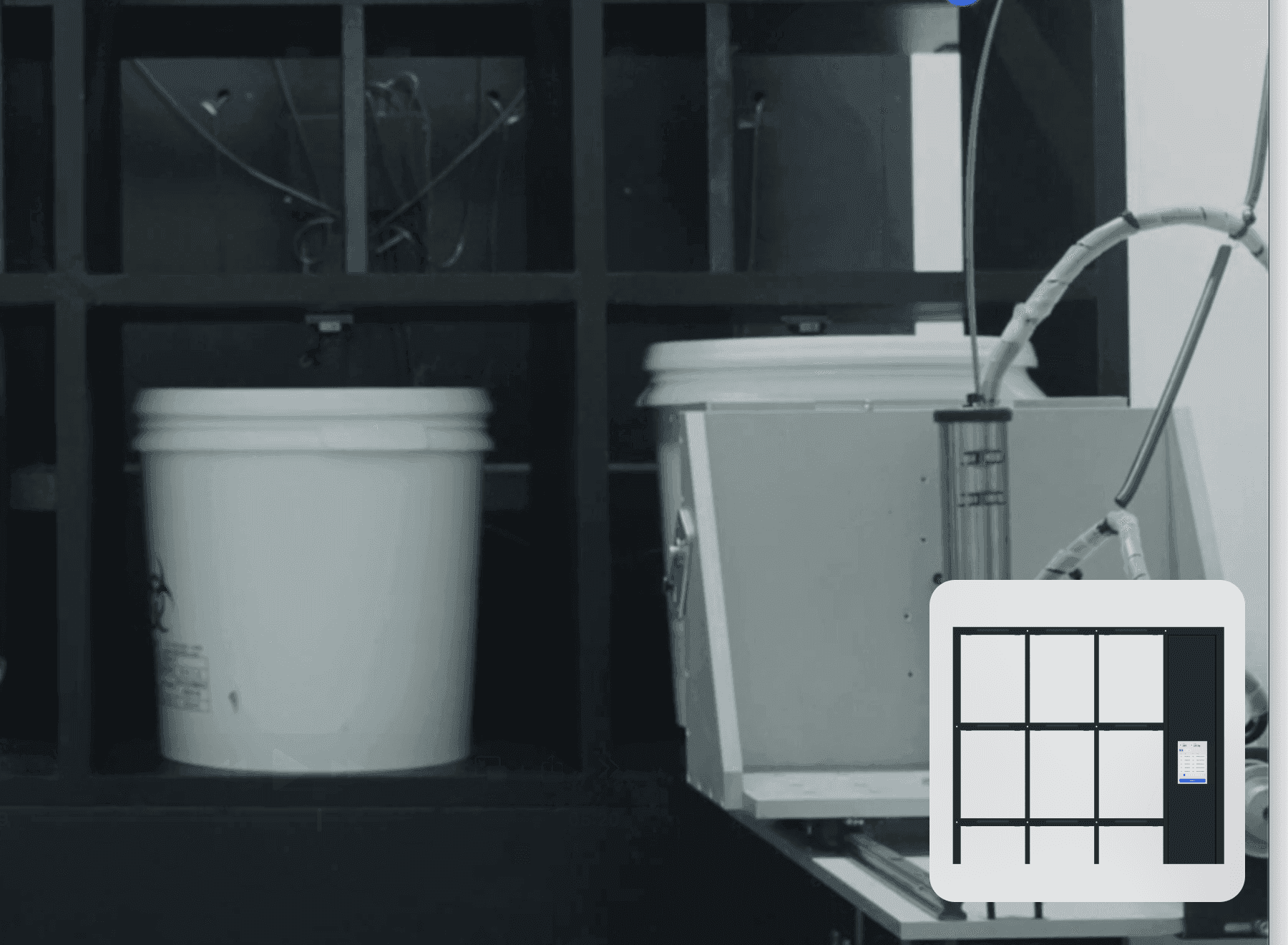
Smart locker integration and storing records
Which load went into which compartment and when is kept on both the locker display and the monitoring screen. Medical waste requires a legally mandated chain-of-custody record, and writing it by hand leaves gaps with no way to verify them afterwards. The moment the robot loaded it and the compartment number are recorded automatically, so the record is looked up and submitted as it stands.
Automated Medical Waste Processing Records
When and where a load from a disposal area passed through before sterilization is kept automatically. Look up the legally mandated chain-of-custody record and submit it as it stands instead of writing it by hand.
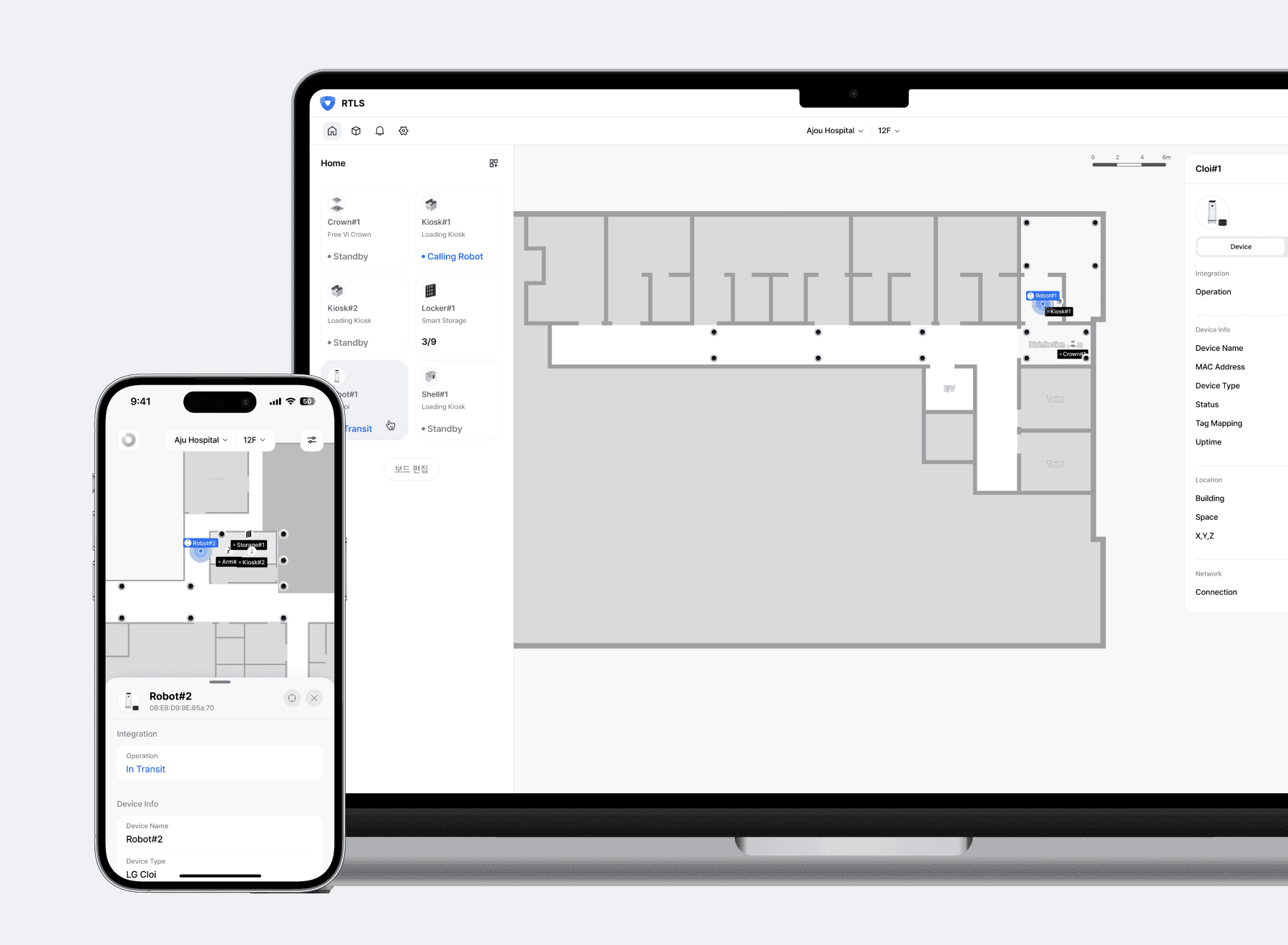
Monitoring screen and mobile phone notified together
When a robot stops or fails to finish its task within the scheduled time, the monitoring screen and the responsible person's mobile phone are alerted together. In unmanned sections the biggest loss is time passing with nobody aware that a robot has stopped. The error type and the location are sent with the alert, so you can decide what to bring before going out to it.
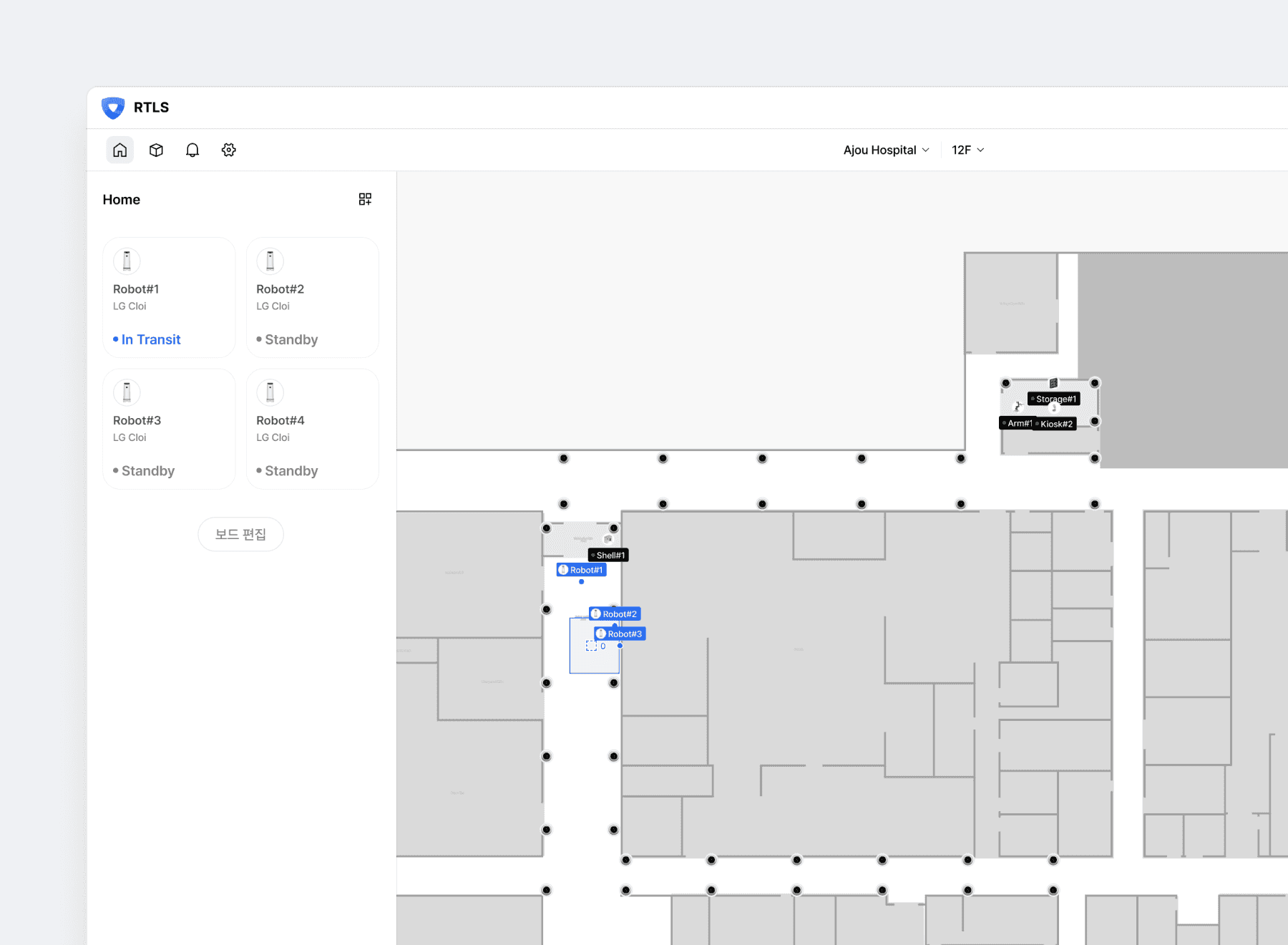
Robots from several vendors monitored on one screen
When robots come from different manufacturers, each one brings its own monitoring screen. Put the location, movement and waiting state of every robot on the floor plan together and see which robot is doing what and where at a glance. When several move at once, robots meeting in the same section or tasks overlapping also become visible on that same screen.
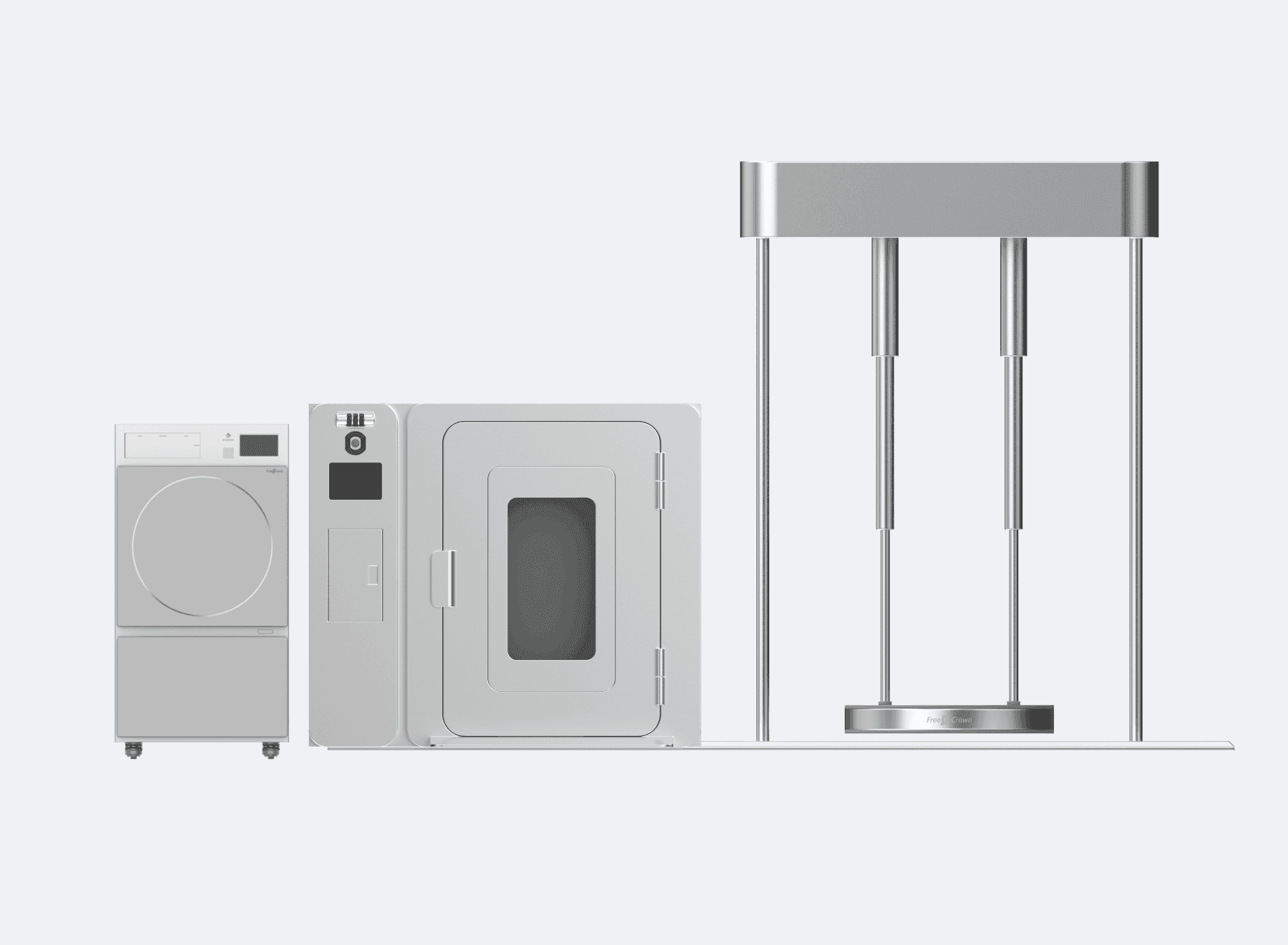
Sterilization results recorded and unfinished loads flagged
Results from the sterilization equipment are kept in the same record. A load that passed on without being processed stays on the list, so it is caught the same day rather than in a later audit. How far the sterilization equipment opens its data decides whether collection is automatic or manual, and either way it is written into the chain-of-custody records in the same format.
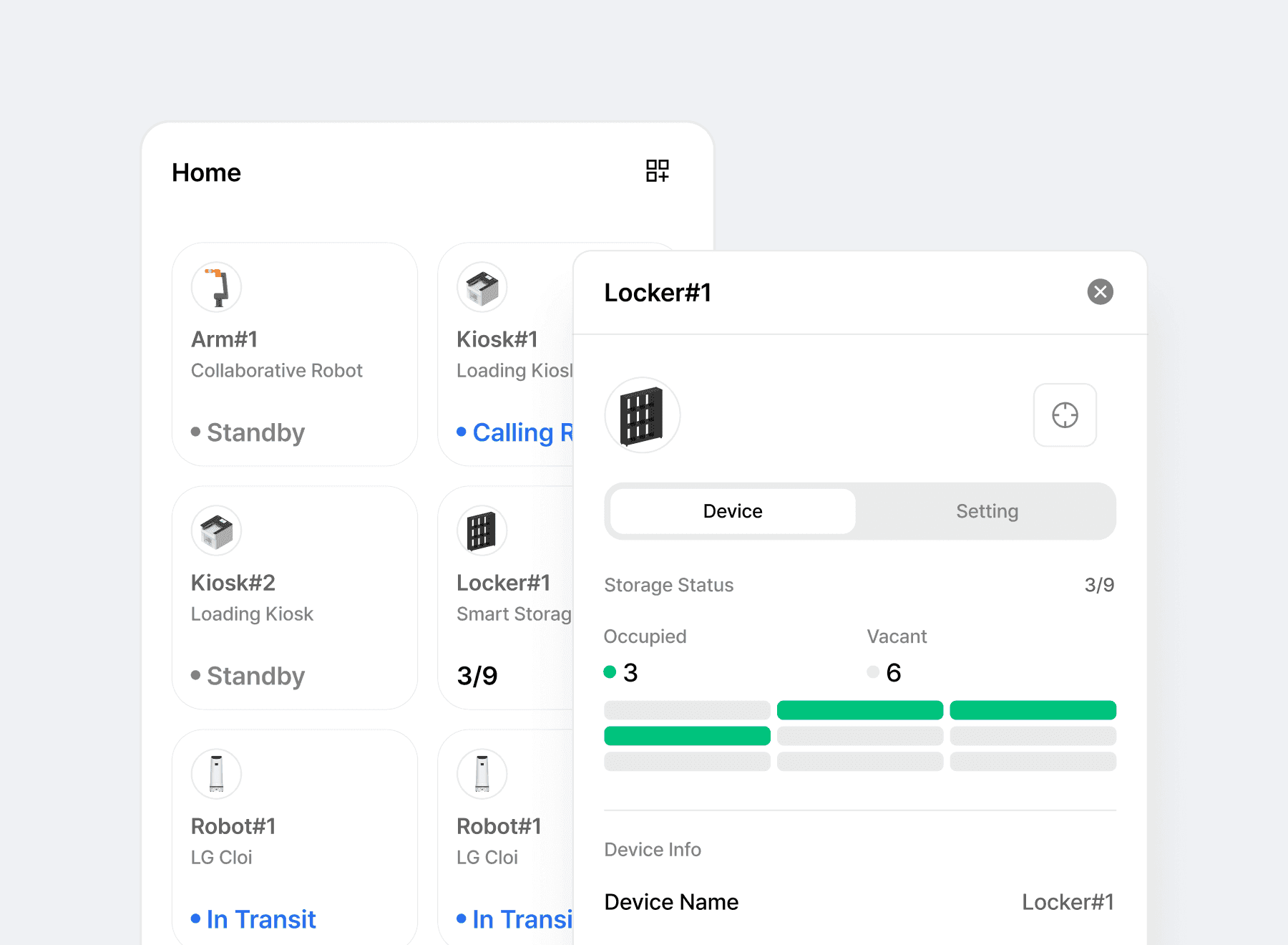
Equipment status and locker capacity on one list
Review the status of robots and peripheral equipment on a single list. The status of kiosks and lockers connected through manufacturer interfaces, along with free compartments, is provided on the monitoring screen. Staff check the remaining capacity and location of each device together to coordinate the order of collection and storage.
Recommended Products
Components Based on ORBRO OS
Each solution operates with various products connected on top of ORBRO OS. Configurations can be flexibly adjusted depending on the scope of application and on-site conditions.
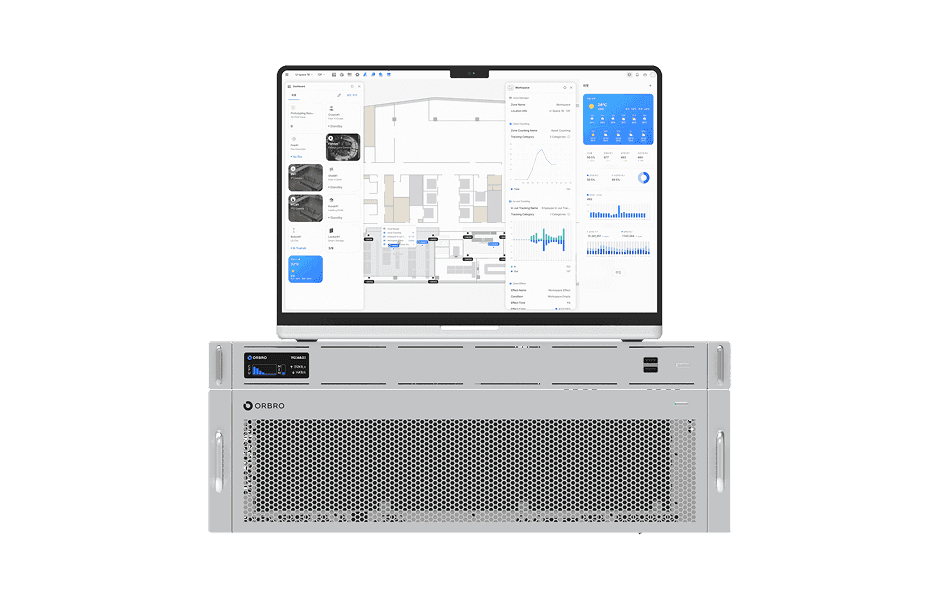
ORBRO OS2
ORBRO OS2
Align location, video, and sensor data on a spatial layer to turn all on-site situations into a single operational workflow.
Learn More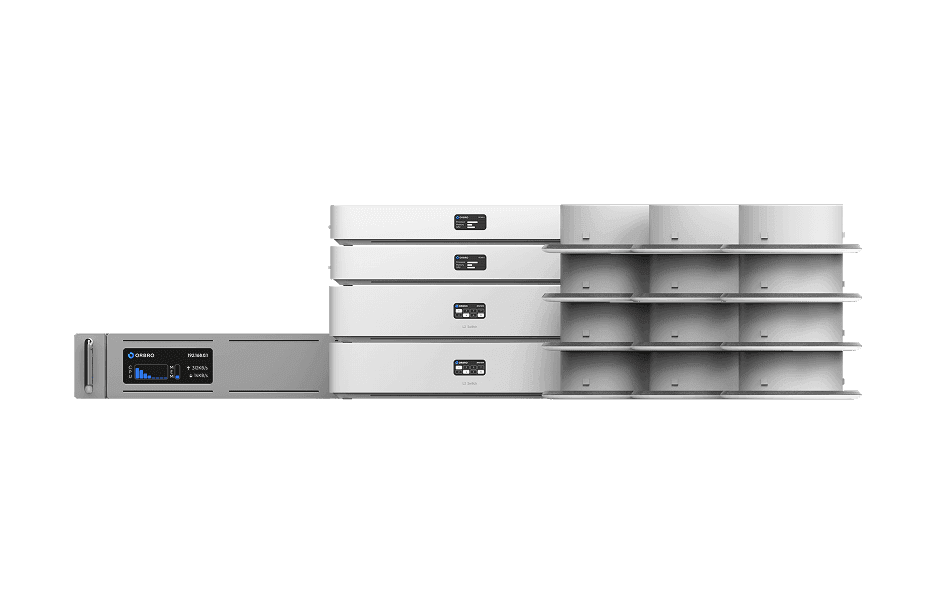
UWB Location Tracking
UWB Location Tracking
Enhance worker safety and precisely manage the movement of assets and equipment through real-time tracking, improving productivity and operational efficiency at the same time.
Learn More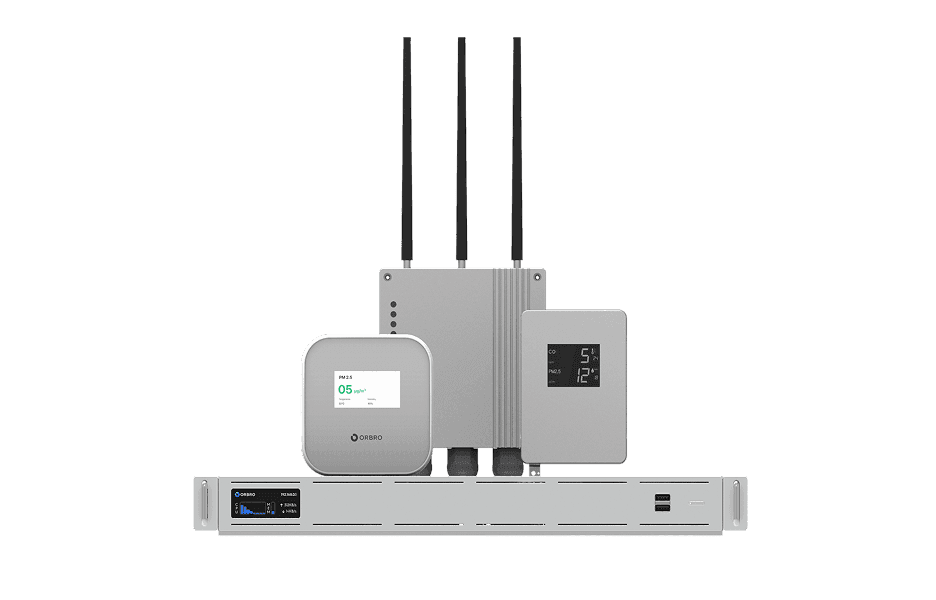
Sensor Monitoring
Sensor Monitoring
Provide a wide range of monitoring solutions required on site, from LoRa communication sensors to CO₂ detectors and air quality monitors.
Learn More