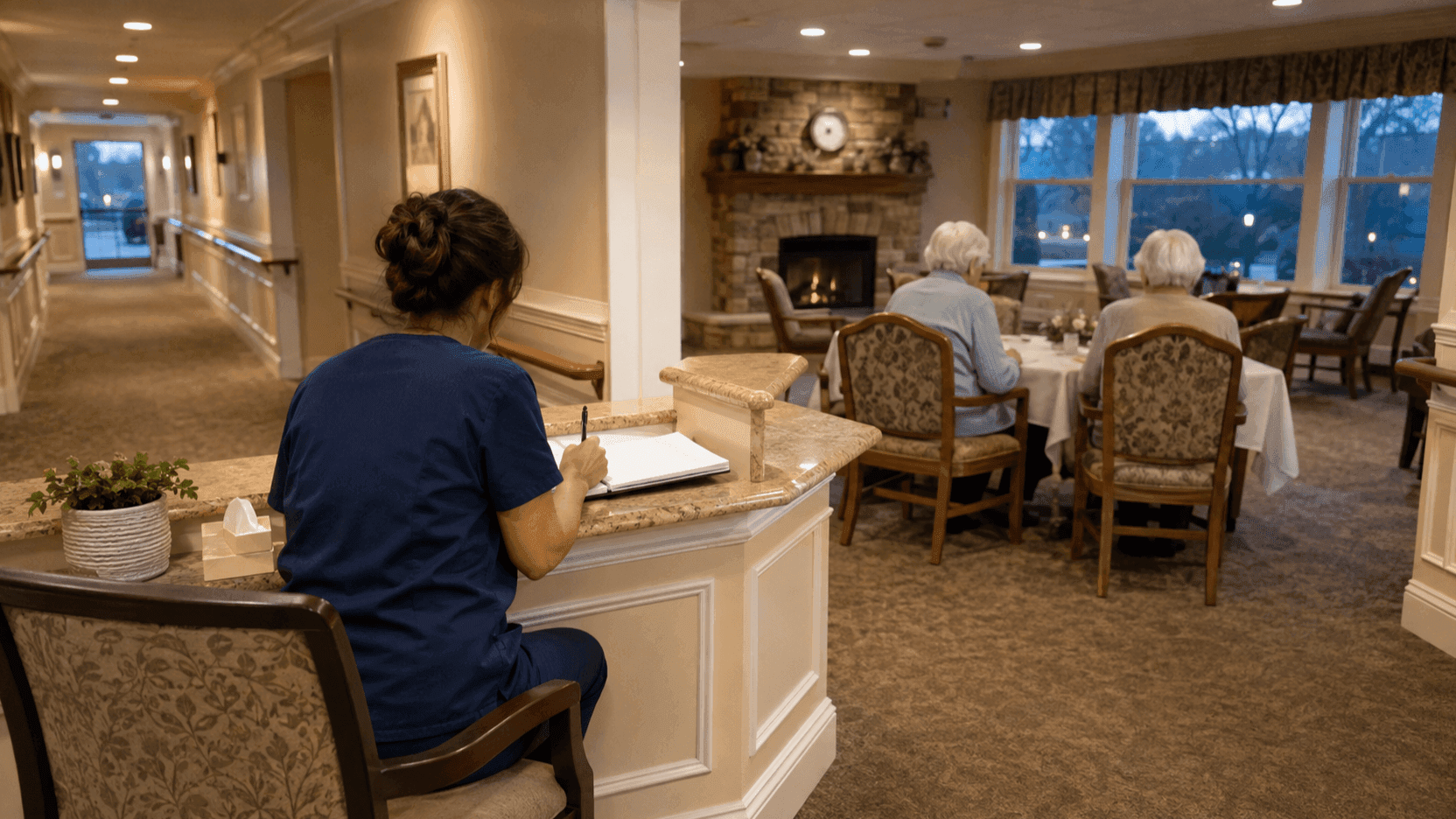
RTLS for senior living is usually discussed in terms of alerts, but its quieter value shows up at 8 p.m., when a caregiver sits down in front of the care log. It is time to recall how each of the 12 residents in her charge spent the day and write it down. They ate their meals, they came to the program, and nothing special happened. Turning from one resident to the next, her hand keeps stopping at the same line. Nothing to report. It is not a lie. Among the things she saw, nothing stood out.
The problem is the time no one was watching. In a facility where one person looks after several residents, the caregiver's eyes are always in one room at a time. Whether a resident walked only half her usual distance along the corridor today, whether she came to the dining room but got up after 10 minutes, where she went after leaving her room at 3 a.m.: none of this enters the record of someone who was not there. What the words “nothing to report” miss is not diligence but sight.
This article is about how resident tracking in nursing homes fills in the care record. It is not a story about location data replacing what people write. It is about giving the people who write the record something to write from.
I. Care Records Only Keep What Was Seen
Nursing homes keep records of the care they provide to each resident. Those records are the basis of care and the first clue to a change in condition. Yet the material for the record is only what the caregiver saw with her own eyes and what the resident told her.
Both materials have limits. What was seen is confined to one person's shift and the rooms that person was in, and what a resident says varies with memory and how they feel that day. A gradual decline in activity, or a resident who still comes to the dining room but stays a little less each time, is invisible day by day and only shows when 10 days are laid side by side. Human memory cannot lay out 10 days on the same scale. Records grow thin not for lack of diligence but because of the limits of the material.
Isn't the caregiver always watching?
During the day, yes. But there is the night, there are blind spots, and one person is responsible for several residents at once. While she helps one resident in the activity room, another in the corridor is out of sight. Saying that staff are watching is true. Saying that they are watching everyone at all times is not true in any facility. An RTLS for senior living exists to fill that gap, not to reduce the number of people watching.
II. How RTLS for Senior Living Turns a Day into Data
An ORBRO Tag mini is fixed to the front of the resident's top with a badge-style accessory. Because it attaches to the clothes the resident already wears rather than a wristband or a lanyard, it does not get in the way of daily movement, and the tag number identifies each resident. TwinTracker UWB anchors mounted around the resident rooms, corridors, dining room and activity room receive the signals, ORBRO Edge RTLS calculates the coordinates, and ORBRO Server records movement paths and dwell times. Staff view living patterns and safety alerts on the facility floor plan in ORBRO OS. That is the whole RTLS for senior living: tags, anchors, a server and one screen.
Four kinds of activity monitoring records build up this way.
1. Where is each resident right now?
On the facility floor plan you can see the room each resident is currently in and the time of the last measurement. Since you can go straight to the residents who need checking first, less time is spent walking from room to room looking for them.
2. How much did they move today?
Daily walking distance and activity level are calculated from the continuous position coordinates and their timestamps. Laying the same resident's records side by side day by day reveals when movement rose or fell compared with usual. This number is not a diagnosis. It is a signal that prompts staff to take one more look at that resident that day.
3. Which rooms did they stay in, and for how long?
Visit counts and dwell times are tallied for the main living areas such as the dining room, activity room and lounge. Entry and exit times link up to show which rooms are visited often and at what times residents stay longest. Across the whole facility, it also shows which rooms are busy at which hours. Individual changes and the flow of the facility come from the same record.
4. Did they attend meals and programs?
Residents who were in the dining room or activity room during meal and program hours are confirmed. Attendance and dwell time are recorded together, so a resident who was absent can be told apart from one who left early. Recurring attendance patterns become material for adjusting the program lineup and care schedules.
III. Observation Records and Location Records
| Aspect | Observation record | Location record |
|---|---|---|
| What it captures | Condition, expression, conversation, care given | Walking distance, rooms and dwell time, attendance |
| When it is captured | At the moment of seeing, at the moment of writing | All day, automatically |
| Who captures it | The caregiver | Tags and anchors |
| Good at | Reading meaning | Accumulating on the same scale over a long time |
| Cannot do | What happened where no one was | Why it happened |
The two records fill each other's blanks. The location record does not know why a resident left the dining room early. The observation record does not know that she has been leaving a little earlier for 10 days running. When the two are placed on the same page, “nothing to report” becomes something to report.
IV. Rules for Night Checks and Wander Management
1. Night-time inactivity check
Movement paths and room-by-room dwell times during the night are recorded for each resident. When no movement is detected at the same position for a set period, the last position and time are added to a check list. Staff use that list to decide the order in which residents need an in-person check. The order in which the night shift walks the corridor becomes a list rather than a hunch.
2. Exit and hazard zone alerts
With the front entrance, emergency exits, stairs and medication storage set as alert zones, staff are notified of the resident, the location and the time whenever a resident leaves their individually permitted range or enters a hazard zone. If the living range differs between day and night, different rules apply by time of day. How wander management works without locking doors is covered separately in Wandering Detection in Nursing Homes. The focus of this article is records, not alerts.
V. Back at the Care Log
Daily walking distance, visit counts and dwell times by room, and safety alerts are organized for each resident. At evening record time, the caregiver writes with an organized day in front of her rather than a blank memory. What time a resident came to the dining room and how long she stayed, whether she came to the program, whether she walked the corridor less than yesterday: all of this is already written, so what the person has to write is what those numbers mean. When the starting point of the record moves from memory to data, writing takes less time, but more importantly, no hours go missing.
Summaries by period become material for explaining changes in daily life at care meetings and in family consultations. “She seems less active lately” becomes “Over the past two weeks her daily walking distance has halved and her time in the dining room has grown shorter.” For families, that difference is large.
VI. What to Decide Before Resident Tracking Starts
- Build a wearing check into the daily routine. Checking that the accessory is secure and the tag number is correct at the start and end of each day reduces missed wearing and lost tags. If the tag is not on the clothing, that day's record is not empty but wrong.
- Match the coverage area to residents' daily routes. The main routes and room boundaries from the resident rooms to the dining room and activity room must be within positioning range, and anchors must be placed so that coordinates stay continuous in an environment with walls, doors and furniture.
- Separate alert rules for day and night. Movement that is normal in the daytime may be something to check at night. A single rule produces too many alerts or too few.
- Decide first what goes into the record and what does not. Activity and attendance records are material for care planning, not a tool for evaluation. Explaining that line to staff and families before the start speeds up adoption.
- Narrow the first things to observe. Start with two or three items that need checking every day, such as meal attendance and night-time inactivity, and within a month you will see where the blanks in the care log were.
Closing
The words “nothing to report” will keep appearing in care logs. Most days, nothing really does happen. What changes is that those words become a conclusion drawn from the whole day, not only from what was seen.
ORBRO OS is the monitoring platform behind this RTLS for senior living, aligning location, video and sensor data on the facility floor plan. Each resident's movement paths, dwell records, attendance and the night check list come together on one screen, and summaries by period can be exported as material for care meetings. You can find the details on the ORBRO OS product page. Because anchor placement depends on the size of the facility and the layout of its living spaces, share your floor plan and daily schedule with us and we will start by reviewing a configuration that fits your site.