RTLS Manager
Simplify RTLS Operations
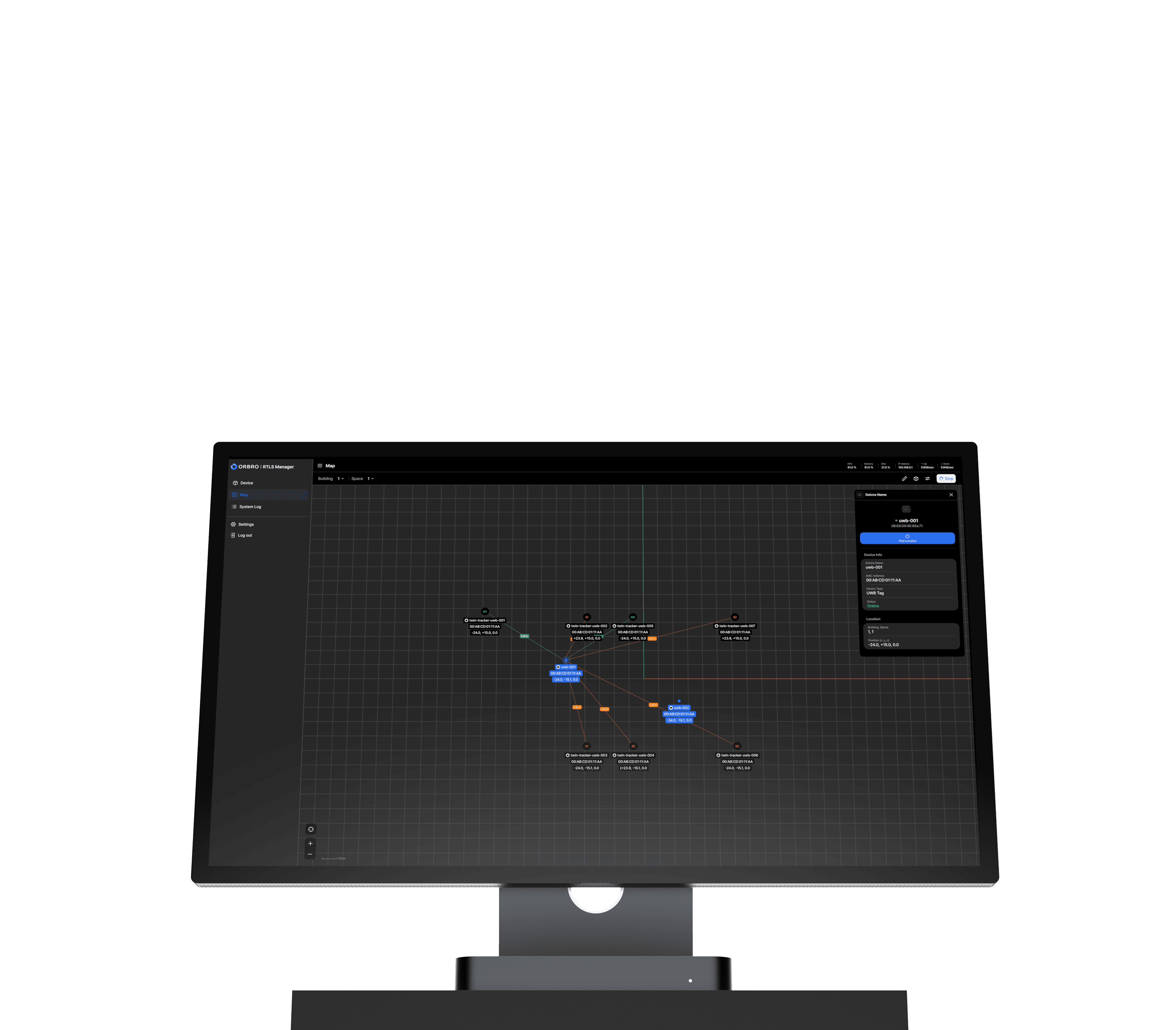

Simple Interface, Natural Workflow
All essential RTLS operational features are organized in one place. From device configuration to location monitoring and system logs, manage everything in one seamless workflow.
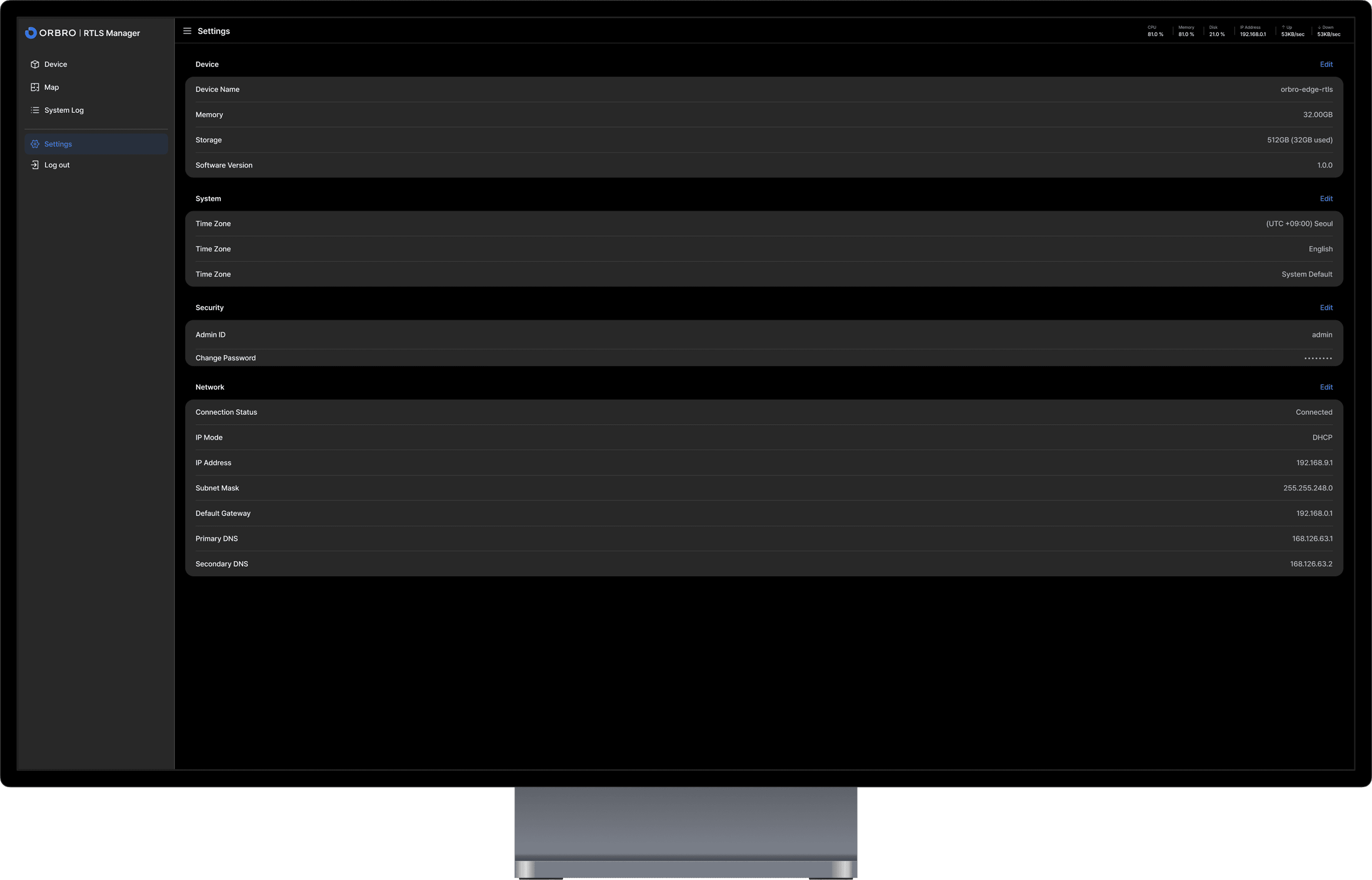
From Installation to Operation in Just 4 Steps
RTLS Manager runs directly on Edge, allowing operations to start without complex configuration. Device setup, map preparation, real-time monitoring, and history tracking are all connected in one workflow.
Getting Started - Installation · First Launch · Basic Environment Setup
Run the software after installing it on ORBRO Edge. After creating an account for the first time and setting basic options such as language and time zone, the system is ready.
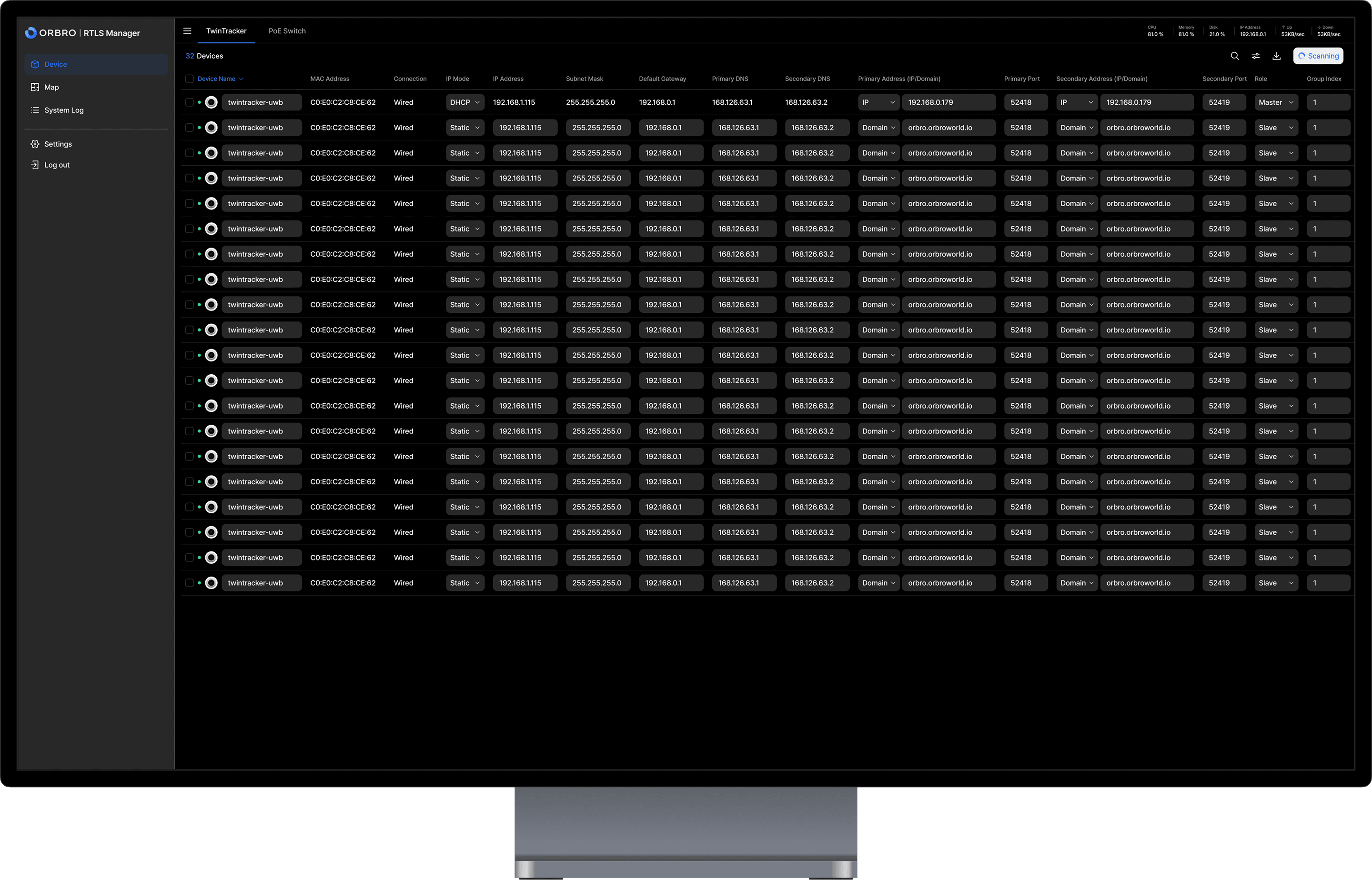
Prepare Devices - Registration · Connection Check · Apply Settings
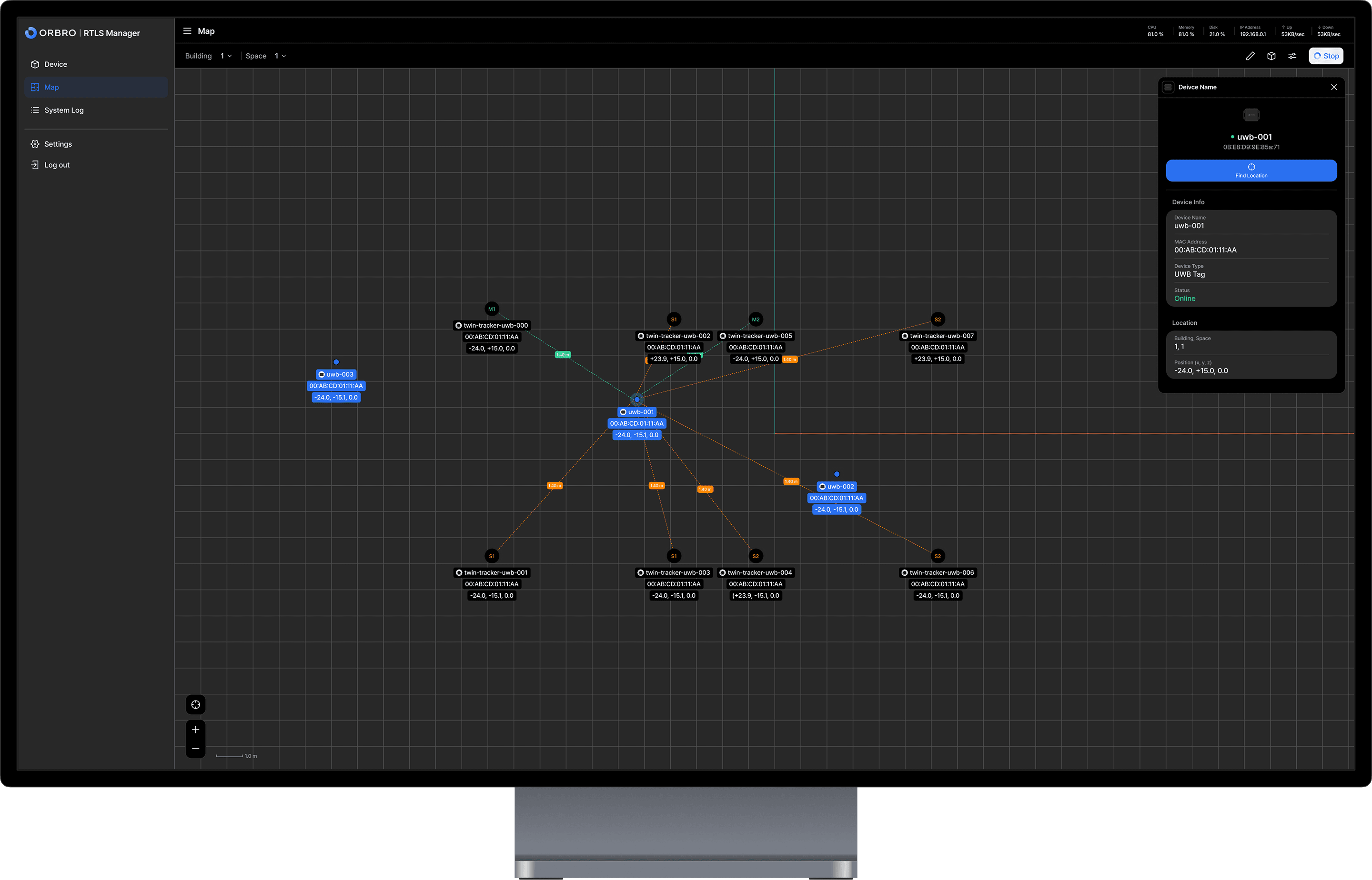
Prepare the Map - Upload Layout · Set Reference (Position/Scale)
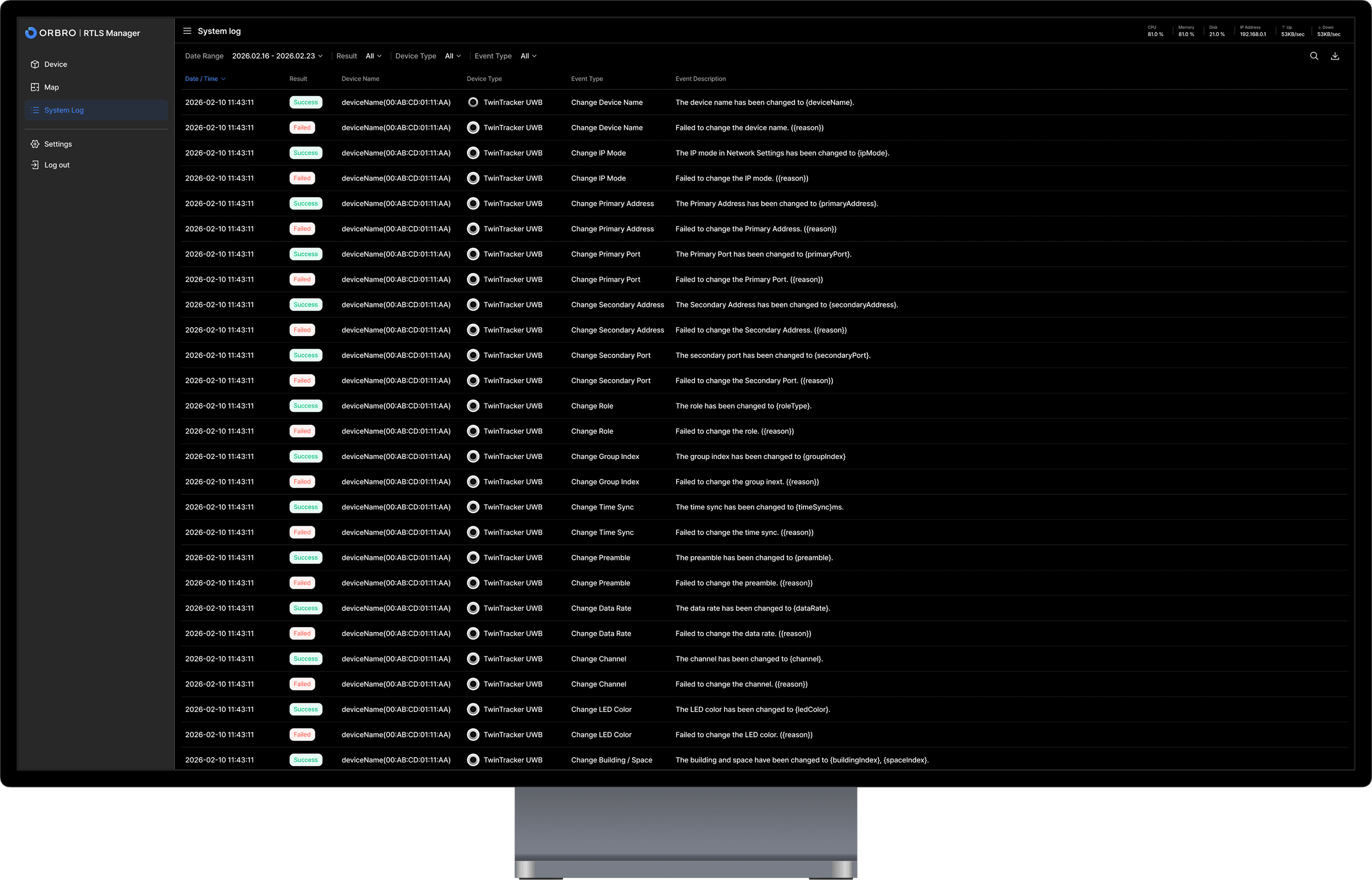
Start Operations - Real-time Monitoring · System Log Tracking
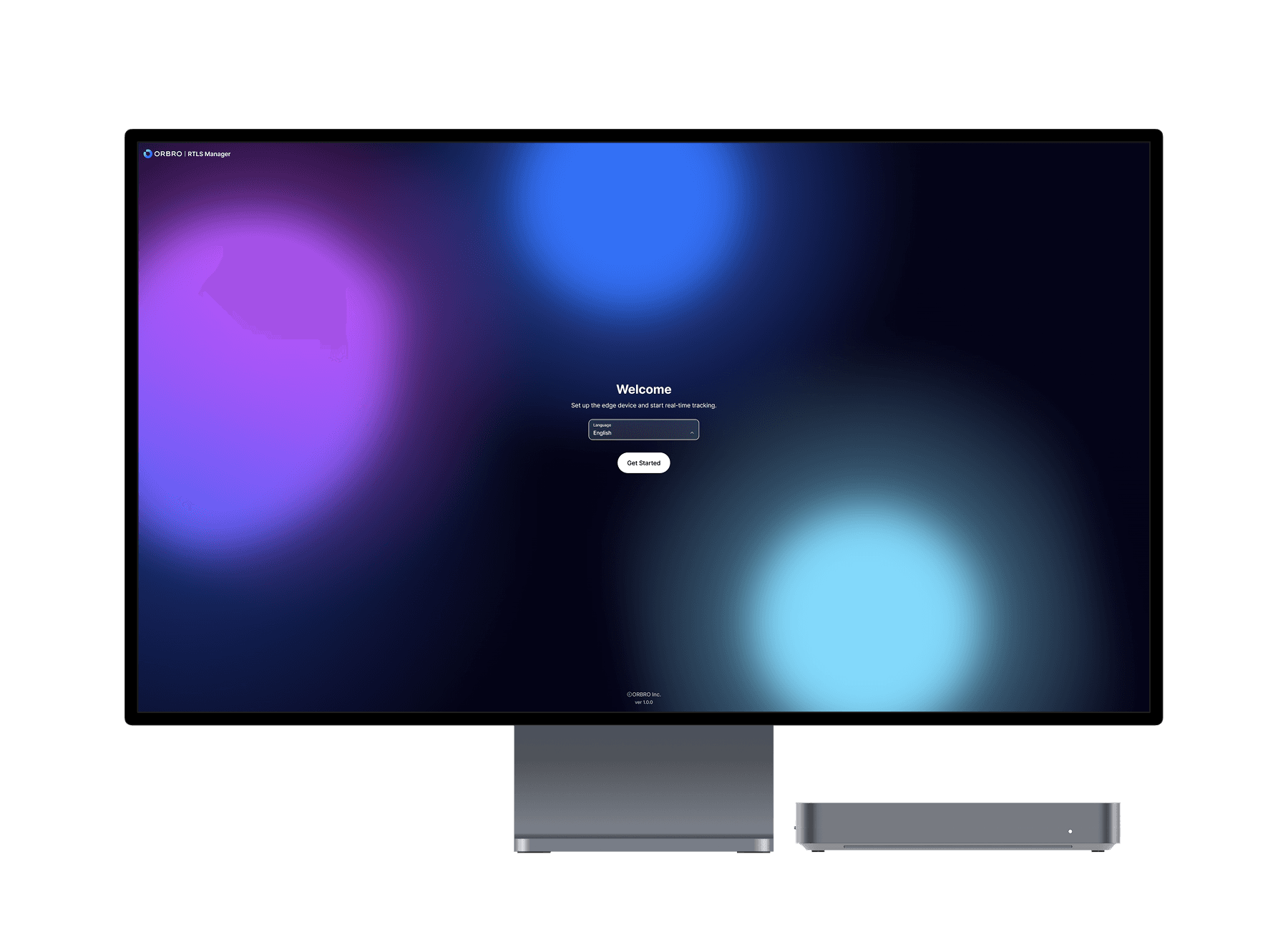
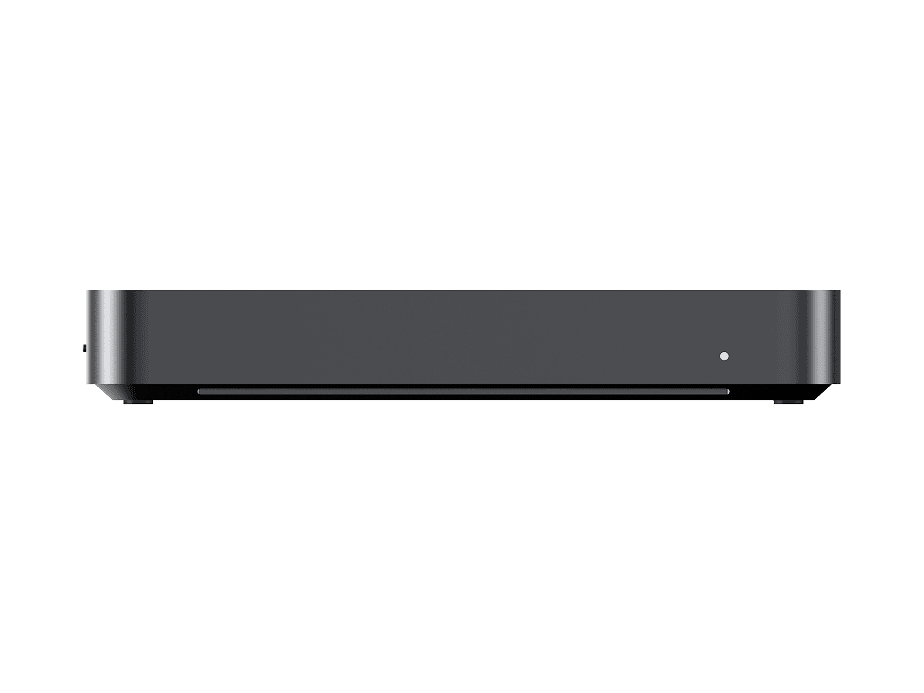
RK3588-based ORBRO Edge Optimized for RTLS Operations
ORBRO Edge delivers faster and more stable execution of RTLS Manager with its high-performance, low-power RK3588-based architecture. From device configuration and real-time location monitoring to system log analysis, the entire RTLS operation workflow can be handled within a single Edge environment.

What Do You Need?
RTLS Manager starts with ORBRO Edge. From essential components to scalable configurations suited to your site size, you can build the system step by step.
RTLS Manager
RTLS Manager gathers only the essential operational features, allowing RTLS systems to run immediately without complex configuration.
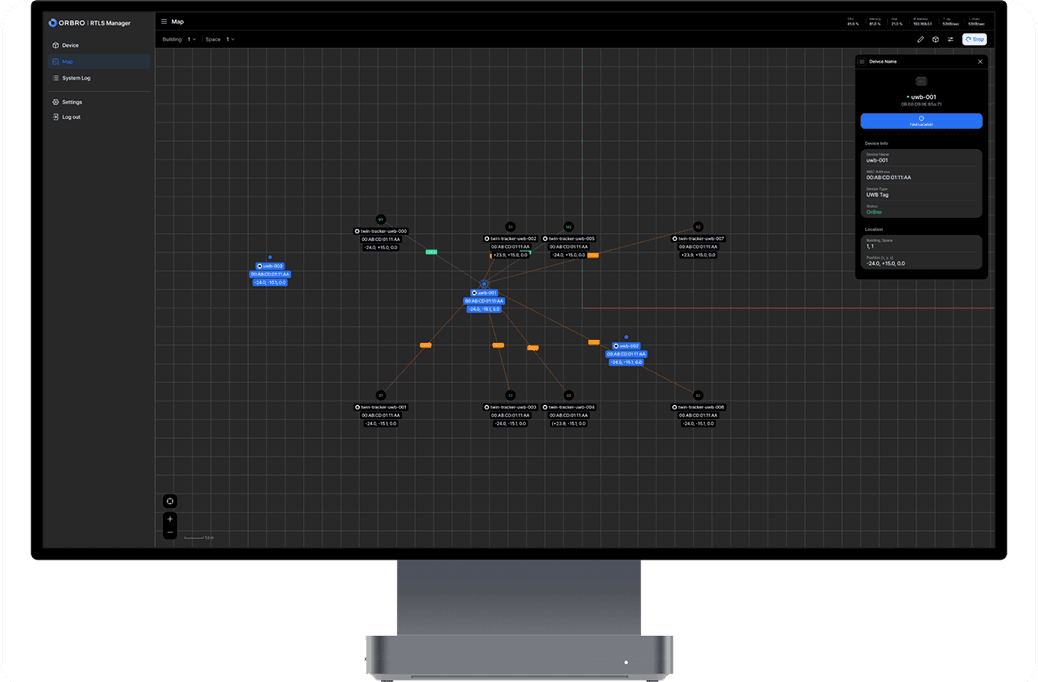
ORBRO Edge
RTLS Manager runs on ORBRO Edge, enabling on-site operations without complicated server infrastructure.

PoE Swtich(L2)
PoE Switch(L2) simplifies installation by delivering both power and network connectivity while improving operational stability through port-level control.
Learn More
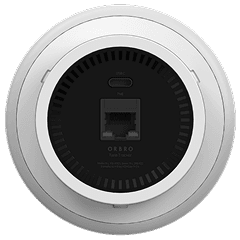
TwinTracker UWB
Ideal for environments requiring centimeter-level positioning accuracy. Start stable operations in areas where precision is critical, such as manufacturing, logistics, and facilities.
Learn More
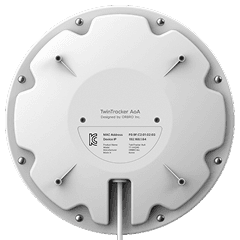
TwinTracker AoA
Enables efficient indoor location tracking with optimized infrastructure. It can be expanded flexibly based on site structure and operational coverage.
Learn More
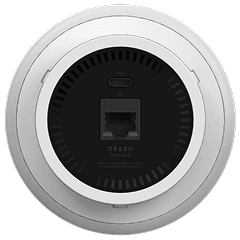
TwinTracker BLE
A lightweight RTLS setup that can be deployed quickly. Start with asset or zone-level tracking and expand the tracking scope as needed.
Learn More
Streamlining RTLS Operations into a Unified Workflow
From device configuration and space setup to real-time tracking and operational history management, experience a unified workflow that covers the core of RTLS operations.
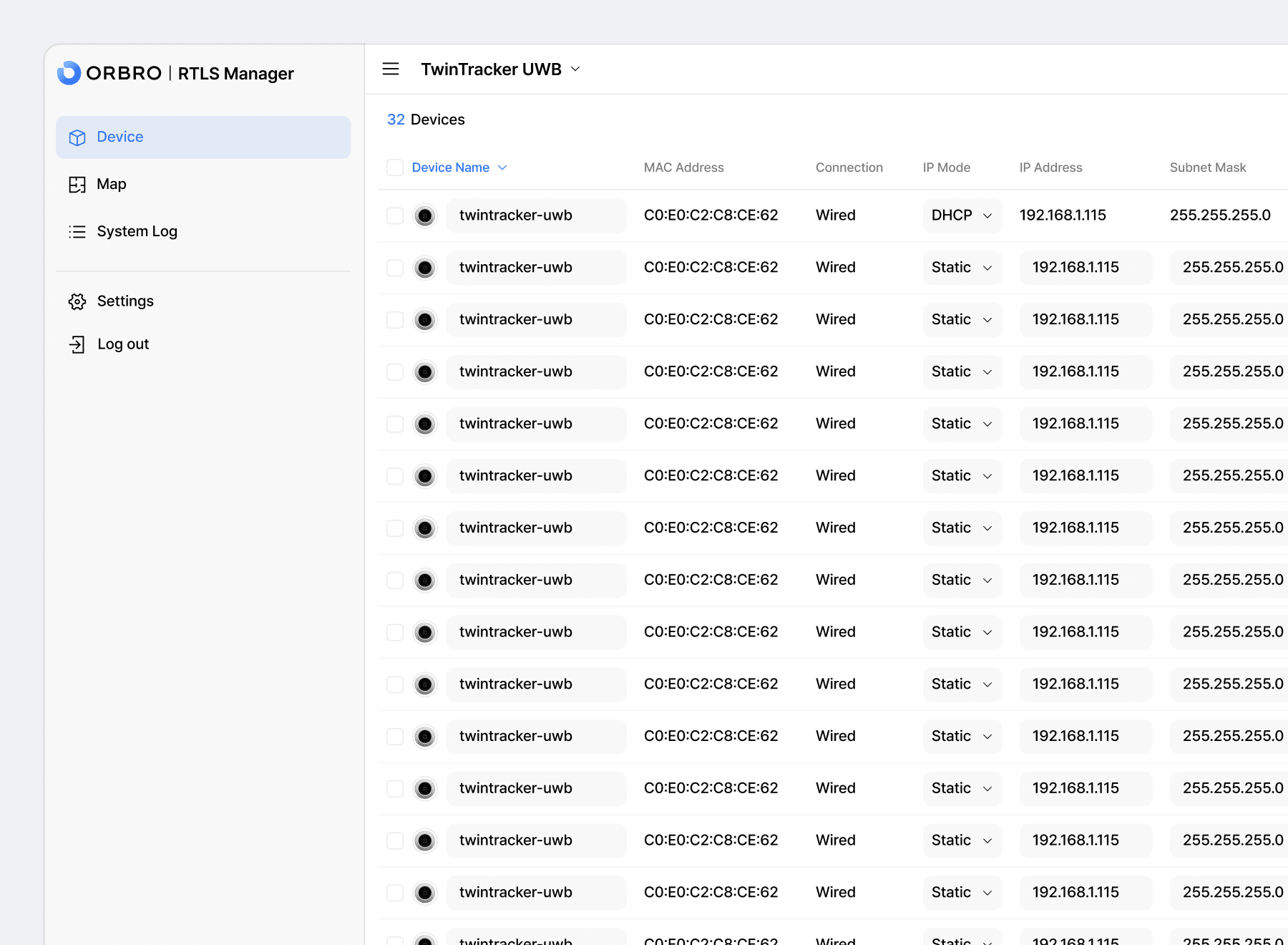
Device Discovery and Configuration
Quickly discover RTLS devices and apply roles and basic configurations in one step. Reduce repetitive tasks during the initial setup phase and accelerate deployment of your real-time location tracking system.
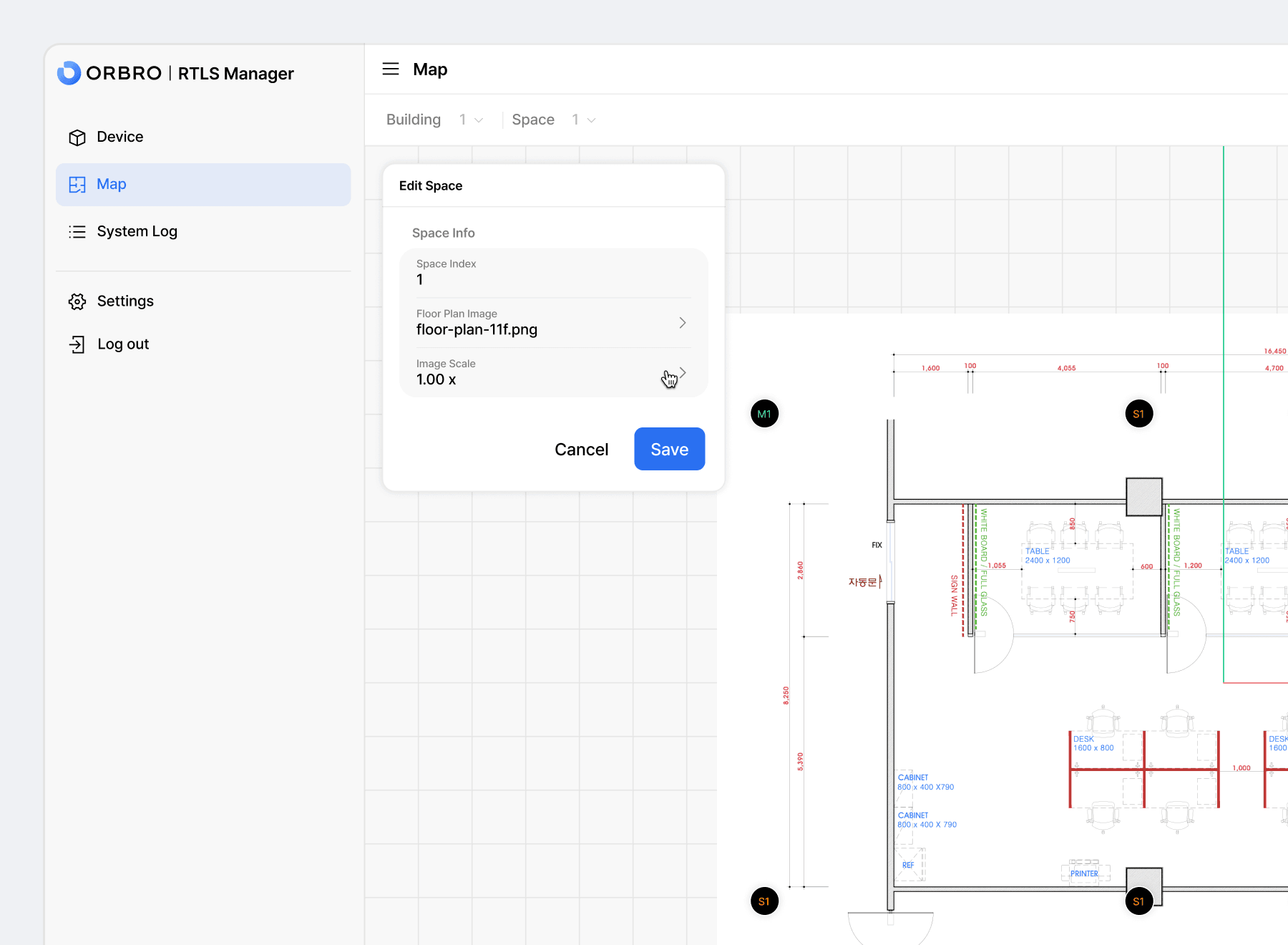
Space Setup and Map Preparation
Upload floor plans and configure reference points, rotation, and scale to intuitively build your indoor positioning interface. Precisely align the digital layout with the physical environment to improve RTLS accuracy.
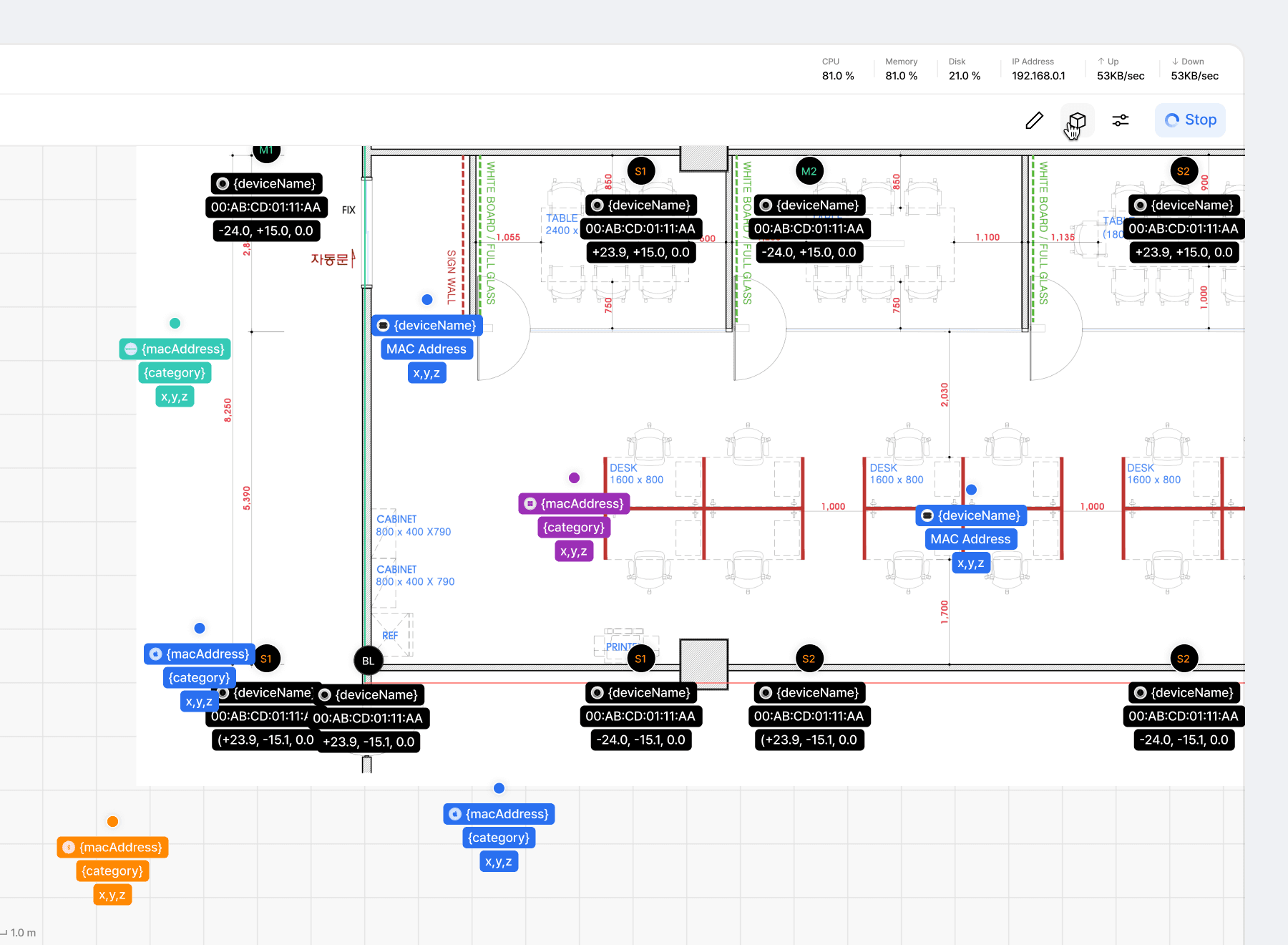
Real-Time Location Monitoring
Monitor tags and device status in real time on the map and instantly track movement. Enable faster response in manufacturing, logistics, and industrial environments that rely on RTLS-based tracking.
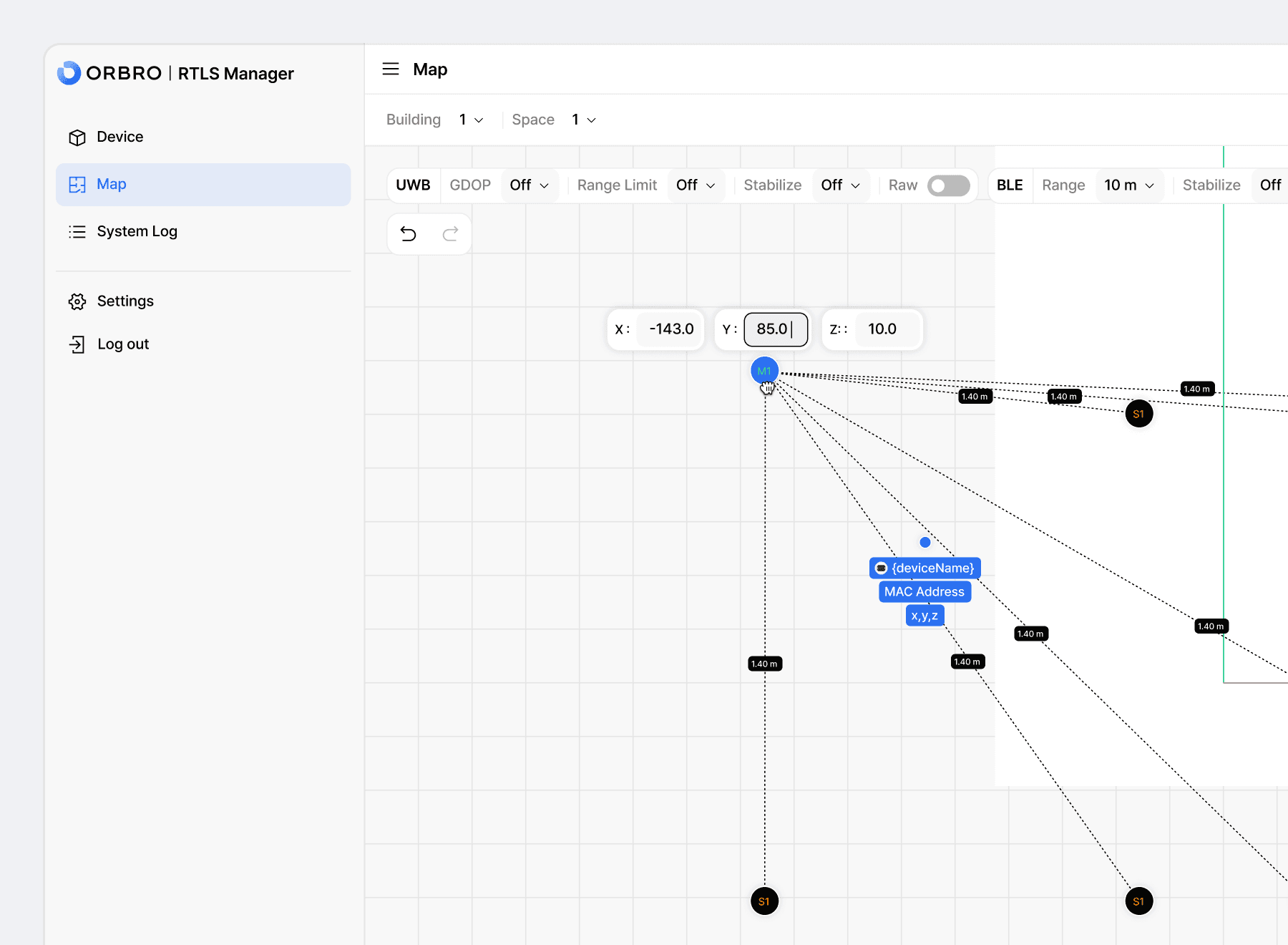
RTLS Configuration Adjustment
Fine-tune RTLS options and positioning parameters based on your operational needs and environment. Enhance positioning accuracy and system stability for more reliable results.
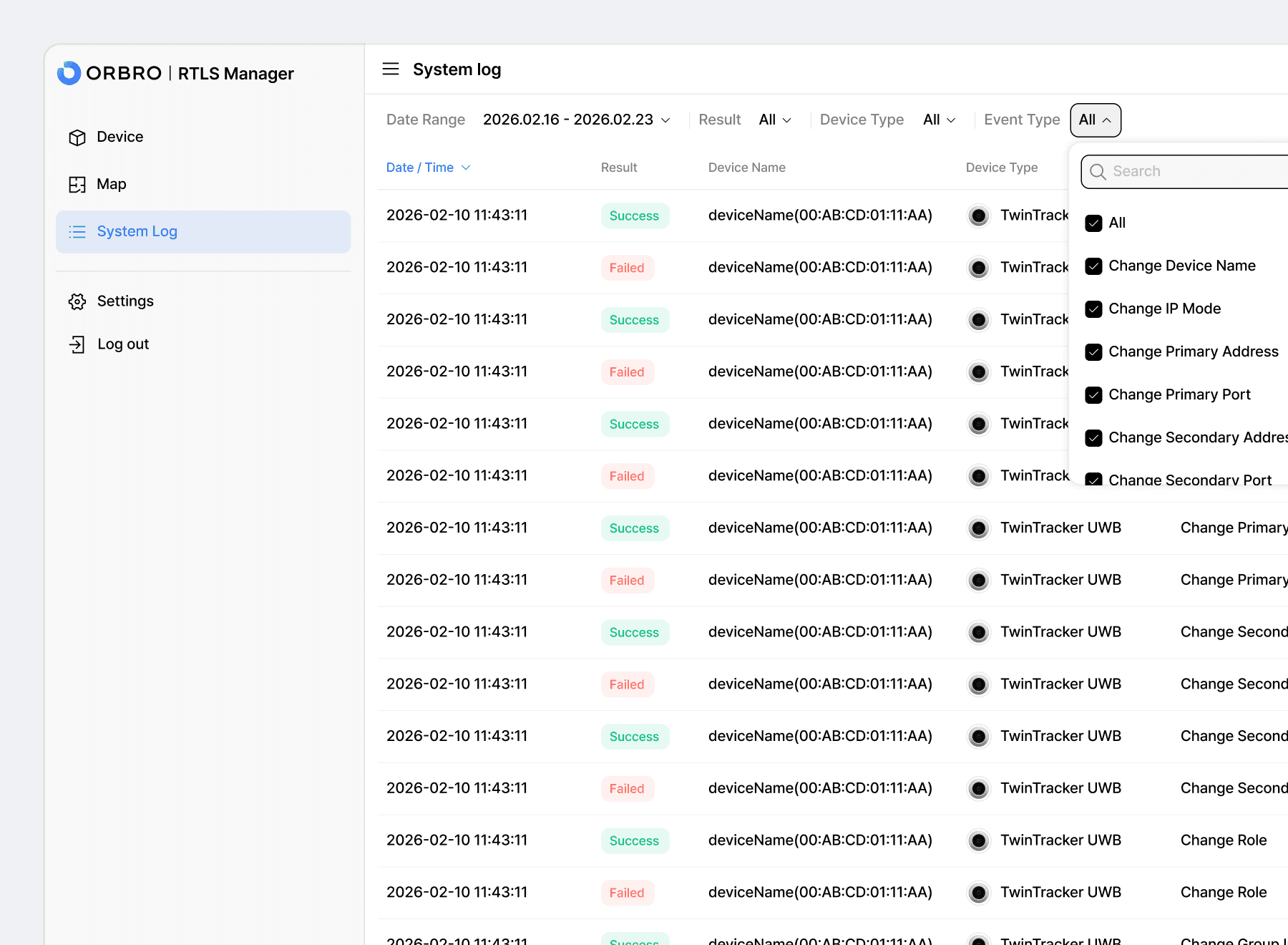
Operation Results and History Tracking
Keep records of configuration changes, device controls, and applied results to systematically manage operational history. Quickly trace changes to improve maintenance and issue resolution efficiency.
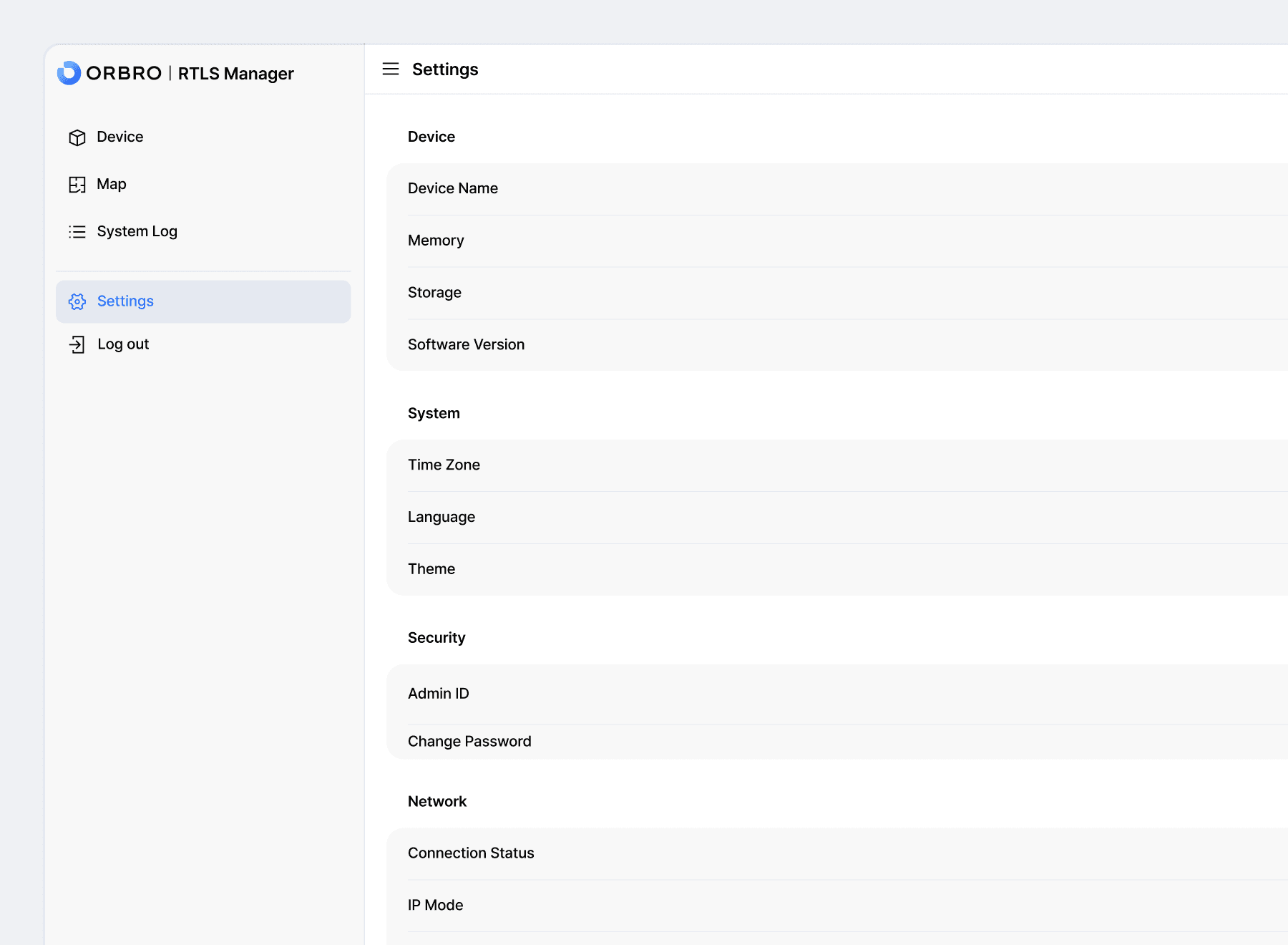
System and Network Settings
Manage language, timezone, network, and other environment settings required for RTLS software in one place. View saved configurations alongside their applied status to ensure stable system operation.
ORBRO Edge Specifications
Overview
Wireless Connectivity
Wireless Connectivity
Power
Frequently Asked Questions
To help you understand and adopt RTLS Manager more quickly, we have compiled the key frequently asked questions.