Manufacturing Solution
Mold Asset Location Tracking
Storage status and handling history for molds scattered across the plant are managed asset by asset. Production setup and handling route improvements get the evidence they need.

Find a mold by number and review its movement path
TwinTracker UWB collects the signal from the ORBRO Tag attached to each mold. Positions stored on ORBRO Server are linked to the mold number and shown on the plant layout map in ORBRO OS. With the path analysis feature applied, movement paths and cumulative travel distance can also be looked up.


TwinTracker UWB
A fixed receiver mounted above the shop floor that collects location signals from the tags attached to molds. Receiver layout follows the structure of storage zones and handling aisles. How metal molds are stacked and the steel frame of the building both affect signal reception and position accuracy.









Mold location and history lookup
Find a storage location by mold number and see how molds are distributed across the plant. With the path analysis feature applied, handling routes and cumulative travel distance can be compared.

Finding a storage location by mold number
Search ORBRO OS by number for the mold a production run needs. The received position of the tag linked to that mold number appears on the plant layout map. Before the run starts, staff can see which storage zone the mold they searched for is sitting in.

Checking mold distribution zone by zone
Review mold positions in production and storage zones on the plant layout map. The asset positions shown in ORBRO OS reveal which zones molds have collected in. Site staff refer to this distribution when hunting for a mold or deciding where to store one.

Looking up the path a mold has taken
When reviewing how molds are moved around, look up the movement history in ORBRO OS. In configurations with the path analysis feature applied, stored location records are joined in time order. From the retrieved path, staff examine the stretches where the same aisle is walked over and over.

Comparing cumulative travel distance per mold
Compare cumulative travel distance across molds to review handling routes. In configurations with the distance analysis feature applied, distance per period is calculated from the location records stored on ORBRO Server. Results shift with reception interval and position error, so use them as material for comparing routes.
Operating the mold tracking tags
Tag configuration is chosen to suit production frequency and the mounting environment. Power saving and battery alerts manage power draw during storage and what needs inspecting.

Choosing mold tags by production frequency
Separate the operating conditions for molds used often from those used only now and then. ORBRO Tag configuration is chosen from production frequency and the location update interval required. Battery capacity matters for molds that move often, power saving for those kept in storage a long time.

Magnetic mounting on the mold surface
Use a magnetic mount suited to the metal surface of the mold. The ORBRO Tag is fixed away from machined faces and the parts that handling equipment touches. The mounting position has to account for how the mold is handled and how surrounding metal affects the signal.
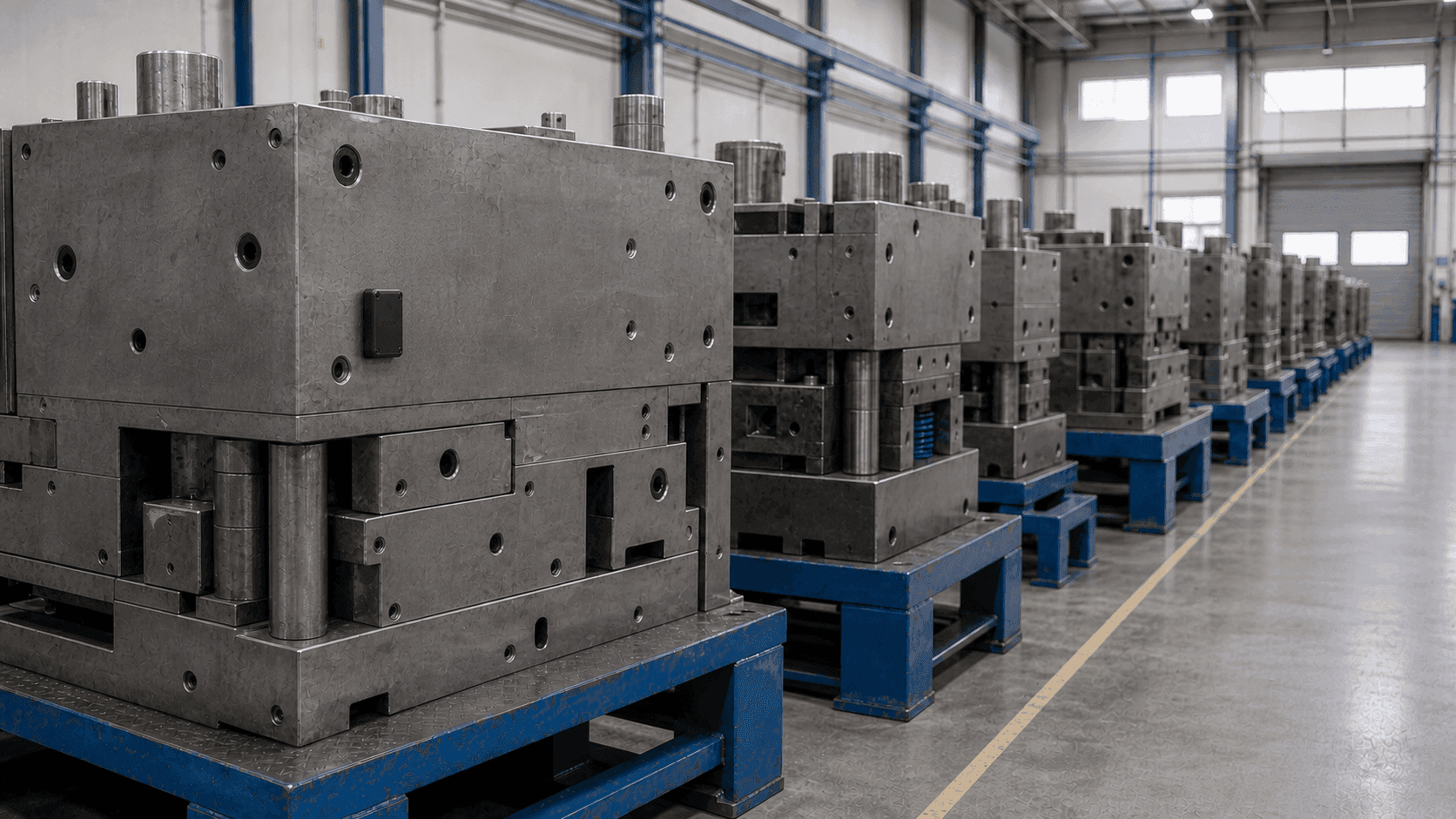
Power saving for tags on stored molds
For molds that rarely move, consider an ORBRO Tag that supports power saving. After a set period without motion the tag switches to a power saving state, cutting power draw while in storage. The condition for switching and the location update interval follow the supported specification of the tag applied to that mold.

Low battery alerts for mold tags
Apply the battery alert feature to see which mold tags need attention. The low voltage state reported by the ORBRO Tag triggers a low battery notice to the responsible staff. In configurations that use email alerts, register the recipients so the inspection request reaches them.
Recommended Products
Components Based on ORBRO OS
Each solution operates with various products connected on top of ORBRO OS. Configurations can be flexibly adjusted depending on the scope of application and on-site conditions.
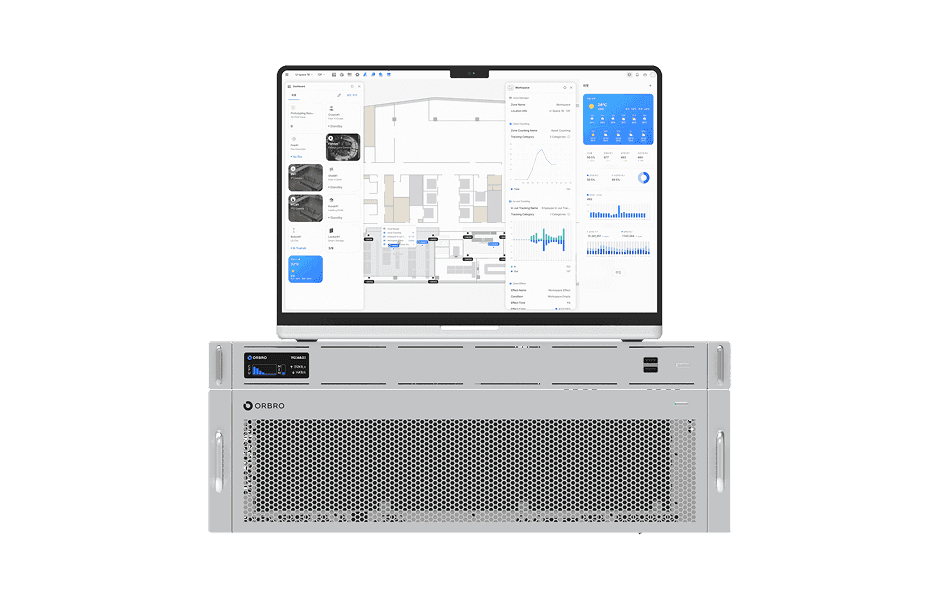
ORBRO OS2
ORBRO OS2
Align location, video, and sensor data on a spatial layer to turn all on-site situations into a single operational workflow.
Learn More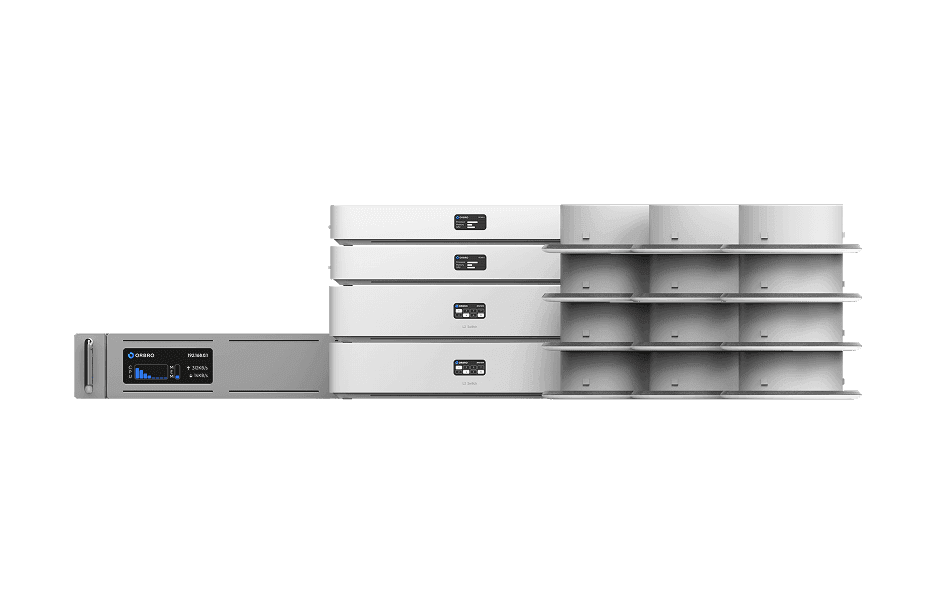
UWB Location Tracking
UWB Location Tracking
Enhance worker safety and precisely manage the movement of assets and equipment through real-time tracking, improving productivity and operational efficiency at the same time.
Learn More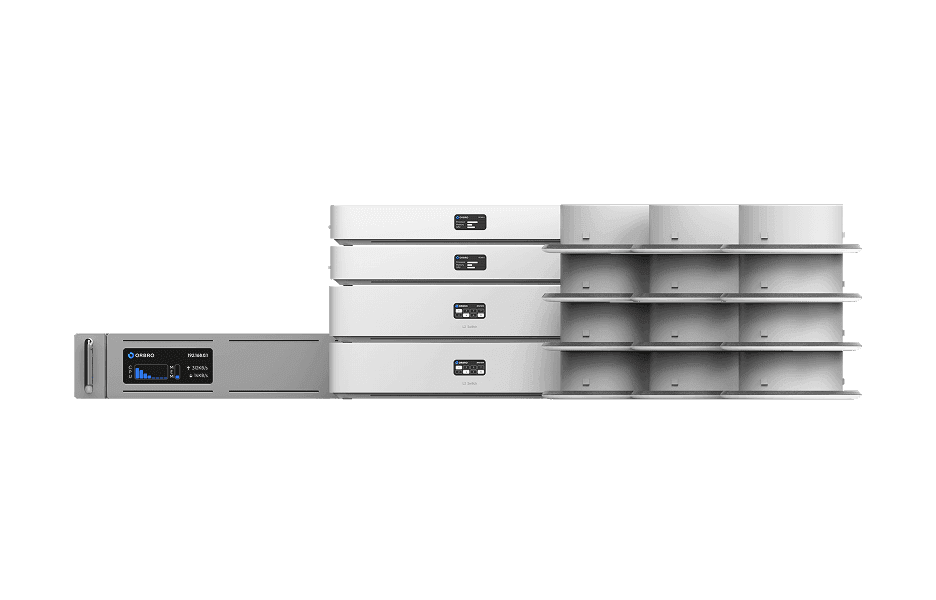
BLE Location Tracking
BLE Location Tracking
BLE is an optimal technology for managing large-scale assets simultaneously at low cost. It enables real-time monitoring of thousands of assets, supporting efficient operations and cost reduction.
Learn More