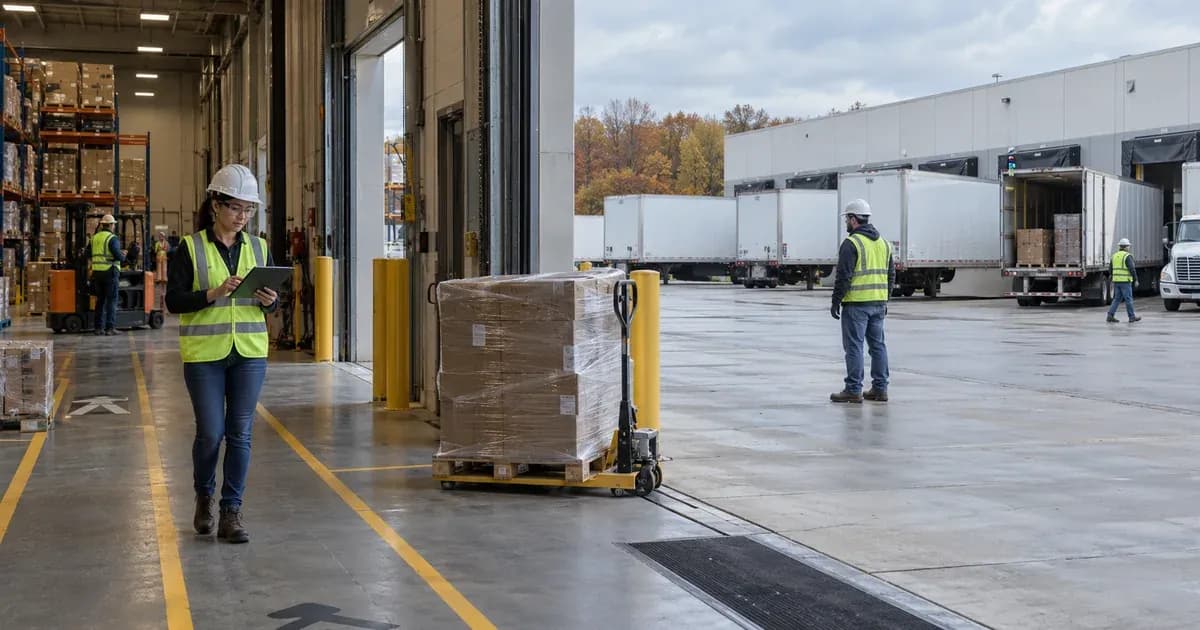
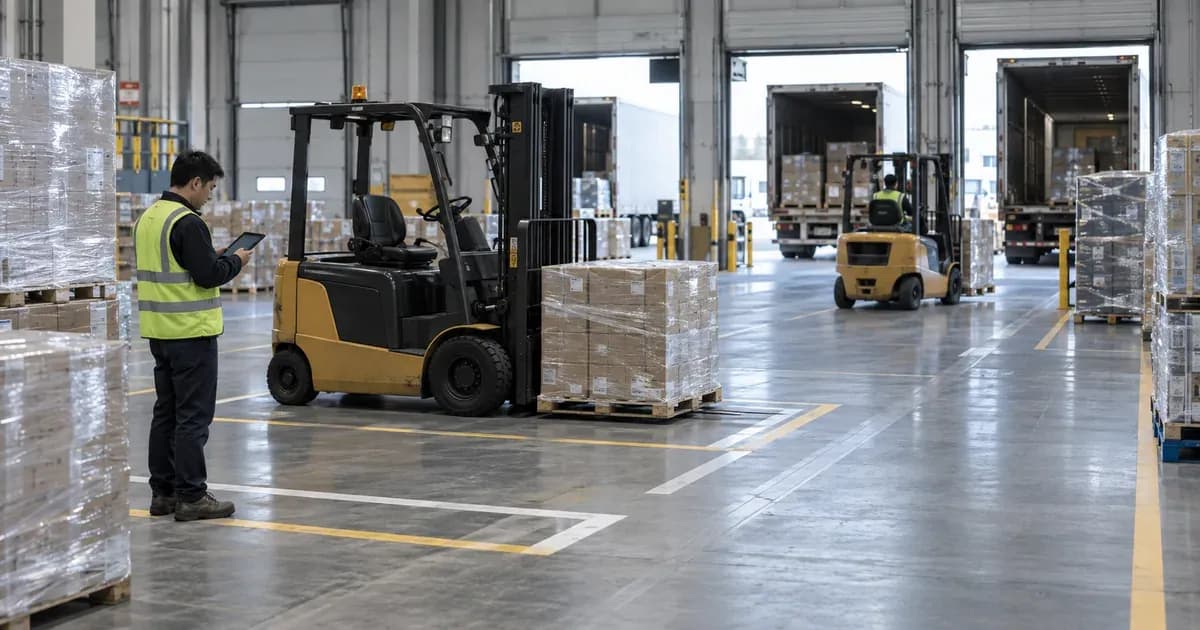
Logistics Solution
Warehouse Workforce Flow Analytics
How people are spread across the floor becomes the basis for deciding where process operations should improve. Differences in flow after a layout change are reviewed and fed into support staffing and shift plans.

Analyze worker movement and dwell time to identify process bottlenecks
TwinTracker UWB collects the signal from the ORBRO Tag a worker wears and ORBRO Edge RTLS calculates the position. Use ORBRO OS2, running on ORBRO Server, to look up headcount and entry records by zone. Site managers refer to movement history to find where work waits.
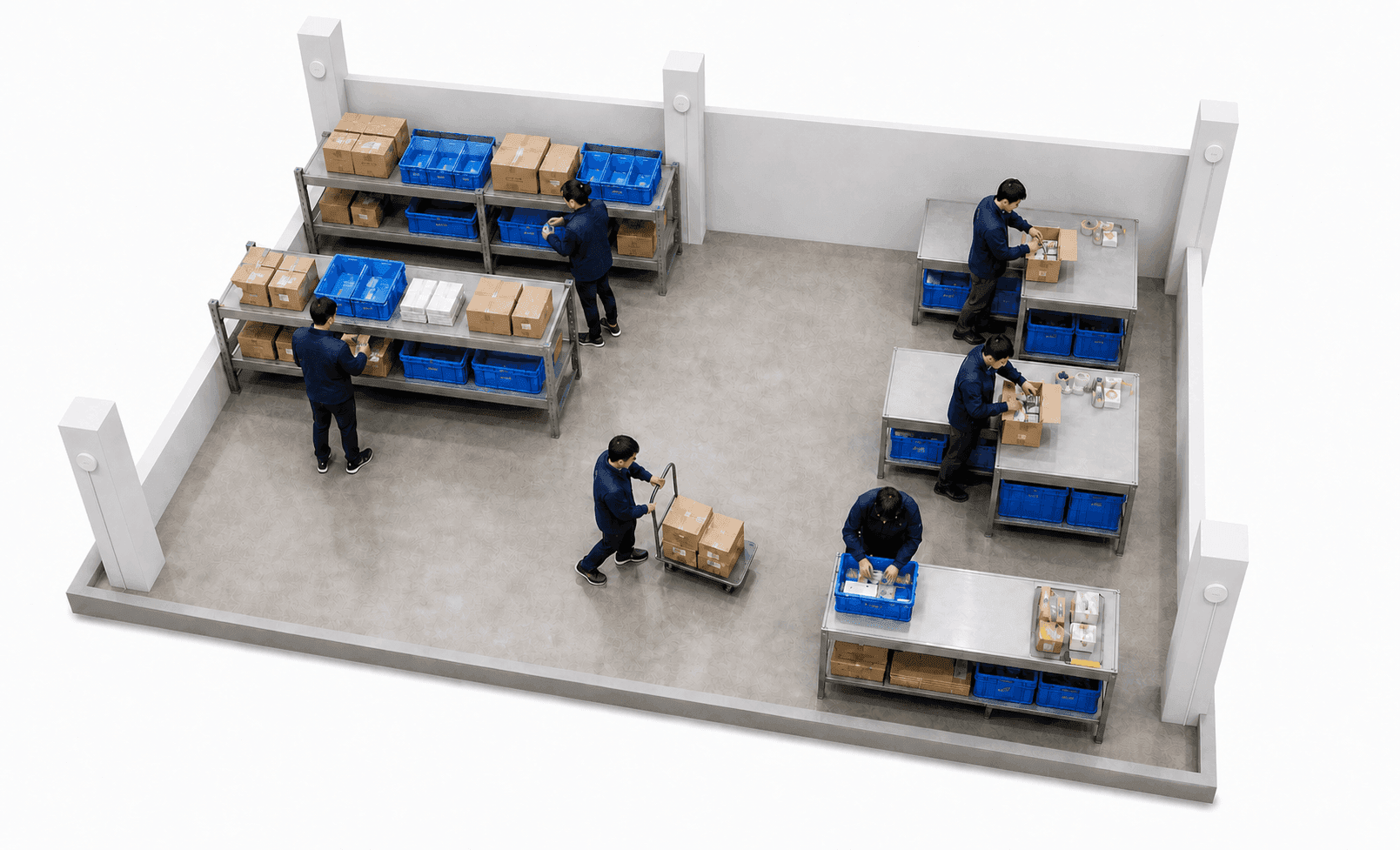
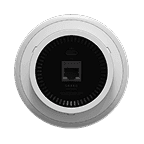
TwinTracker UWB
Fixed in place around each process, it collects the location signal from the tags workers wear. The collected signals are passed to ORBRO Edge RTLS over the wired network.







Process Movement and Dwell-Time Analytics
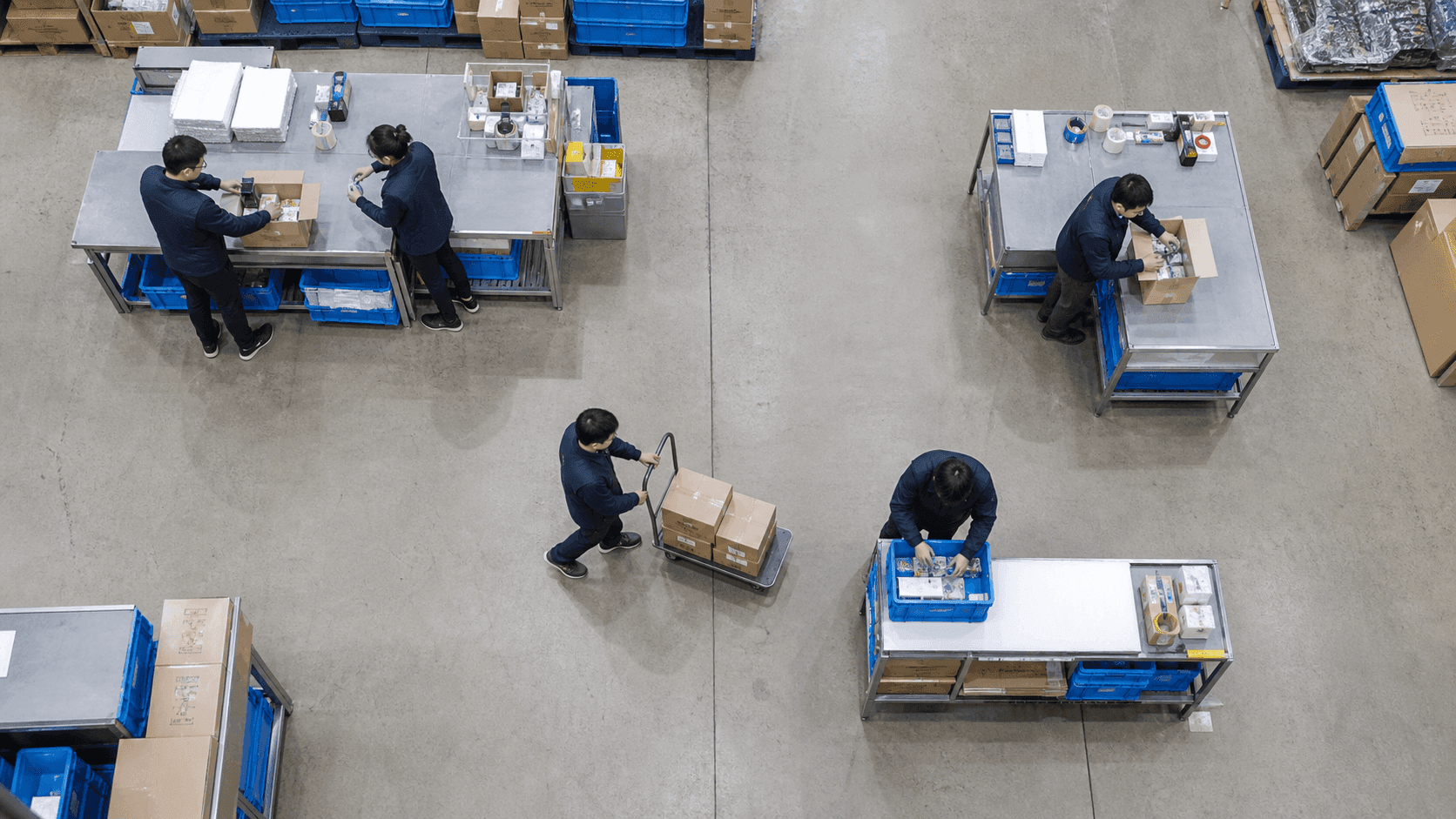
Review the zones workers passed through and how headcount changed by time of day. Movement history and entry records point to the processes where waiting repeats.
Current Headcount by Process
Check how many workers are in the picking, inspection, packing and shipping zones. ORBRO OS2 totals current headcount and change by time of day from the tags inside each zone. Staff draw boundaries on the map so processes match the actual work space.

Aisles workers travel most often
Review the order in which workers moved between processes and the aisles they used most. Choose a period in ORBRO OS2 and the stored location history replays over the layout map. Managers find the stretches walked again and again and use them to adjust the order of work.

Process Entry and Exit Time
Look up the times a worker entered and left a process zone. ORBRO OS2 records tag entry and exit history against the zone boundaries registered on the map. The gap between one tag's entry and exit times is what dwell time in that zone is calculated from.

Queue and Congestion Zones
Start with the processes where workers stay longest or crowd together. Zone headcount totals and entry history in ORBRO OS2 show the records for the period you select. Whether that dwell is work or waiting is a judgment the manager makes after looking at the floor as well.
Managing workforce operations on site
Process records support layout changes and reviews of where support staff are needed. Zone entry alerts and the tag handover procedure at shift change follow site operating standards.

Workflow Before and After Staffing Changes
Compare process records from before and after the date support staff were added. Look up zone headcount data by date in ORBRO OS2 and export it to a file. Managers pick the same process and time of day and refer to that day's workload to keep the comparison fair.

Processes short of their planned headcount
Compare the headcount written into the shift plan with the number who actually stayed in each process. ORBRO OS2 provides zone headcount records as a downloadable file so they can be set against the roster. Site supervisors weigh workload and break times together and assign support staff to the processes that need them.
Detecting workers who enter a restricted zone
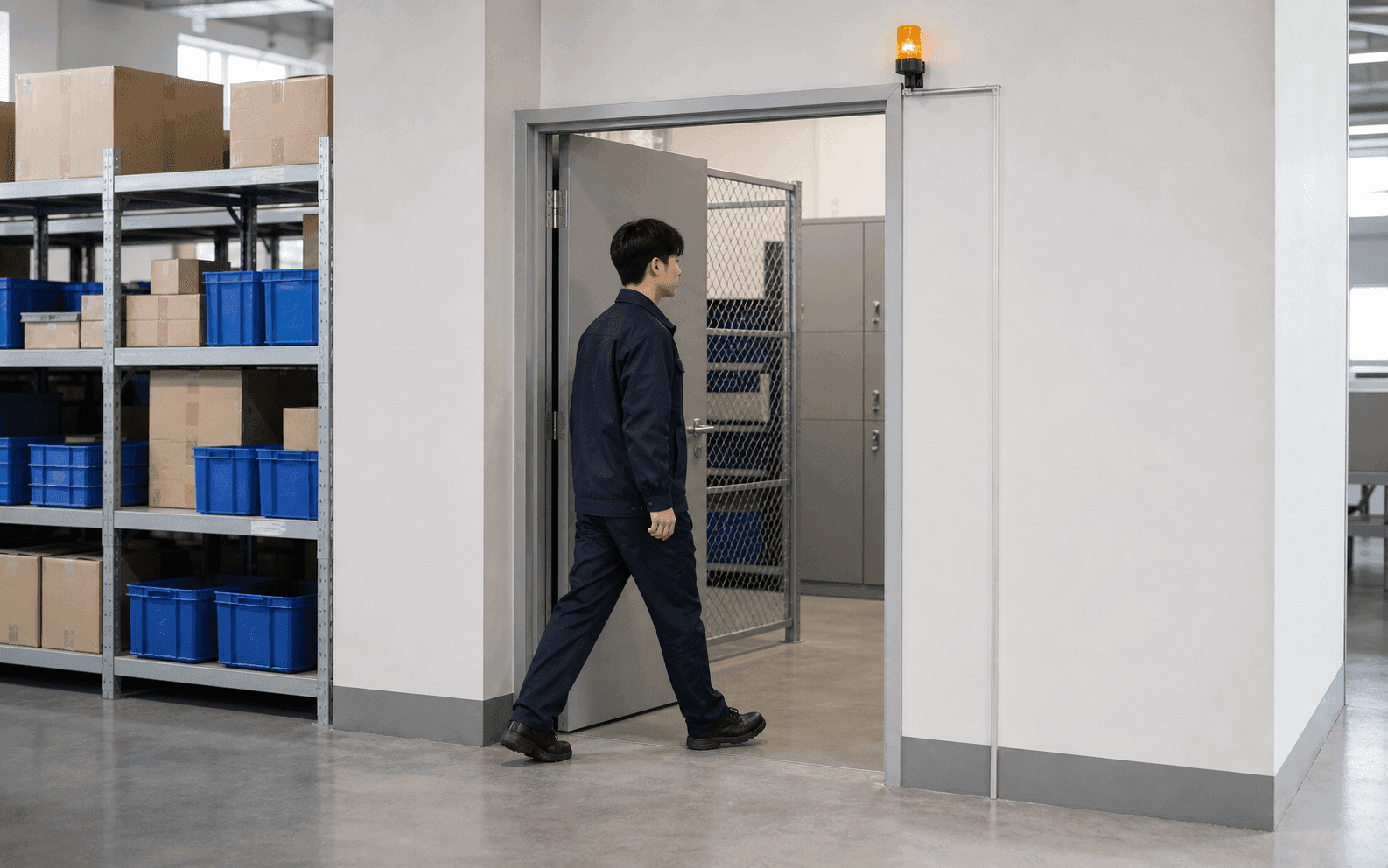
Designate equipment rooms or storage for high value goods as zones that raise an entry alert. When a tag matching the configured condition enters a registered zone, ORBRO OS2 notifies the operator. Staff set the condition and alert recipients for each zone, and a warning light requires an output device to be connected.
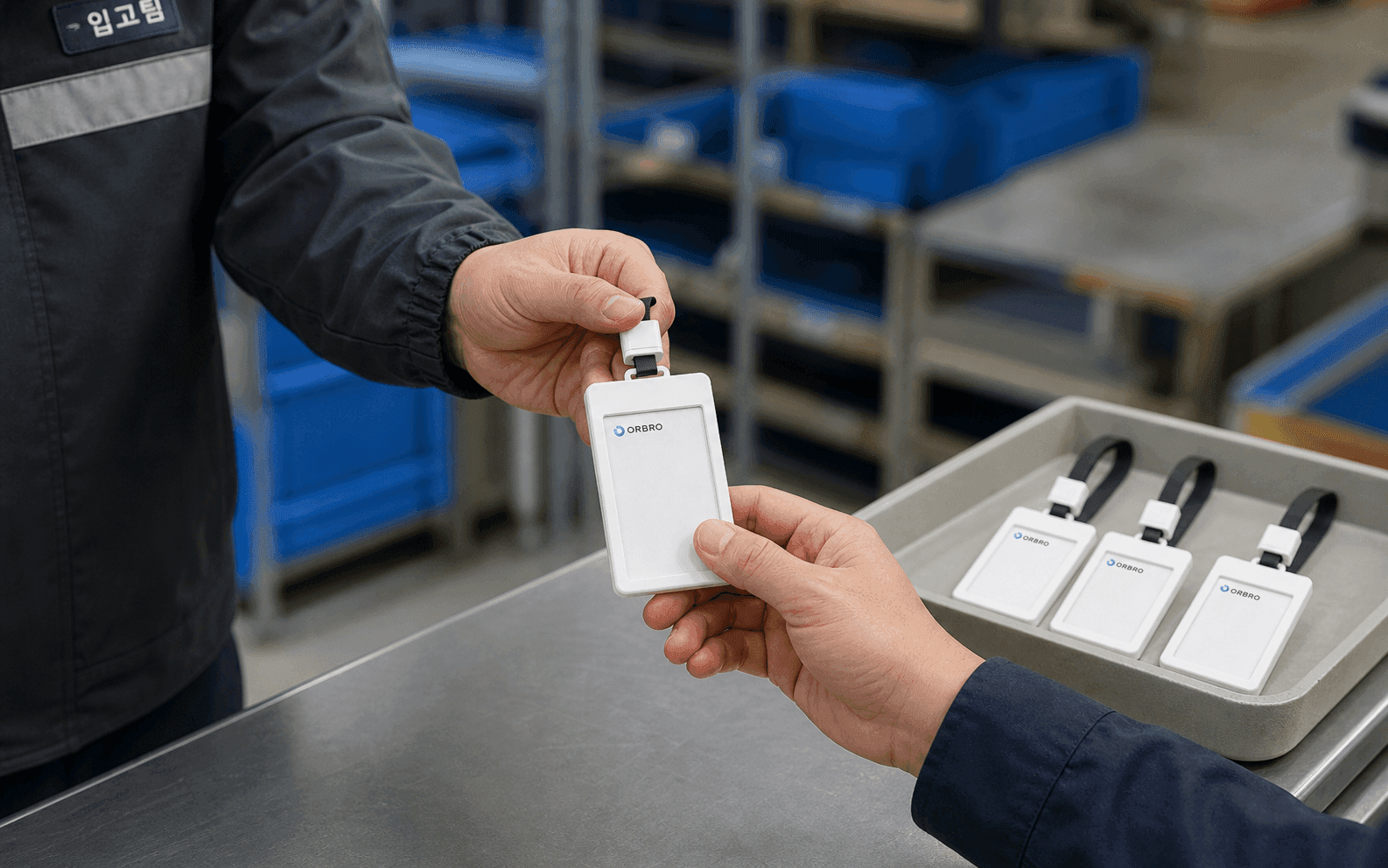
Worker tag handover around shift change
Check the tags to be issued before a shift starts and the tags returned when it ends. ORBRO OS2 shows the list of registered devices and their status. Who received a tag, when it was handed over and whether it came back are recorded by tag identifier in a separate operating register.
Recommended Products
Components Based on ORBRO OS
Each solution operates with various products connected on top of ORBRO OS. Configurations can be flexibly adjusted depending on the scope of application and on-site conditions.
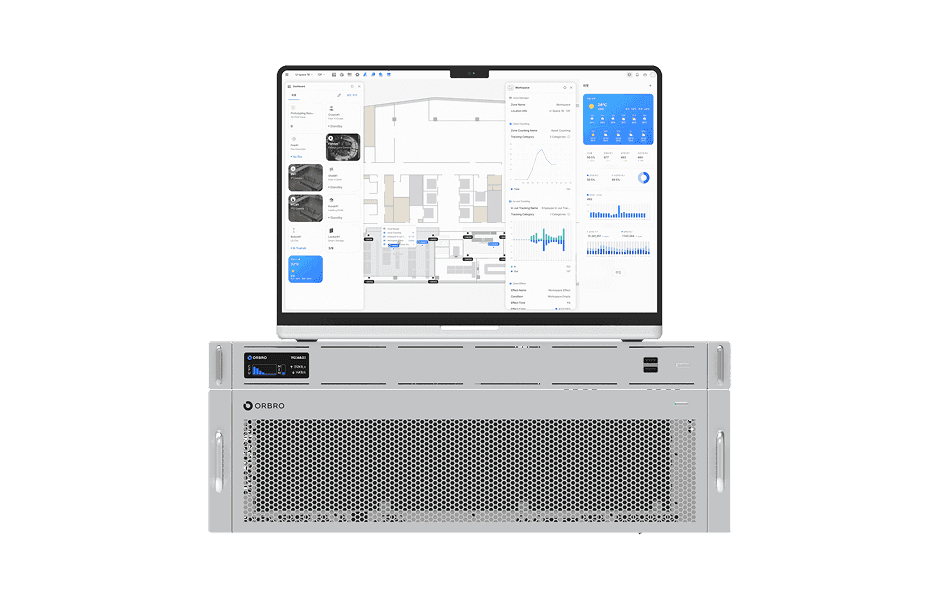
ORBRO OS2
ORBRO OS2
Align location, video, and sensor data on a spatial layer to turn all on-site situations into a single operational workflow.
Learn More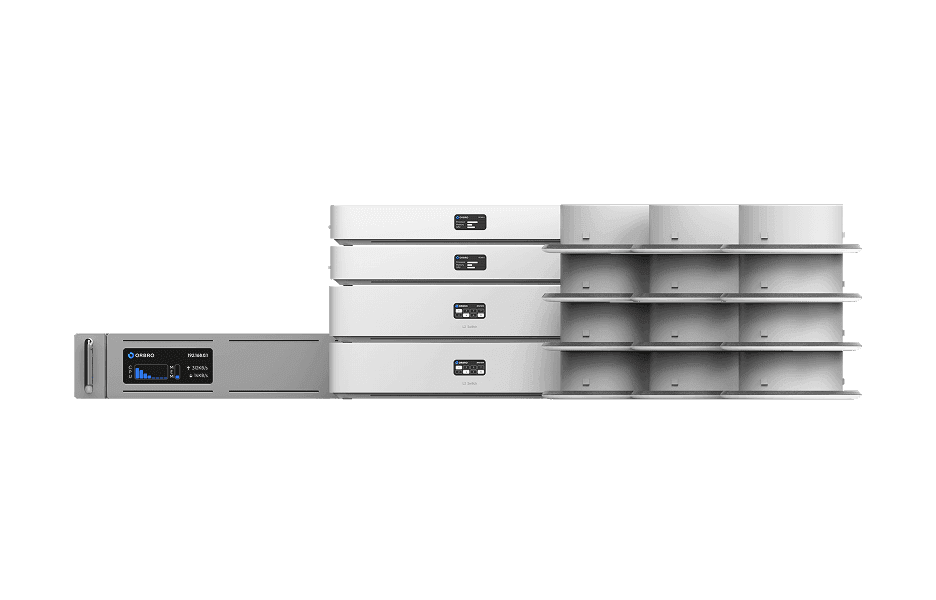
BLE Location Tracking
BLE Location Tracking
BLE is an optimal technology for managing large-scale assets simultaneously at low cost. It enables real-time monitoring of thousands of assets, supporting efficient operations and cost reduction.
Learn More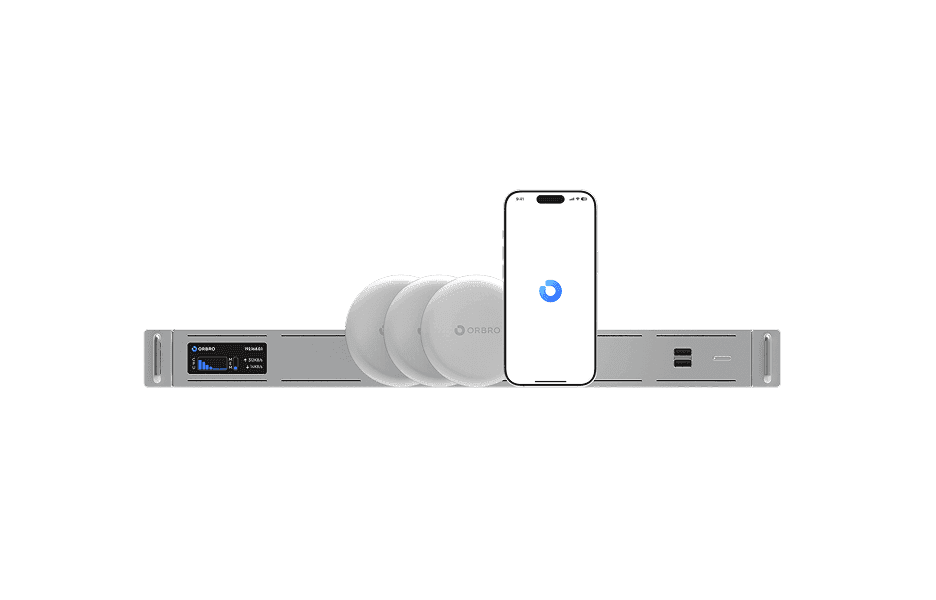
Mobile Location Tracking
Mobile Location Tracking
Smartphones automatically detect nearby beacon signals to determine location, enabling real-time visibility across indoor and outdoor areas without dedicated readers or equipment.
Learn More