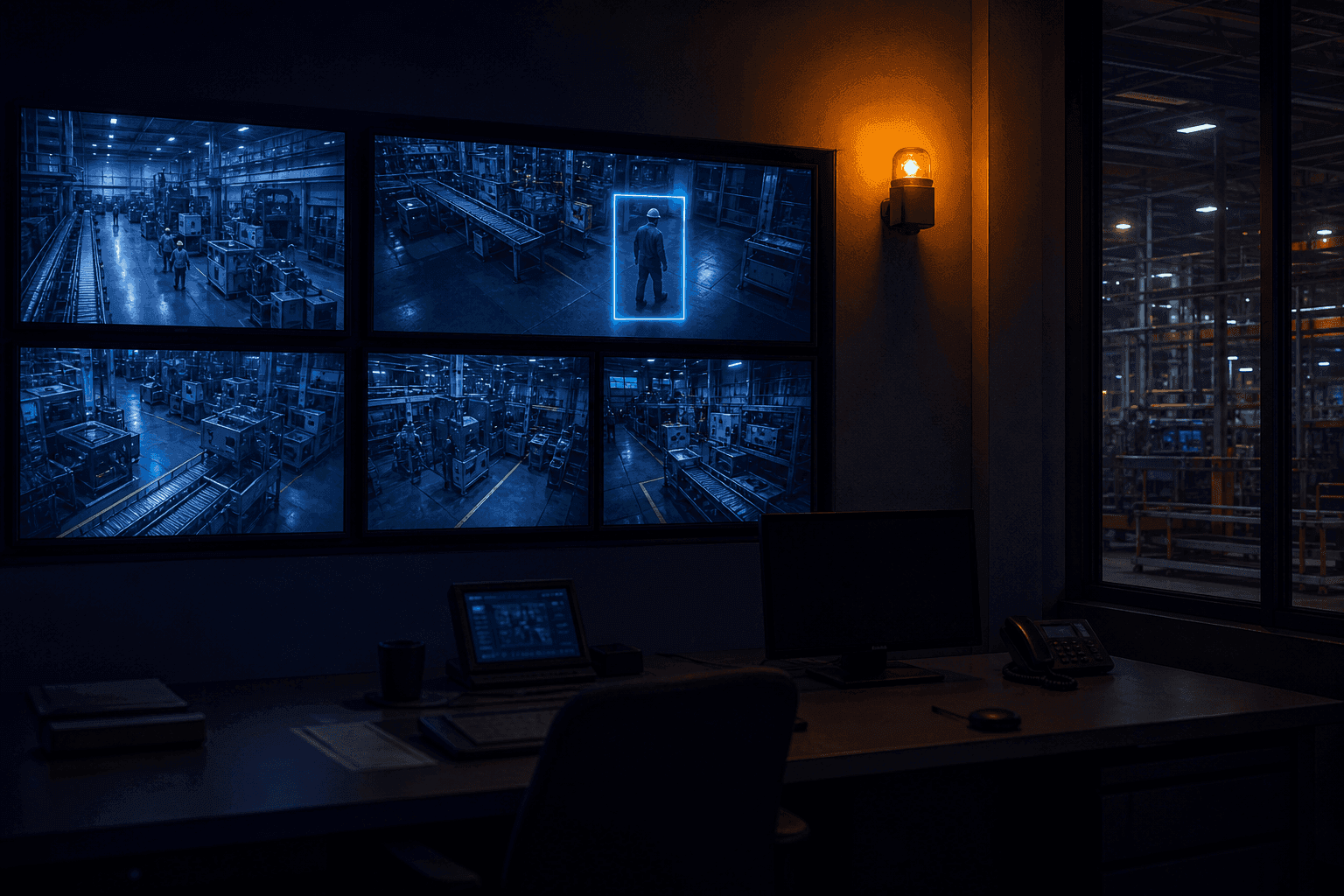
There are sixteen monitors in the control room. A person has two eyes.
That arithmetic is the old limit of CCTV. Cameras kept multiplying but the number of people watching stayed the same, so most CCTV became a recording device you replay after an incident rather than a device that prevents one. The fact that something has gone wrong usually arrives by scream or phone call, not by video.
The claim that AI video analysis solves this is no longer news. The more important question comes next. Suppose AI found a worker not wearing a helmet. So what happens?
If it ends with one more line in an alert list, nobody will be reading that list within a week. This instalment of the ORBRO OS Story covers four AI apps, but half of it is about what comes after the detection.
I. First, the Screen People Watch — Multi Cam
Before the AI story, a word about the human one.
Multi Cam is a viewer that gathers registered camera feeds onto one screen. Up to 12 panes at once, click a camera to enlarge it, filter to show only the ones online. Video streams over HLS to reduce latency and dropouts.
That it has no configuration function actually tells you the app's character. Registering and configuring cameras is the device management app's job; Multi Cam only watches. It is for spreading out the surrounding cameras and grasping a situation when an event occurs.
And the arithmetic from the opening still holds. However well you arrange the panes, nobody can stare at twelve at once. Multi Cam is necessary but not sufficient.
II. What the AI Watches Instead — AI Event
AI Event finds defined situations in camera footage. It currently detects five types.
- Person down — a worker has fallen and stayed motionless for a set period
- Fire — flame or smoke
- No helmet — a person without a hard hat
- Restricted area entry — a person has entered a designated area
- Collision detection — person and equipment, or equipment and equipment, dangerously close
A detected event is recorded with time, camera, type, and confidence. That the confidence is stored alongside matters in practice. The screen shows something like "No helmet detected (95%)", and with that number you can run an operation where the certain ones are handled first. A snapshot and a video clip from the moment of detection are saved too, so a person can look and judge later.
For a sense of scale, one real operating figure: at an industrial site running six cameras, 290 events are detected per day. That is not a number a person can catch by staring at sixteen panes. At the same time, sending all 290 to a person as notifications is not monitoring either. Which is why the next part is necessary.
III. The Things You Cannot Tag — AI RTLS and LPR
AI cameras do not only watch situations. They watch position too.
AI RTLS is the app that aligns the coordinates of camera footage with the coordinates of the floor plan. Pair reference points in the video with the same points on the plan, and the people and vehicles the camera catches appear in their correct places on the plan. The area to track is designated by drawing a polygon over the video; objects outside it are excluded from tracking.
There is a gap this app fills. Location tracking only applies to things you can attach a tag to. You can give an employee a badge but not a visitor; you can put a tag on the company forklift but not on a contractor's truck. AI RTLS tracks untagged subjects by camera and puts them on the same map. A structure where positions caught by tag and positions caught by camera meet on one screen.
LPR reads vehicle licence plates. Registered cameras recognise the numbers of passing vehicles, keep them as records, and show how many are currently parked. Since there is a separate app handling people's access, using the two together means whatever passed the main gate — person or vehicle — collects into one record system.
One thing to say honestly. Plate recognition rates depend heavily on camera angle, lighting, and the condition of the plate. Get the mounting position wrong and no model, however good, will read it. This is a domain where installation design determines the outcome more than software does, and it is safer to confirm this on site before deployment.
IV. What Happens After the Detection
Now back to the opening question. The AI found something. And then.
In ORBRO OS three branches fire at once.
First, the site reacts immediately. Register an announcement phrase per event type and, the moment something is detected, it is broadcast by voice over the site speakers. For no helmet, "Please wear your safety helmet"; for fire, "A fire has occurred. Please evacuate" — right there, on the spot. Connect a warning light and colour, flash pattern, buzzer sound, and duration can all be set differently per event.
That it does not route through the control room is the point. There are minutes of difference between a worker without a helmet hearing an announcement three seconds later, and a control room operator seeing an alert and calling it in over radio. In safety, minutes are a long time.
Second, it gets filtered by condition level. Treat all 290 daily events as emergencies and nothing is an emergency. Conditions in ORBRO OS are divided into five levels — emergency, warning, caution, attention, normal — and the notification targets and handling change with the level.
Third, a standard operating procedure opens. This is the most important part.
V. The App That Means Nobody Looks for the Manual — SOP
Emergency response manuals mostly exist as documents. In a cabinet or a shared folder — and when a situation actually breaks out, nobody goes looking.
SOP is the app that moved that manual onto the screen. When a condition is met, the response procedure opens automatically for the responsible group, and the handler works through the steps one at a time. A restricted-area entry procedure actually in operation consists of six steps.
- Check nearby camera — the camera for that area appears on screen automatically
- Identify who entered — multiple choice
- Send text to relevant parties — situation relayed to registered contacts
- Record entry time — date and time entry
- Check for injuries — free text
- Report situation closed — free text
Steps are built from six types combined: multiple choice, free text, date/time entry, text message dispatch, guidance image, and camera check. Procedures differ by site, so the order is freely rearranged.
The worth of this structure comes from two places. One is that a person who is rattled never stalls because they do not know what to do next. The other is that the response itself becomes a record. Who took which step when, and how long until closure, accumulates automatically. There is no need to reconstruct an incident report from memory afterwards.
VI. The Video Does Not Leave the Site
Finally, where all of this is computed.
Video analysis in ORBRO OS is processed on edge hardware installed at the site. It is not a scheme where camera footage goes up to an external cloud, gets analysed, and only the result comes back. There are three reasons.
Bandwidth — continuously pushing several cameras' footage outward is a burden on both circuit cost and stability. Latency — the shorter the time from detecting a danger to the announcement going out, the better. And privacy — footage containing workers' faces and movements is among the most sensitive data there is. At public institutions and manufacturing sites, exporting this data is often not permitted at all.
The video is analysed inside the site, and what goes outside is only the fact that "no helmet was detected on line 3 at 11:48."
Closing
The arithmetic — sixteen monitors, two eyes — has not changed. What changed is the premise that a person has to watch all sixteen.
Many places now do the part where AI watches instead. The point where a difference appears is what comes next. Whether the chain holds: detection into announcement, announcement into procedure, procedure into record. In a system where that chain is broken, AI is just a machine that produces alerts, and alerts accumulate in order to be ignored.
The story of the seven apps that do not catch the eye is separate. Nobody boasts about them, but without them the fifteen introduced so far all stop.
If you are curious which events your site cameras could catch, get in touch with ORBRO.