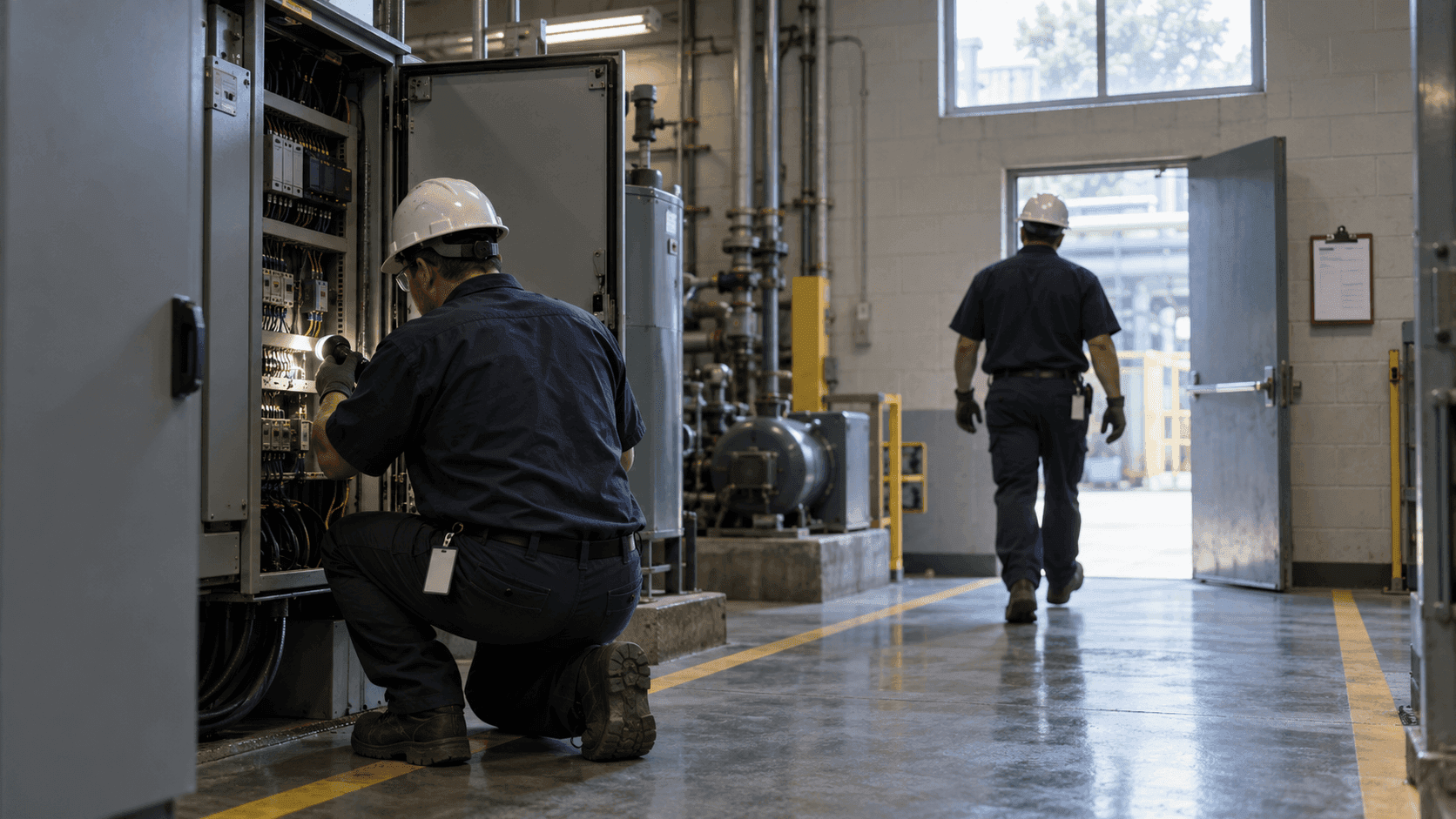
Semiconductor fab personnel tracking starts with the question every inspector asks first on the day of a safety inspection: "How many people are inside this site right now?" The person in charge opens the access gate log, counts everyone who came in today, subtracts those who left, and reads out the number. But the moment the follow-up questions start, the answer begins to wobble. Which building's count includes the people who crossed from the office building to the fab? How many contractor visitors are still inside? Was the person who badged in this morning, stepped out briefly, and came back counted twice? There should be one number, yet every recount produces a different one.
Semiconductor sites make this question unusually hard. The office building and the fab are separate, there are many floors, and once people enter the cleanroom they cannot be told apart. Contractor staff and visitors also come and go by the hundreds every day. So "how many people?" only becomes answerable when it turns into "how many people on which floor?" and "how many of them cannot be located right now?"
This article lays out the configuration that produces that answer. The key lies in design rather than technology. Decide first how far you store location and where you stop, and the adoption discussion gets shorter while the screens become more useful, not less. Among the location tracking inquiries we receive, two questions keep coming back: how do you tell floors apart in a multi-story building, and how do you confirm the evacuation headcount in a fire? Both answers come from the same place.
I. The gate knows who came in, not where they are now
The first pushback is usually, "Can't we just count from the access gate records?" That is fair, and most sites actually do count that way. But a gate record is a record of an event, entry or exit, not a record of a state, being present.
A gate logs the time a person passed through a door. What happens afterward, whether they went to a meeting room on the 3rd floor or down to the basement mechanical room, is not recorded. If there is no gate on the corridor connecting the office building and the fab, anyone who crosses between the two buildings stays in one building's count. A visitor who leaves without checking out remains "present" all night. The gate number is not wrong; the gate was built to answer a different question.
That is why a real-time headcount is better counted from a separate data source than by correcting gate records. When the tag each person carries is picked up by receivers placed on every floor, "which floor is this person on right now" is recorded as a state.
II. Semiconductor fab personnel tracking that stores only floor and zone
When people hear "location tracking," they picture a screen where each person's coordinates are logged every second. But try to build that screen at a semiconductor site and the discussions you have to get through before deployment grow long. In labor-management consultations, "how much can be seen" becomes the point of contention, and the scope of the personal data review widens to the entire coordinate history.
ORBRO's semiconductor fab personnel tracking configuration sets the storage unit at floor and zone. Employees carry an ORBRO Tag ID inside their badge holder, and TwinTracker UWB receivers are installed on every floor of each building. ORBRO Server counts the people currently on each site and puts the figure on the monitoring screen, and each person is recorded at the level of "on the 3rd floor of the fab." How many seconds someone stood next to which desk is not stored.
This is a design decision, not a legal interpretation. What gets submitted as safety inspection material is the headcount per floor and the number of people who cannot be located, not individual movement trajectories, so the storage unit is matched to exactly that. A narrower storage scope means less to explain in consultations and fewer documents to review. And a single line of headcount by floor answers the inspector faster than hundreds of coordinates.
Put the three approaches side by side and the difference shows.
| Item | Gate count | Floor and zone location | Continuous coordinate tracking |
|---|---|---|---|
| Storage unit | Door pass time | Floor and zone, entry and exit times | Coordinates per second |
| Question it can answer | Who came in today | How many people on which floor right now | Who stood where, for how many seconds |
| Scope of prior consultation | Already in operation | Retention period of floor and zone records | Entire coordinate history |
| Main use | Access control | Safety inspections, evacuation, SOS response | Separate purposes such as process analysis |
What safety monitoring needs is the middle column. Some sites do need the right column, but that is a matter for a separate purpose and a separate agreement.
III. Where UWB RTLS receivers go in cleanrooms and mechanical rooms
Once the design is settled, the next thing is site conditions. A floor in a semiconductor plant is not an office floor.
TwinTracker UWB receivers, the anchors of the UWB RTLS, are installed on every floor and corridor, with coverage overlapped by about 30% so that no weak-signal gaps remain. There is an order to it. Stairwells and entrances are covered first. Stairs are where people change floors and entrances are where they change buildings, so missing these throws the floor-by-floor numbers off.
In mechanical rooms and cleanrooms, equipment blocks the signal. Placing receivers from drawings alone leaves dead spots behind running equipment, so positions are surveyed with the equipment in operation. And because the floor plan and the camera coordinates must share the same reference, the latest drawings are checked first. The more often a site expands, the more likely its drawings lag behind the actual site, and zones drawn on an outdated plan end up misaligned with the real walls.
What the receivers are and how the wiring connects is covered in our article on UWB positioning system components.
IV. There are two zeros on the real-time headcount screen
The first thing to learn from a floor headcount screen is how to read a zero.
Headcounts for multiple sites and floors gather on one screen. But a site where equipment has not yet been installed also shows on that screen as 0. This 0 does not mean "nobody is here"; it means "not being counted yet." ORBRO OS separates the not-yet-deployed state from an empty headcount, so there are fewer cases of an inspector relaxing at a 0 or a site manager panicking at one. Zero and none are different, and the screen must not hide the difference.
The same principle applies to people who cannot be located. Tags with a low battery and people from whom no signal has arrived today are collected into one list. Separating signal loss from no signal received today lets you check the two cases apart: tags that need inspection and people who are not wearing one. The battery level that counts as low and the hours that count as no signal are set to match your operating rules.
Moments that require a name are handled separately. Pick a floor and people appear as markers on the actual floor plan; search by name or department and that person is highlighted along with the people around them. For an incident investigation, you choose a date and a person to replay the route they took that day, and the start and end times of their stay on each floor are laid out in a table. On a normal day nobody needs to be named; the screen calls a name only when it has to.
V. From the SOS button to emergency mustering
When an employee in distress presses the side button on their badge, their name, floor, and zone appear at the top of the monitoring screen. This is where the second advantage of floor and zone storage shows itself. The operator does not need to interpret coordinates; they head straight to "4th floor, east zone."
The feed from the camera nearest the call point opens alongside so the situation on the ground can be checked first. A camera that has lost its connection shows its last frame and its connection status separately, so no one confuses a frozen screen with a frozen situation. Location and video have to be on the same screen for this judgment to be fast, and ORBRO OS puts both on the same floor plan.
Visitors are inside the same personnel accountability system. Link visitor details to a visitor badge number and the record runs as a single line from check-in to check-out, and any badge that was never checked out goes onto the list for retrieval.
Connect the evacuation function and emergency mustering counts its targets from the current presence headcount, minus the exempt people. Once an evacuation starts, the total, completed, and not-yet-evacuated counts and the progress rate per floor update in real time, alongside the trend of people remaining and the list of those not yet evacuated. When it ends, the elapsed time and the outcome are kept as a report, so drill results accumulate in the same record system. The problem of having a roster but no locations is covered separately in our article on fire evacuation headcounts at a logistics center.
VI. Five things to decide in advance that make deployment faster
1. Storage unit and retention period
Set down in writing, first, the principle that location is stored at floor and zone level and the retention period. These two lines take the place of most of the consultation.
2. Criteria for evacuation exemptions
Decide who should be excluded from the presence headcount, for example how to treat people logged as off-site and people in the middle of a shift handover. Match the criteria for a completed muster to your site's emergency response procedure.
3. Criteria for not wearing a tag and for signal loss
Decide how many hours without a signal puts someone on the check list, and what battery percentage marks a tag for replacement.
4. Visitor badge retrieval procedure and viewing scope
Decide who handles check-out, and who can see contractor personnel information and how much of it.
5. Survey schedule and latest drawings
Cleanroom and mechanical room surveys must be done with the equipment running, so align them with the production schedule. If there are no up-to-date drawings, securing them is the first item on the schedule.
In closing
The starting point for semiconductor fab personnel tracking is not precise coordinates but a number you can trust. If you can tell how many people are on each floor, how many of them cannot be located, and whether a 0 on the screen means "nobody" or "not counted yet," then inspections, evacuation, and SOS response connect on a single screen. A design that narrows storage to floor and zone makes adoption lighter and the screen easier to read.
ORBRO builds the configuration that brings UWB badge tags, TwinTracker UWB, cameras, and access records onto a single floor plan in ORBRO OS. The fab personnel tracking configuration can be reviewed on the ORBRO OS product page. Receiver placement and operating rules vary with the site layout, the number of floors, and the size of the contractor workforce, so tell us your site conditions and we will review them with you.