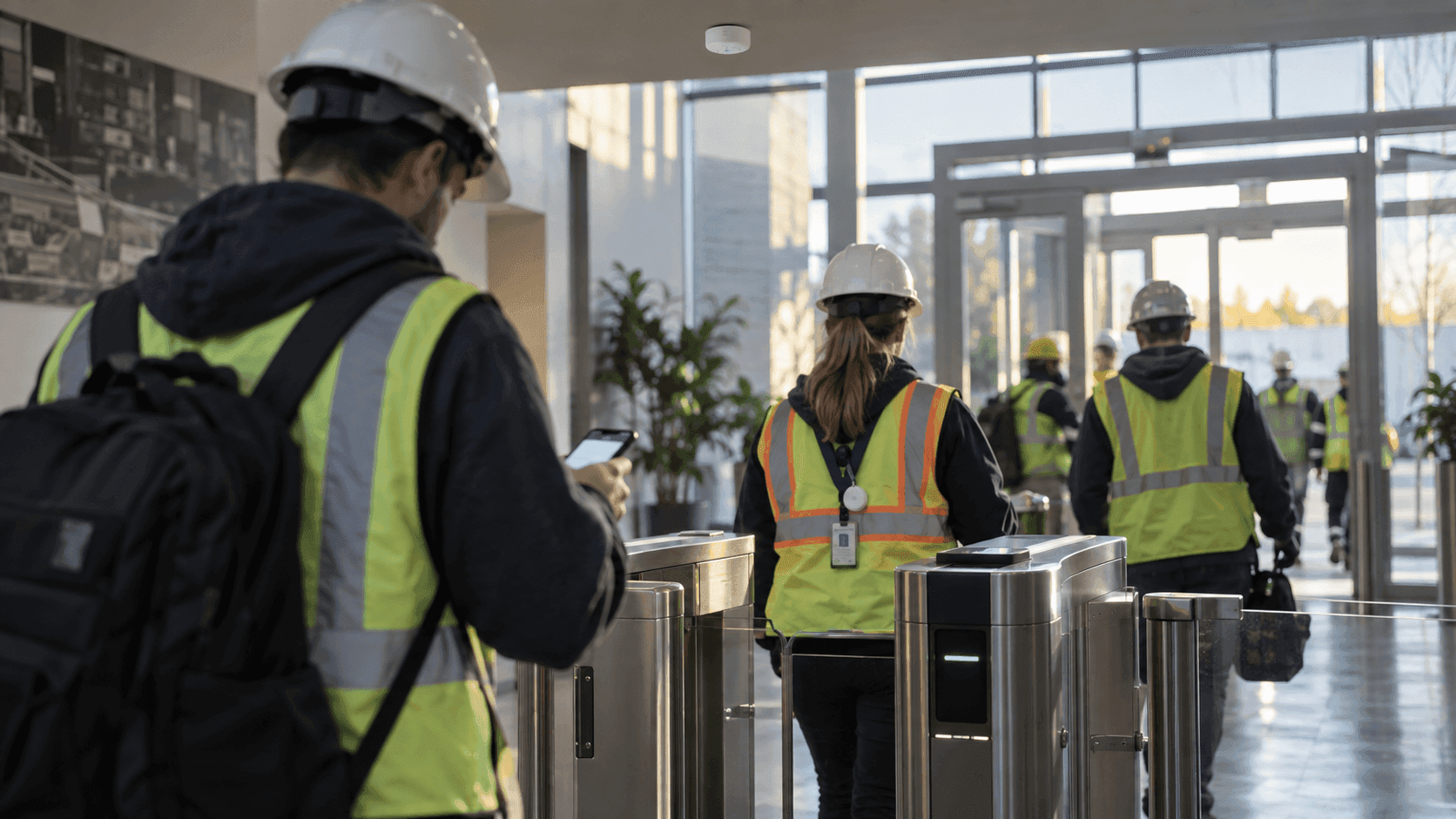
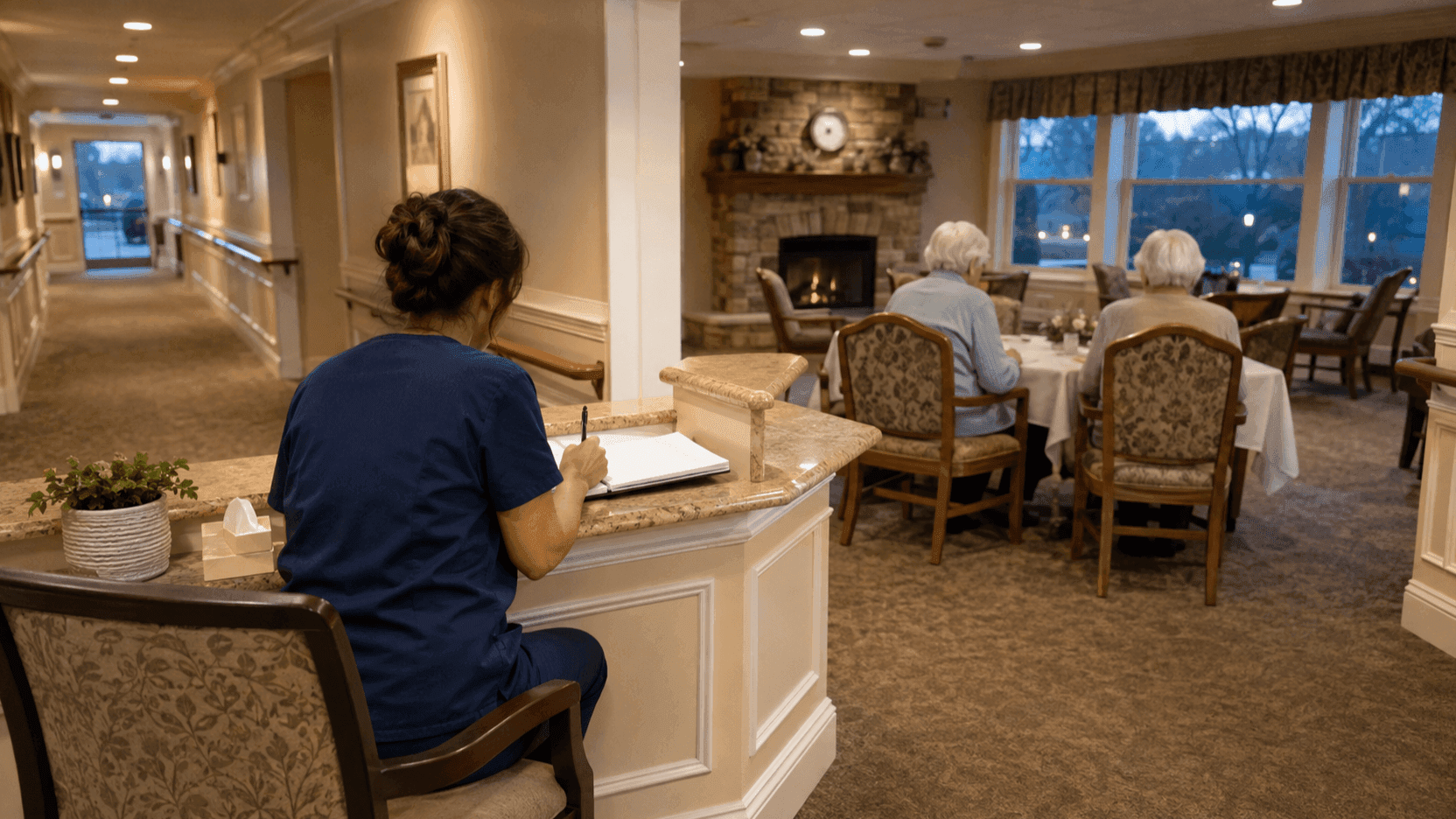
Construction Solution
Digital SOP Management
Procedure progress and video access history remain as material for reviewing safety measures. Video is stored on the internal network and managed to the site's security standard.

Detect hazards from gas, video, and location signals and execute the response procedure
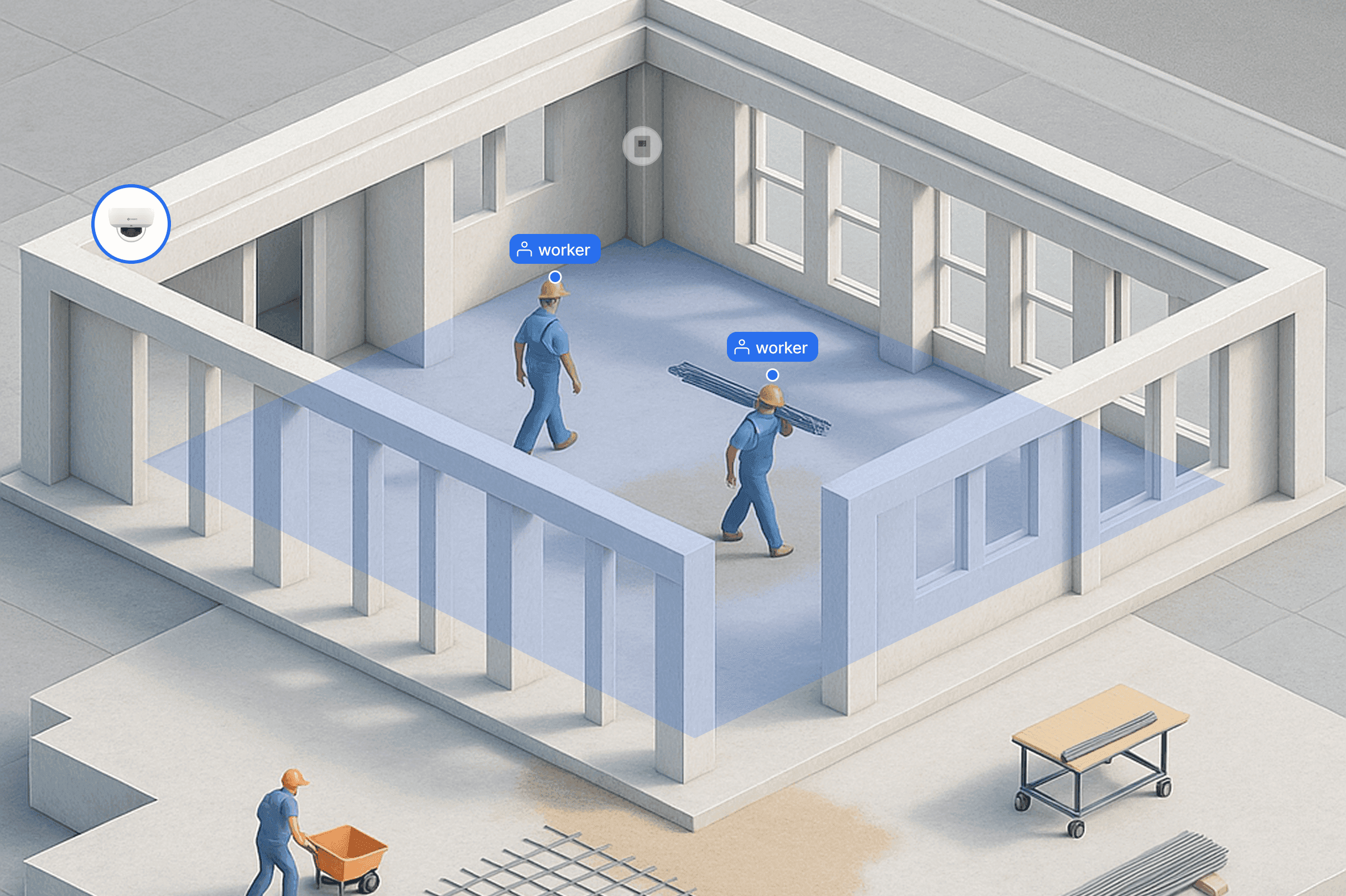
AI Server collects values from Dome Camera, CO₂ Detector and worker tags. When the conditions set for a hazard type are met, the linked SOP appears on screen. The record of what was done is written automatically while the responder works through the procedure.
Dome Camera
Connect existing CCTV over RTSP to cut the number of new units to install. What can be detected varies with field of view and resolution, so each location is checked in advance.



Procedure Execution from Hazard Signals
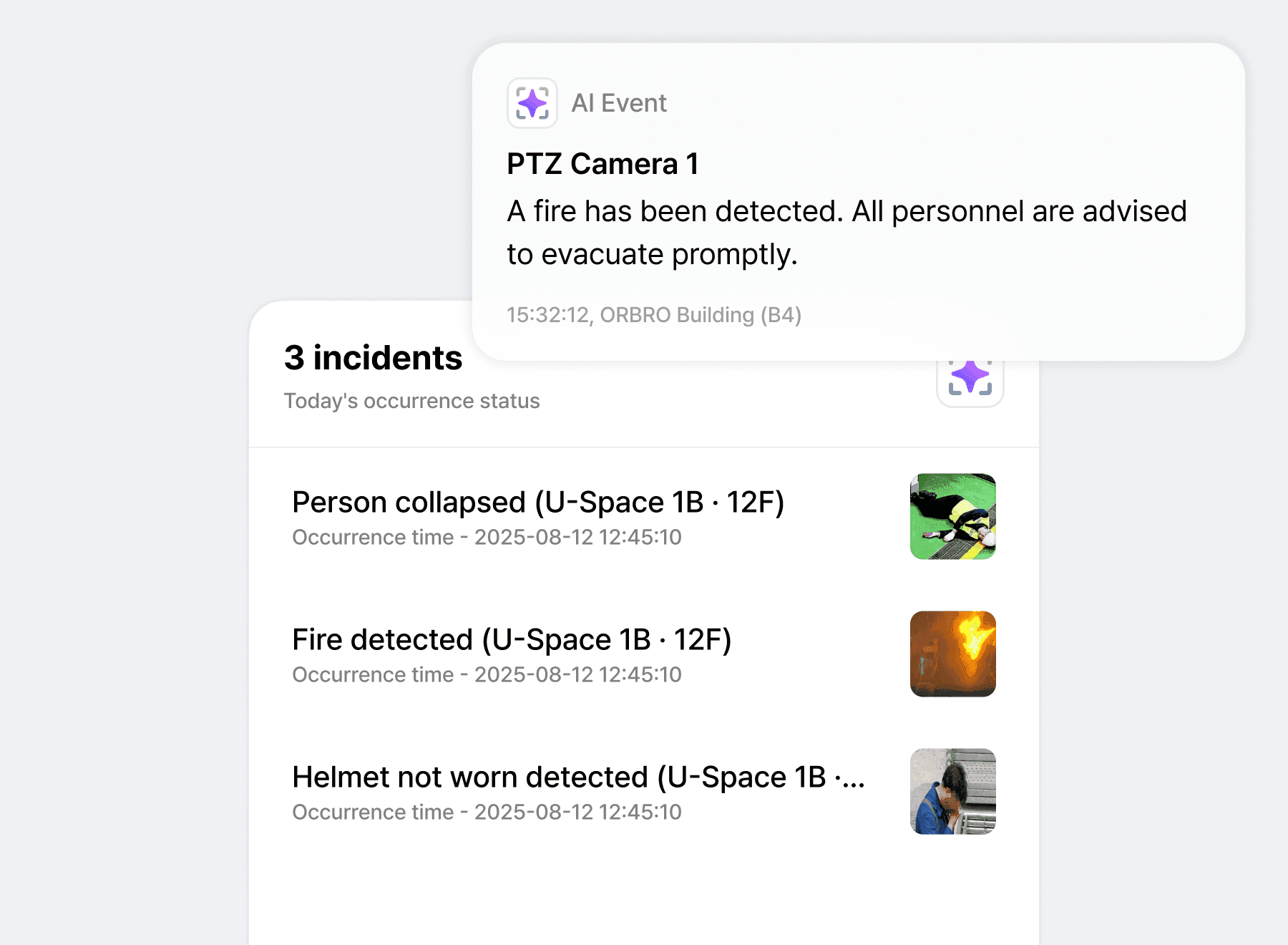
Fire, collapses and missing hard hats are checked in one list. The moment something is detected, the SOP for that job opens and carries through to CCTV and mobile.
Event conditions judged by hazard type
Build video events, sensor values and location information into decision conditions for each hazard type. When the conditions you set are met, that hazard event is created. Detection items such as fire, collapses and missing hard hats are configured according to the equipment connected and the analysis available.
SOP panel opens the instant a risk is detected
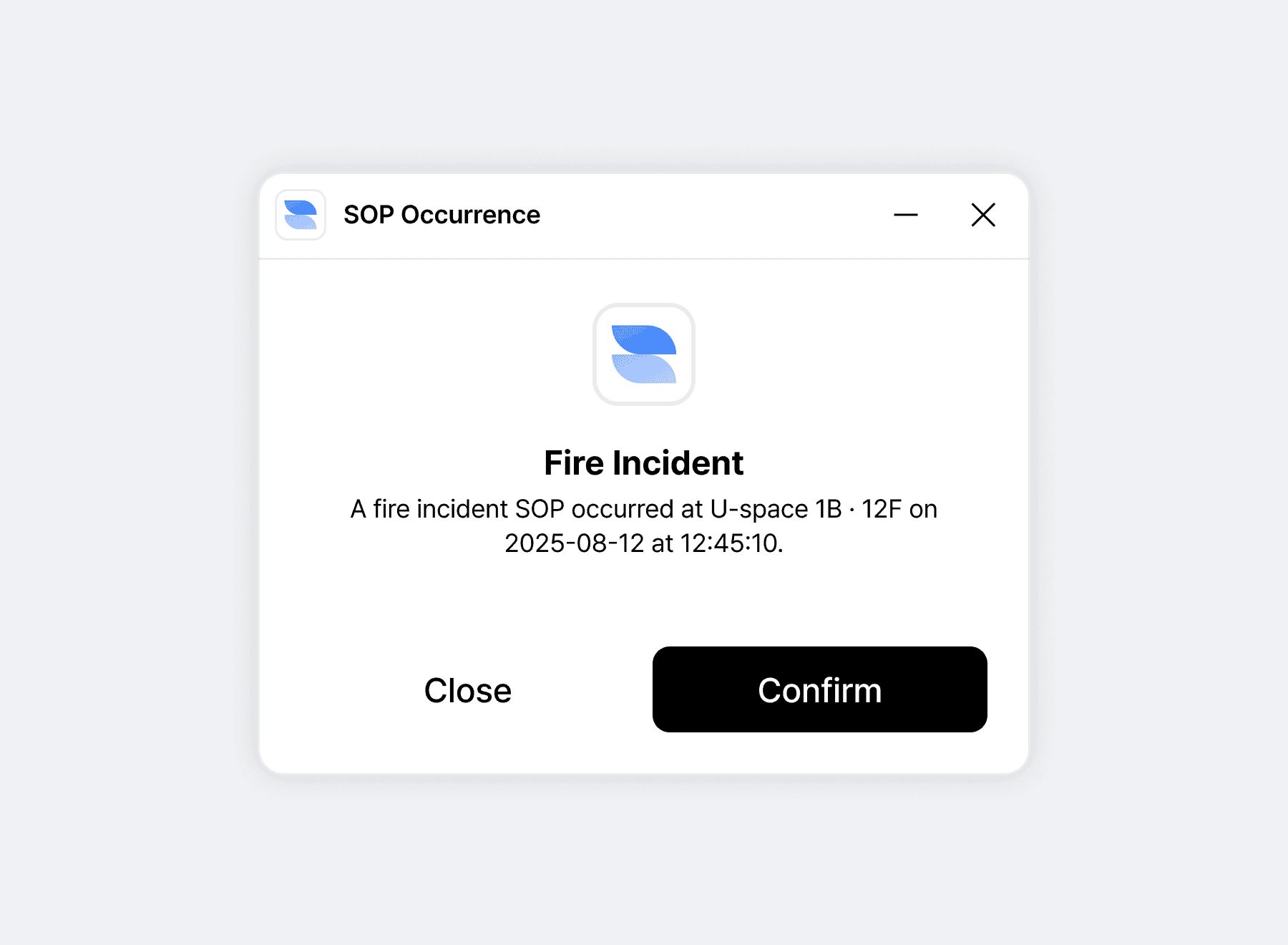
When a hazard event occurs, the SOP for that work type opens on screen at once. The responder starts the procedure with one button and progress is recorded in real time. Which procedure attaches to which event is decided together during rollout.
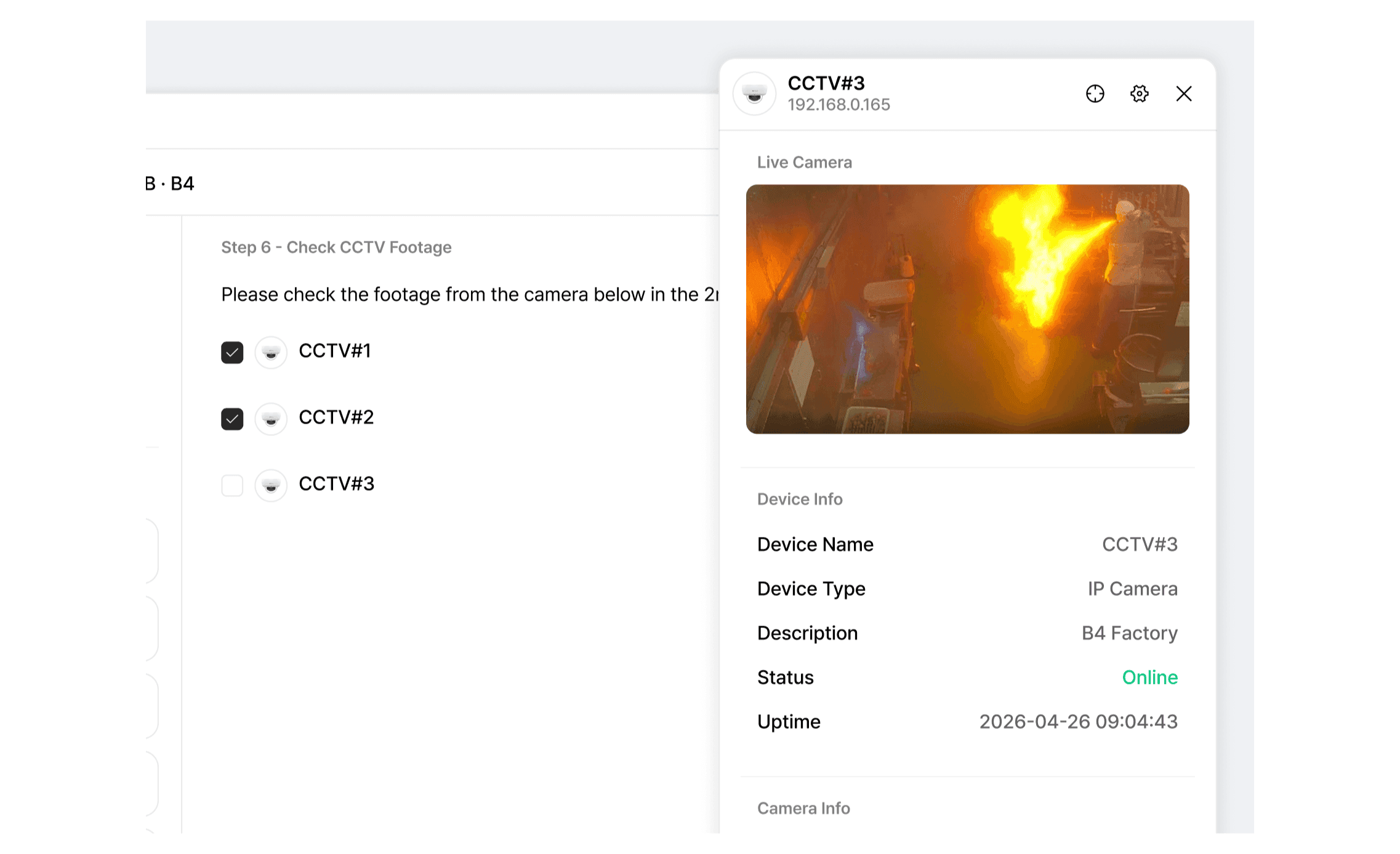
CCTV checks inside an SOP step
Open the CCTV for the affected zone on the spot while working through the procedure. The camera to check at each step is designated in advance so nobody hunts for the right feed. Video access history is used together with the record of procedure progress as material for reviewing safety measures.
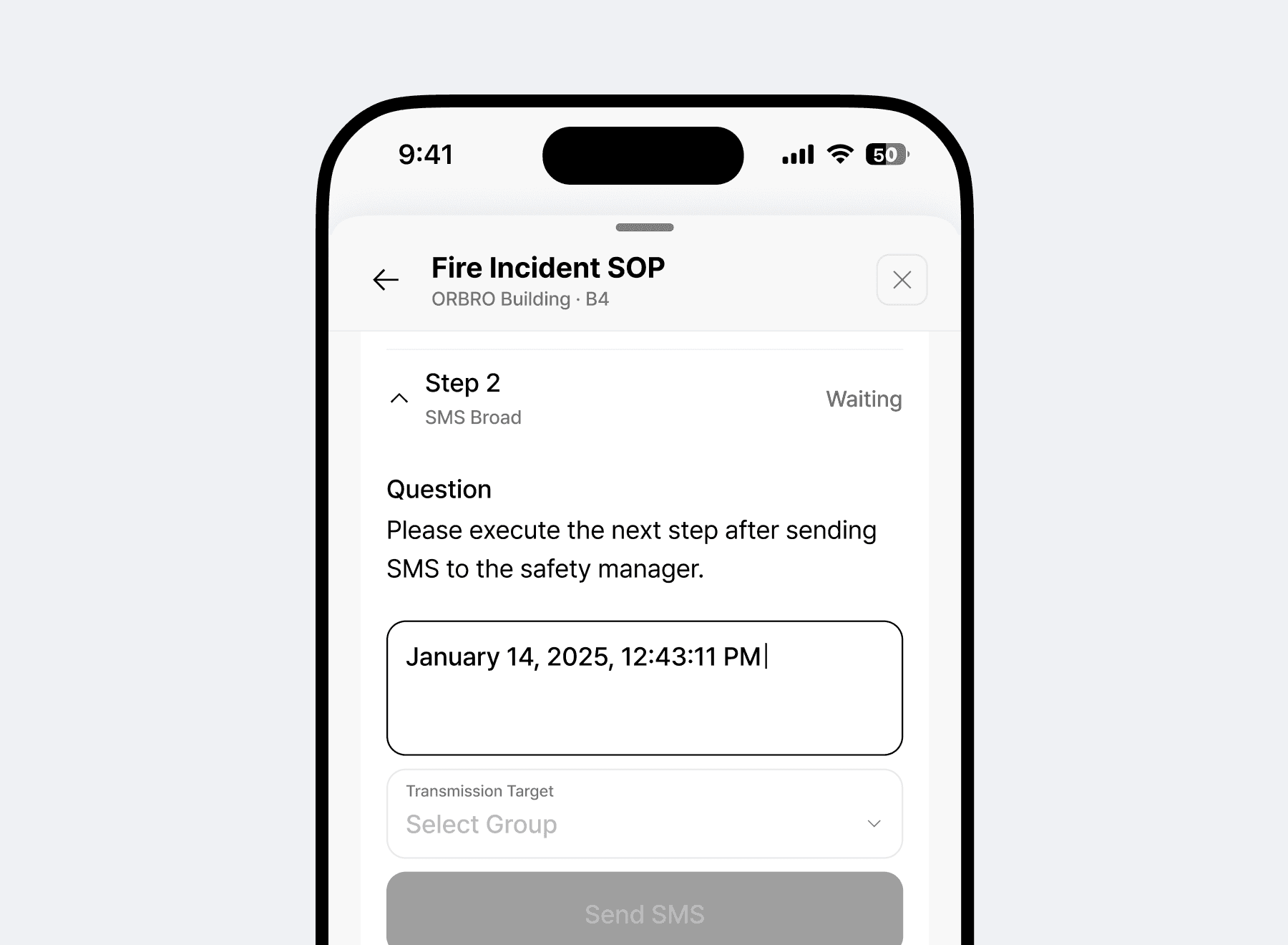
Taking over steps on mobile
Take over procedure steps on a smartphone whether you are on site or on the move. Actions such as sending a text to the safety manager run straight from the screen. A record of who joined at which step remains.
SOP Progress Management
The dashboard shows which procedure has reached which point. Safety managers change trigger conditions and step composition on screen themselves.
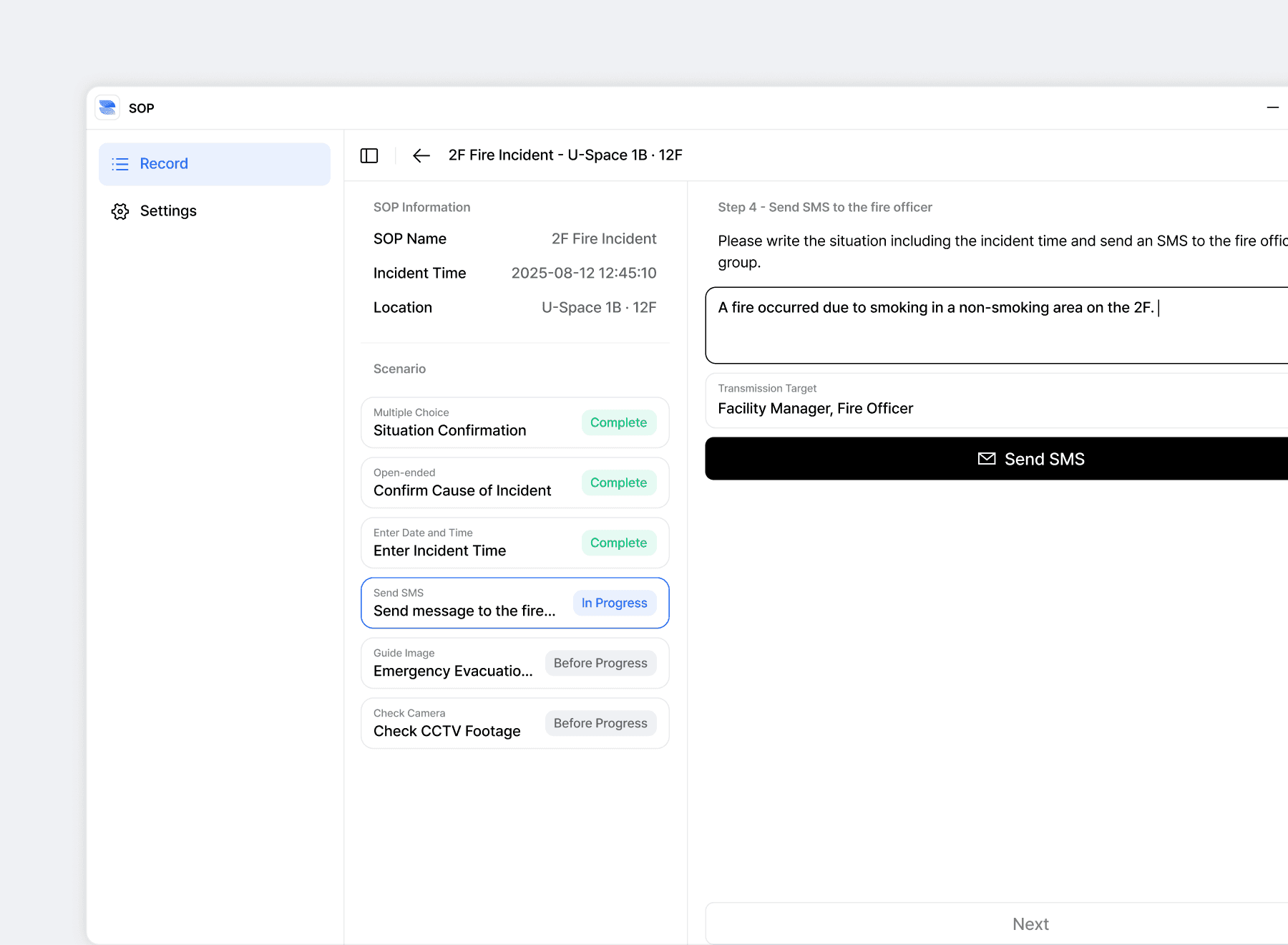
Step by step progress shown in real time
Every procedure in progress shows its current step and completion state on the dashboard, so the whole response flow is visible at a glance. Stalled procedures stand out, which lets managers reassign people and resources by priority. When several run at once, each set of steps is shown side by side so it is clear what to look at first.
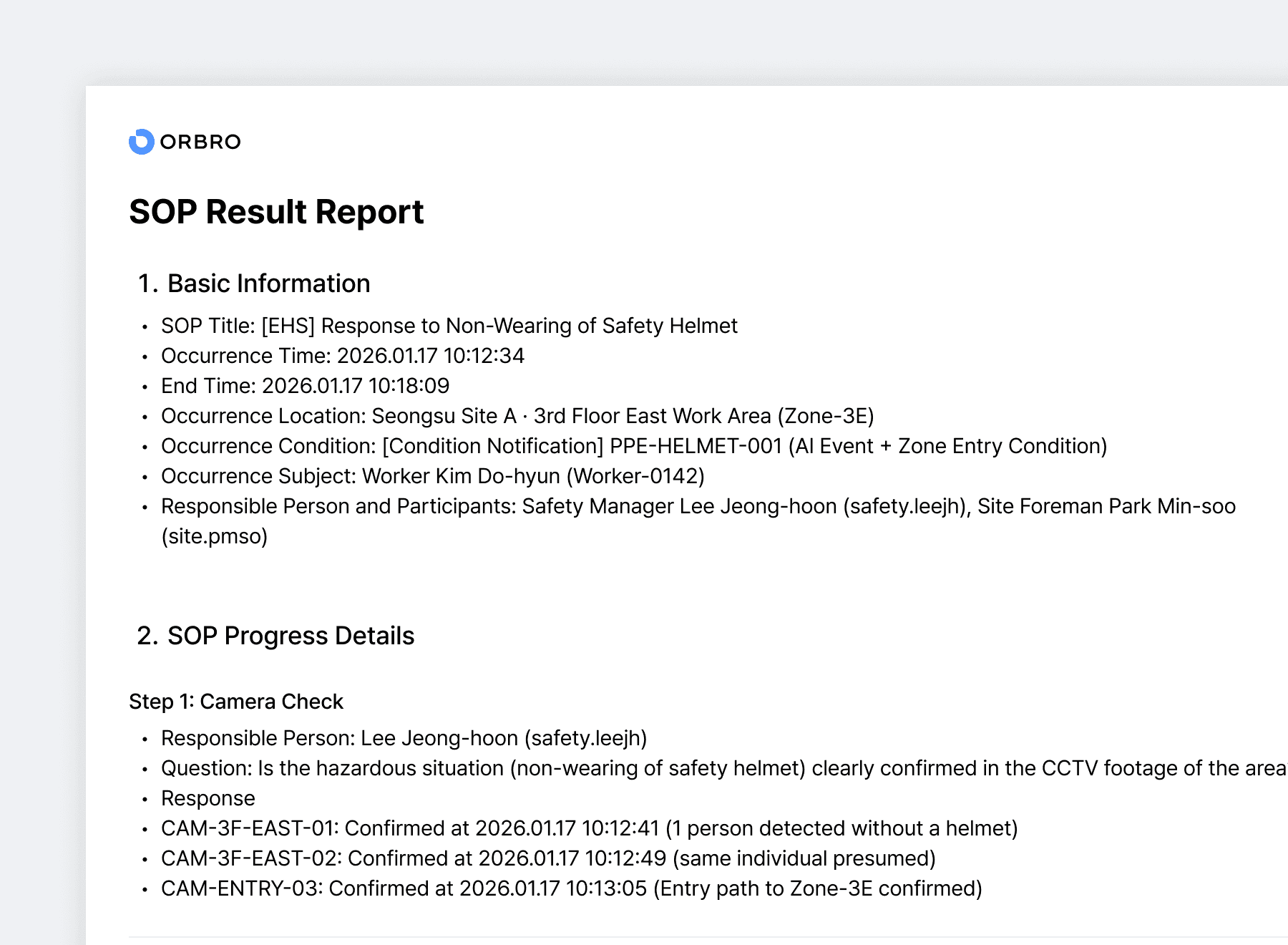
SOP result reports written automatically
Reports are generated automatically from the response history, the alert timestamps and the completion state, and can be downloaded as PDF or Excel. Supervisors and safety departments often require different formats, so item sets are saved separately and chosen to match each recipient. The time that used to go into weekly and monthly reporting drops.
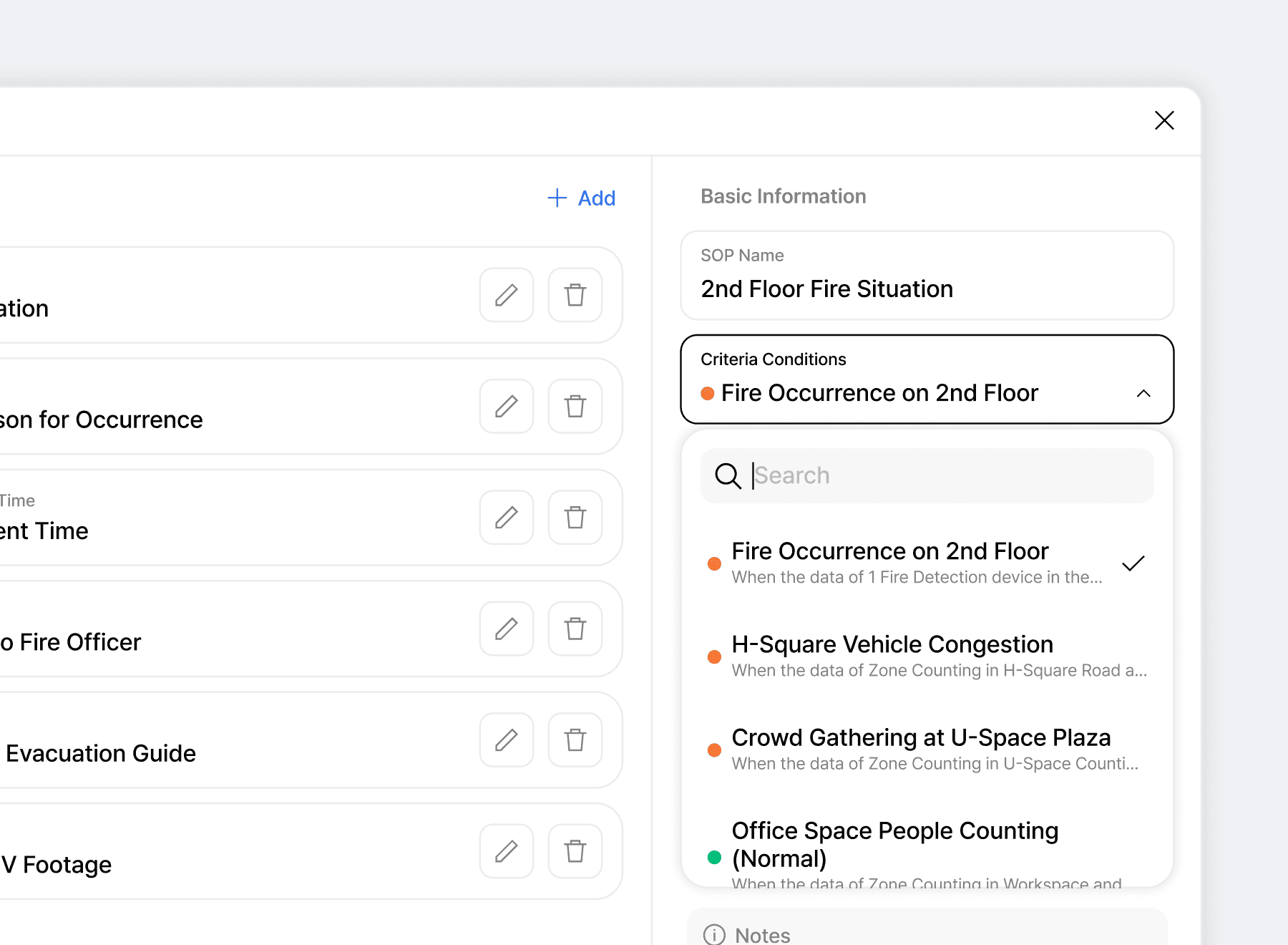
Setting trigger conditions and thresholds
Combine temperature, gas concentration, location and motion state into the conditions that open a procedure. Specifying floor and zone as well lets the same event open different procedures depending on where it happened. Thresholds are matched against measured frequency early in the rollout.
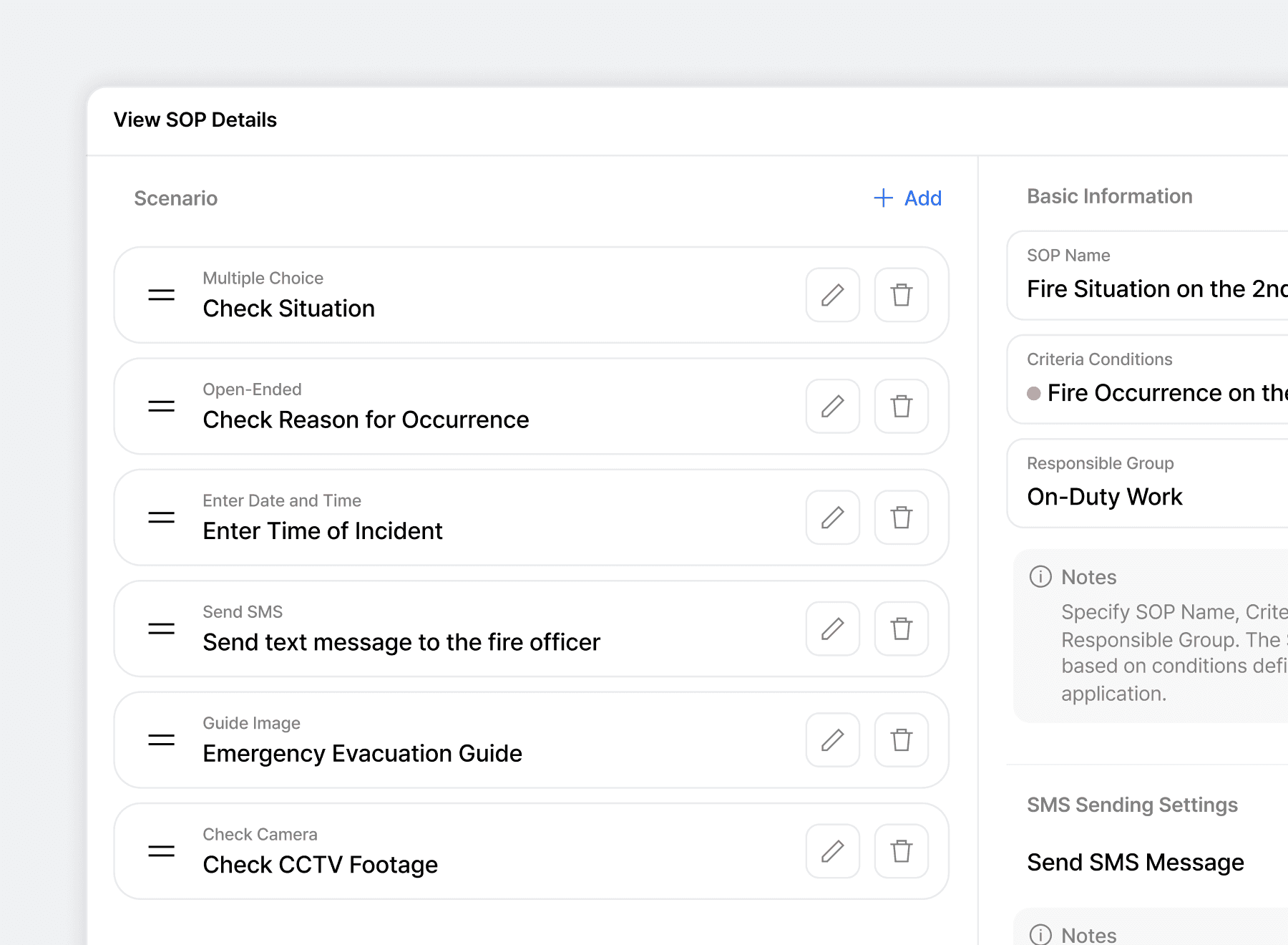
Existing SOP documents moved into the system
Move the standard operating procedures you already hold as documents across and make them run on screen. Step types are chosen from multiple choice, free text, time entry, SMS send, guidance image and camera check. It is GUI based, so safety managers handle it themselves, and sites with no procedure in place get help establishing one.
Recommended Products
Components Based on ORBRO OS
Each solution operates with various products connected on top of ORBRO OS. Configurations can be flexibly adjusted depending on the scope of application and on-site conditions.
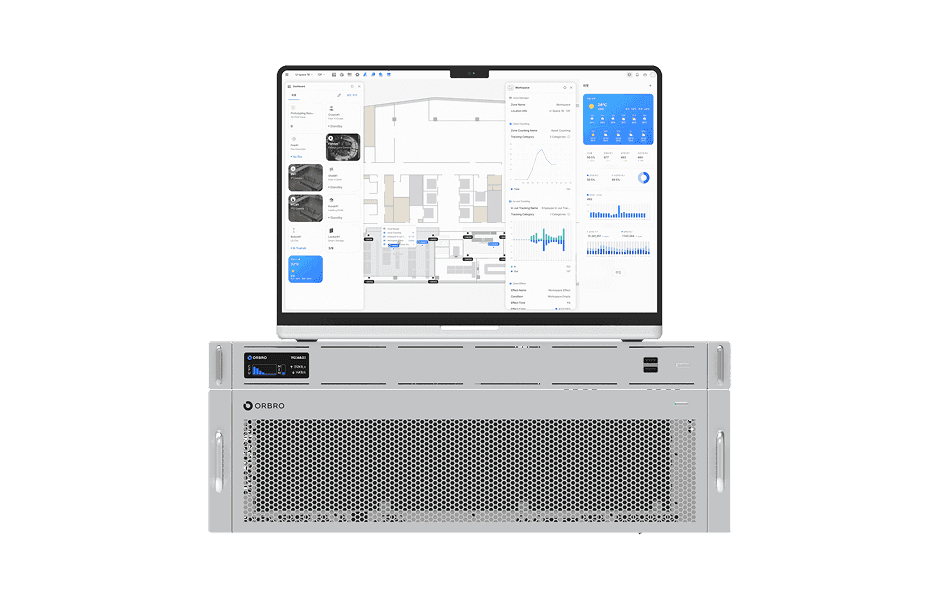
ORBRO OS2
ORBRO OS2
Align location, video, and sensor data on a spatial layer to turn all on-site situations into a single operational workflow.
Learn More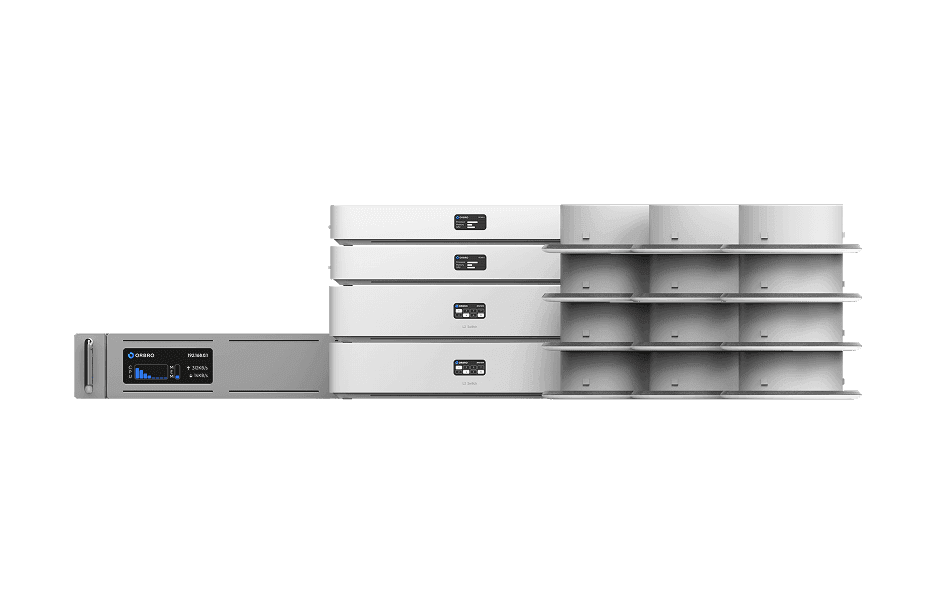
UWB Location Tracking
UWB Location Tracking
Enhance worker safety and precisely manage the movement of assets and equipment through real-time tracking, improving productivity and operational efficiency at the same time.
Learn More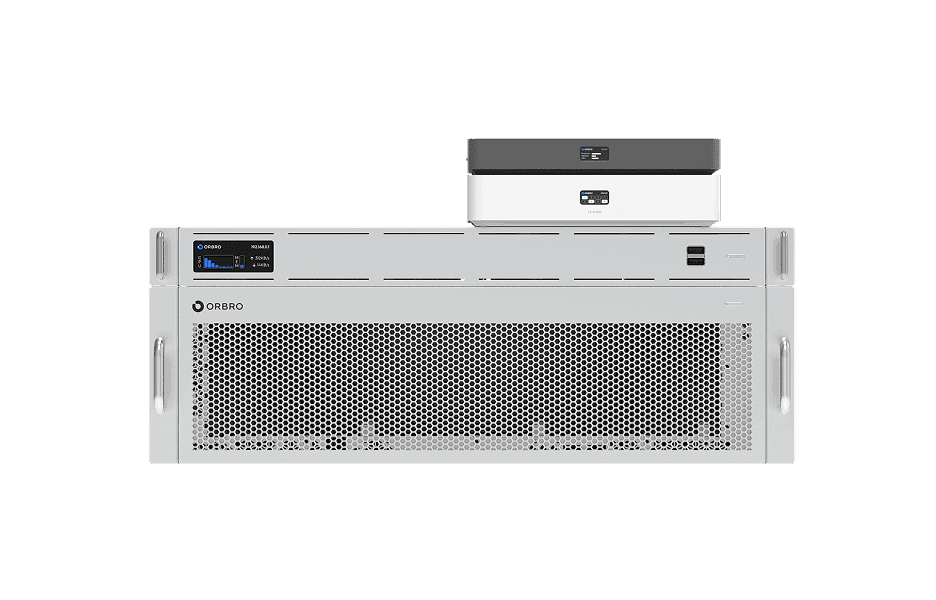
Video-based Location Tracking
Video-based Location Tracking
Analyze camera footage to convert movements of people and vehicles into coordinates, providing map-based real-time tracking along with path and dwell-time analysis.
Learn More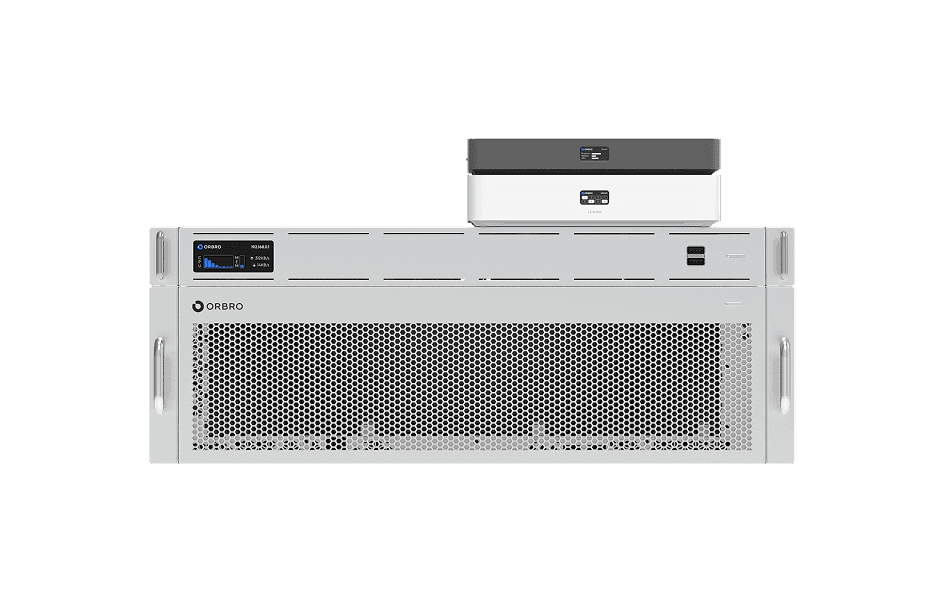
Worker Safety Management
Worker Safety Management
Automatically detect events such as falls, collapses, and intrusions. Alerts are sent immediately and situations are recorded to strengthen site safety and support rapid response.
Learn More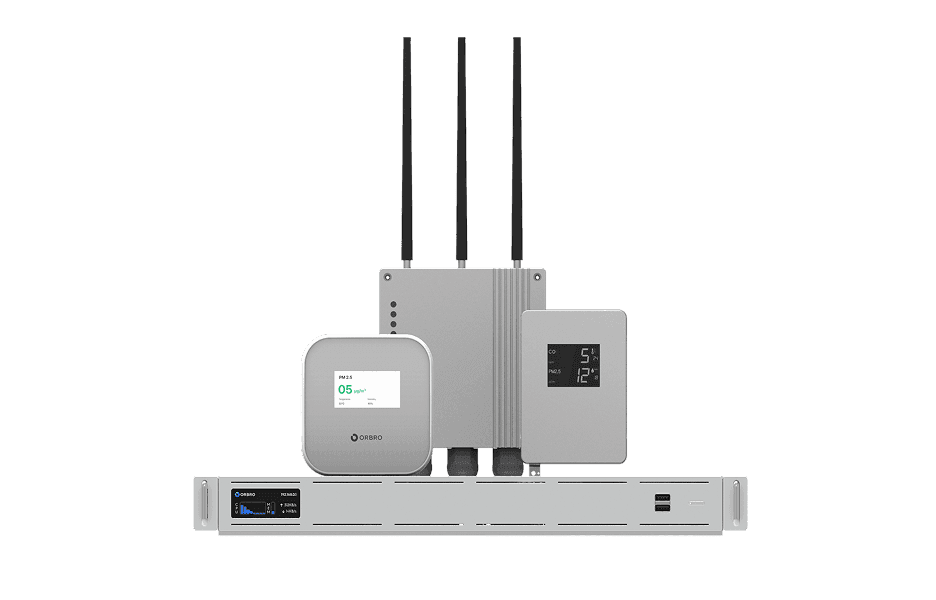
Sensor Monitoring
Sensor Monitoring
Provide a wide range of monitoring solutions required on site, from LoRa communication sensors to CO₂ detectors and air quality monitors.
Learn More