Logistics Solution
Warehouse Asset Tracking
Cut the time a center stands still for a physical stock count. Every place where the ledger and the floor disagree stays on record as the basis for closing.

Search current location and last-seen time by asset ID and reconcile inventory
A Sticker Tag goes on the asset and TwinTracker BLE is installed on the ceiling. Search by asset number or item name and the last confirmed zone and time appear. Raising installation density narrows the range of judgment from a wide zone down to a single rack row.


TwinTracker BLE
An indoor reader that determines which zone an asset belongs to from its tag signal. Raising the installation density narrows the range from zone level down to rack row level, so expand in stages starting with the areas that need it. Telling upper and lower rack levels apart is an item that needs validation, and mezzanine sections are designed separately.
Sticker Tag
A compact tag applied to an asset. As the count grows, the tag cost and the battery replacement work take up a larger share of the total, so decide first which asset groups need their location at all times. The attachment method changes with the surface material, and cold storage areas get their own specification.
ORBRO Edge RTLS
Edge hardware that receives signals on site and calculates position there. Because the calculation finishes on site it runs without an external network connection, and for centers whose partner contracts restrict data leaving the site, the server is configured on premises as well.
PoE Switch(L2)
Power and communication are supplied together over a single network cable. Connected to TwinTracker BLE, it forms the power wiring for warehouses with high ceilings and long cable runs. When the tracking area is extended, receiver layout, power and network capacity are adjusted together.








Instant Asset Location Search
Check which zone and which rack row an asset is in, and search by asset number or item name. Narrowing the area to search is enough on its own to cut the walking time a release order takes.

Asset locations down to zone and rack row
Check on the layout map which zone and which rack row holds the asset you are looking for. TwinTracker BLE on the ceiling reads the tag signal and determines the zone the asset belongs to. Receiver layout decides how far that judgment breaks down toward rack row level, and telling upper and lower rack levels apart depends on the configuration applied.

Selecting asset groups and setting tag specifications
Decide first which asset groups need their location at all times and the tag operating burden stays under control. The Sticker Tag applied to an asset is small enough to sit right beside the existing label. The attachment method changes with the surface material, and cold storage areas get their own specification.

Handling large tag volumes and checking reception
Even where more than ten thousand tags transmit at the same time, ORBRO Edge RTLS calculates position on site and keeps the delay down. Recognition status by area is shown as a grid on one screen, so points with no signal are found immediately. Because the calculation finishes on site it runs without an external network connection, and the server is configured on premises as well.

Instant search by asset number or item name
Enter the number alone to see where an asset under a release order is right now. Searching by asset number, item name or ordering party returns the last confirmed location and time. The monitoring screen, field terminals and mobile show the same result, so staff already inside the warehouse see it unchanged.
Automated Zone-Level Inventory
Quantity and occupancy rate by zone are totaled continuously, and entry and exit events are delivered as alerts. Fewer items have to be counted by hand, so the count that used to require stopping the center covers less ground.

Zone quantity totals reconciled with the inventory system
How many units sit in each zone is totaled in real time, and the change over time is kept as a graph. Matching intake, release and zone movement events against the records in your existing inventory system leaves the mismatches as a list, so you can trace when and where the two diverged. Connect to WMS or ERP through API and reconcile the quantities.

Occupancy rate shown against storage capacity
Stored quantity by zone and the occupancy rate against storage capacity are shown, so you can see in advance which zone is close to full. Grouping assets that have sat in one place by the number of days they have stayed reveals which zones are taken up by stock that has stopped turning. Adjust the layout before an incoming shipment arrives, and check on the same screen whether the cleanup actually freed space.

Instant alerts for unauthorized removal and zone exit
When an asset without a release order is removed or leaves its designated zone, an alert reaches the manager. Apply it first to items where checking after the fact is too late, such as high value assets and controlled goods. Whether removal is permitted is set separately for each zone, and what action was taken after an alert is recorded along with the outcome.

Continuous updates narrow the scope of full counts
Filter what has to be counted by hand first by whether it was recognized recently. Overall and zone by zone stock status gather on one screen and locations update continuously, which shortens the time the center has to stop. Start with the zones that differ from the book quantity and the count result goes straight into the register.
Recommended Products
Components Based on ORBRO OS
Each solution operates with various products connected on top of ORBRO OS. Configurations can be flexibly adjusted depending on the scope of application and on-site conditions.
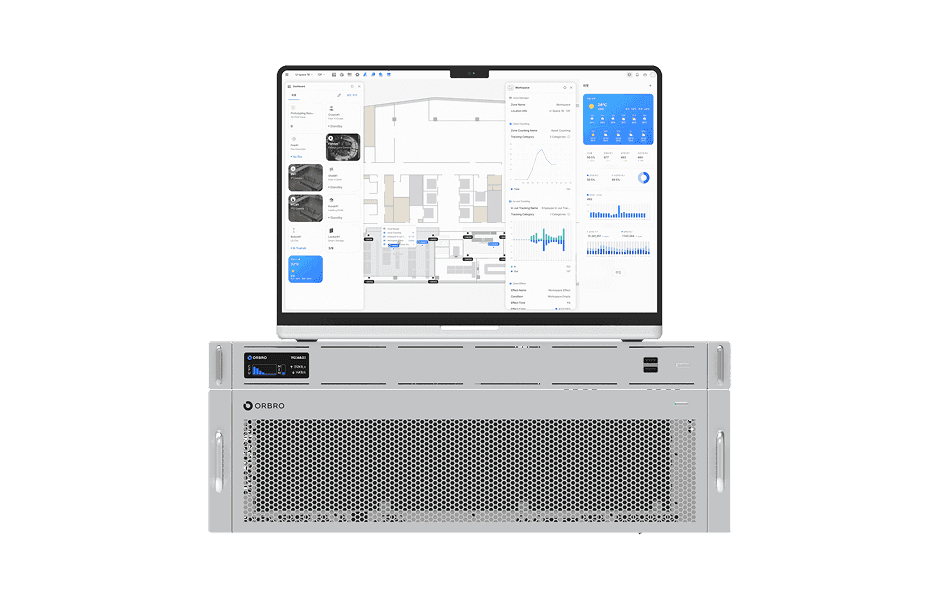
ORBRO OS2
ORBRO OS2
Align location, video, and sensor data on a spatial layer to turn all on-site situations into a single operational workflow.
Learn More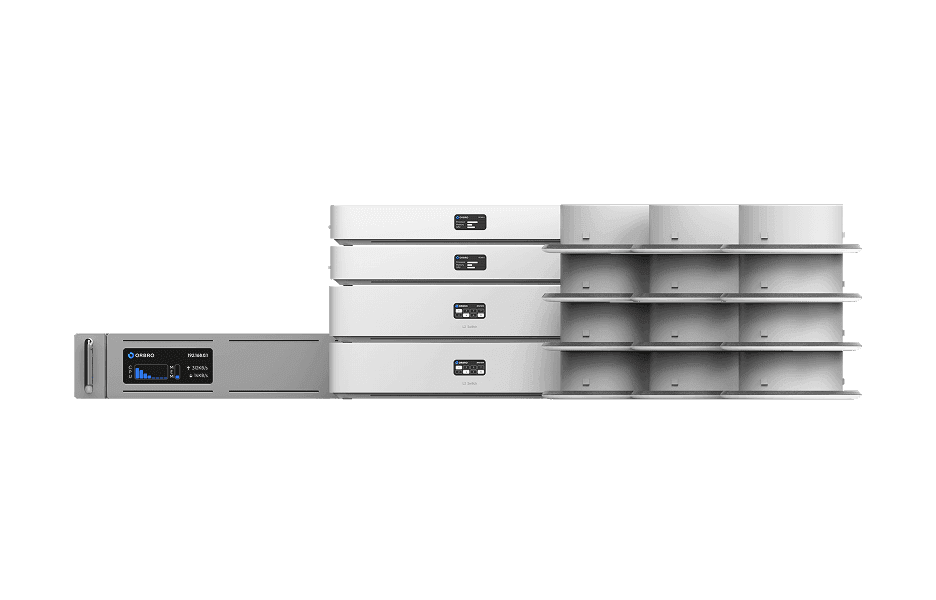
BLE Location Tracking
BLE Location Tracking
BLE is an optimal technology for managing large-scale assets simultaneously at low cost. It enables real-time monitoring of thousands of assets, supporting efficient operations and cost reduction.
Learn More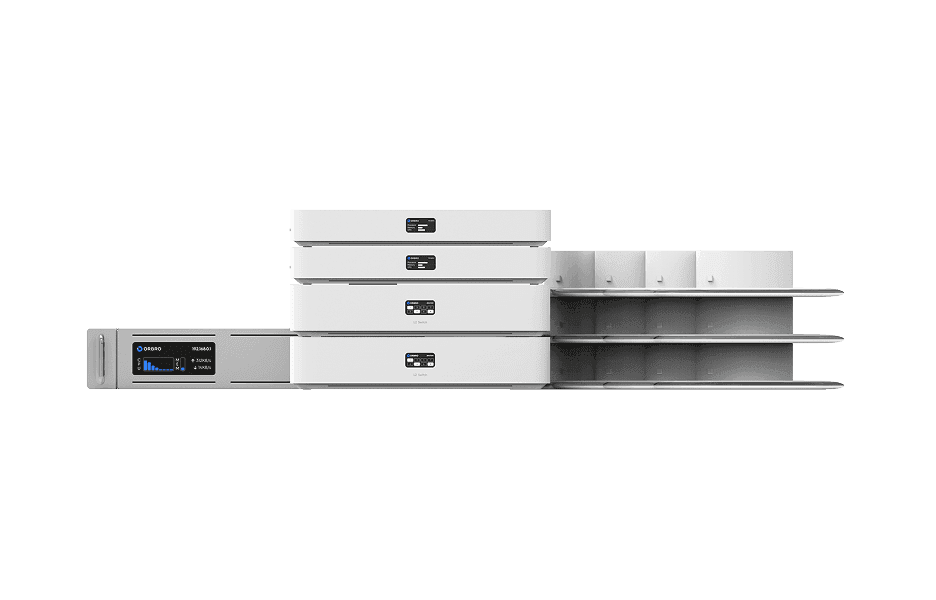
AoA Location Tracking
AoA Location Tracking
Beyond simple coordinates, this solution leverages signal angles to precisely identify movement direction and paths. It supports access control, enhanced security, and customer flow analysis as a next-generation RTLS solution.
Learn More