Retail Solution
Display Smartphone Theft Prevention
Detect when a display device leaves its area, trigger an alarm, and measure customer engagement with each model.

Trigger a tag alarm when a device leaves its assigned area
A Safe Tag attached to the display device supplies power and senses location at the same time. If the device leaves its designated zone or the tag is separated, the tag sounds an alarm and the manager is notified. Docking angle and attachment method are adjusted on site to the shape of the store fixture.
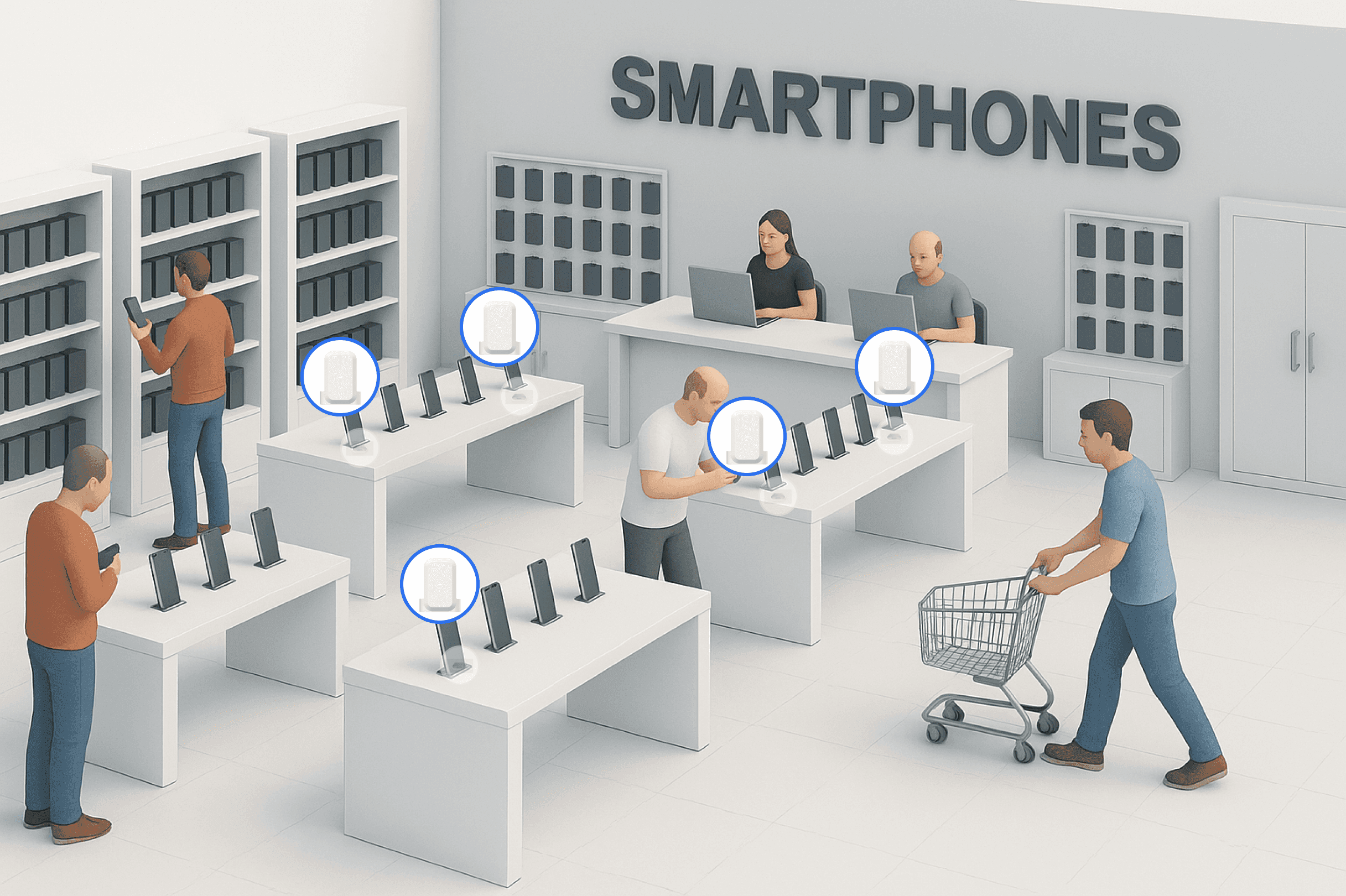
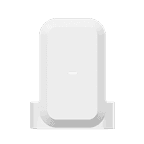
Safe Tag
A security tag attached to display smartphones and tablets. It detects not only departure from the designated zone but also the moment the tag is separated from the device. Location tracking means nothing if pulling the tag off is enough to walk away, so removal detection is what makes this system hold.
Safe Cradle
A dedicated cradle that holds a tagged device and charges it wirelessly. The docked state decides whether a device is being tried out, so whether a customer picked it up or put it down remains as data. Nobody has to swap batteries by hand, which lightens the load of running many stores.
ORBRO Edge RTLS
Processes tag signals inside the store and calculates position. Position calculation and on-site alarms run on in-store equipment, which also monitors the connection status of tags, readers and the store network. Remote viewing from head office across many stores is provided over the network linking the stores and head office.
L2 PoE Switch
A switch that carries power over a single LAN cable to supply the cradles and the readers together. It keeps cabling to a minimum in leased stores where power work is difficult, and tying the two devices onto one route reduces interference with the interior.









Managing the hands-on display device experience
Product information appears on signage while a display device is being tried. Pickup counts and hands-on time per model serve as material for reviewing the display layout and customer response.
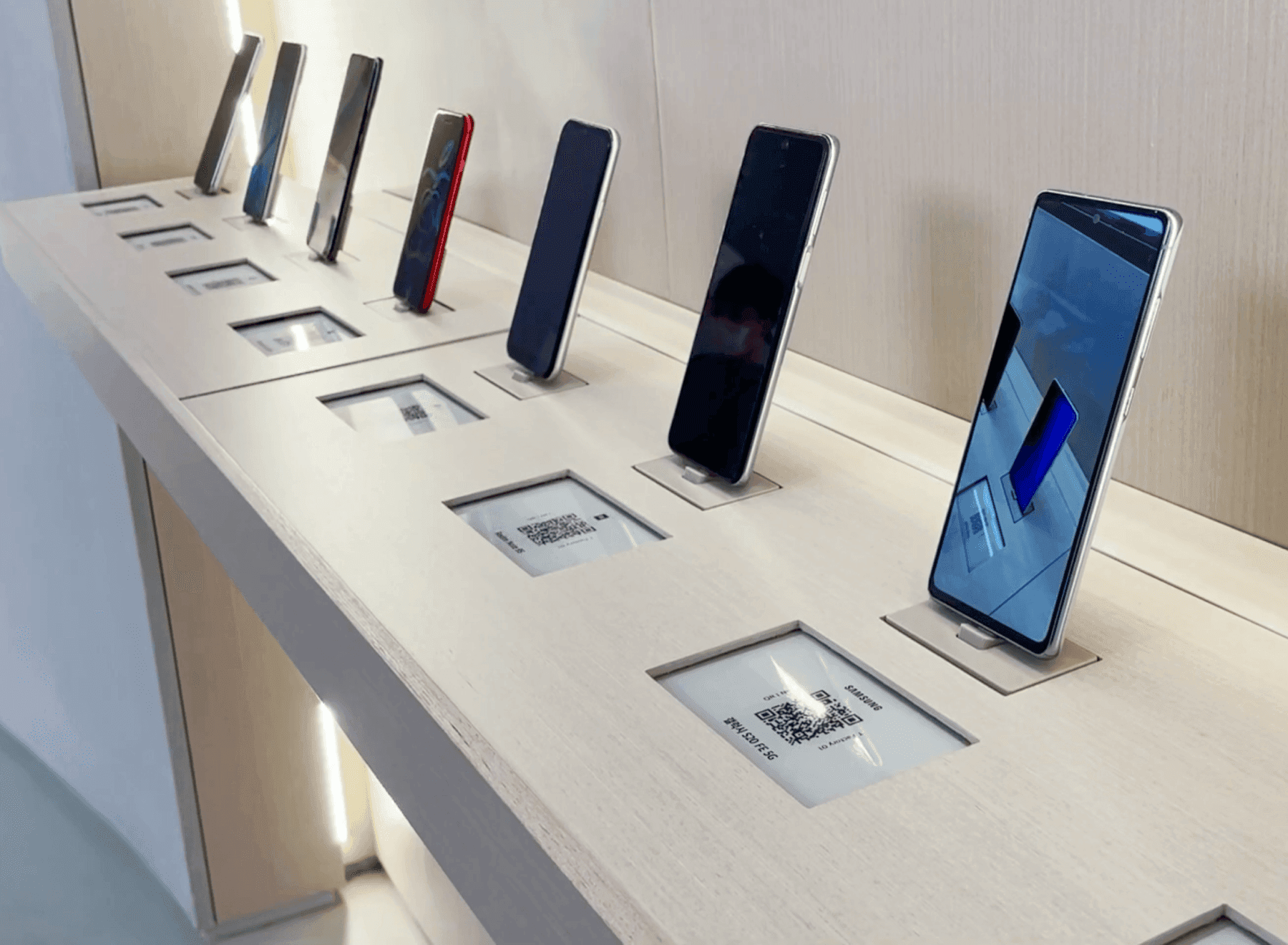
A hands-on experience close to real use
Customers can pick a device up and operate it freely, so screen response, weight and grip come through, the things that cannot be judged while a device is tethered. Tags and cradles are exposed as little as possible so the display presentation and the store design are not disturbed. The area where devices can be handled is set as a zone that matches the store layout.
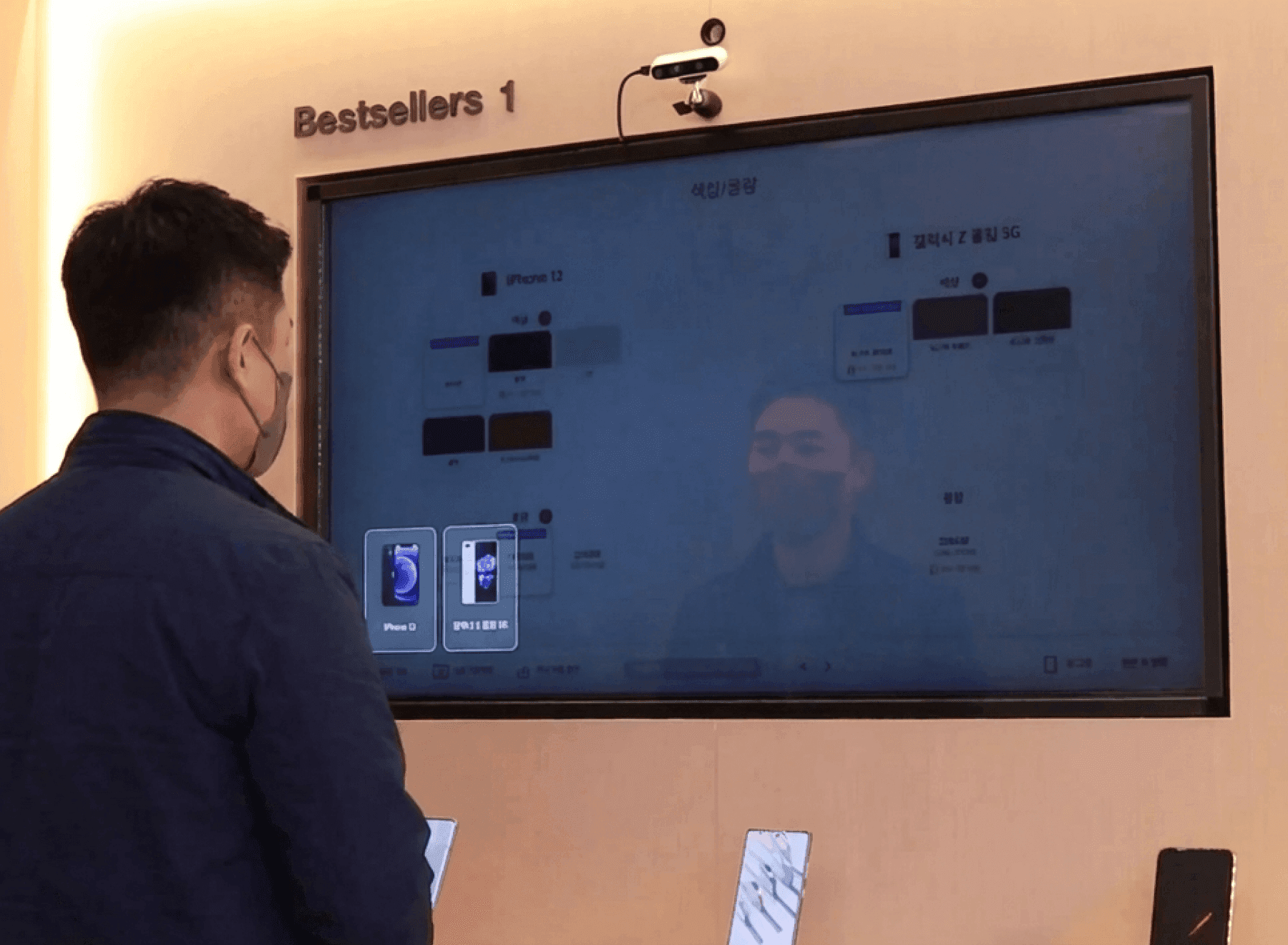
Signage shows product information automatically
Lifting a device brings up that product's information on the signage beside it. Key specifications reach the customer without a staff member standing there to explain, so the level of guidance holds even in thinly staffed hours. What is shown is pushed out from head office in one go, and the screen updates when the model changes.
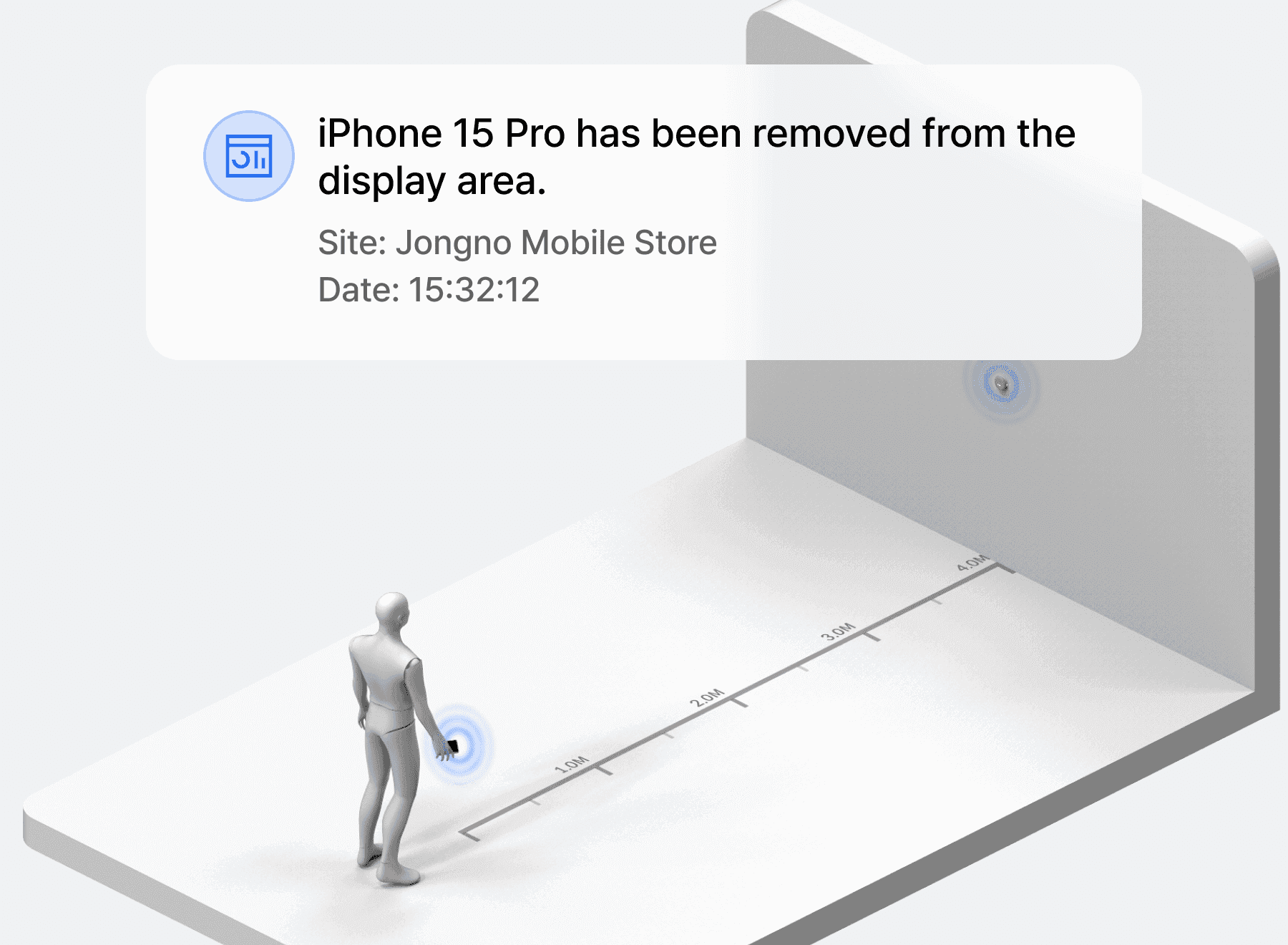
Instant alert on zone exit and tag removal
When a device leaves the designated zone or a Safe Tag is separated from it, the tag sounds and the manager receives an alert. The system only holds if the route of pulling the tag off and walking out is closed as well, so exit detection and removal detection run together. Alerts can be split between the store manager and head office, and what was done about them remains as history.

Preferred models read from pickup records
How many times a device was picked up and how long it was held is recorded automatically. Use of the comparison feature is logged too, so you can confirm in the data which models actually draw interest, which becomes the basis for adjusting display position and stock mix. Splitting the view by store and by period also reveals models that get a different response at each branch.
Wireless Security Tag Operations
The tag handles power supply and location sensing together, and the cradle charges the device while docked. Supported devices and cradle fittings are matched to the store's model list before rollout.
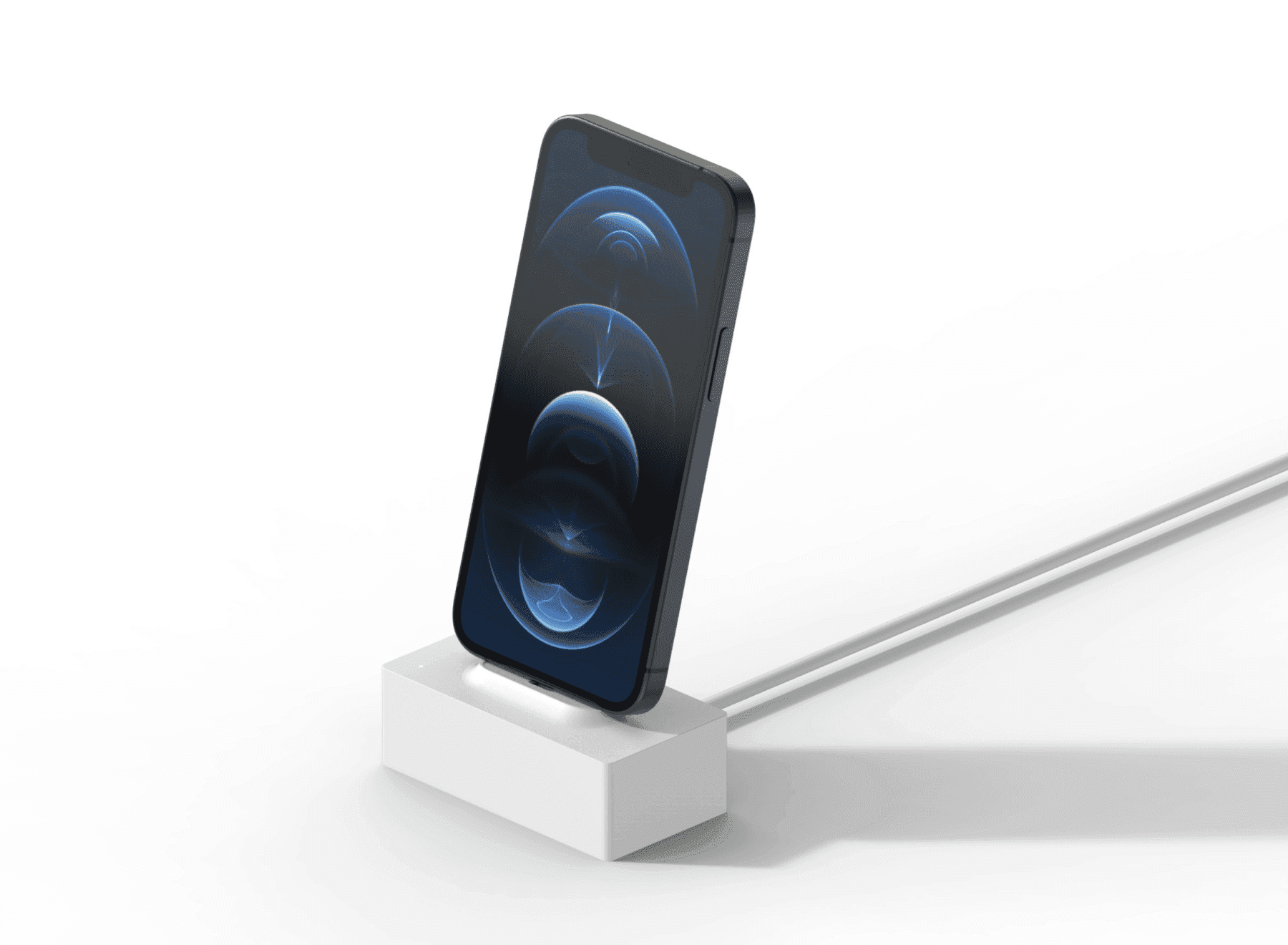
One tag for power supply and location sensing
The Safe Tag attaches to the device, supplies power and senses location at the same time. Customers can carry the device around and operate it much as they would in real use, and security holds throughout. Hands-on time per model serves as material for reviewing customer response and adjusting the display layout.
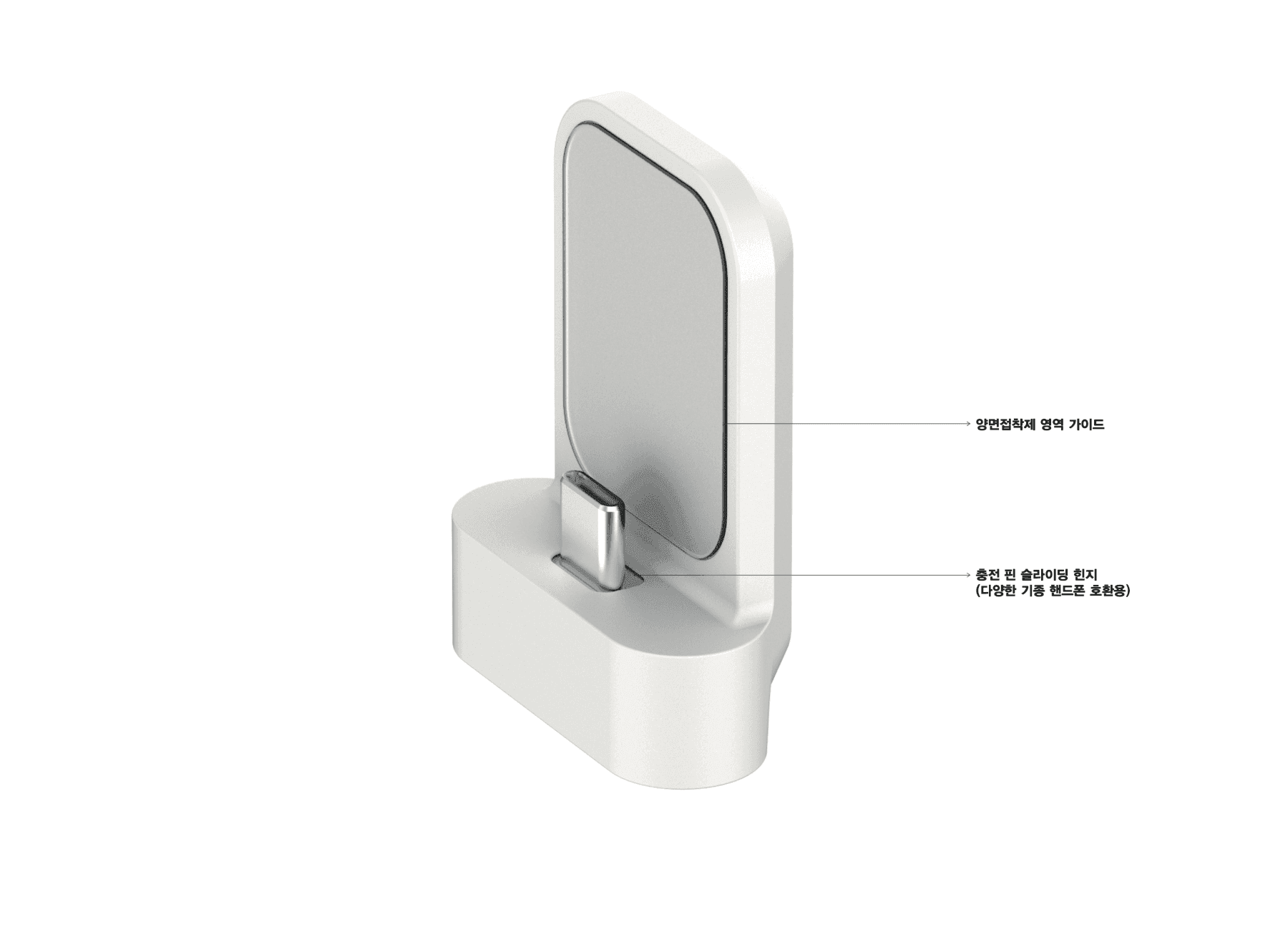
Supported models and new device coverage
Which devices can be supported is set by the attachment method and the cradle specification. Before rollout the list of models the store displays is checked so the coverage is agreed first, and when a new device launches the schedule for supporting it is advised separately. For a device the fittings do not match, we decide whether a new holder part needs to be made.
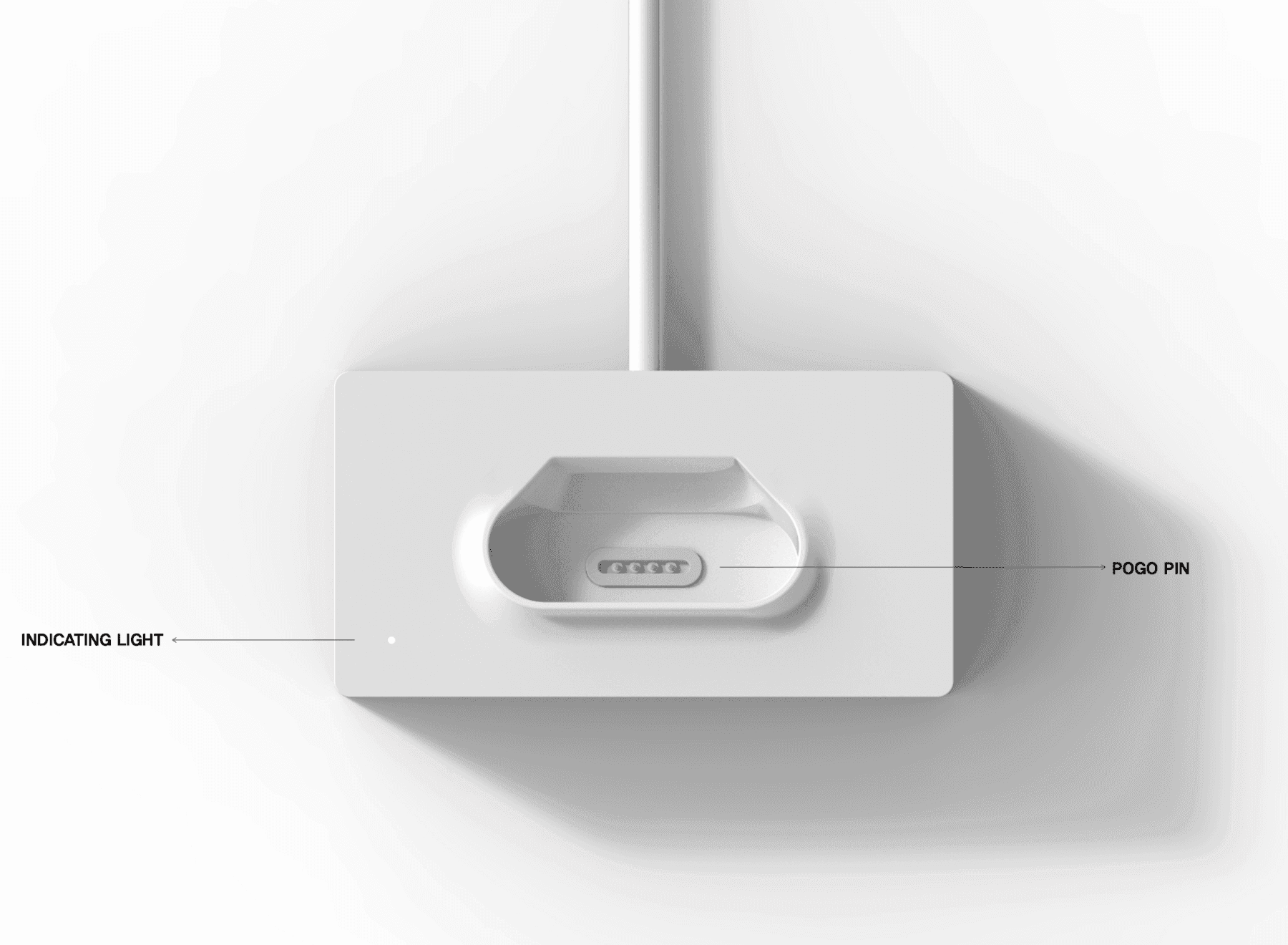
Running the wireless charging cradles
The Safe Cradle interlocks with the tag and supplies power, so display devices never run flat. Location sensing continues while docked, and nobody has to walk the store plugging in chargers, which cuts labor cost across many stores. Cradles that are not charging appear as a list on the management screen, so replacements surface first.
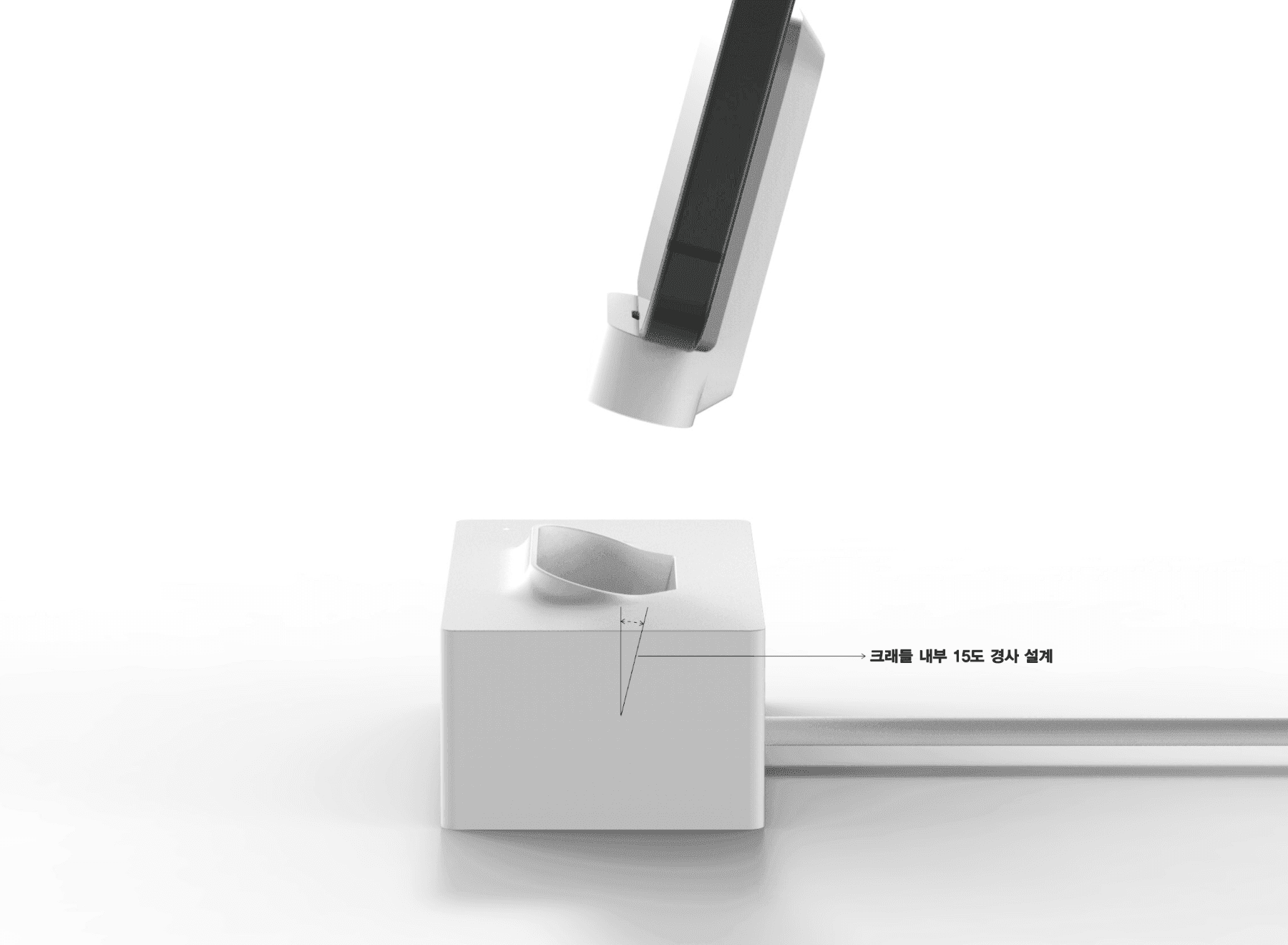
Docking designed for repeated placement
The cradle angle is designed so a customer can lift the device and set it back down naturally. The motion repeats hundreds of times a day, so it has to seat correctly every time for charging and sensing to stay unbroken, and a device left out of place shows on the manager's screen. Docking direction and height are set on site to match the shape of the display fixture.
Recommended Products
Components Based on ORBRO OS
Each solution operates with various products connected on top of ORBRO OS. Configurations can be flexibly adjusted depending on the scope of application and on-site conditions.
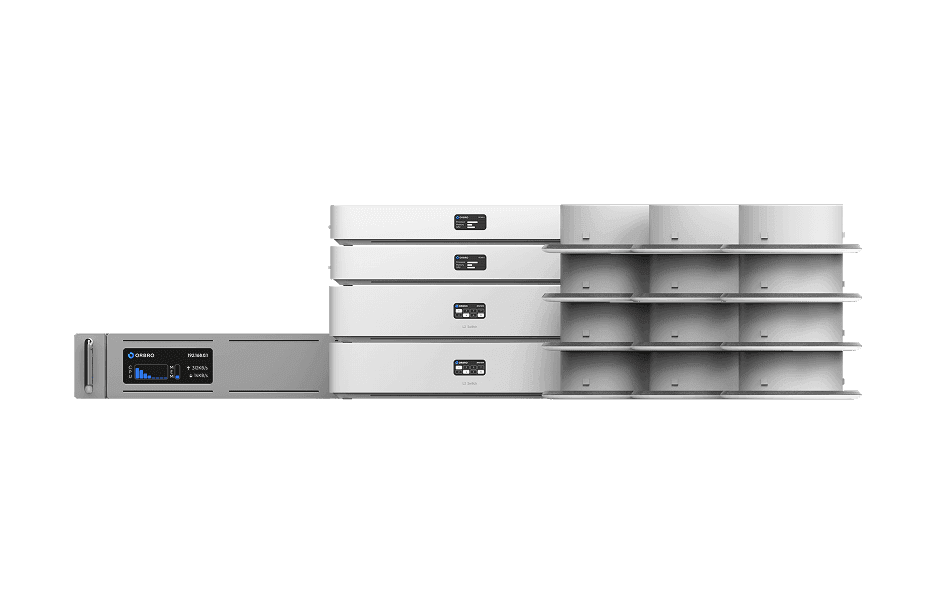
UWB Location Tracking
UWB Location Tracking
Enhance worker safety and precisely manage the movement of assets and equipment through real-time tracking, improving productivity and operational efficiency at the same time.
Learn More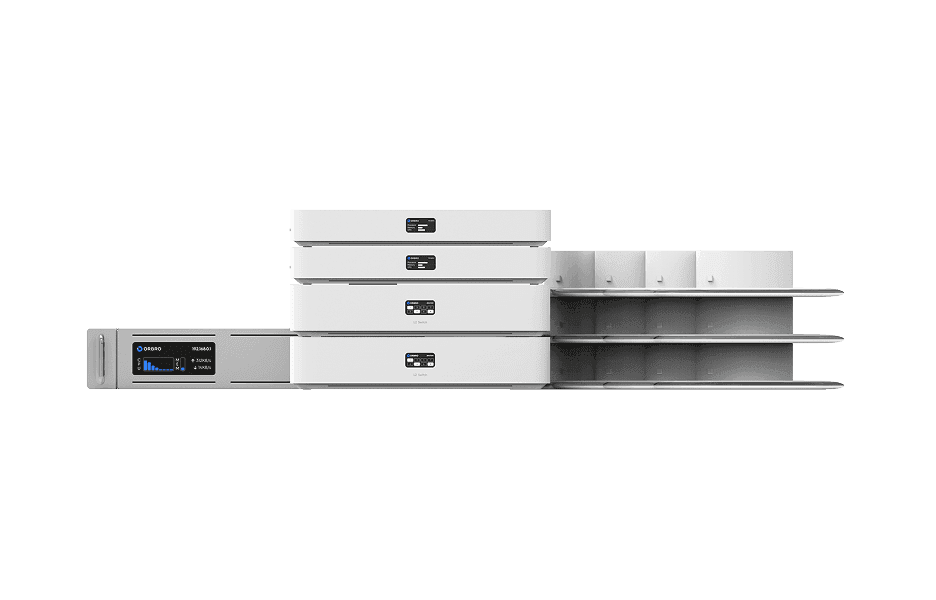
AoA Location Tracking
AoA Location Tracking
Beyond simple coordinates, this solution leverages signal angles to precisely identify movement direction and paths. It supports access control, enhanced security, and customer flow analysis as a next-generation RTLS solution.
Learn More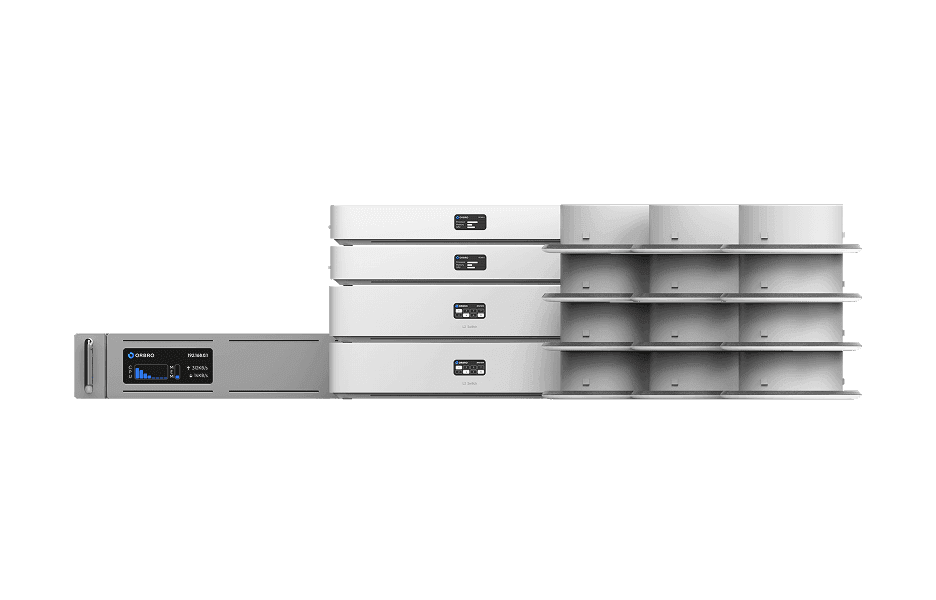
BLE Location Tracking
BLE Location Tracking
BLE is an optimal technology for managing large-scale assets simultaneously at low cost. It enables real-time monitoring of thousands of assets, supporting efficient operations and cost reduction.
Learn More