Retail Solution
Office Asset Removal Control
Reduce the time required for asset inventory and keep evidence for every removal. Use floor- and zone-level location data to simplify labor and privacy review.

Compare asset movement with removal requests and alert on unauthorized activity
A Sticker Tag goes on laptops and instruments, and TwinTracker BLE is installed at the doorway. The moment of passing is checked automatically against removal requests, and assets not on a request are reported to the manager. Tag separation alerts apply to tag configurations with separation detection.

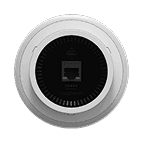
TwinTracker BLE
An indoor reader that receives Bluetooth signals and judges which zone an asset is in at area level. It does not calculate coordinates down to the centimeter and keeps only the floor and the zone, so the design can collect exactly what asset management needs and store nothing beyond that. It also records the moment of passing a doorway, and whether existing in-house wireless infrastructure can be used is confirmed after an on-site survey.
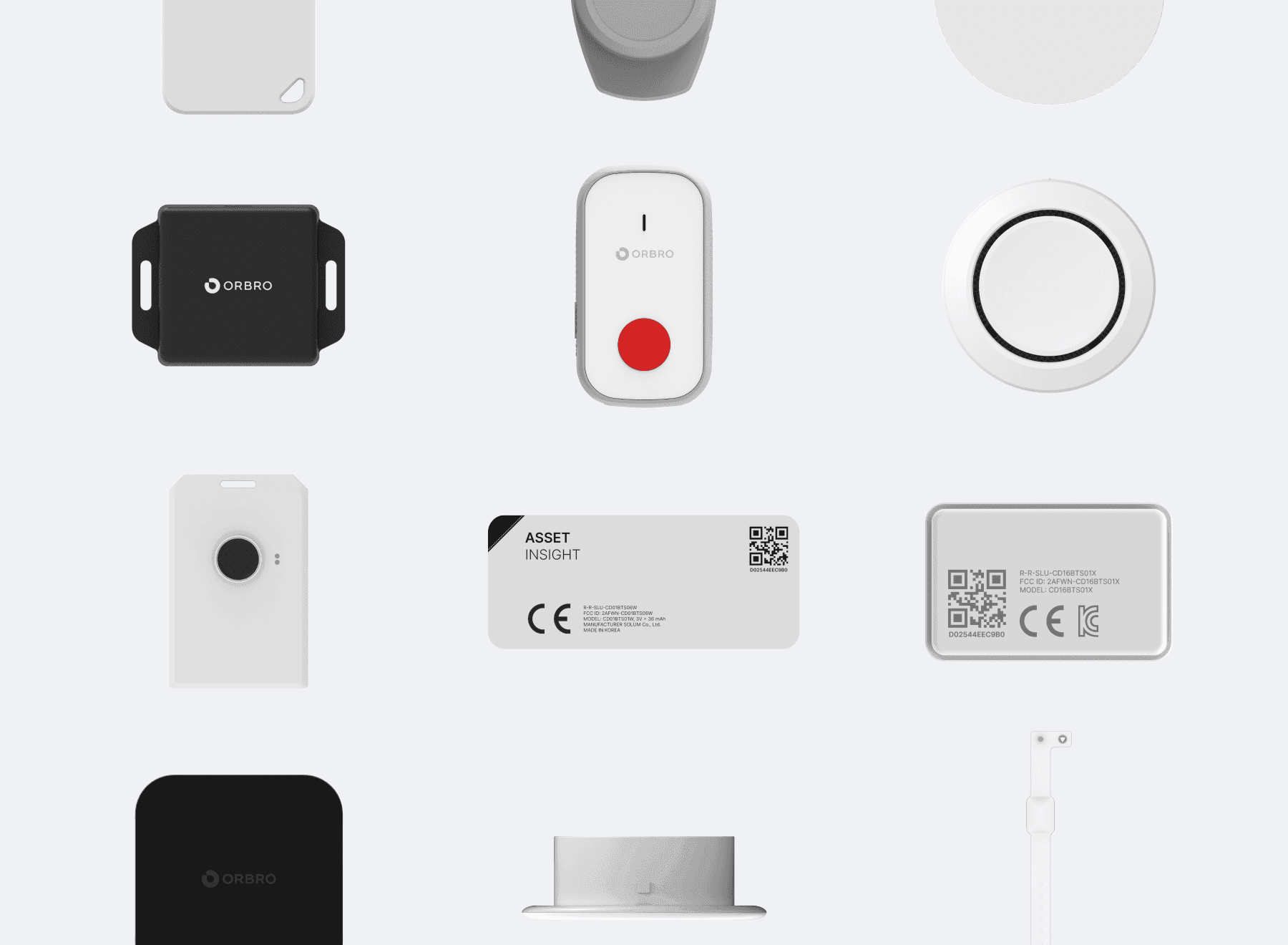
Sticker Tag
An ultra small tag that sticks to the underside of a laptop or the surface of equipment. It does not cover the face it sits on, so it works alongside the asset label, and it runs for a long time without a battery change, which suits fixed assets that move around such as laptops, monitors, instruments and tools, matched one to one with the asset number. Removal detection, which catches a tag coming off, is applied after the specification is confirmed.
Slim Tag
A card type tag that slots into an employee badge holder or a visitor pass. It is used for headcount by zone and for checking a visitor pass entering and leaving a zone. In a visitor management setup, define separately how far tag numbers are linked to visitor information and how long movement history is retained.
ORBRO Server
It gathers the events the readers send up, checks them against the removal requests on file, and passes unapproved removals and abnormal situations to the manager. It connects to an asset management system or groupware through API so approval history stays in one place, and entry/exit history is queried by period and exported to a file. For companies where data cannot leave the premises, it is installed on-premises.







Automatic Removal Request Verification
Tags on the assets and readers at the doorway leave a pass event. Unapproved removal is reported to the manager, and tags with separation detection also report when they come off the asset.

Locating laptops and high value assets
Check which floor and zone an asset under management is in, such as a laptop, an instrument or a prototype. Asset positions determined by TwinTracker BLE and doorway pass events are recorded. When visitor management is set up alongside, visitor pass zone history and asset records are handled separately.
Dedicated asset tags and tamper detection
A Sticker Tag goes on the underside of a laptop or the surface of equipment and is registered one to one against the asset number. It does not cover the face it sits on, so it works alongside the asset label, and it runs for a long time without a battery change. Pulling the tag off would disable the whole detection scheme, so a setup that catches the moment of separation from the asset is reviewed alongside.
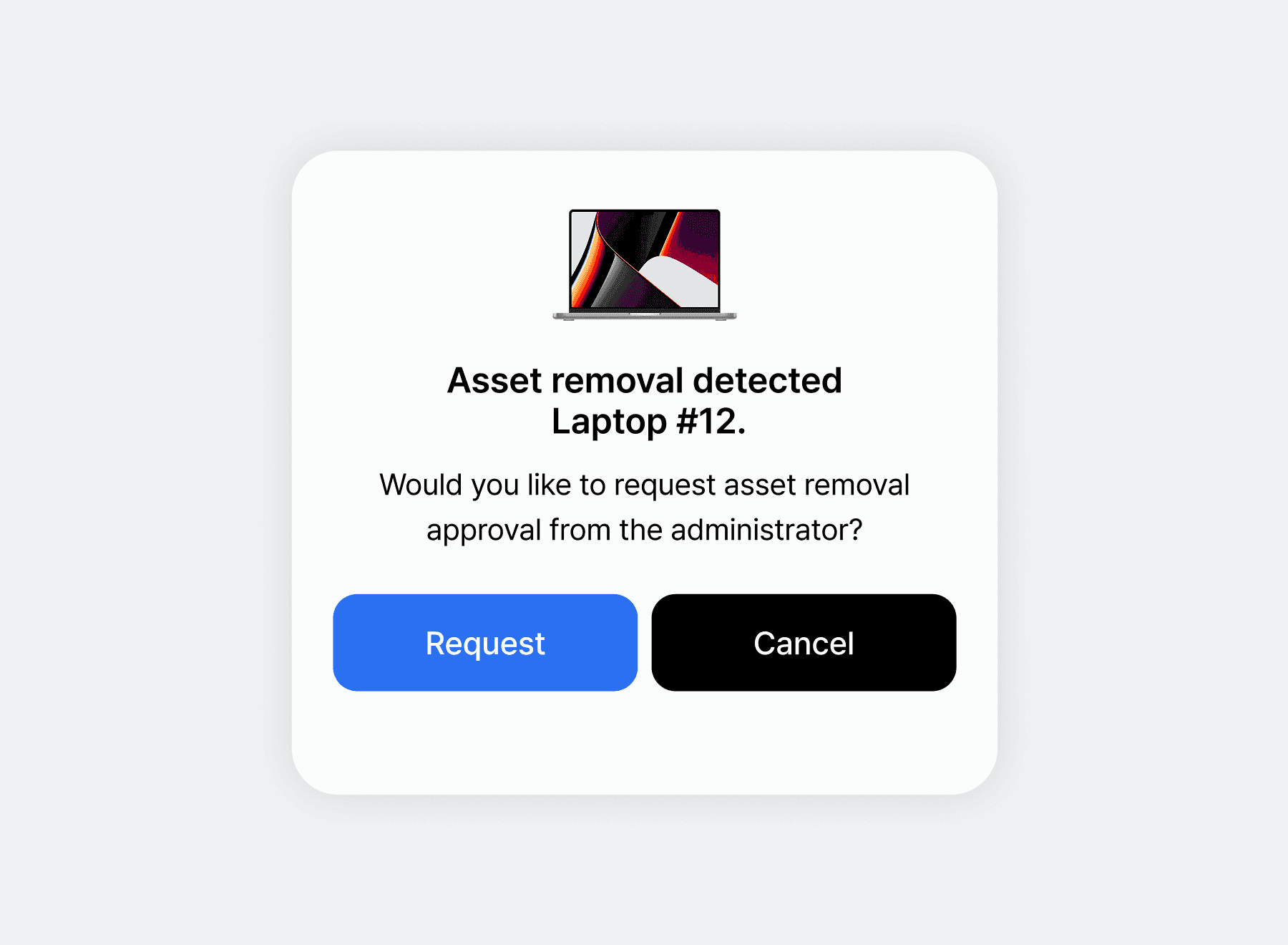
Removal requests linked to the approval rule
Each asset carries its own number, so the asset written on the request is checked against the asset actually going out. When an employee files a removal request for a set period the manager is alerted, and the approval result becomes the detection rule itself, so an approved asset passes without an alert and only unapproved assets are caught. If you run groupware or an asset management system, an API link keeps the approval history in one place.
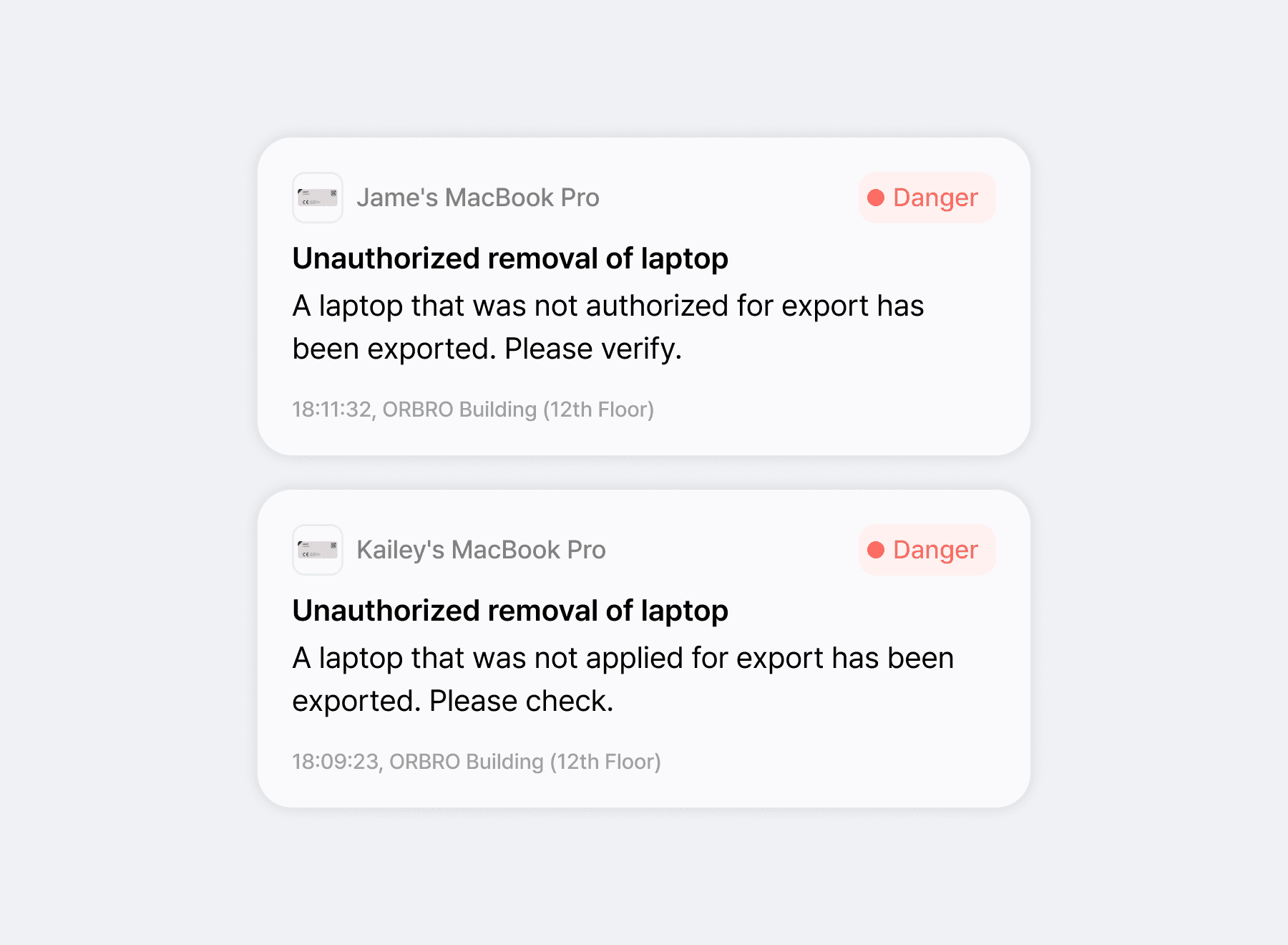
Immediate alert on removal without a request
ORBRO Server checks removal requests against pass events in real time, so when an asset that is not on a request goes through the doorway the manager is alerted right away. It catches the item as it leaves rather than running an inventory count afterwards to find what is missing. Assets that have not come back within the agreed period after removal are also totaled as a separate list.
Asset Holding Status
Search by asset number to get the zone where it was last recognized and the time. Holdings inside and outside the office are shown separately, which narrows the inventory list first.
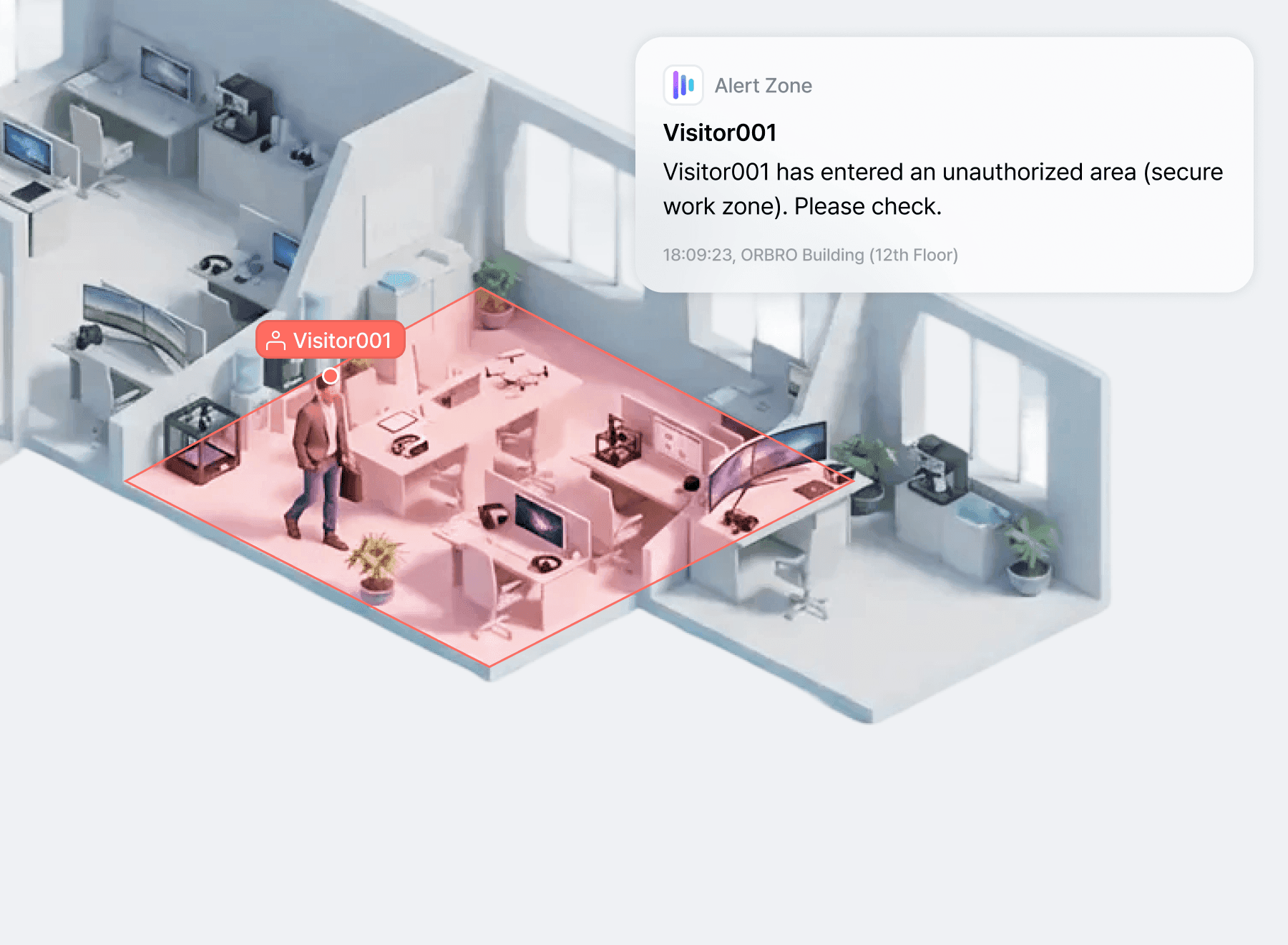
Visitor passes with designated permitted zones
Issue visitors a pass holding a Slim Tag and designate permitted zones by the purpose of the visit. The pass's zone entry and exit records are checked against the permitted range. Which visit history fields are collected and how long they are retained are defined separately from the pass issue and return procedure.

Occupancy by zone linked to lighting and HVAC
Occupancy in meeting rooms and shared spaces is totaled as a headcount only. The point is not where an individual was but how much a space was used, so you can see meeting room utilization and how much booked time actually sat empty. Feeding the same occupancy data into lighting and HVAC control cuts down on empty meeting rooms left running.
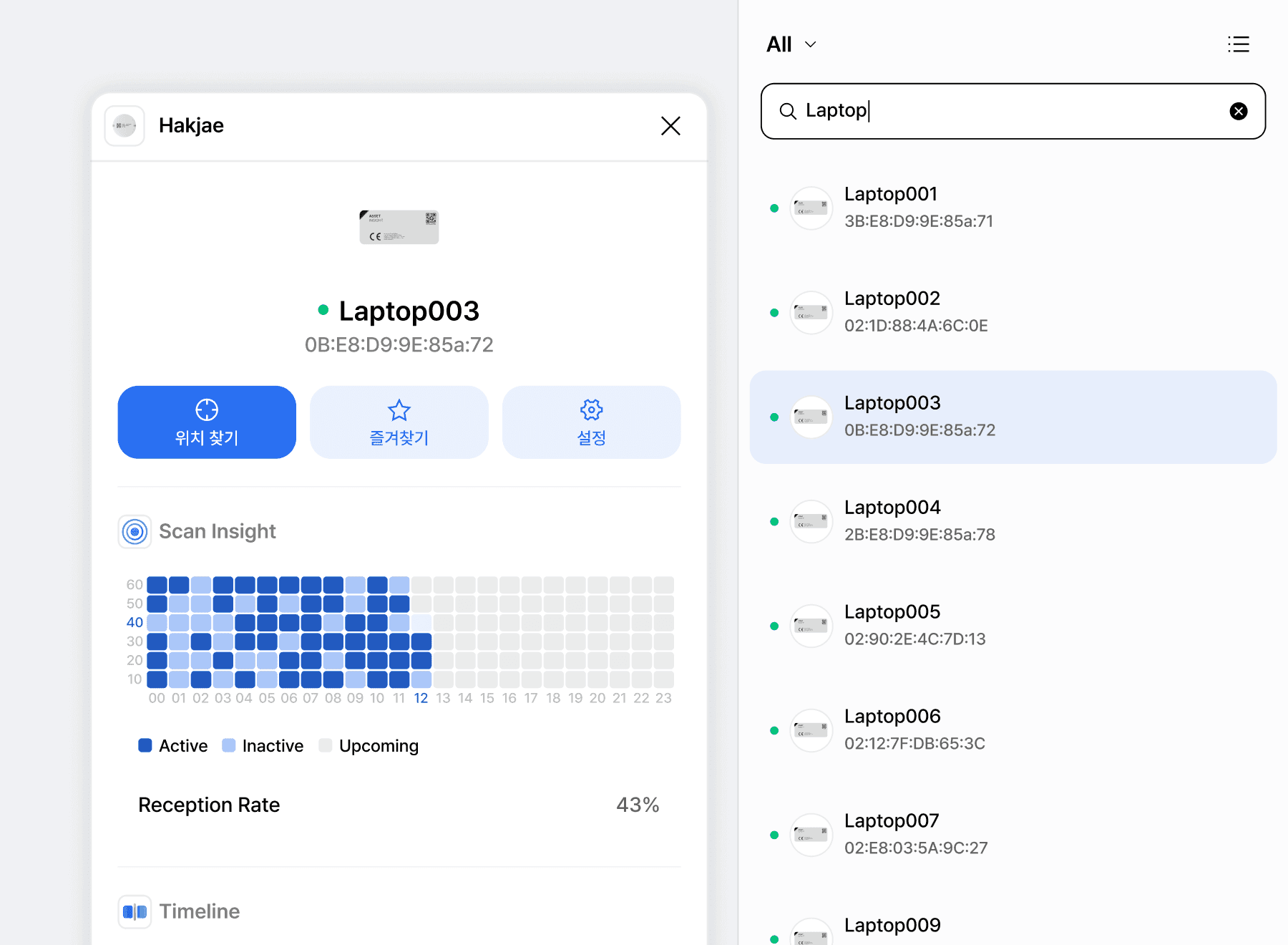
Asset search and last known location
Search by asset number, model name or user name and you get the zone where it was last recognized and the time. Only the floor and the zone are kept and coordinates stay at zone level, so you confirm what you need to decide which floor to go to. Frequently searched assets go into favorites and are managed as a list per owner.
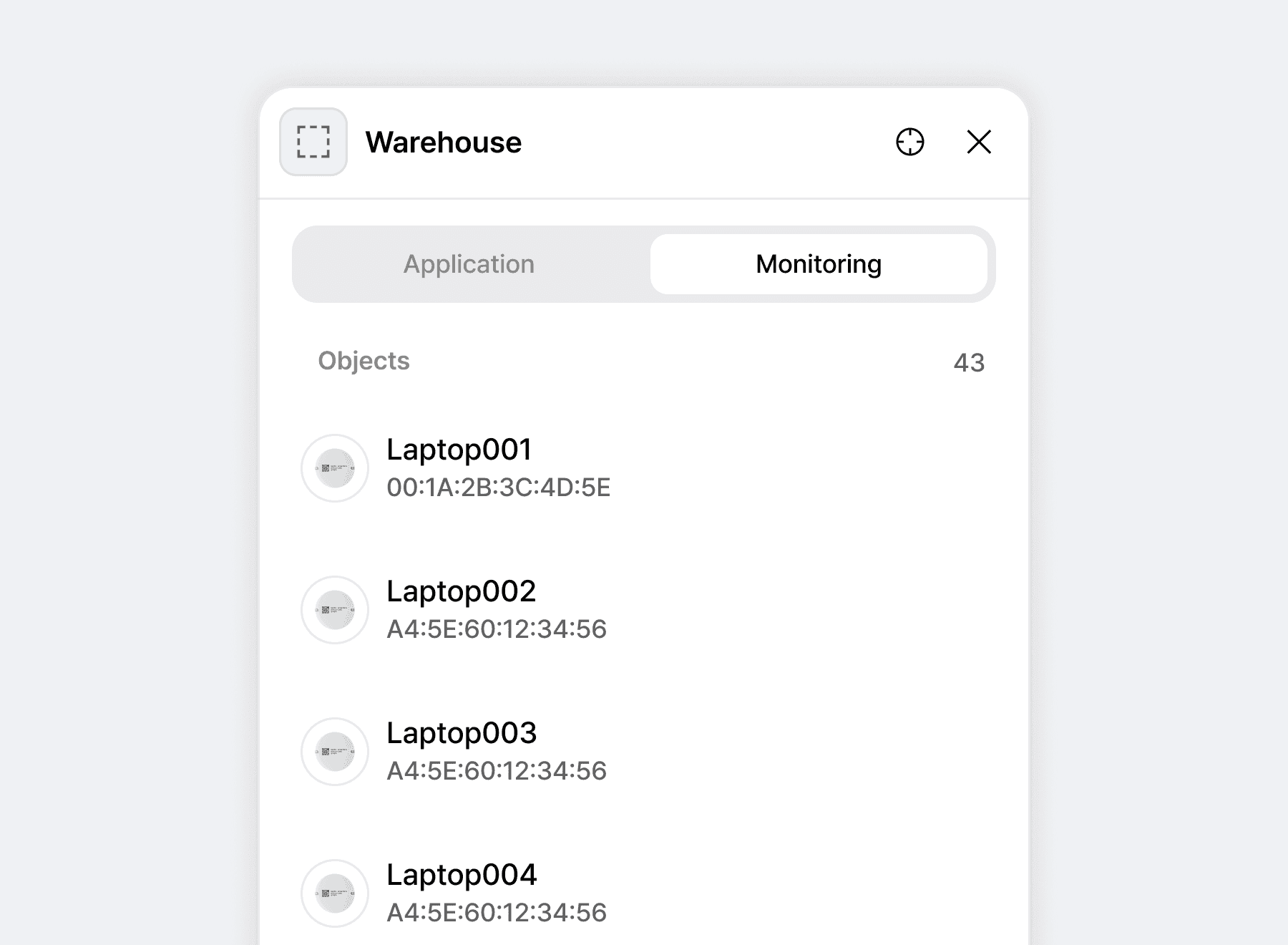
Holdings on and off site, and inventory scope
Assets inside the office and assets taken outside are totaled separately, so you can see how many are where right now. Separating recently recognized assets from those unseen for a while shrinks the list you have to check by eye. After reconciling approved removals with on-site check results, the person in charge updates the asset register.
Recommended Products
Components Based on ORBRO OS
Each solution operates with various products connected on top of ORBRO OS. Configurations can be flexibly adjusted depending on the scope of application and on-site conditions.
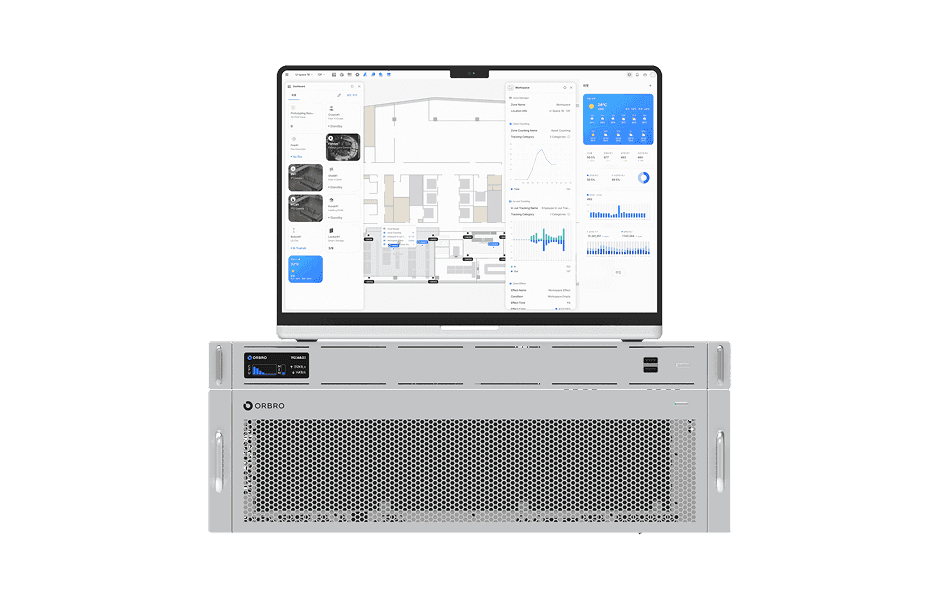
ORBRO OS2
ORBRO OS2
Align location, video, and sensor data on a spatial layer to turn all on-site situations into a single operational workflow.
Learn More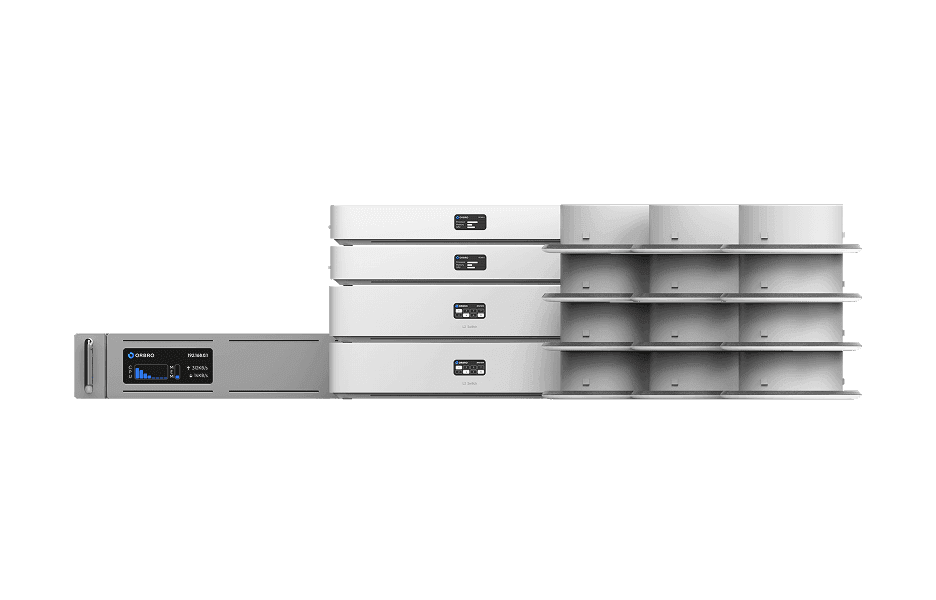
BLE Location Tracking
BLE Location Tracking
BLE is an optimal technology for managing large-scale assets simultaneously at low cost. It enables real-time monitoring of thousands of assets, supporting efficient operations and cost reduction.
Learn More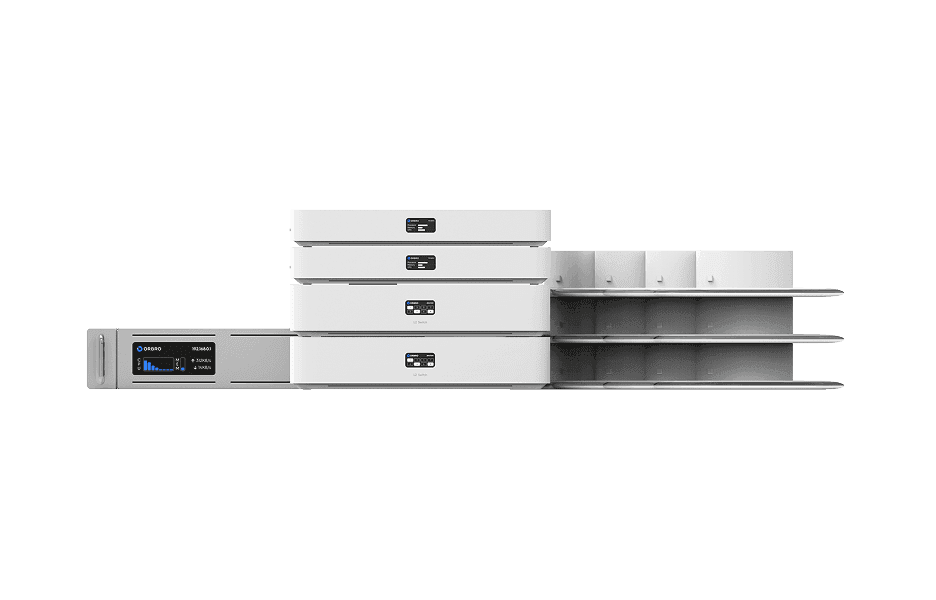
AoA Location Tracking
AoA Location Tracking
Beyond simple coordinates, this solution leverages signal angles to precisely identify movement direction and paths. It supports access control, enhanced security, and customer flow analysis as a next-generation RTLS solution.
Learn More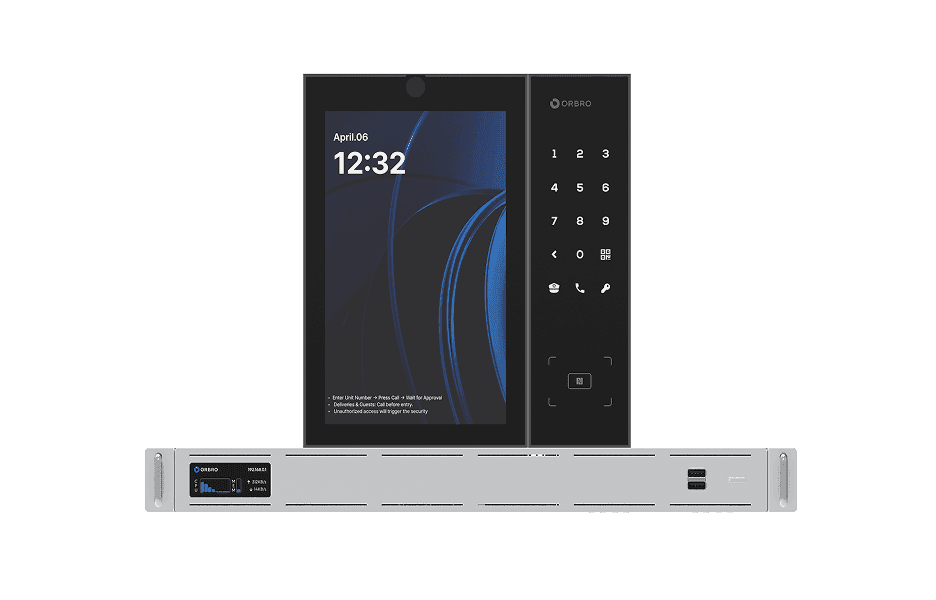
Access Control System
Access Control System
The ORBRO access control system supports multiple authentication methods including facial recognition, mobile access, passwords, and video calls via Access Pro devices.
Learn More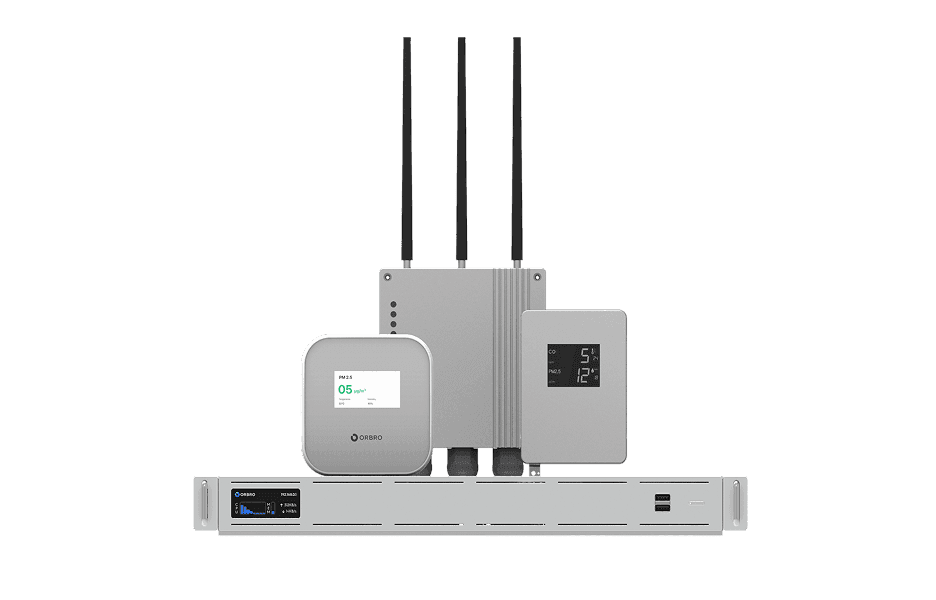
Sensor Monitoring
Sensor Monitoring
Provide a wide range of monitoring solutions required on site, from LoRa communication sensors to CO₂ detectors and air quality monitors.
Learn More