What Changes When You Move Standard Operating Procedures (SOP) into a System
2026-08-28

In the second drawer of the office cabinet sits a binder of response procedures. The cover carries its revision history, and inside, every scenario is documented down to the appendices. Yet if you try to recall the last day this binder was actually opened, it was probably not the day something happened. It was the day of an audit.
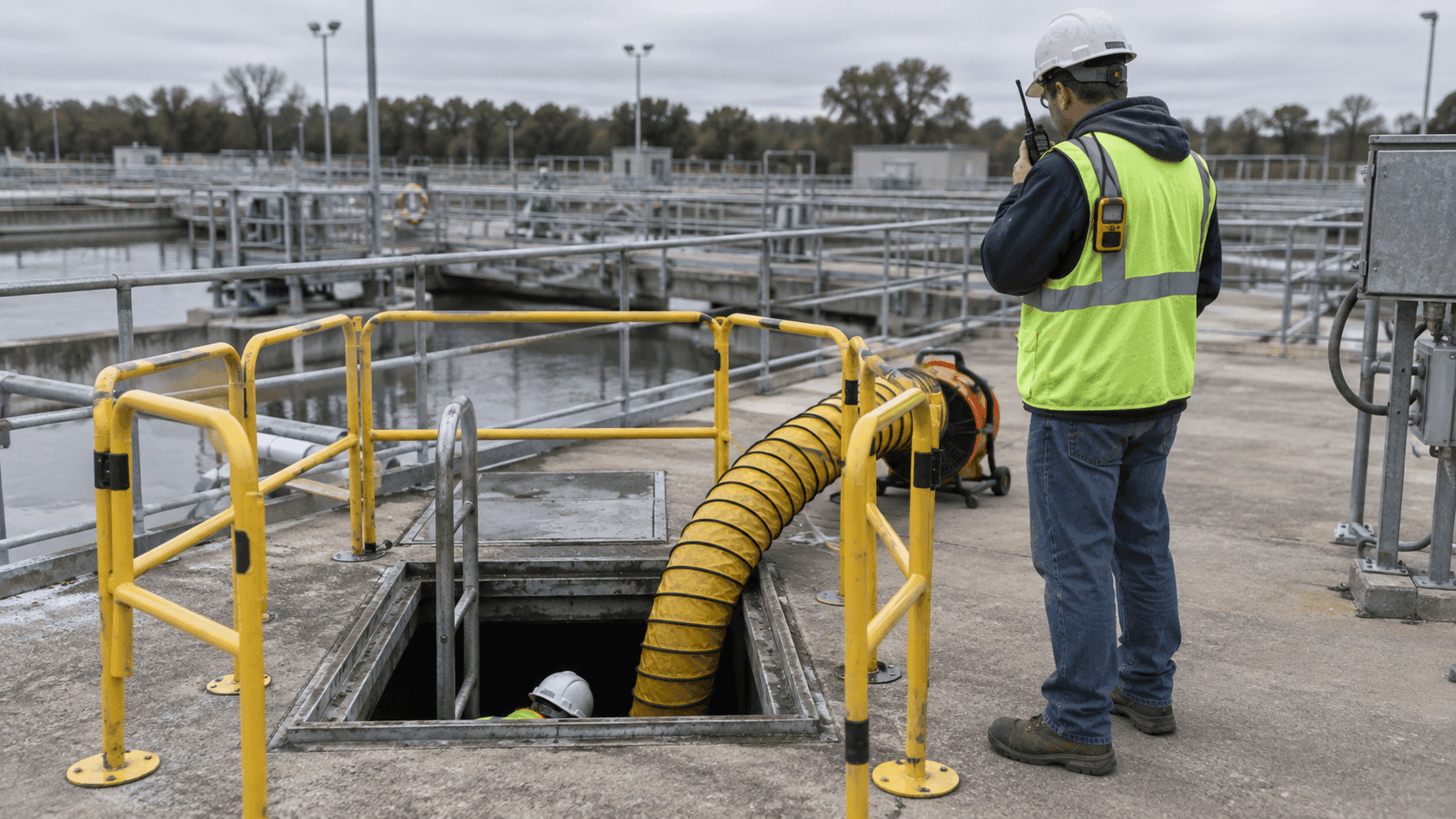
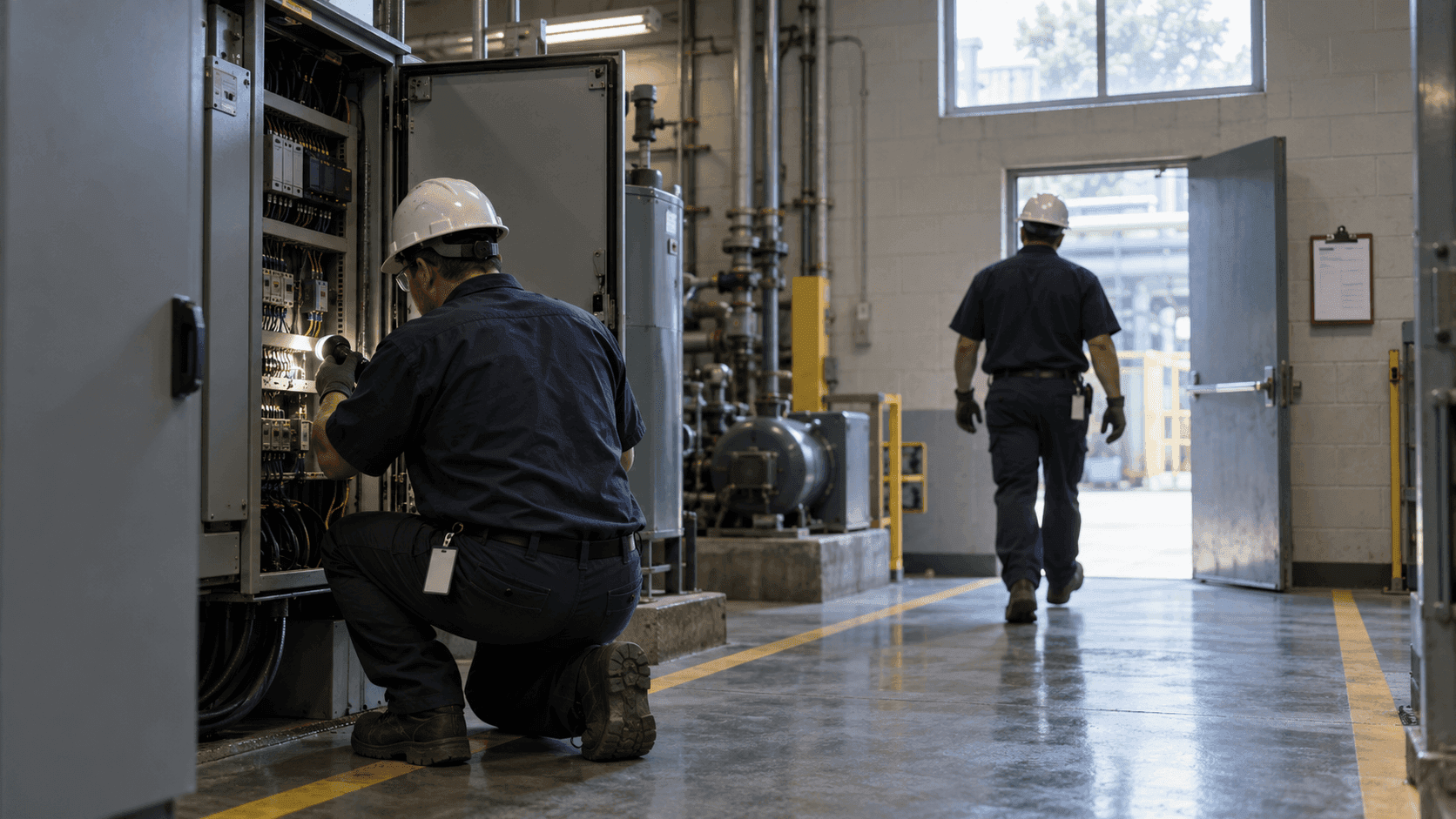
When something actually happens, events unfold in a different order. An alarm goes off, the operator looks at the screen, and what happens next differs from person to person. Experienced staff move by muscle memory; newcomers ask the person at the next desk. In those few minutes, no one has time to pull out the binder and scan the table of contents.
This is why some sites see little return on a well-built monitoring system: detection works, but nothing happens after detection. This article explains what it concretely means to run standard operating procedures (SOP) as a system rather than as a document.
I. Why Not Just Write a Better Manual?
The first remedy people reach for is fixing the document: condensing the manual into a summary, adding training sessions, posting quick-reference sheets on the wall. All worth doing, but they miss the core of the problem.
The weakness of a documented procedure lies not in its content but in its timing. The moment a procedure is needed most is an emergency, and the moment a document is least likely to be opened is also an emergency. During drills, everyone knows the procedure. In a real incident, the time spent finding the procedure is itself a response delay. Need and access miss each other at the exact same moment, and no amount of editing fixes that mismatch.
That mismatch leaves three gaps. Finding the right page takes time. At night, or when the assigned person is on leave, the sentence "the management team will confirm" simply stops working for hours at a stretch. And once the situation ends, what was done evaporates into verbal updates, so when you later need to prove how you responded, all that remains is human memory.
The fix is not to rewrite the manual. It is to move where the procedure lives.
II. Connecting Conditions to Procedures
Running SOPs as a system does not mean uploading the manual as a PDF. It means binding together the condition that detects a situation and the actions to take when it occurs.
In ORBRO OS, you first define a Condition: an unauthorized person entering a restricted zone, an asset leaving its designated area, a sensor value crossing a threshold, or a specific event detected on video.
Link an SOP to that condition, and the moment the condition fires, the SOP is generated automatically and appears on the screens of the assigned group. The operator follows the steps on screen instead of wondering where to look. With SMS enabled, the notice goes out by text as well. This is exactly what the binder could never do: instead of the procedure waiting for people, the procedure finds them.
Assignments go to a group, not an individual. Tied to one person, the procedure breaks with every vacation, shift change, and resignation. Tied to a group, it keeps working as the organization changes.
III. Six Building Blocks That Turn a Procedure into a Screen
An SOP is built from steps, not paragraphs. Each step uses one of six types.
| Step type | Where it is used |
|---|---|
| Multiple choice | Locks situation judgment into fixed options (e.g., real event / false alarm / drill) |
| Free text | Records what was seen on site in the responder's own words |
| Date and time input | Logs action times as evidence for later review |
| SMS dispatch | Notifies stakeholders from within a step |
| Guide image | Shows valve locations, evacuation routes, or equipment handling as pictures |
| Camera check | Opens the video feed of the zone right inside the step |
Combine these six, and a full response (confirm, judge, notify, record) completes inside one screen. Designing the system is nothing more than building a scenario for each situation and linking it to its condition.
One caution: do not name steps the way documents are written. These sentences are read in the middle of an incident, so each must be short enough that a field operator knows what to do the moment they read it.
IV. Execution Itself Becomes the Record
This is where the sharpest break from paper procedures appears. The act of following the steps is itself the record. Without writing a separate log, the system keeps when the condition fired, who took it, when each step was completed, and what the final judgment was.
That record serves three places. For audits and reporting, one query pulls up the response history: filter by period, status, or SOP, and download it as a report, with no need to reconstruct events from people's memories. For post-incident review, the steps that took too long show up as numbers, pointing at where the procedure does not match reality. For training and handover, past records become the textbook for whoever comes next.
No one works at keeping records. Finish the response, and the record is already there.
V. Two Signals That Surface in Operation
Run SOPs as a system and you see more than procedures: you see the state of the organization. Watch for two signals.
If in-progress SOPs linger for a long time, the procedure does not fit the site: too many steps, demands for things that cannot be verified on site, or a situation where something else should come first. The right move is usually to trim the procedure.
If the assignee field is empty, the organization is undecided. The system caught the condition but no one is set to receive it, and that is fixed by operations, not technology.
Neither signal is visible in a paper procedure. A binder stays silent no matter how long nobody opens it.
VI. Alarms and SOPs Solve Different Problems
About six months after adopting a monitoring system, the same remark tends to appear: there are too many alarms, so nobody looks anymore.
Reducing alarms helps, but the fundamental fix is making the alarm a beginning rather than an end. An alarm that only rings becomes noise over time. If ringing brings up a task, and the task disappears once one person takes it and closes it, the same number of alarms produces a very different level of fatigue.
How location-based conditions are built is covered in Monitoring Begins the Moment You Draw a Zone. Using events detected on video as conditions is covered in What Happens After Detection.
VII. Considerations Before Adoption
- Organize conditions and assignee groups first: an SOP can only be built on top of a condition and a group. Without them, procedures sit written but unconnected.
- Do not migrate everything: start with the three or four situations that occur most often. Trying to move the whole binder at once is how migrations stall.
- Start with short scenarios: ten steps from day one hurts completion rates. Fill in missing steps as you operate.
- Run drills on the same system: a screen never used in daily work will not be used in an incident. Running scheduled drills through real SOPs checks the procedure and the people at once.
- Set a retention period: response records can contain personnel and security data, so define access rights and retention up front.
In Closing
The value of a monitoring system does not end with what it shows. The benefit lasts only when it reaches what happens after seeing. The SOP app in ORBRO OS links conditions built from zones, sensors, and video to response procedures, raises a step-by-step scenario to the assigned group when a condition fires, and keeps the execution as a record.
You can leave the binder in the cabinet. It will still do its job at audit time. But when something happens, what opens in front of the operator should be the screen, not the binder. If your response procedures live only in documents today, tell us about your site conditions and we will help you decide which situation to move first.