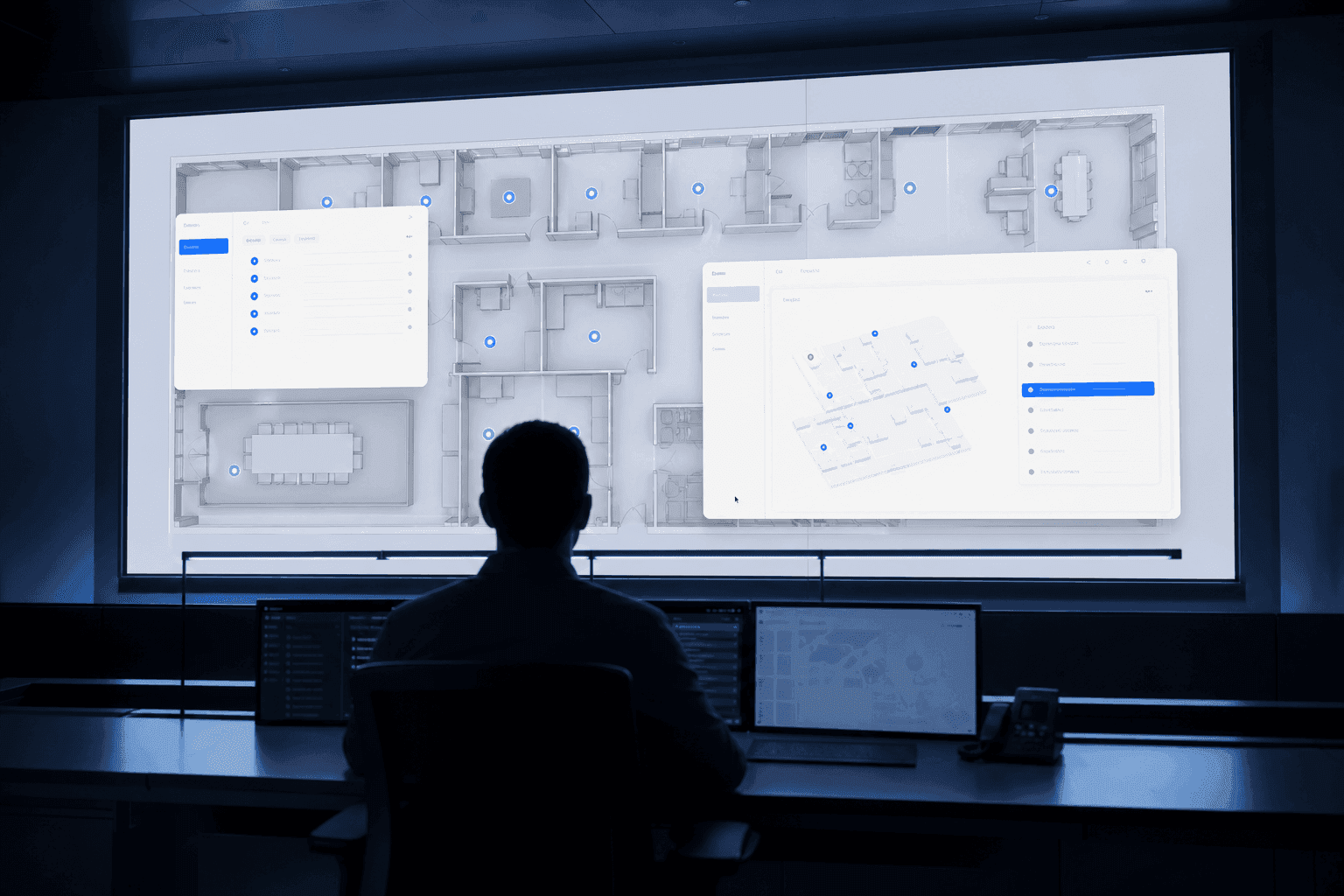
The most important date in an SI contract is the delivery date. Requirements get gathered, development happens, acceptance testing passes, and on that day the system is complete. And on that day it usually stops.
If "stops" sounds like an exaggeration, think of a monitoring screen built five years ago. The layout is exactly as it was on the day it was commissioned. In the meantime the site added a production line, changed its access policy, and installed twenty more cameras. Only the system is still in 2021. Moving a single button requires a quote first, and the company that built it has long since moved to another project.
This was the default in the location-based monitoring industry. We worked this way at first too.
The ORBRO OS Story is a set of articles about how we got out of that default. This one covers the choice underneath all the others: building a platform instead of building a system per project.
I. The System That Stops on Delivery Day
There is nothing wrong with the SI model itself. If a requirement is genuinely unique, custom development is right. The problem is that in location-based monitoring, most projects are in fact rebuilding the same thing.
An engine that draws positions on a map. A screen to register devices and see their status. Rules that fire alarms on conditions. A store that accumulates and queries data. Functions with the same skeleton and different names get developed fresh for every project, becoming mutually incompatible codebases scattered across sites.
The real cost of this structure is not the development fee. It is that no site ever gets to share in another site's improvement. A good feature built for site A ends at site A. The same bug is fixed as many times as there are sites. A few years on you have ten systems that resemble each other and share nothing.
| Aspect | Per-project SI development | Platform + apps (ORBRO OS) |
|---|---|---|
| Starting point | From a blank screen, every time | On top of a proven core |
| Meeting requirements | Implement the entire requirement set anew | Switch on the apps you need, build only what is missing |
| After delivery | Updates stop with the contract | Updates keep arriving |
| Spread of improvements | Applied only at that site | Becomes a standard feature for every customer |
| Bug fixes | Repeated per site | Once, in the core |
| Customer-specific needs | Tear open the core to modify it | A custom app on the API, core untouched |
The obvious objection: "will that general-purpose platform actually fit our site?" A fair worry. The next two chapters are the answer.
II. "OS" Is Not a Metaphor, It Is the Architecture
Putting OS in the name was a design decision, not a flourish.
It did not start out looking like this. The early interface was a conventional monitoring web app — a menu, and clicking an item changed the page. We stripped out that menu and redefined each function as an app that can be installed and removed. Then we layered multitasking and a taskbar on top. The decision was to make the monitoring interface a desktop rather than a website.
Open ORBRO OS today and the browser address barely changes. Instead, windows open inside the screen, overlap, and stack in the taskbar. You can be looking at asset positions on a map, bring up an access log window, and layer a camera window on top of that. It is not a website you navigate but a single desktop you place apps on.
Why that structure matters lies below the interface, not in it. Just as an operating system abstracts hardware so apps need not know the hardware, ORBRO OS abstracts the location infrastructure and the data. An app does not need to know how many anchors there are or what model the cameras are. It means that building a new feature does not require rebuilding maps, authentication, and alarms. So apps accumulate quickly. They did.
III. 22 Apps — Monitoring Completed by Switching Things On
When you buy a phone you do not buy a device with every app preinstalled. There is an OS, and you choose the apps. ORBRO OS works the same way. There are currently 22 apps in 5 categories, and a site switches on only what it needs. Apps can be enabled and disabled per workspace, so functions you do not use never appear on screen at all.
Basic (5) — Dashboard, Device Manager, Setting, 3D View, Weather. The skeleton every site needs.
Location tracking (10) — Zone Manager, Zone Counting, Zone Effect, In-out Tracking, Reverse Tracking, Alert Zone, Access, Heatmap, Timeline, Record. The thickest category and the heart of the platform. Draw zones, count the people and assets that cross them, retrace the paths they took. The underlying technology is laid out on the RTLS overview page.
AI (4) — AI Event, AI RTLS, Multi Cam, LPR. AI Event catches situations in camera footage: missing helmets, falls, fire, restricted-area entry, collisions. It works with the edge product AI Event Manager so the video analysis happens on edge hardware at the site.
Data analysis (2) — Scan Insight, Nearby Search. Query and analyse accumulated location and signal data. If monitoring is about looking at now, this side is about preparing for next.
Service (1) — SOP. When a condition fires, the prescribed response procedure appears on screen. The app that means nobody has to go looking for the manual when something happens.
On the same platform, a manufacturing plant and an office switch on completely different combinations. The plant puts Alert Zone, AI Event, and Zone Counting up front; the office centres on Access, Heatmap, and Dashboard. The moment you choose apps, a general platform becomes that site's own monitoring system. By configuration, not development.
IV. How One Site's Request Becomes Everyone's Standard Feature
One principle has held while building the platform: absorb customer requirements into standard features wherever possible. That is easy to say, so here are three cases of what actually happened.
A customer operating an exhibition space asked to be notified immediately when someone entered a particular area. The feature built for that request did not end as a customer-specific build; it was refined into an app called Alert Zone. It is now one of the 22 apps and every customer has it.
A customer running a large construction site wanted the system itself to surface the response procedure when a situation occurred. That produced the SOP app. The wireless sensor integrations attached alongside it — air quality, gas, water leak, emergency button — are also standard now.
A customer operating an outdoor yard wanted to scan materials in and out with barcodes. Barcodes are an unfamiliar request for a location tracking platform. That went in as standard too. Barcode asset management and PDA scanner integration became official features, and other customers with warehouses use them as-is.
In all three cases the customer who asked got what they asked for, and the customers who did not ask got a feature they had not asked for.
Of course some requirements cannot be absorbed. Screens that exist only in that company's operating rules, approval flows used only in that organisation. In those cases we do not tear open the core. We put a customer-specific app on the API the platform already exposes. It protects the stability of the core and the specificity of the site at the same time; internally we call it the hybrid pattern.
The reason we can stand behind this structure end to end is that we build every layer. Location tag hardware, the edge device that sits at the site, and the monitoring software above it are all designed by one company. We are not perched on top of some conglomerate's ecosystem, so when a problem appears we can fix it at whichever layer it lives in, and we decide what to build next.
V. The Data Does Not Leave the Site
ORBRO OS installs on-premise. Not a cloud product that "supports" on-premise — it was designed on the assumption that the server sits inside the site.
This is because of the conditions in domestic B2B environments. Public institutions and manufacturing sites often operate under network separation and security review, which makes exporting data to an external cloud impossible in the first place. Worker positions and camera footage are especially sensitive. At sites like these, on-premise is not an option but an entry condition.
The sites that fit turn out to be the ones asking the same question: what is where. Manufacturing, which has to watch worker safety and movement. Warehousing, which has to track assets and logistics flow. Offices, managing access and space utilisation. Local government, which has to grasp its jurisdiction on one screen. The requirements are all different but the underlying question is the same, and each layers a different combination of apps on top.
Closing
Why we built our own control platform is simple. Because with a model that starts from scratch at every site, no site can ever have a system that keeps getting better.
ORBRO OS has no delivery date. It has release dates. In the year or so since the day we tore out the menu and moved to an app model, we have shipped close to thirty releases.
Think again of that customer who asked for the restricted-area alert. What they requested was one app. In the time since, twenty-one apps they did not request have arrived on their screen. Barcodes, response procedures, video event detection — all of them started as requests from other sites. None of this happens in a system frozen on a screen from five years ago.
The articles that follow look at the apps that fill this platform, category by category: the ten location tracking apps that make up the thickest layer, the AI apps that read the site without anyone watching, and the basic apps holding all of it up. If you would rather see the screen first, a demo and a deployment conversation are always welcome.