Manufacturing Solution
Trade-in Process Location Management
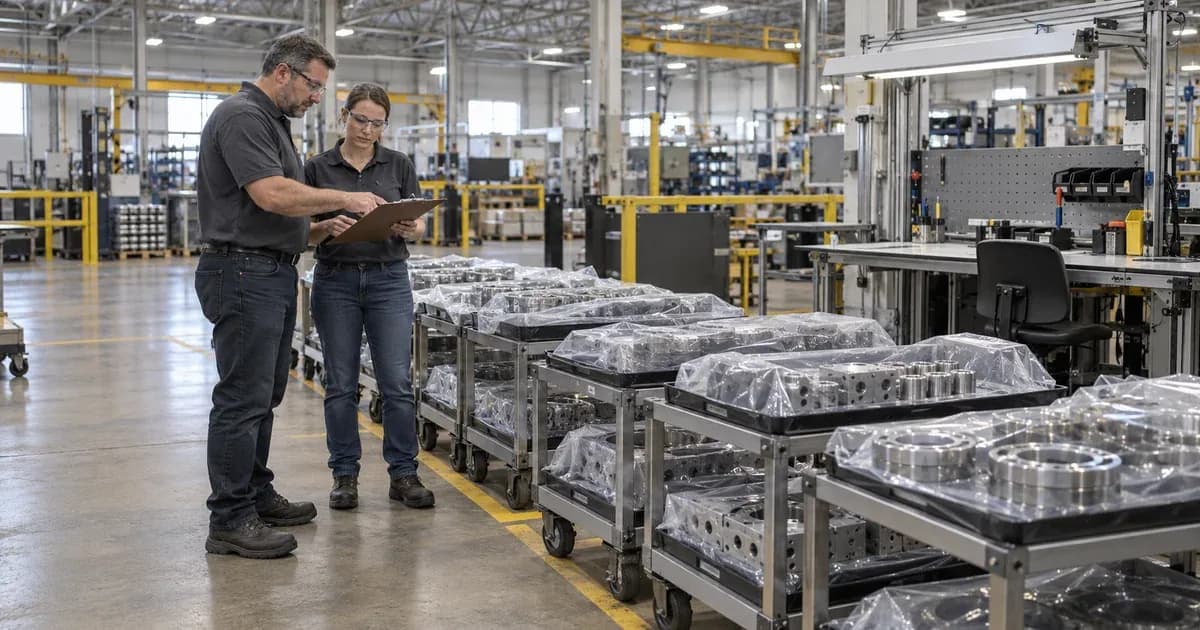
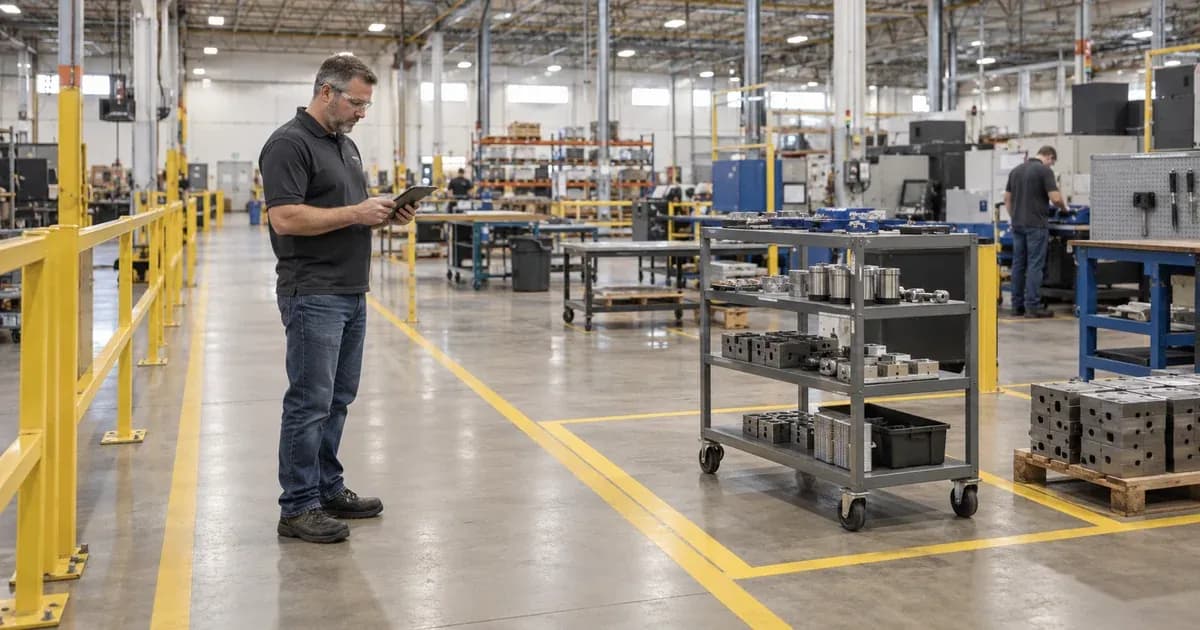
Manage the location of materials to be used in the process based on the pallet. Observe the status of the idle vehicles and those moved to the production area.

Check whether the replacement vehicle is at the waiting area or the production site
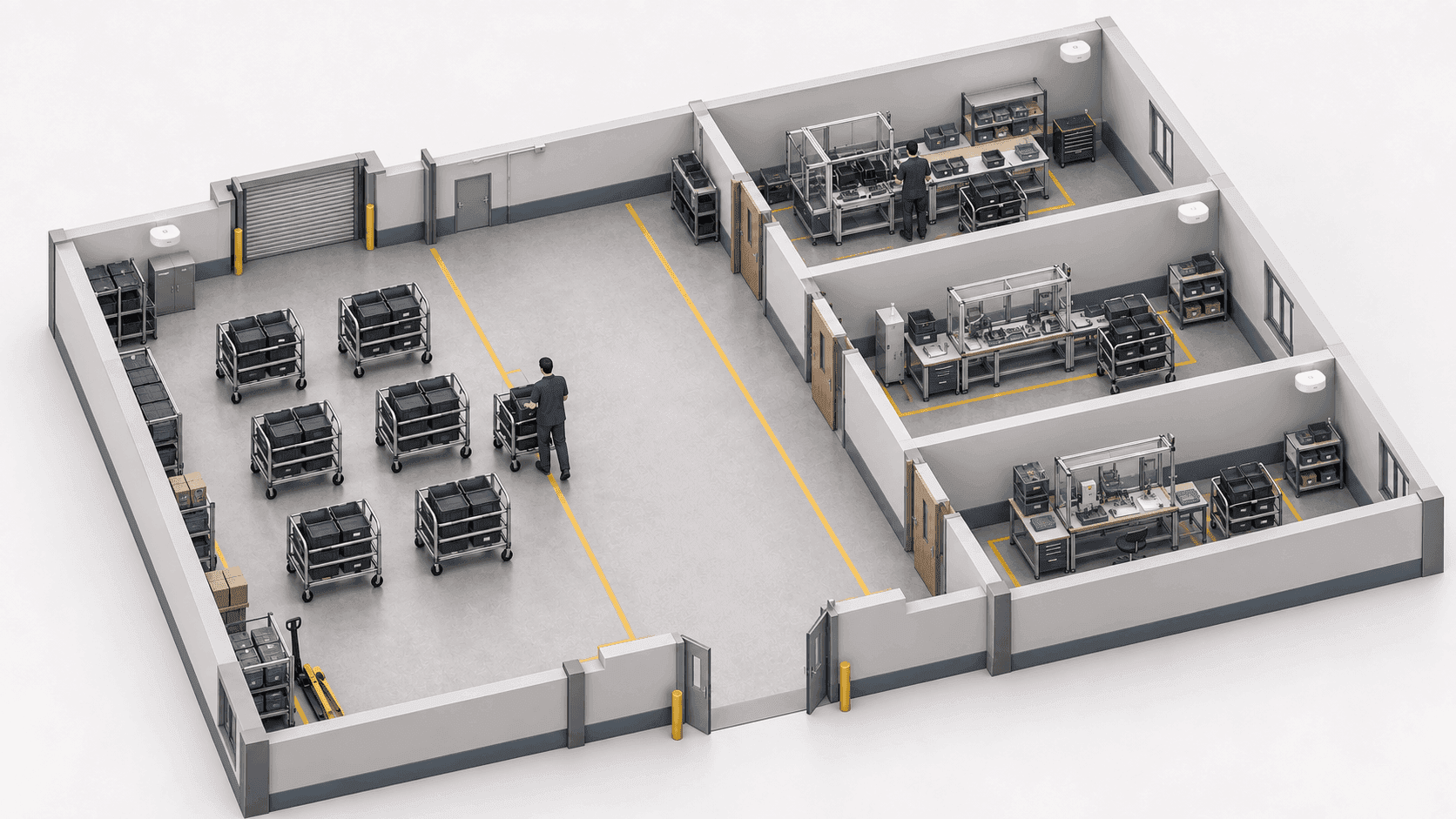
The TwinTracker BLE receives the signal from the ORBRO Tag attached to the vehicle. ORBRO OS marks areas where registered tags are detected on the map. Separate the waiting area from the production area, and the person in charge cross-checks the material information linked to the vehicle number.

TwinTracker BLE
BLE signal receivers installed at waiting and production locations. The signal received from the vehicle tag is transmitted to the positioning system. The receiving area is configured with fair distribution and equipment shielding in mind, and power and communication are connected via a PoE network.
ORBRO Tag
Attach it to each bogie and transmit BLE signals to identify them. By linking the registered tag number to a vehicle number, you can identify the area where the vehicle was detected. Tags are secured in a position that does not interfere with loading, unloading, or moving the trolley.
ORBRO Edge(BLE)
The TwinTracker BLE processes the received tag signals to perform BLE location tracking. Process signals collected in the standby and production areas according to the plant’s location management configuration. The receiver and server connect to the network used on-site.
ORBRO Server
This is the server that provides ORBRO OS and the operational functions of the location tracking system. Stores the location and zone movement history of registered vehicle tags. The operator reviews the vehicle’s deployment status and previously traversed areas in ORBRO OS.








Transfer Status Inquiry by Process
Check the carts in the waiting area and production area by zone. Based on the position and number of substitutes, examine who should be moved.
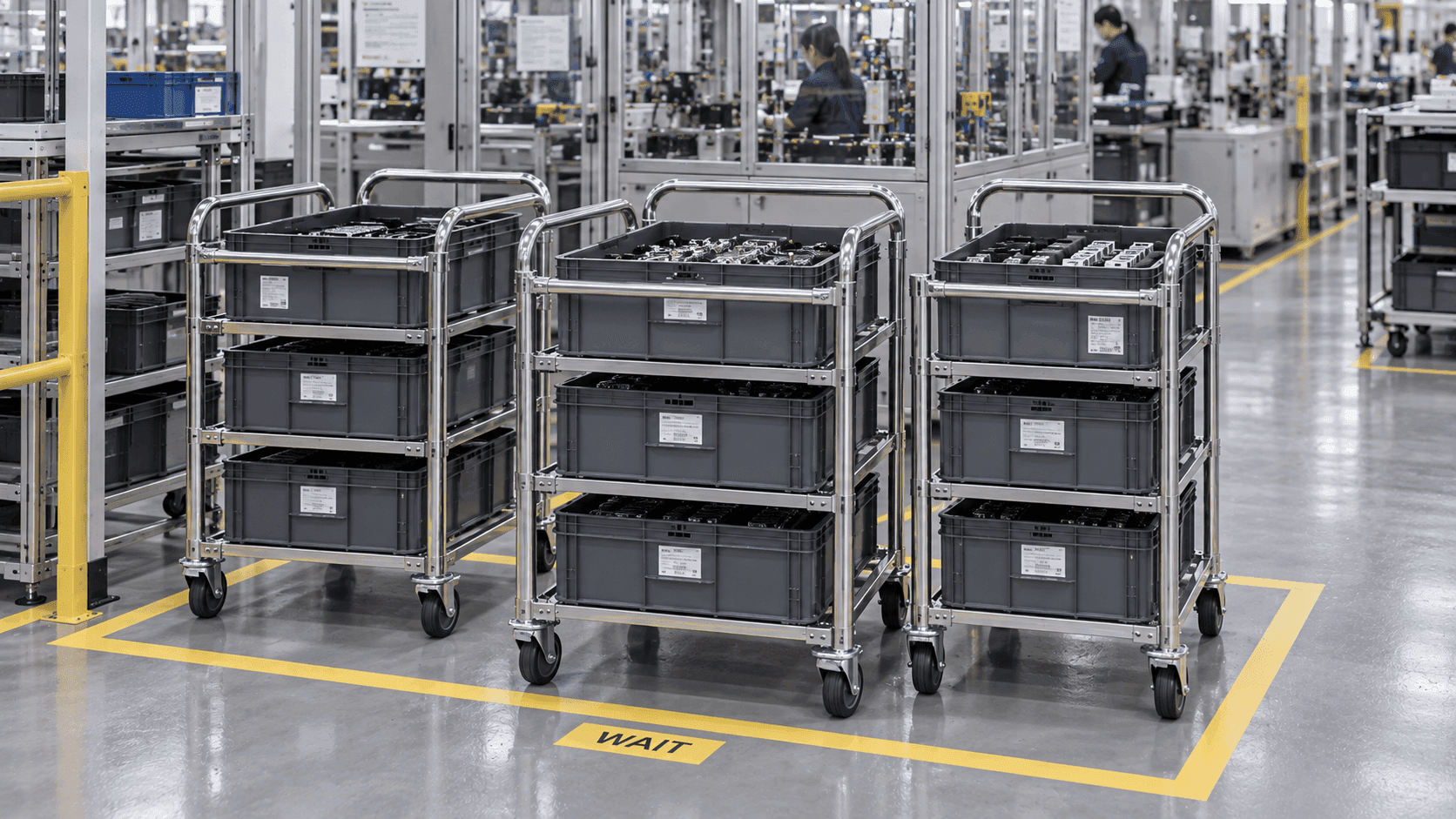
Check the vehicle in the waiting area
Check where the vehicles waiting for production input are located. ORBRO OS marks the location of detected bogie tags in the waiting area on the map. The person in charge narrows down the search by cross-referencing the indicated vehicle number with the list of materials to be transported.
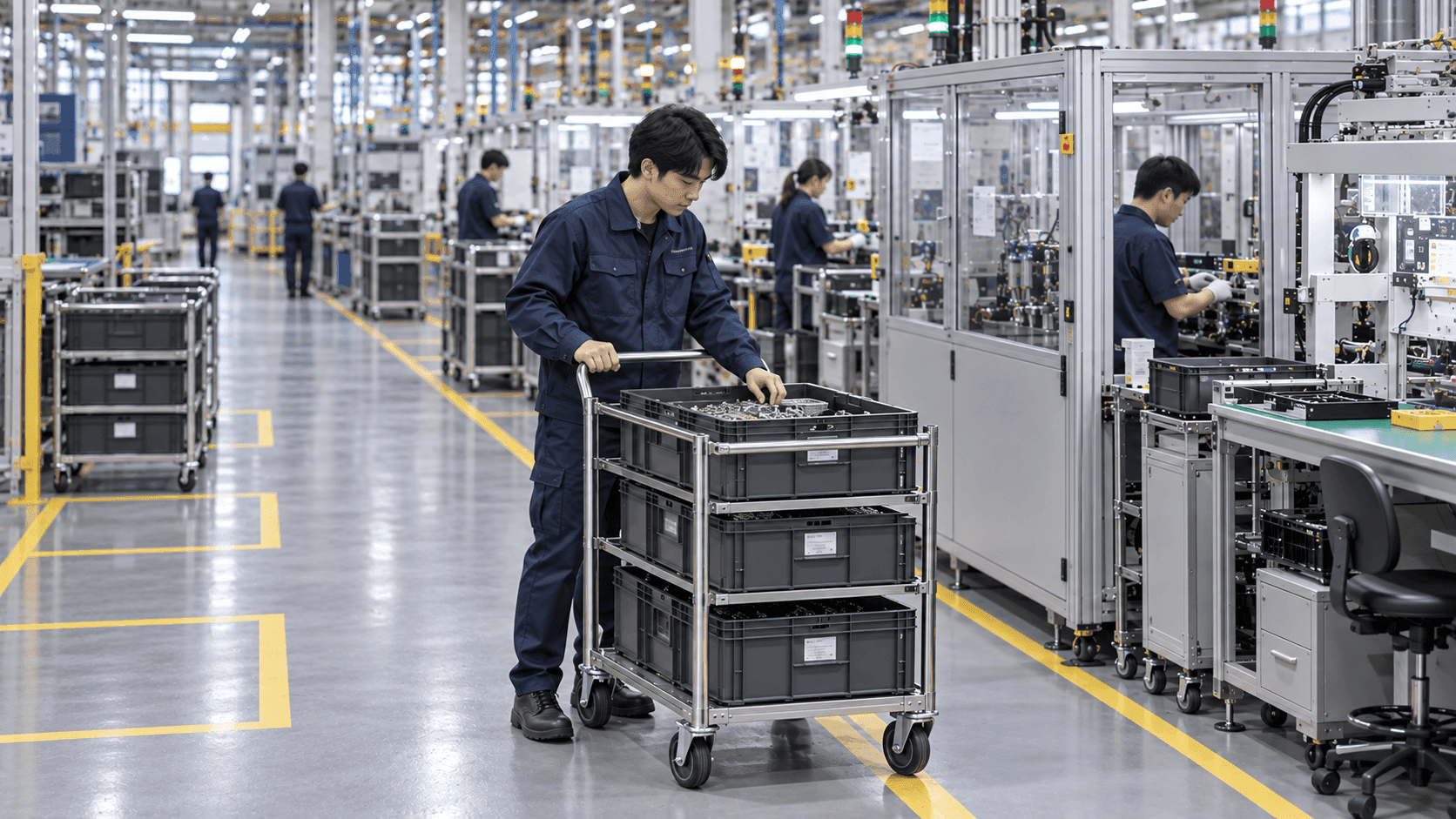
Carriage moved to the production site
Check which production area the cart moved to from the waiting area. When a tag is detected in the production area, the location of the corresponding cart is displayed on the screen. The person in charge inspects the materials loaded on the arriving vehicle and decides whether to begin work according to on-site procedures.
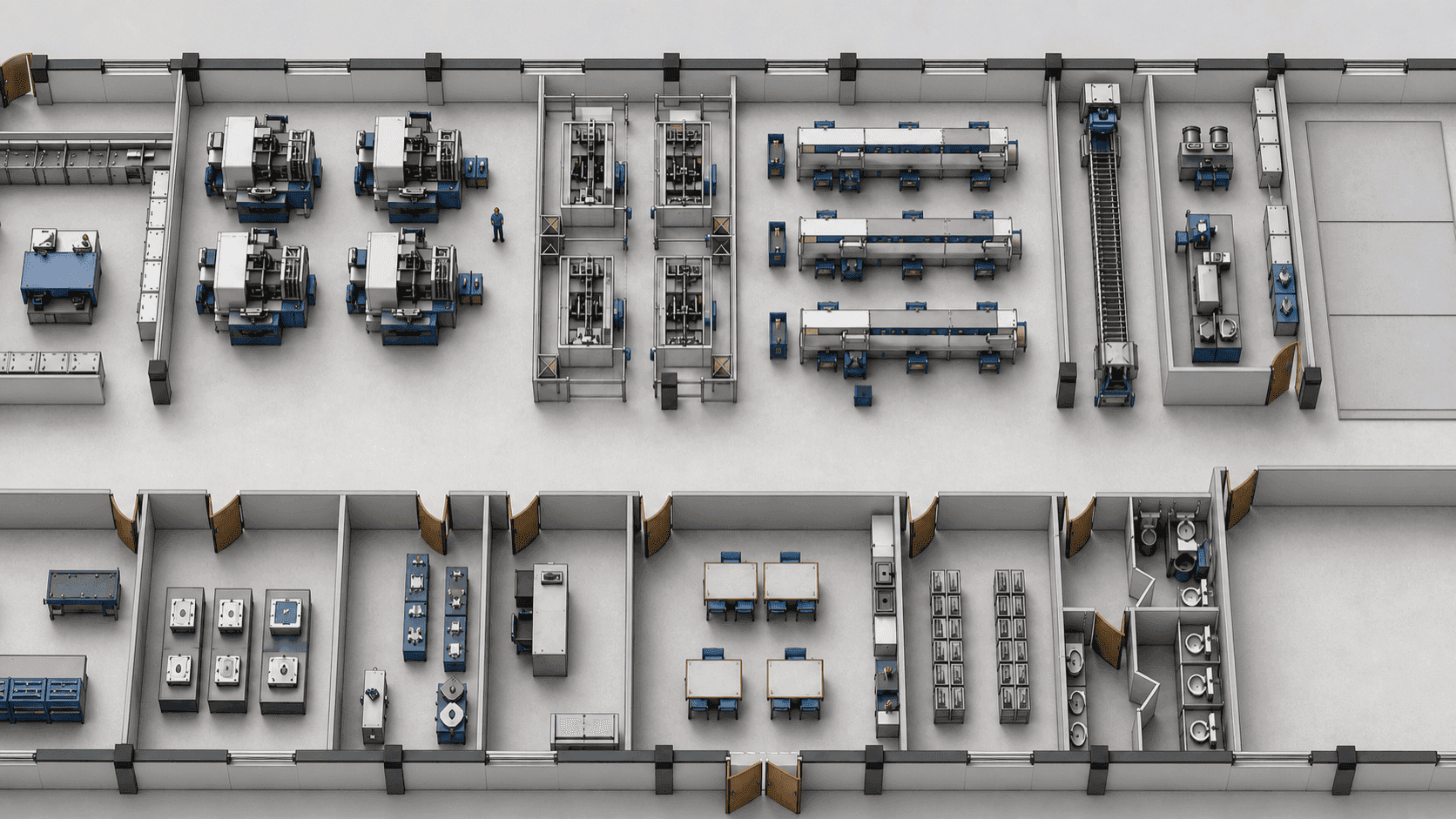
Number of Vans Held by District
Compare the number of bogies distributed in the waiting area and the production area. Based on the number of tags detected in each zone, you can identify where the carts are clustered. The items and quantities of materials loaded on the vehicle are separately verified from the list of materials associated with that vehicle.
Material Handling Record Management
Distinguish the transported items by matching material numbers with vehicle numbers. The movement history of the vehicle is used for material verification and shift handover.
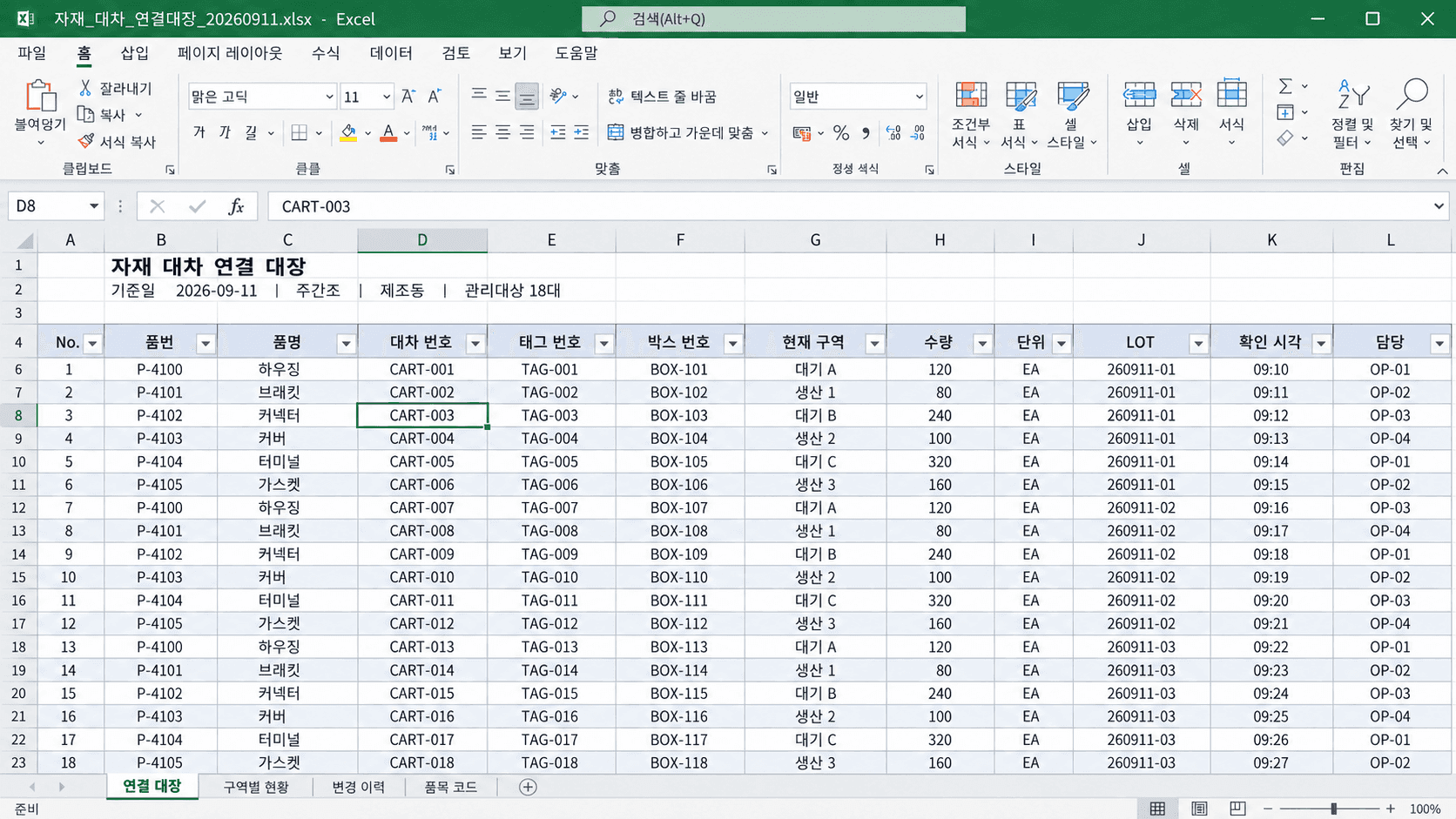
Link material number and unit number
Compare the barcode of the received material with the vehicle number used for transportation. The person in charge records the connection information between material boxes and carts in the management ledger to use as a reference for locating them. Update the connection information when moving materials to a different cart.
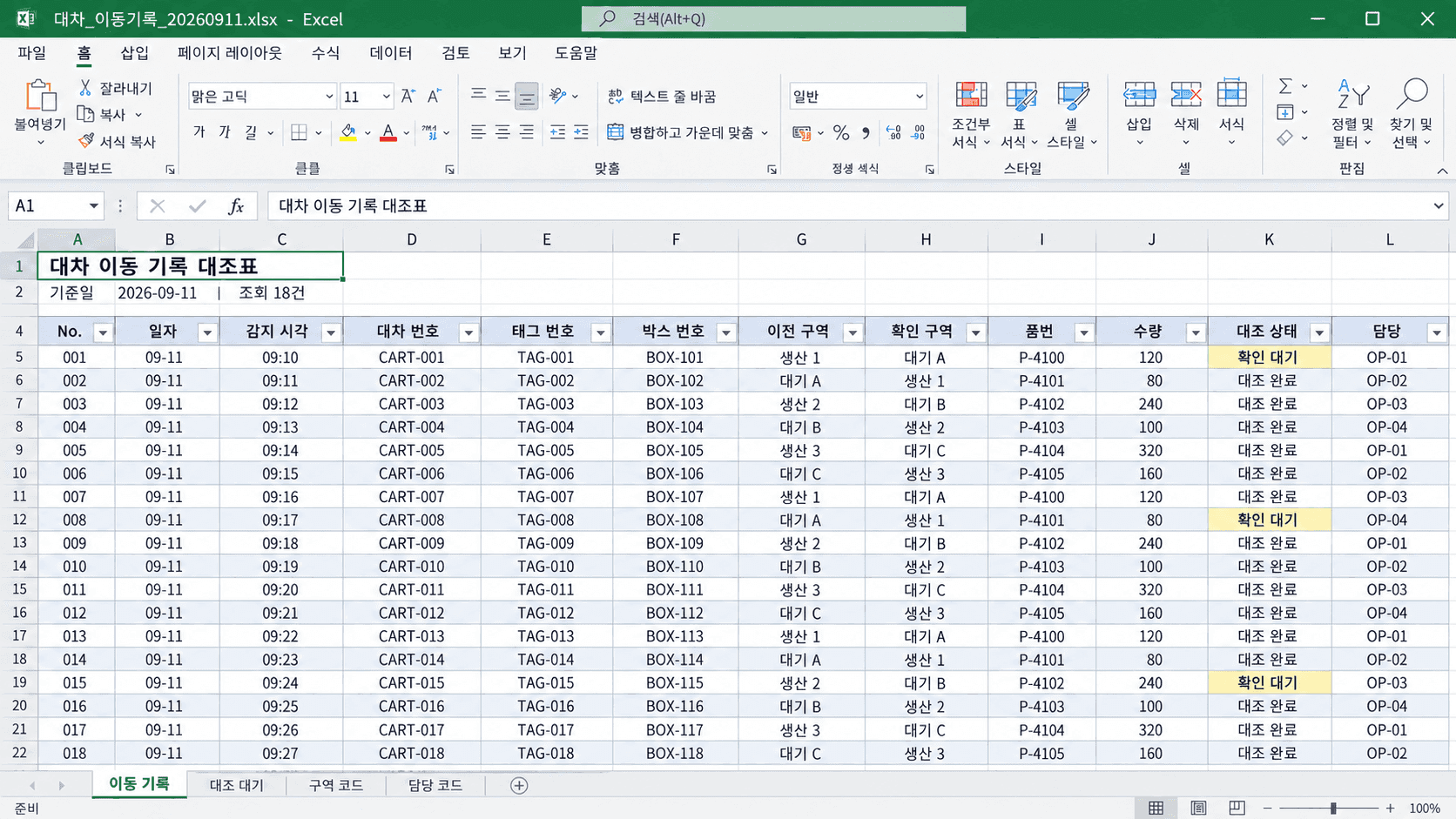
Transport History from Standby to Production
View records of car-to-car transfers between the waiting location and the production location in chronological order. You can view which locations the tag passed through through the history of changes in the detected area. The person in charge compares the records of material transport to identify the items that need verification.
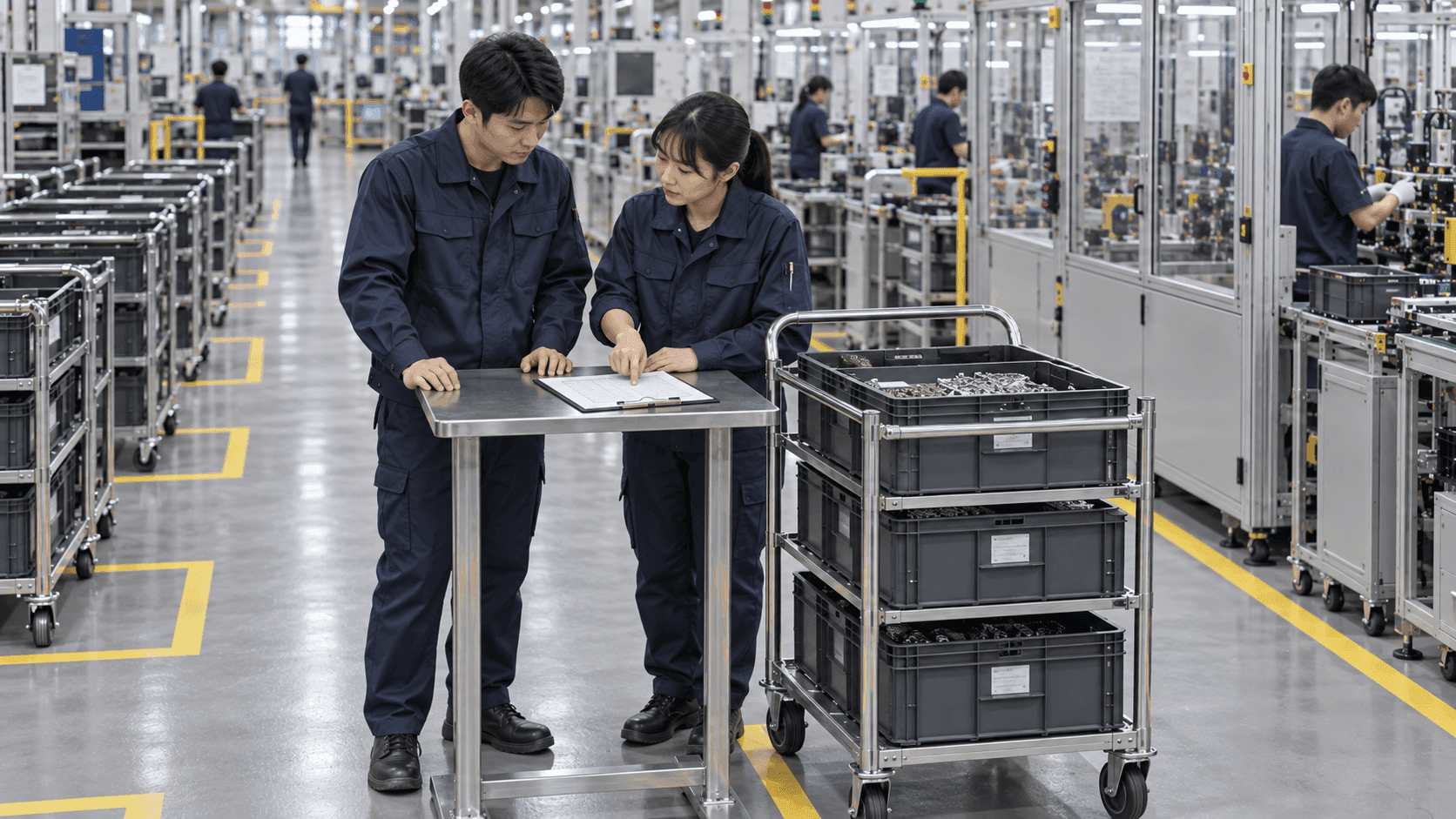
Transfer of vehicle and equipment deployment status during the shift change
Inform the person in charge of the shift change about the standby location and the status of the equipment at the production site. The transferor and transferee distinguish the shares to be confirmed based on the positions displayed on the screen. Record the remaining transportation tasks and material information in the existing handover document and share it with the next person in charge.
Recommended Products
Components Based on ORBRO OS
Each solution operates with various products connected on top of ORBRO OS. Configurations can be flexibly adjusted depending on the scope of application and on-site conditions.
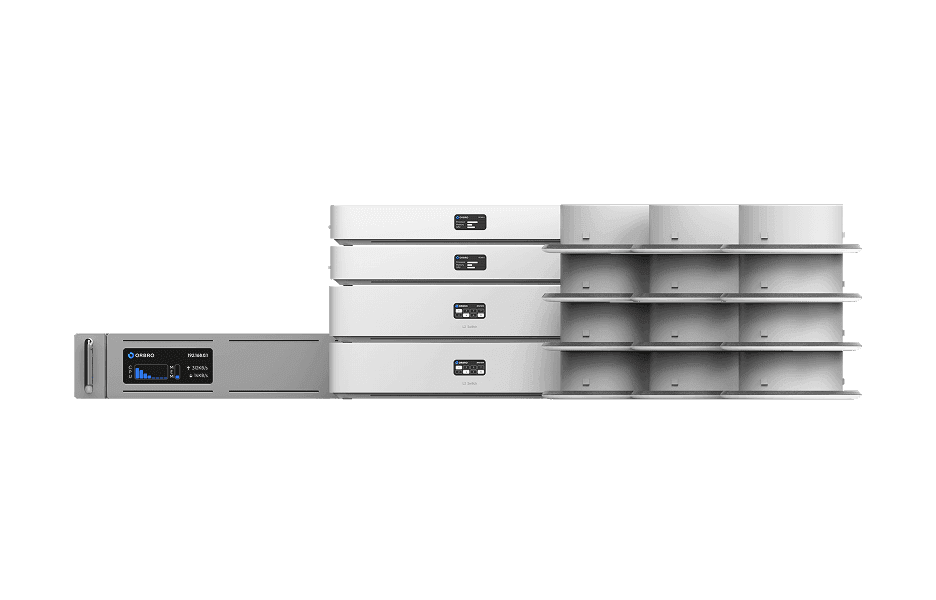
BLE Location Tracking
BLE Location Tracking
BLE is an optimal technology for managing large-scale assets simultaneously at low cost. It enables real-time monitoring of thousands of assets, supporting efficient operations and cost reduction.
Learn More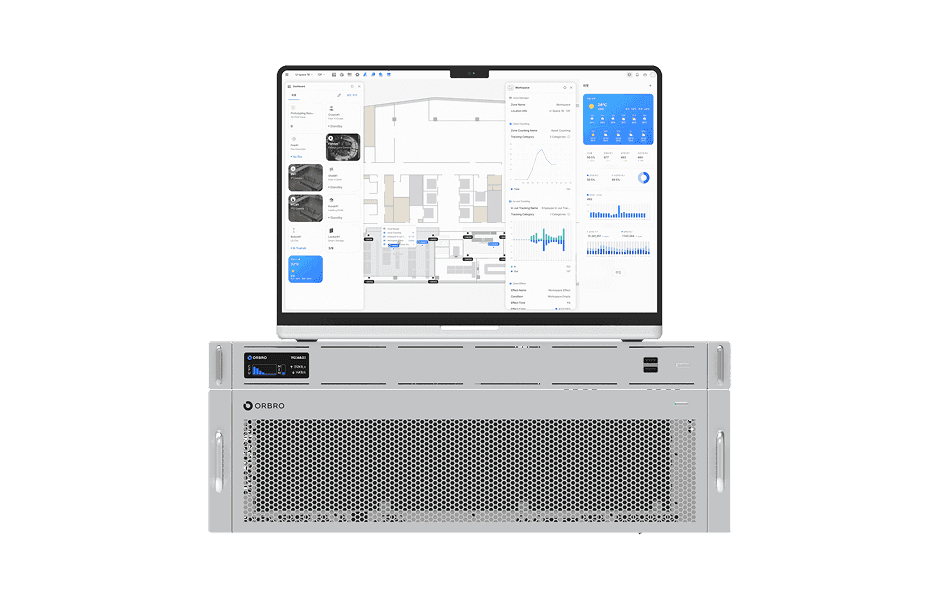
ORBRO OS2
ORBRO OS2
Align location, video, and sensor data on a spatial layer to turn all on-site situations into a single operational workflow.
Learn More