Healthcare Solution
Hospital Medical Equipment Tracking
Manage where shared medical equipment sits and how it moved on one consistent basis. Location evidence remains for collection, inspection and asset audits.

Check the area a piece of medical equipment is in and look up its movement history
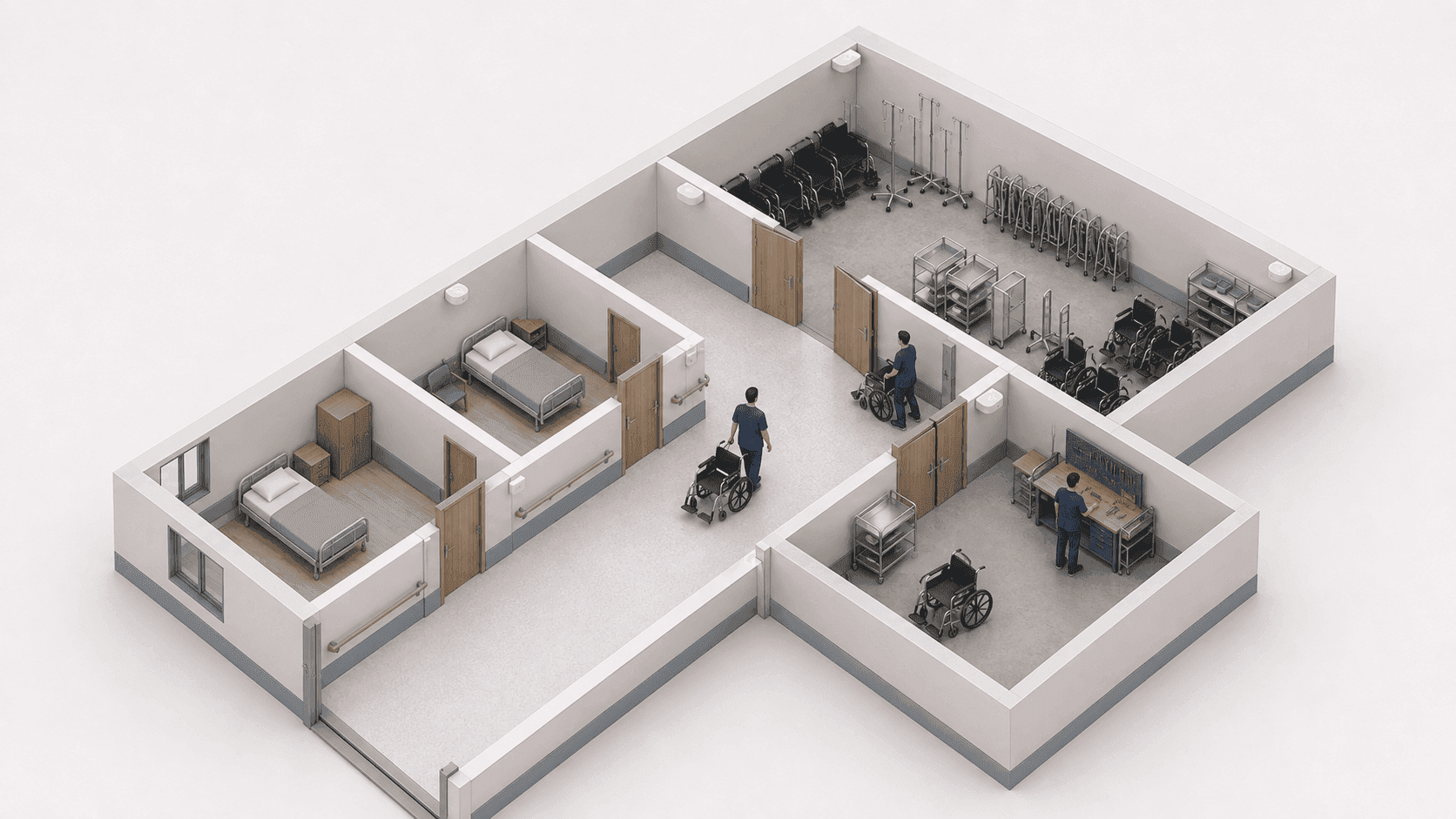
TwinTracker BLE receives the signal from the ORBRO Tag attached to each piece of medical equipment. ORBRO Edge(BLE) runs the positioning, and the history stored on ORBRO Server is looked up in ORBRO OS. Ward and storage room areas are set to match the reception range and the hospital floor plan.
TwinTracker BLE
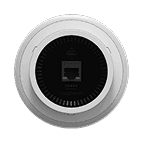
A BLE signal receiver installed in wards and shared storage areas. It passes the signals received from tags to the positioning system, and power and communication run over the PoE network. Reception range varies by area depending on walls and equipment layout.
ORBRO Tag
Attached to medical equipment, it transmits a BLE signal that identifies the device. For each registered tag you can see the area it was detected in and its location change history. Where the tag goes and how it is fixed are chosen with the equipment controls, vents and the hospital cleaning procedure in mind.
ORBRO Edge(BLE)
The device that works with TwinTracker BLE to run BLE positioning. The software that processes received tag signals is included in the hardware. Receivers in each ward and the server are connected to match the network configuration the hospital uses.
ORBRO Server
The server that provides the operating functions of ORBRO OS and the positioning system. It stores registered tag locations and location change history, which becomes the material for reviewing equipment distribution. Where the server is installed and how long records are kept follow the hospital IT operating standards.









Shared Equipment Location Lookup
Equipment location and distribution by ward are checked against the registered tags. Equipment back in the shared storage room is matched against the collection list.
Find the medical equipment you need
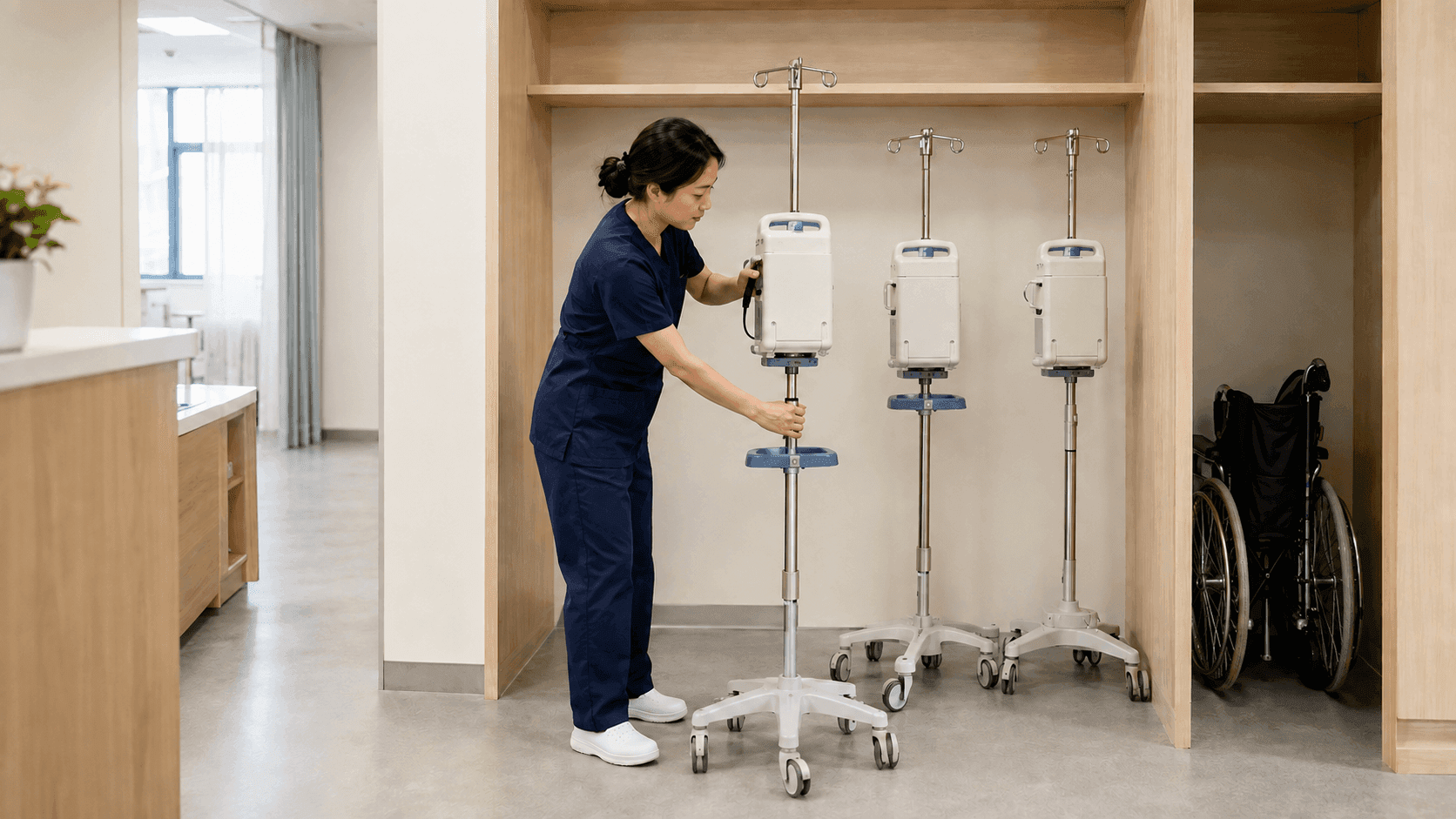
Look up on the floor plan which area holds the medical equipment you need. ORBRO OS marks the area where the equipment tag was detected on the hospital floor plan. Staff use the marked ward and storage area as the starting point for walking to an infusion pump or a mobile ultrasound unit.
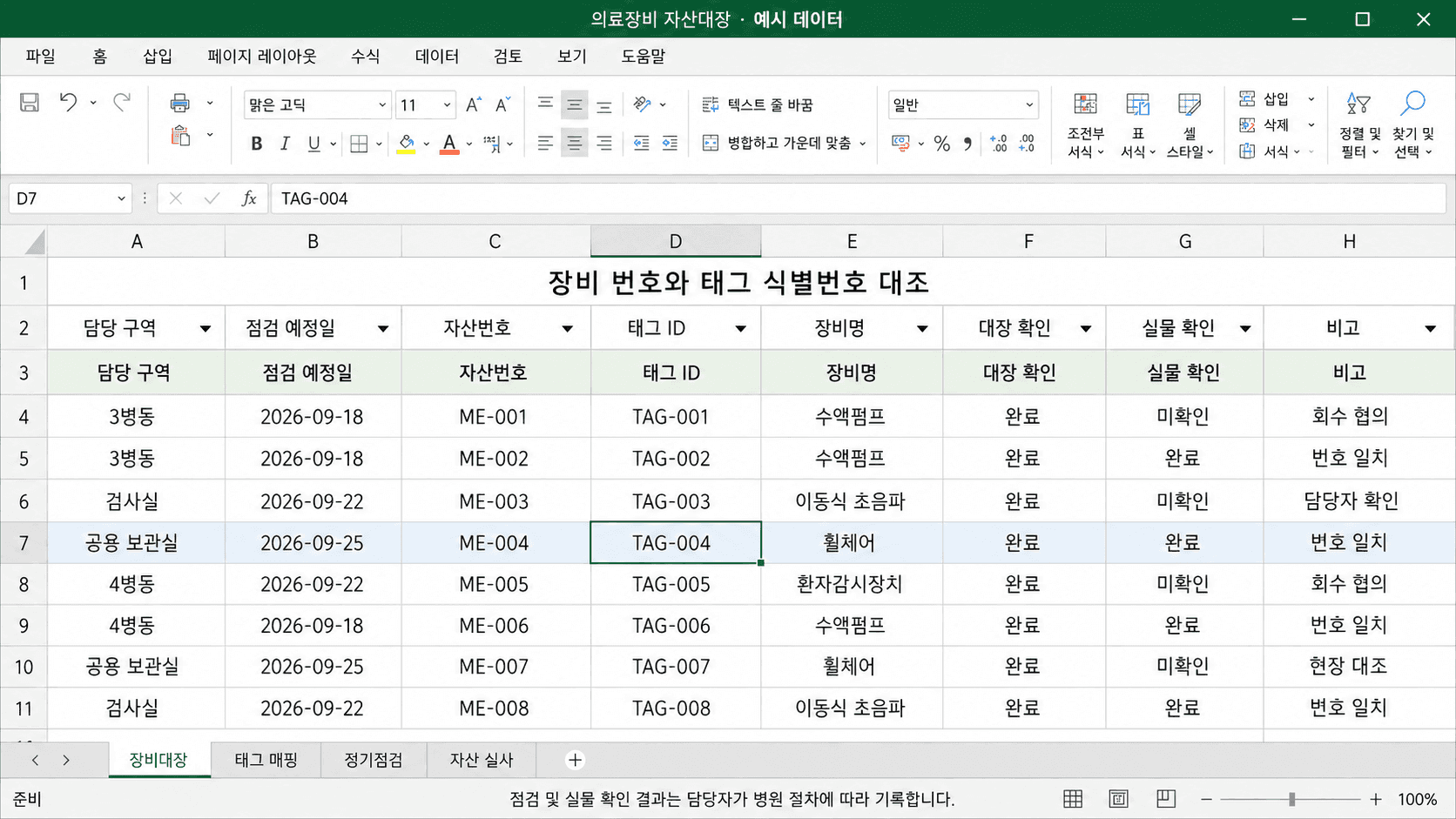
Link equipment to tag numbers
Match the equipment number in the hospital asset register against the ORBRO Tag identification number. Registering the tag attached to each piece of medical equipment separates location by device. When a tag is replaced or moved to another unit, the administrator updates the mapping register at the same time.
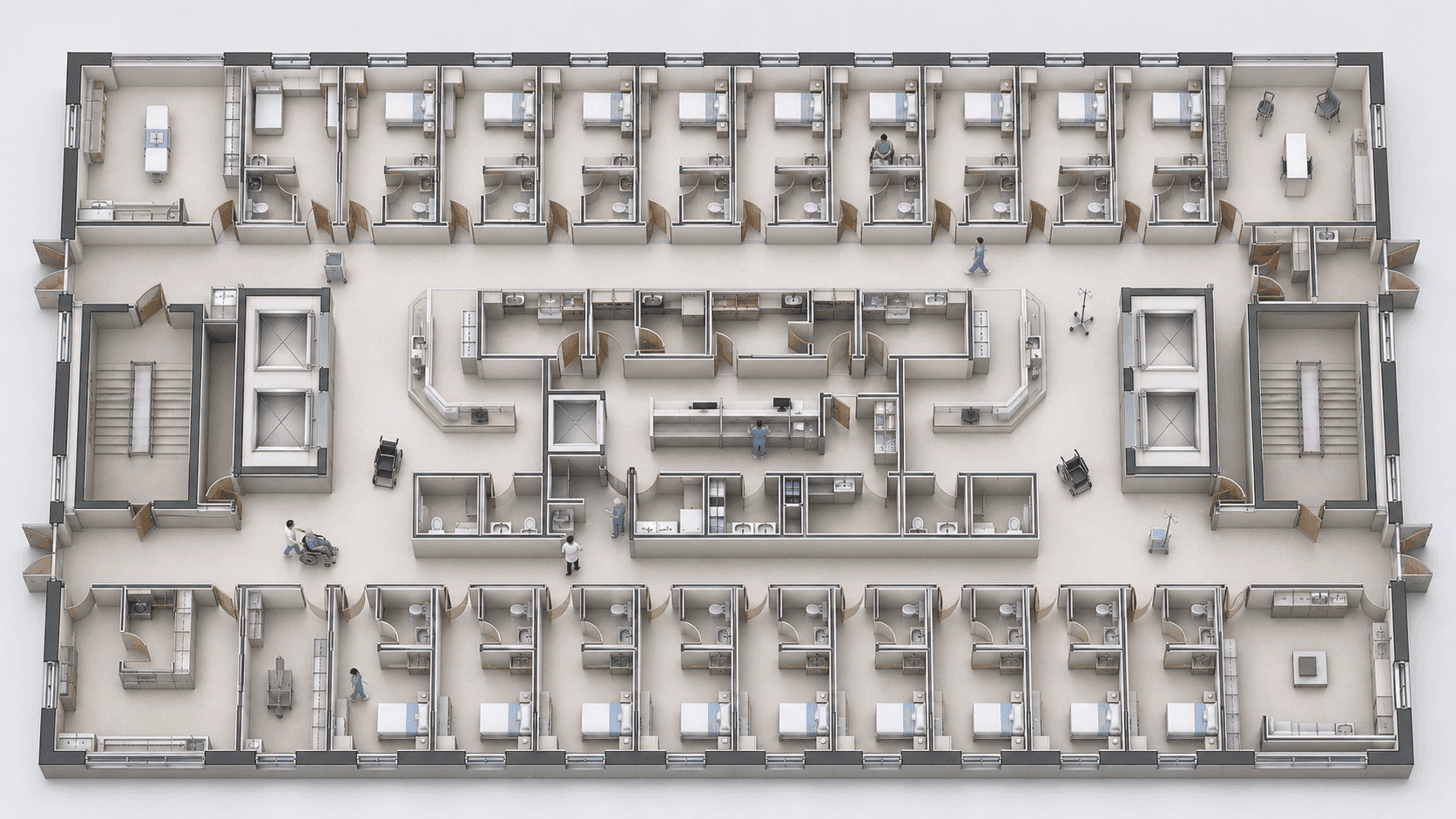
Compare shared equipment distribution by ward
See how equipment is spread across wards and the shared storage room. Detected tag counts and distribution are shown against the ward and storage areas registered in ORBRO OS. Staff compare that with actual usage requests and ward conditions to pick which units to move.
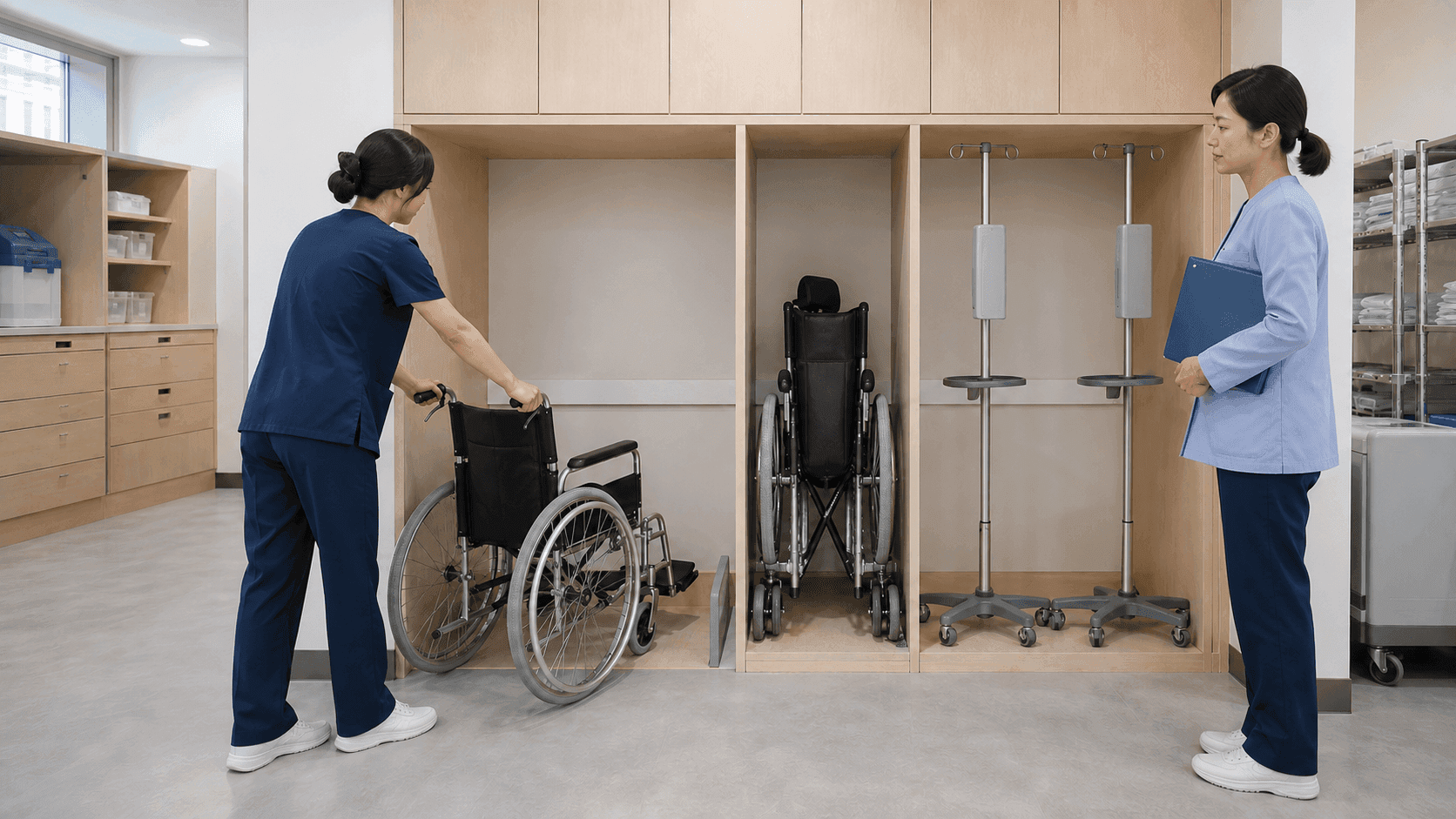
Equipment returned to shared storage
Use location to confirm that equipment finished with is back in the shared storage room. Tags detected by TwinTracker BLE in the storage area show whether the units due for collection have arrived. Whether a unit is available and whether cleaning is complete are checked separately by staff under hospital procedure.
Equipment Operating Record Review
Movement records feed scheduled inspection, asset audits and shift handover. Whether a unit is in use and whether the work is finished are confirmed by hospital staff.
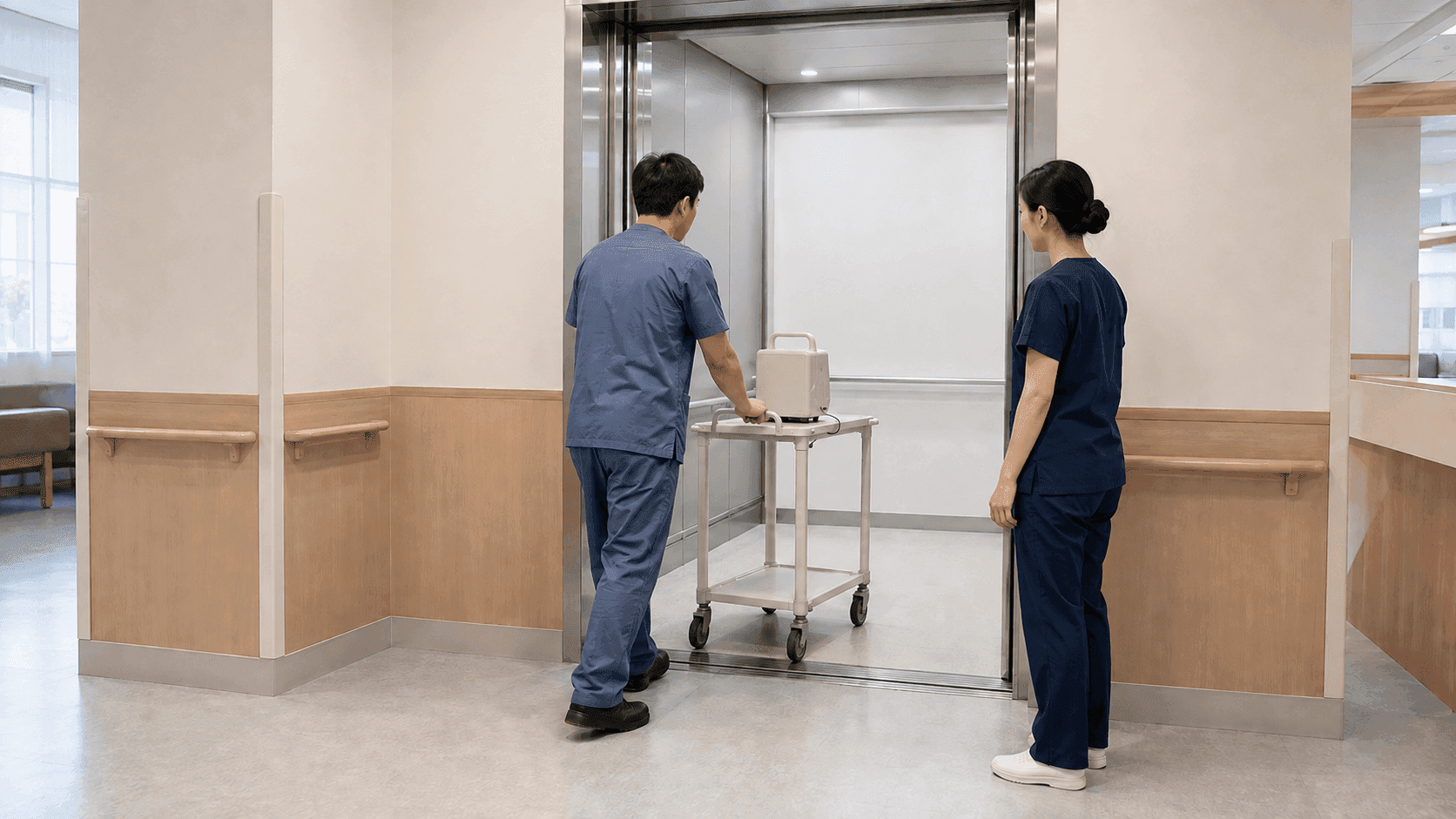
Movement records across floors and areas
Retrace in time order the wards and areas a unit moved through. ORBRO Server stores the areas where registered tags were detected together with the location change history. Staff compare that with usage requests or transport records to review which areas the equipment passed through.
Collect equipment due for scheduled inspection
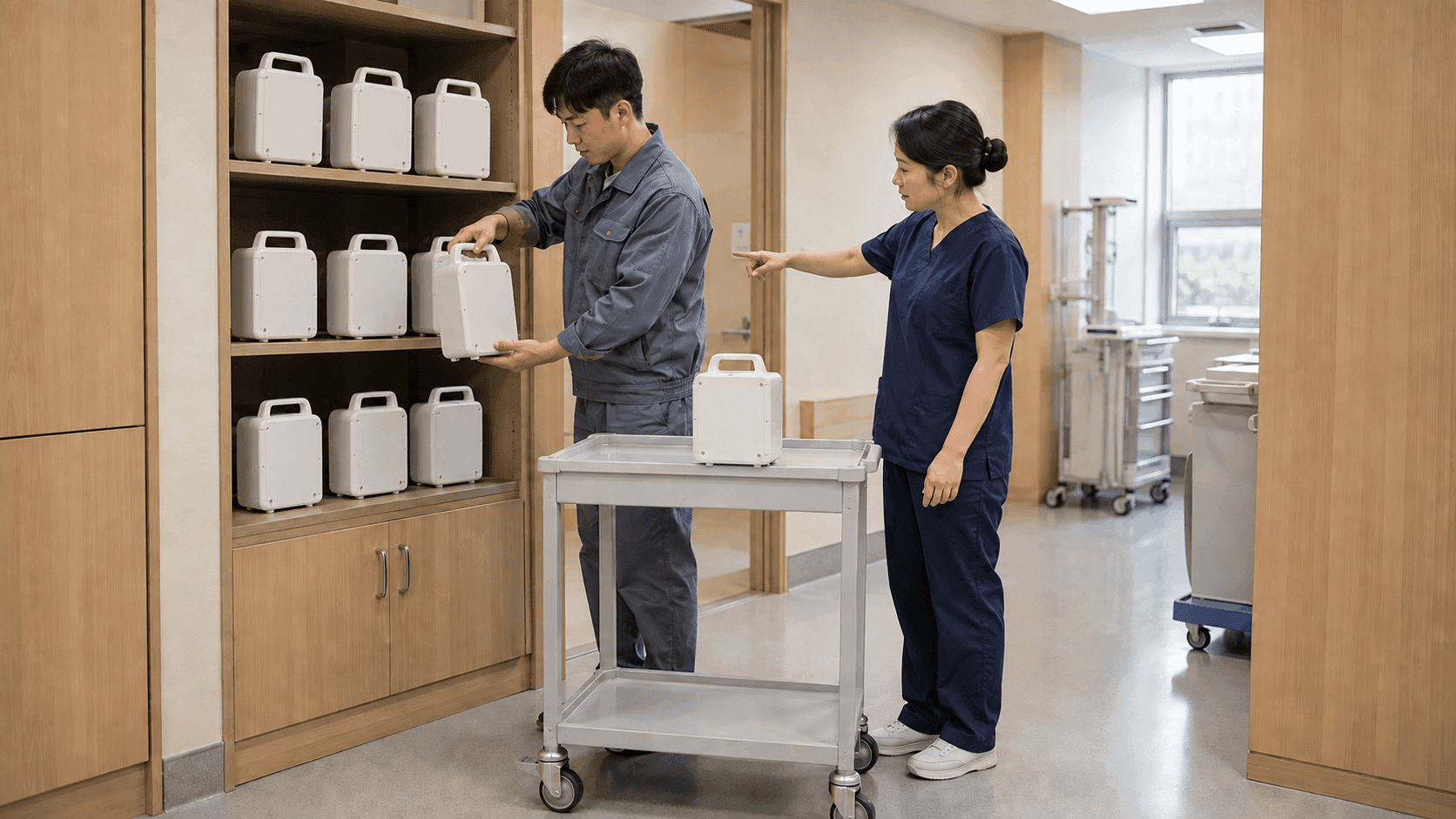
Plan the collection route starting from the units on the scheduled inspection list. Staff match the hospital inspection register against location in ORBRO OS to find the ward holding each unit. Inspection scheduling and completion follow the existing management procedure, and the time of collection is agreed with the ward concerned.
Onsite assets matched against the register
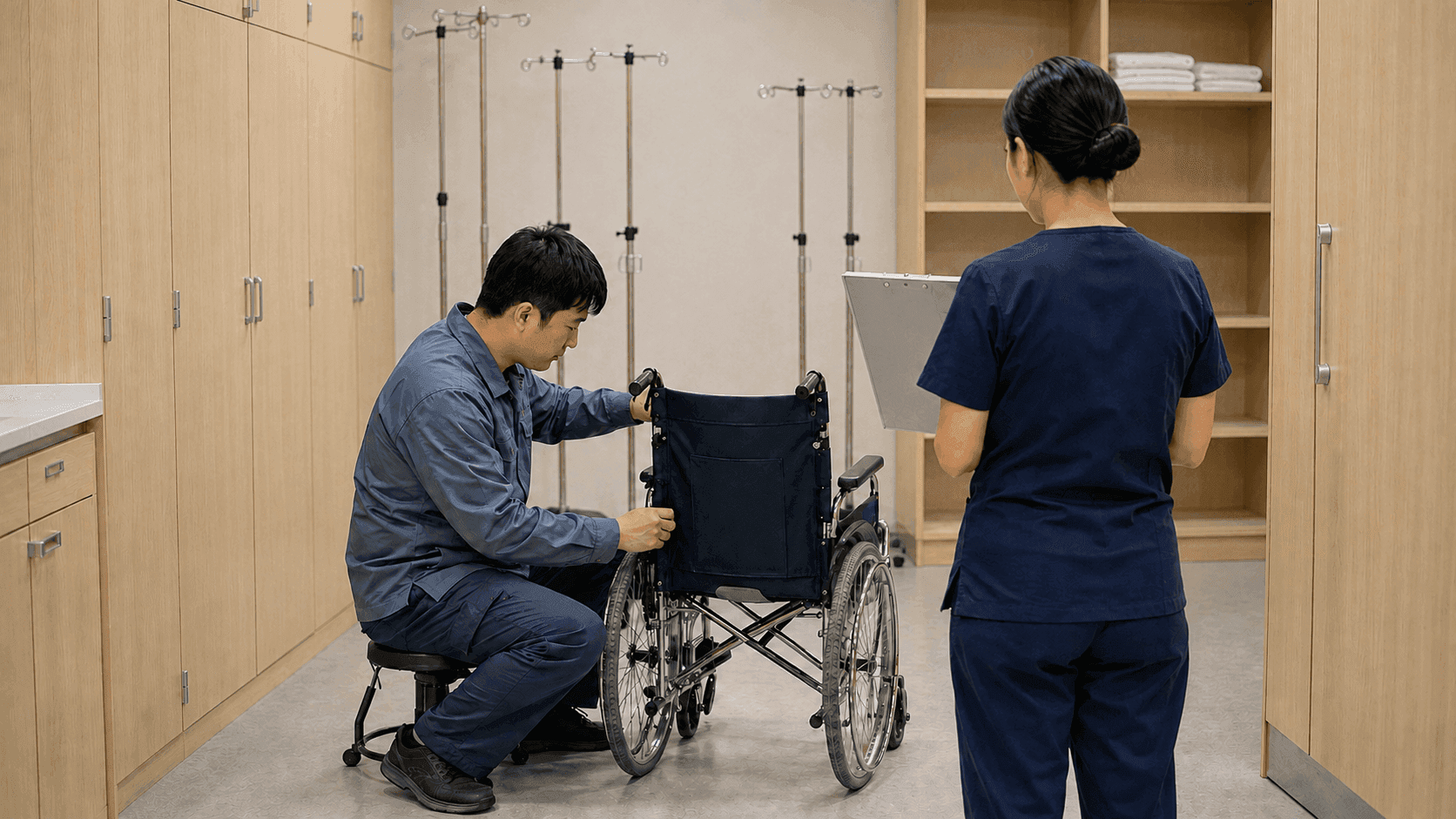
During a periodic asset audit, start from the location of the medical equipment listed in the register. The tag location shown in ORBRO OS narrows down which units staff have to look for on site. After the equipment number and physical condition are checked, the audit result is written into the hospital asset register.

Hand over shared equipment locations at shift change
Pass on where the shared equipment stands to the staff taking over the shift. The outgoing and incoming staff compare side by side what the area locations and movement history in ORBRO OS show. Whether a unit is in use and whether it has been collected are checked together with the ward handover record.
Recommended Products
Components Based on ORBRO OS
Each solution operates with various products connected on top of ORBRO OS. Configurations can be flexibly adjusted depending on the scope of application and on-site conditions.
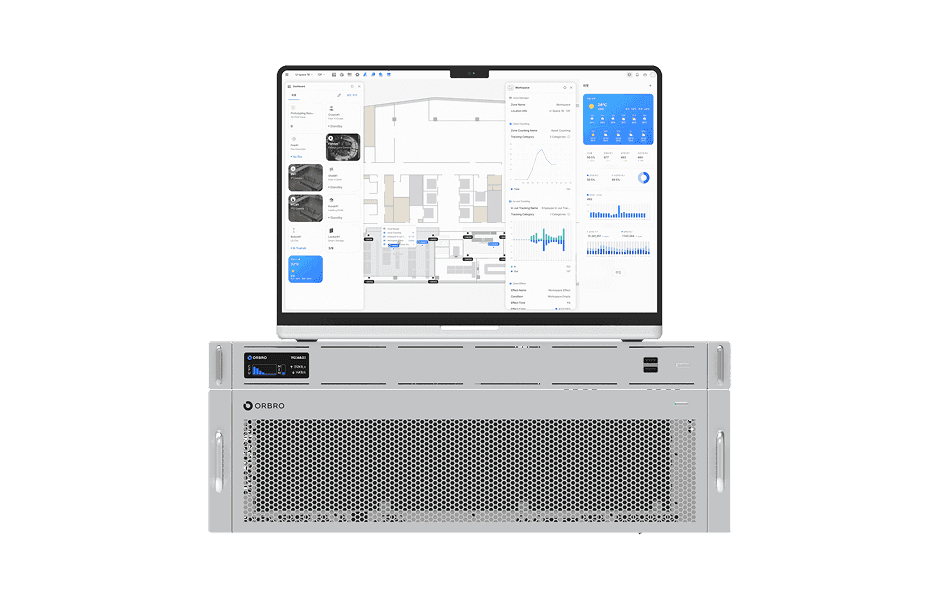
ORBRO OS2
ORBRO OS2
Align location, video, and sensor data on a spatial layer to turn all on-site situations into a single operational workflow.
Learn More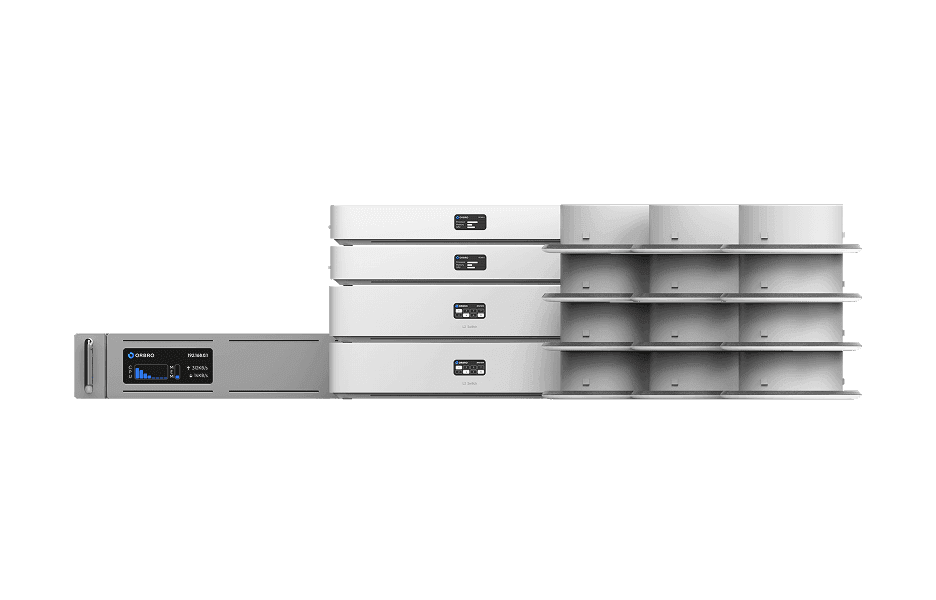
BLE Location Tracking
BLE Location Tracking
BLE is an optimal technology for managing large-scale assets simultaneously at low cost. It enables real-time monitoring of thousands of assets, supporting efficient operations and cost reduction.
Learn More