Office Solution
Campus Collapse and Risk Detection
Gives you a structure you can explain at a parent briefing or privacy review. Only the risky moments are stored, so the video you hold stays level.

Posture change alone calls a collapse or incident
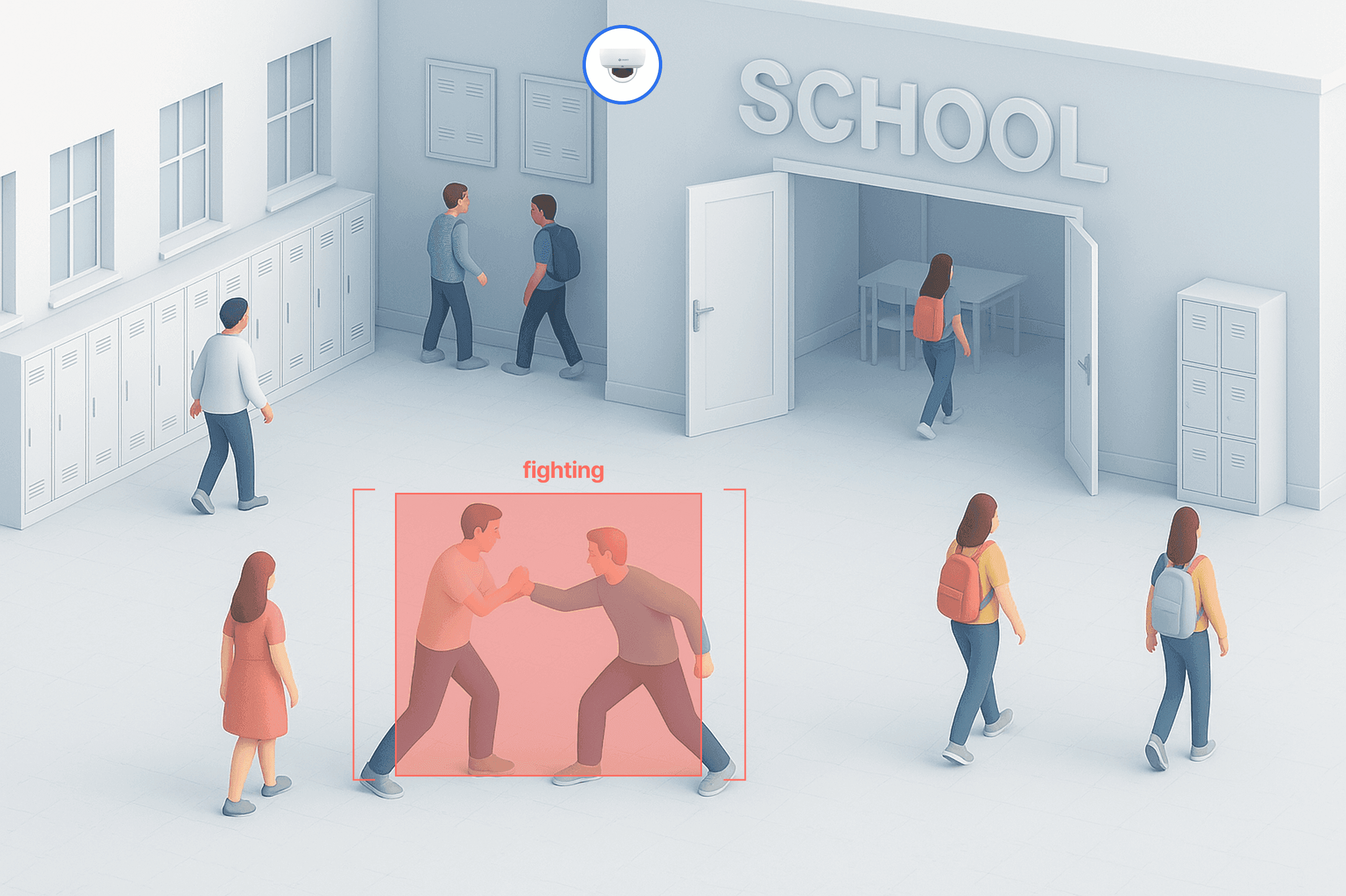
Dome Cameras go in shared areas such as corridors, stairs and the gym. The ORBRO Edge Pro inside the school leaves faces out and reads posture change only. Teachers and the nurse's office get the alert while a short clip of the moment is kept.
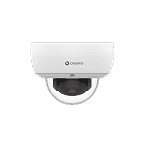
Dome Camera
Installed in spaces many students share, such as corridors, staircases, gyms and cafeterias. Consent for filming inside classrooms is hard to obtain, so classrooms are left out of detection and the realistic approach is to cover only the shared areas where incidents actually go unnoticed. Whether cameras already mounted in the school can be used is decided after checking their specifications.








Risky situations on campus detected automatically
A fall in a corridor or on a staircase, and stillness after a collapse, are detected from posture change. Individuals stay unidentified while the location and time pass to the teacher in charge and the nurse's office.
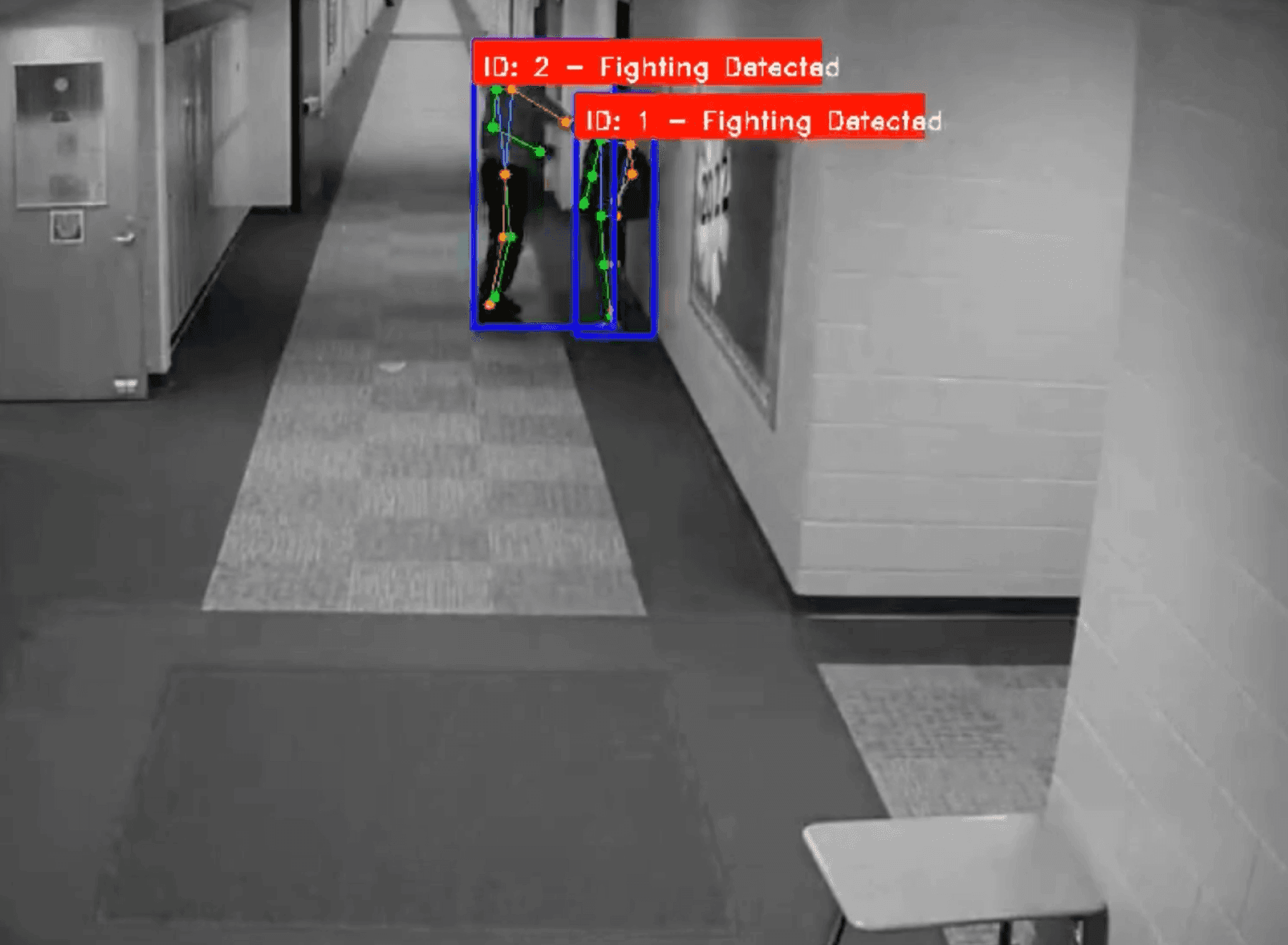
A request to check what looks like a scuffle
Movement that looks like a scuffle between students is hard to tell apart from horseplay. The system does not declare what it is, it passes the situation on as something to check, and the teacher on the spot makes the call. Leaving the label to a person is the design principle behind this feature, and the result the teacher enters is kept in the record alongside it.
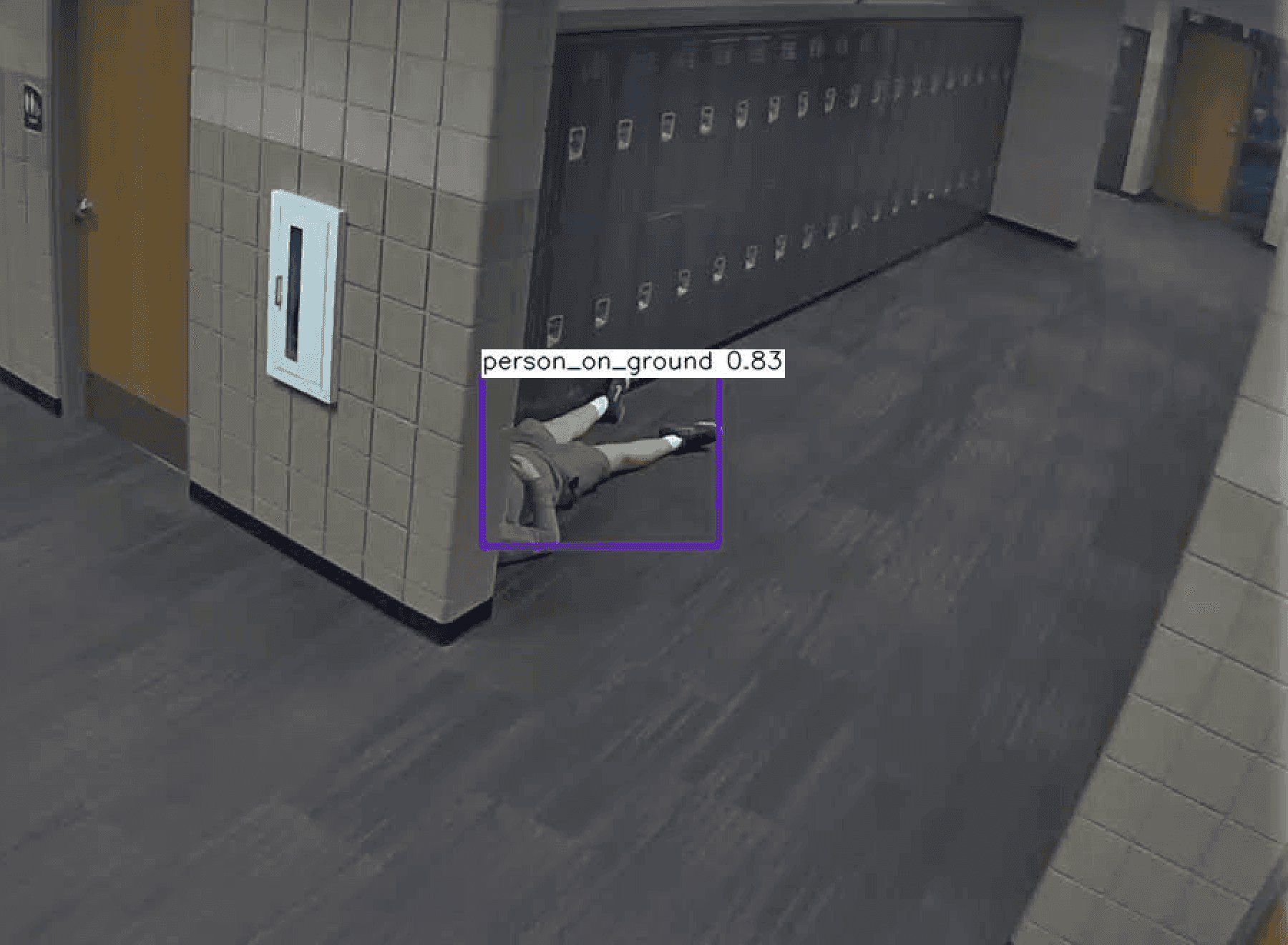
Fall detection and alerts in corridors and staircases
Equipment installed in the school recognizes a falling motion in the video as a posture change and raises an alert. Because it looks only at posture and does not identify individuals, what is passed on is where something happened and what it was, not who it was. Staircases and corridors come first, and whether a teacher checked it and how it was handled are kept in the record.
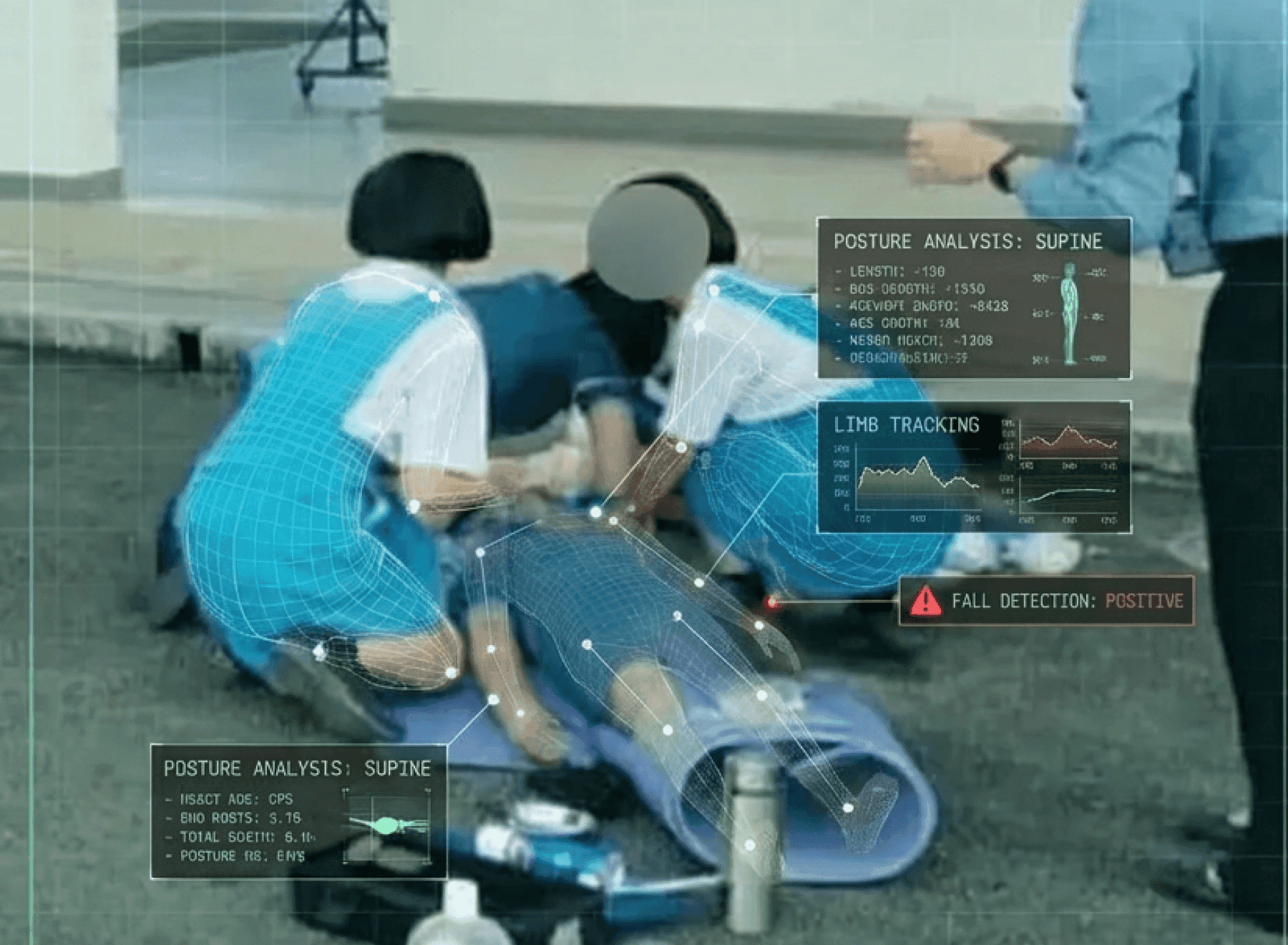
Detecting prolonged immobility after a collapse
The same equipment identifies and reports a student who stays still for a long time after falling. When it happens somewhere people rarely pass, such as under a staircase or in a corner, discovery is delayed, and cutting that delay is the clearest effect this system has. The location and time are sent with the alert, which goes to the nurse's office and the teacher in charge.
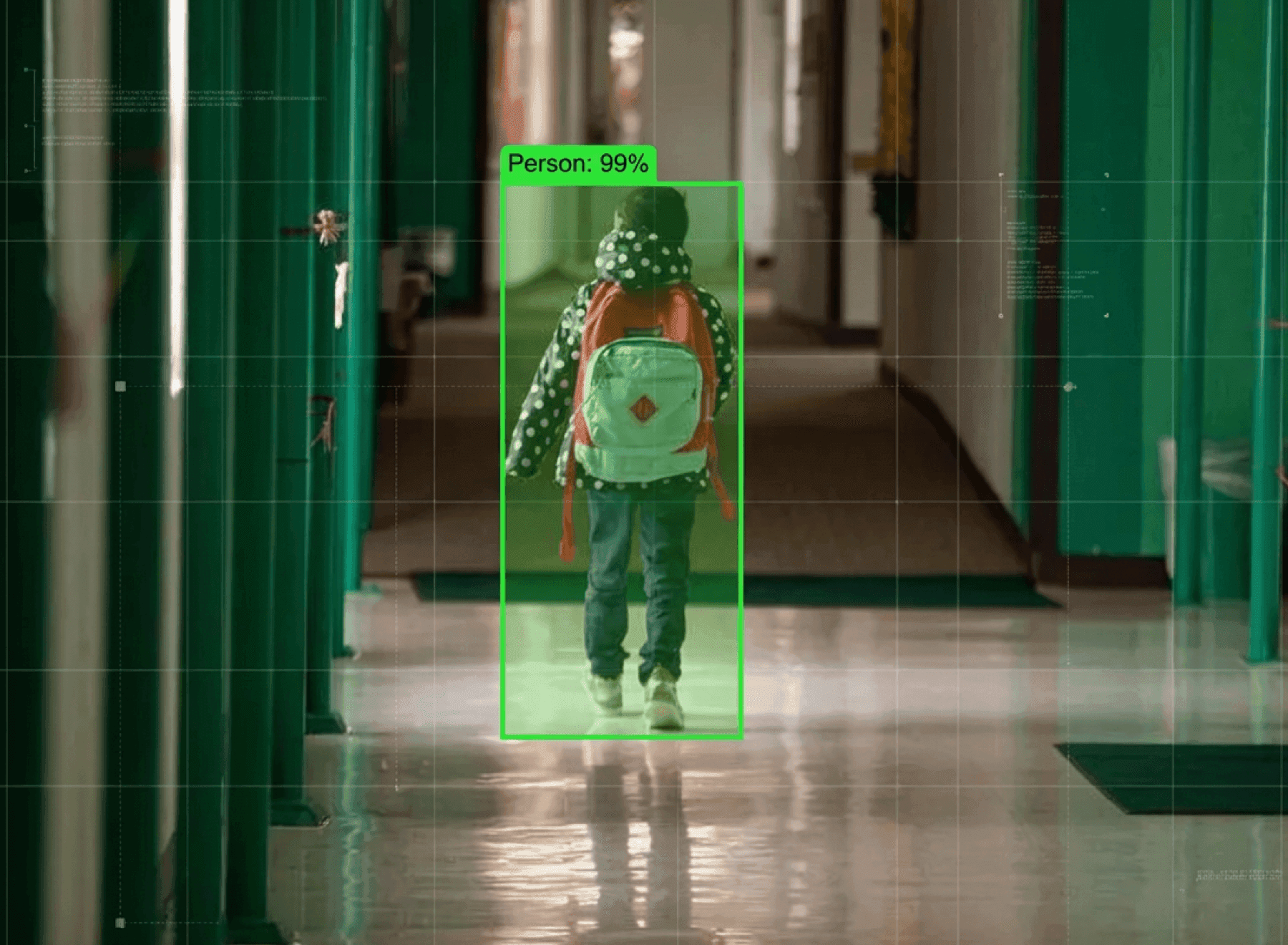
Detecting running and sudden movement
Movements that easily lead to an accident, such as running down a corridor or changing direction abruptly, are detected. They cluster at times when people crowd together, such as breaks between classes, so the detection thresholds differ by time of day to keep ordinary activity from being flagged. As the record of where it repeats builds up, it becomes the basis for reworking movement paths.
On-site processing and a phased rollout
Analysis runs on equipment inside the school and only risk segments are recorded, so the footage to retain does not grow. Check the detection level and false alarms at one school before extending across the district.
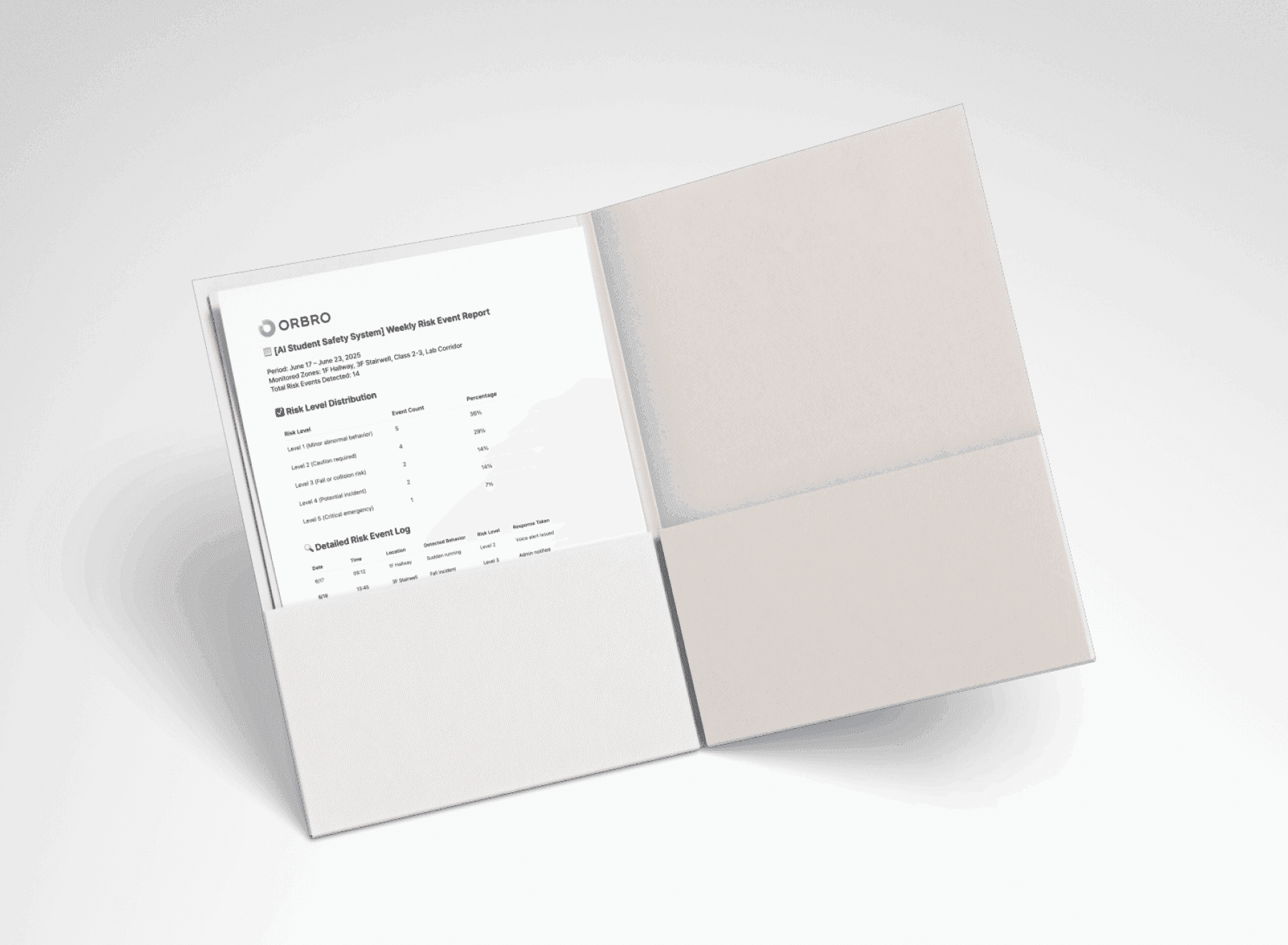
Weekly risk event reports generated automatically
Detected situations are laid out in a table with the date and time, the place, the risk level and the action taken, and come out as a weekly report. Counts and level distribution are totaled for each covered area, such as the first floor corridor or the third floor staircase, so explaining what happened afterwards is answered from records rather than memory. As cases marked as false alarms build up, they become the basis for adjusting the detection thresholds.
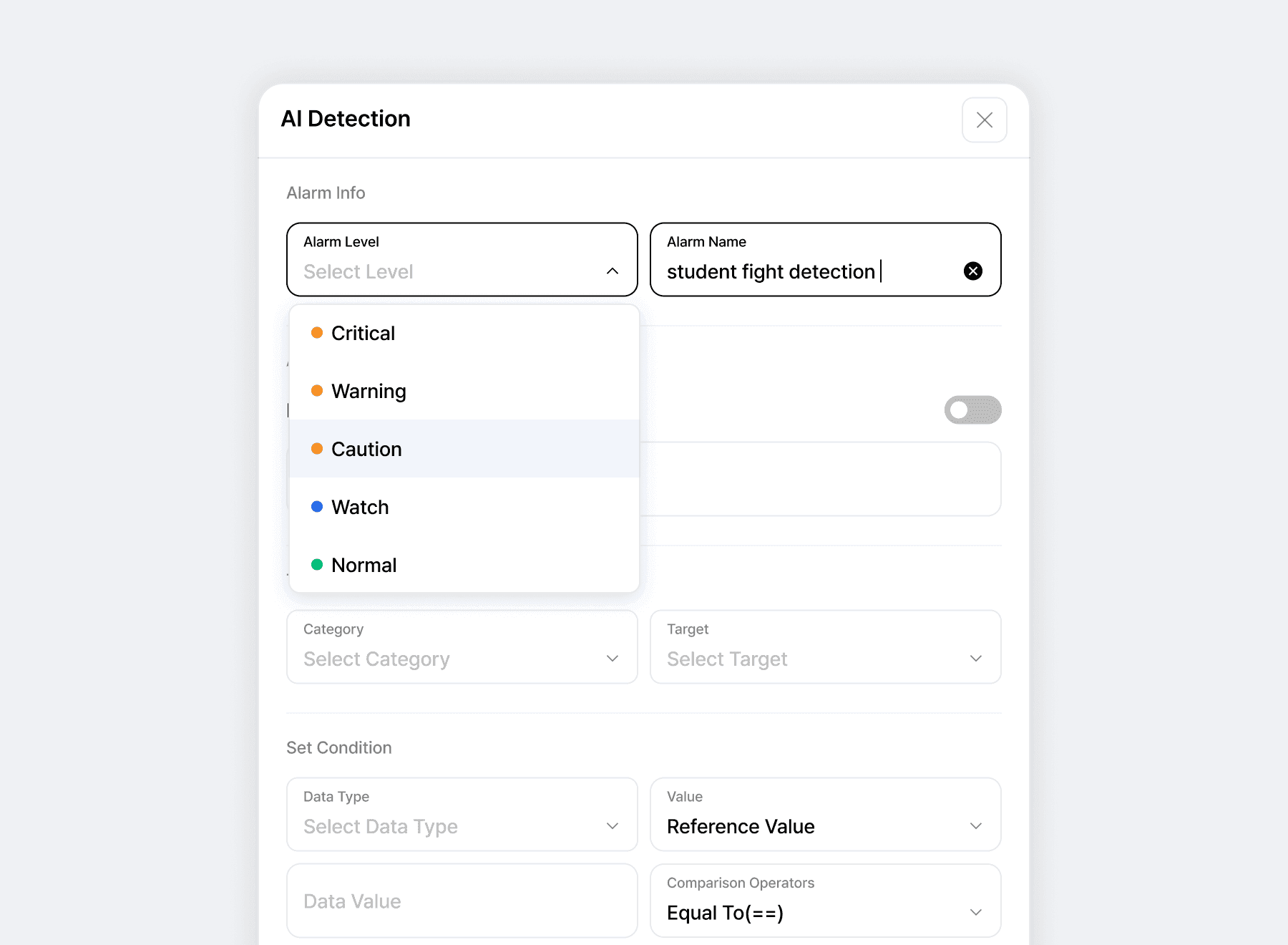
Alert recipients assigned by risk level
Who receives an alert is set differently according to the type and severity of the situation. Linking the teacher in charge, the nurse's office, the administration office and outside agency contacts to each level decides in advance who moves first. Recipients are set separately by working hours, and delivery and acknowledgement are recorded.
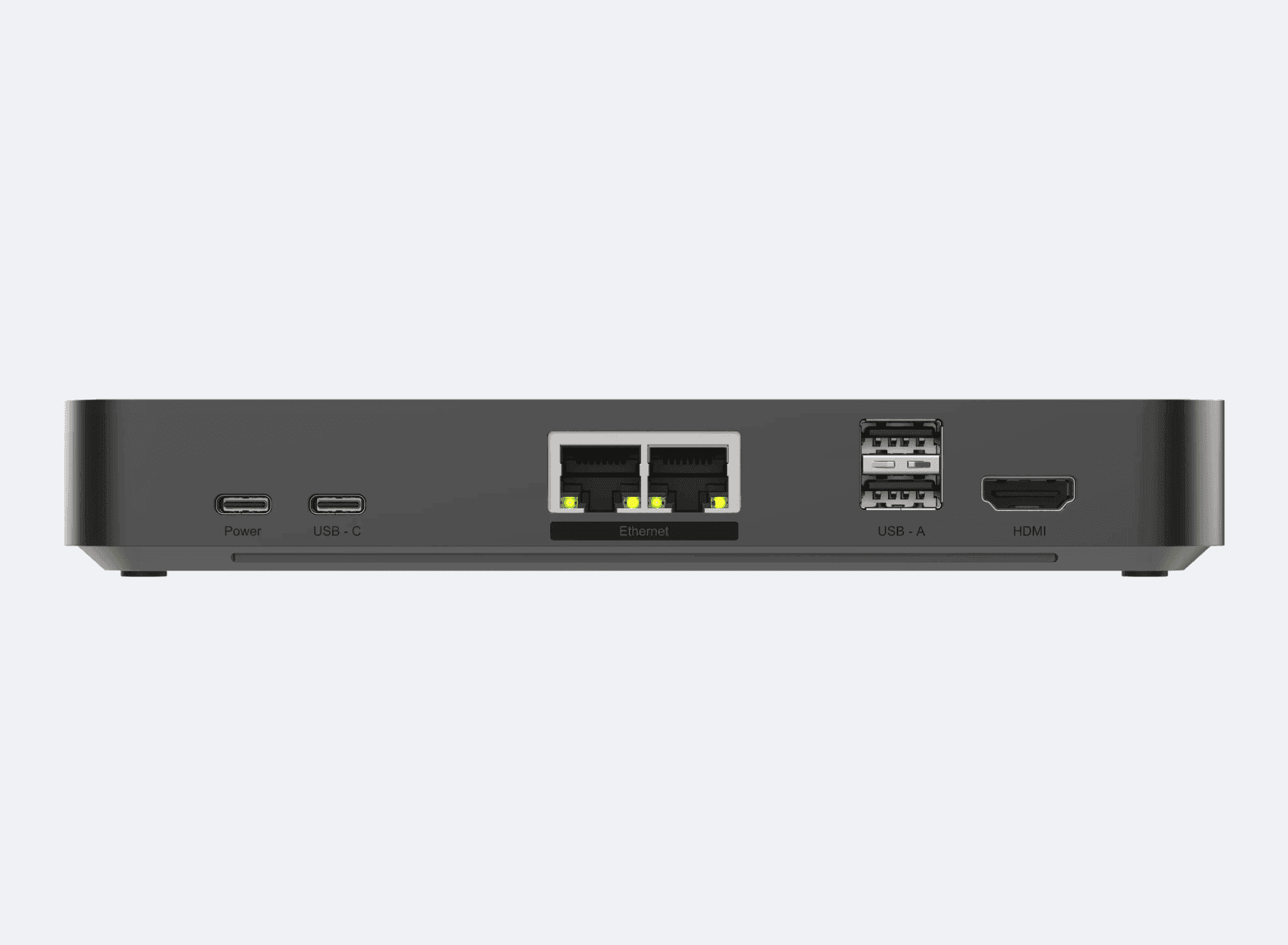
Running independently on equipment inside the school
Analysis runs on the ORBRO Edge Pro kept inside the school, and video is never sent to an outside server. This is the first item checked at parent briefings and in personal data reviews, so the structure is built to be presented as documentation exactly as it stands. On the assumption that a school has no dedicated staff, device status checks and updates are handled remotely.
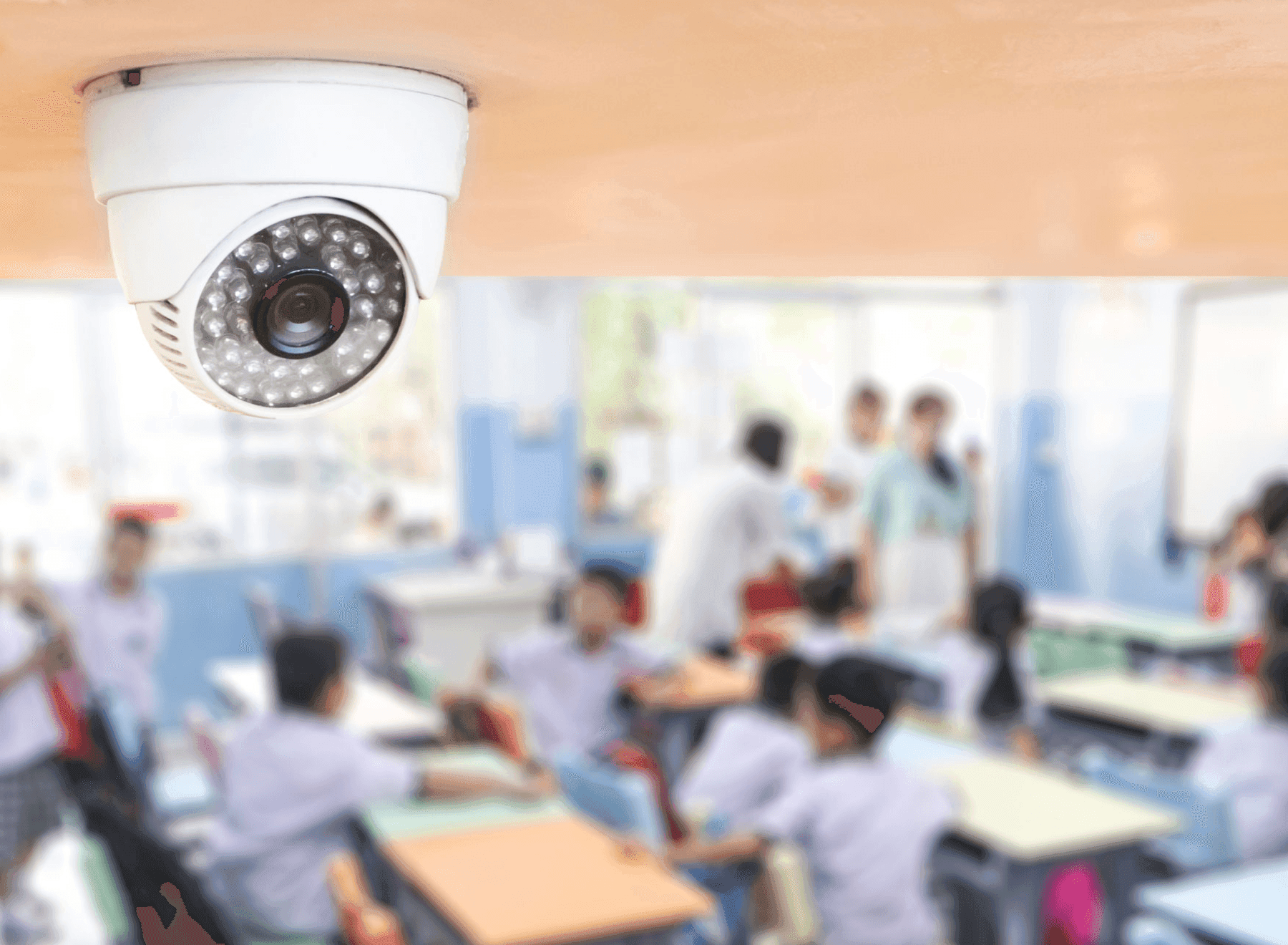
Video recorded only for risk segments
Only the short segment around the moment judged risky is kept as video, and ordinary footage is not stored. The video the school retains stays at its current level rather than growing as continuous recording would, so the operating burden and the risk of leaks fall together. Retention periods and viewing rights are set to match the school's own rules.
Recommended Products
Components Based on ORBRO OS
Each solution operates with various products connected on top of ORBRO OS. Configurations can be flexibly adjusted depending on the scope of application and on-site conditions.
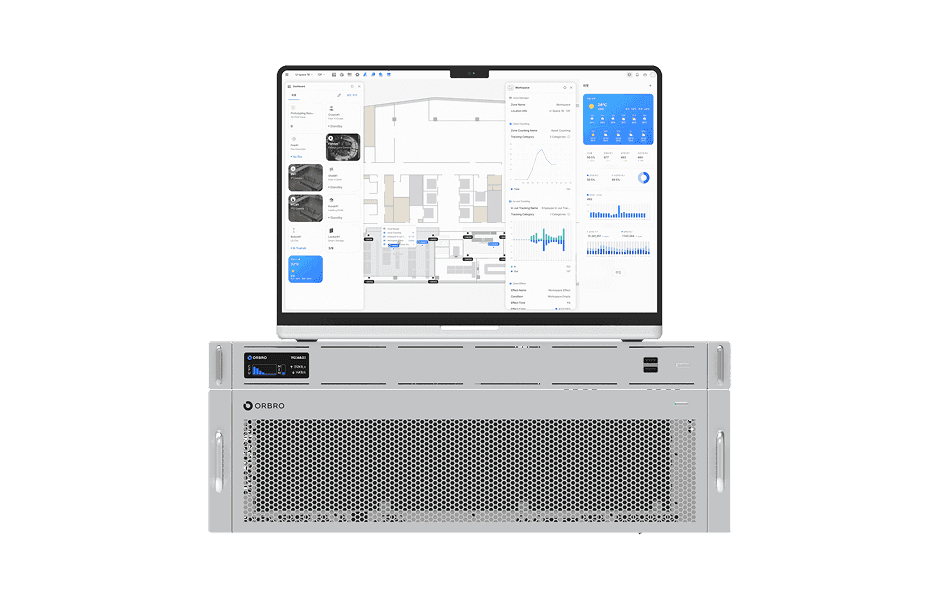
ORBRO OS2
ORBRO OS2
Align location, video, and sensor data on a spatial layer to turn all on-site situations into a single operational workflow.
Learn More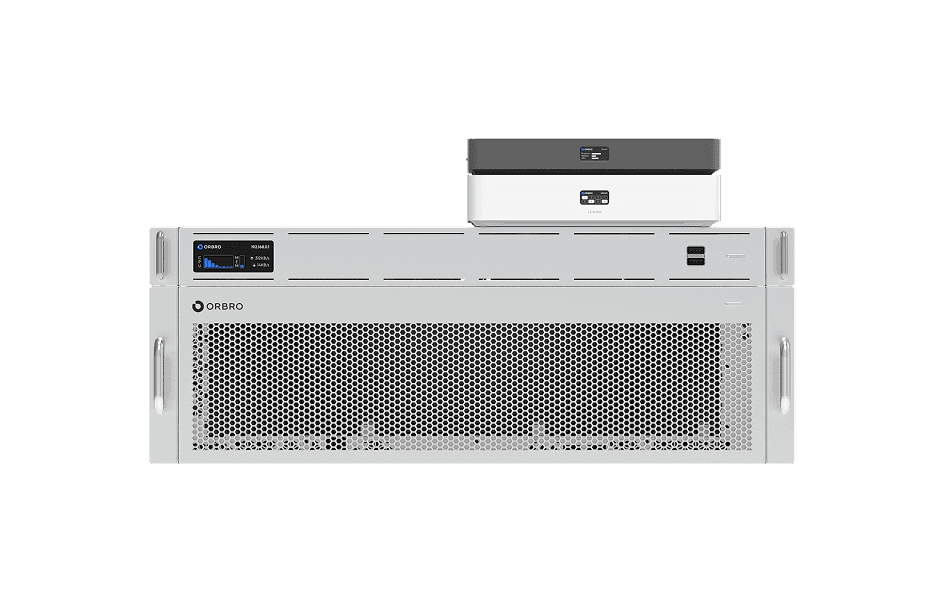
Worker Safety Management
Worker Safety Management
Automatically detect events such as falls, collapses, and intrusions. Alerts are sent immediately and situations are recorded to strengthen site safety and support rapid response.
Learn More
Video-based Location Tracking
Video-based Location Tracking
Analyze camera footage to convert movements of people and vehicles into coordinates, providing map-based real-time tracking along with path and dwell-time analysis.
Learn More